Many TCL TV owners have had issues with a blinking light at the bottom of their screens. Often, the TV also refuses to turn on while the light is blinking. It’s a frustrating issue, but there are a few quick and simple fixes you can try to get the TV back to normal.

This guide will look at some reasons why the TCL TV light blinks.
Causes and Solutions for TCL TV Blinking
There are quite a few potential explanations if your TCL TV’s light keeps blinking. More often than not, it means that the TV is stuck in standby mode for some reason, which is why it might not turn on properly. In other cases, it might be caused by a connection issue or even a faulty light.
Stuck in Standby Mode
If the TCL TV light keeps blinking and you can’t switch your TV on, it’s most likely locked in standby mode. This is a relatively common error which can occur randomly with TCL TVs, but it can be fixed in a matter of minutes.
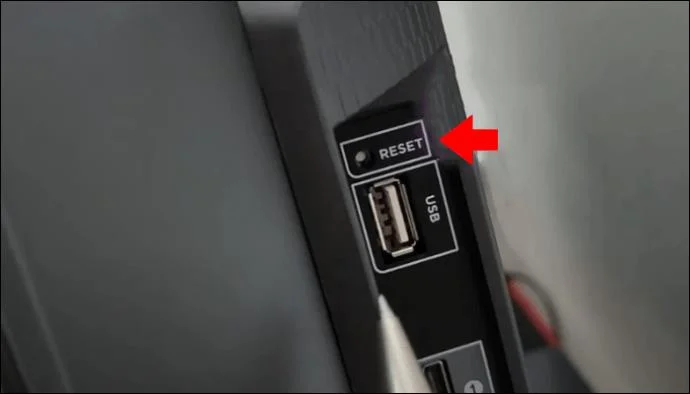
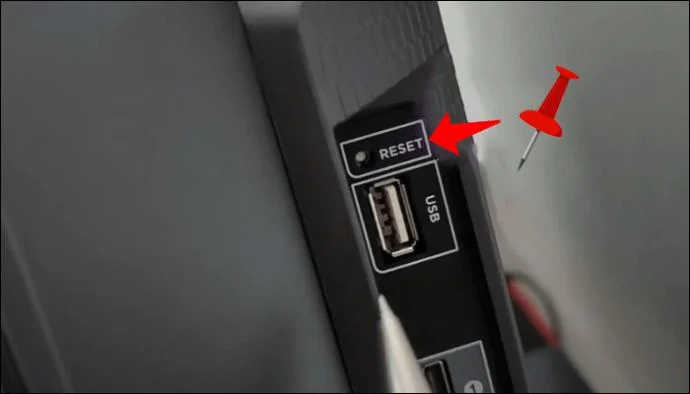
- Find a paperclip or pen, or some other thin, pointy object that you can use to press the TV’s reset button.

- Locate the reset button on your TV. It should be labeled with the word “Reset” and it’s usually on either side of the unit, or the underside, close to the HDMI or USB ports.

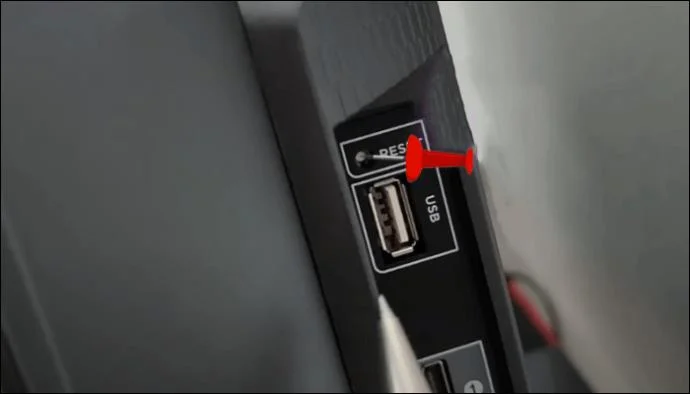
- Push the paperclip or tip of the pen into the reset button hole and hold it there for up to 15 seconds.

- Alternatively, try pressing the button in rapidly about 20 to 30 times.

You may need to repeat the process a couple of times, as the button can be quite awkward to access. However, once you manage to trigger the reset, the TV should start working again.
Needs a Power Cycle
If the reset method won’t work, your TCL TV might simply need a power cycle. This involves cutting the power to the unit for a little while and then reconnecting it. It’s a common way to fix issues with a lot of electronic devices and appliances.
- Make sure the TV is turned off.

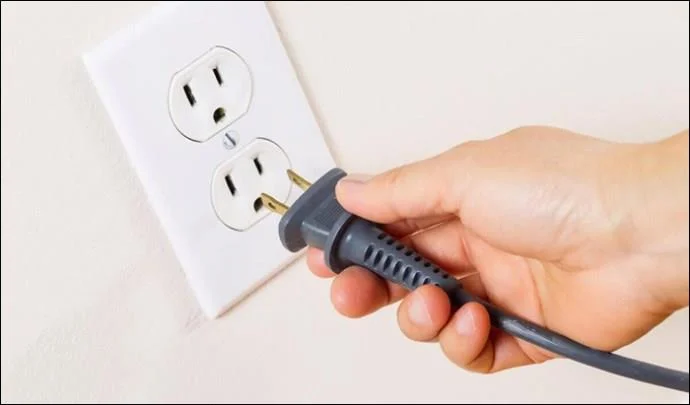
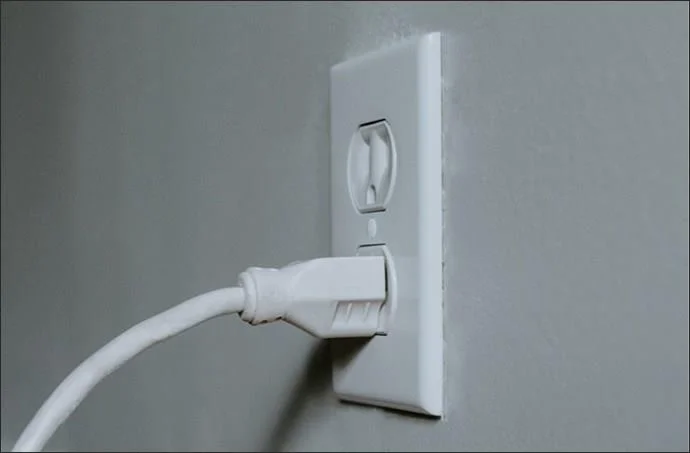
- Unplug the TV from the power outlet.

- Wait a full minute.
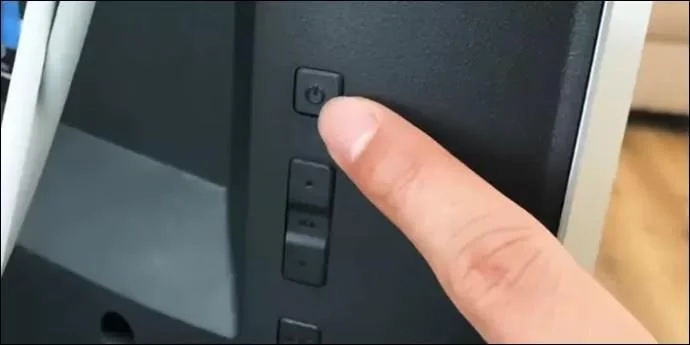
- Press and hold the power button on the TV to drain away any remaining power.

- Plug the unit back in and try to switch it on.

Internet Connection Problems
If your TV still turns on even while the light is blinking, then it might signify something is wrong with the device’s Wi-Fi connection. The light might blink to let you know that the TV is trying and failing to connect. There are a few possible ways to fix this problem.
First, you should check other devices to see if they’re connected. If not, there’s probably an issue with your internet. You may have to contact your internet service provider, wait for the internet to come back on, or try power cycling your router.
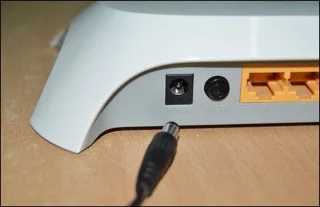
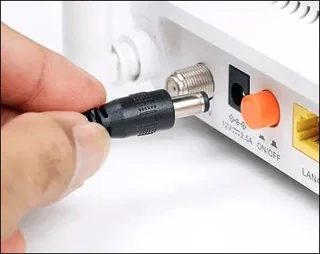
- To power cycle the router, unplug it.

- Wait for a minute.
- Then plug it back in and wait a little while to see if the connection comes back.

If internet is working on other devices, but not your TV, you may need to reconfigure the TV’s Wi-Fi settings. Here are the steps to follow:
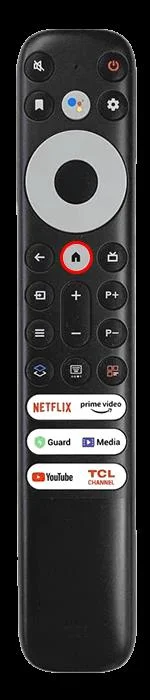
- Press the “Home” button on the remote.
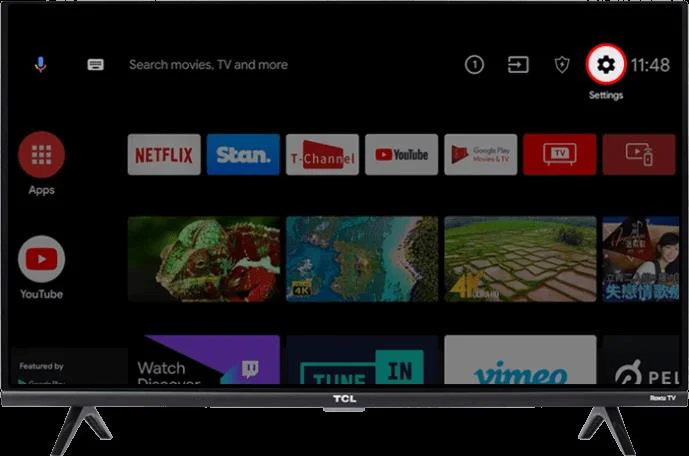
- Head to the “Settings” menu.

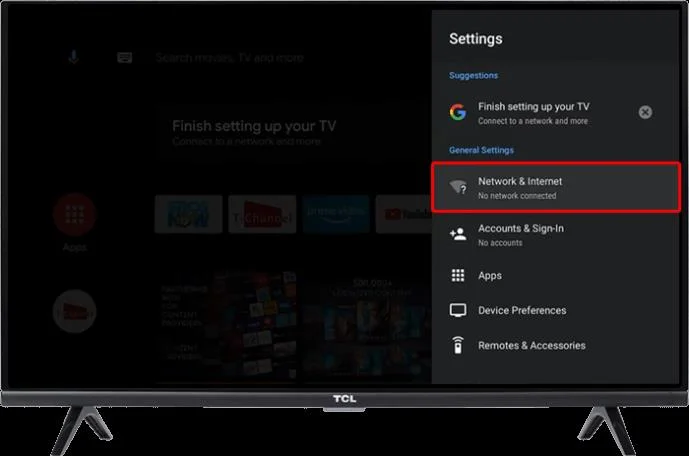
- Find and click “Network & Internet”

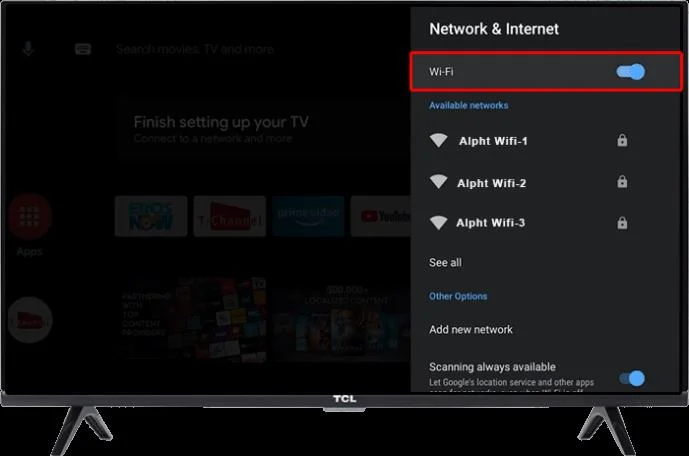
- Turn on Wi-fi network and connect t.

Needs a Factory Reset
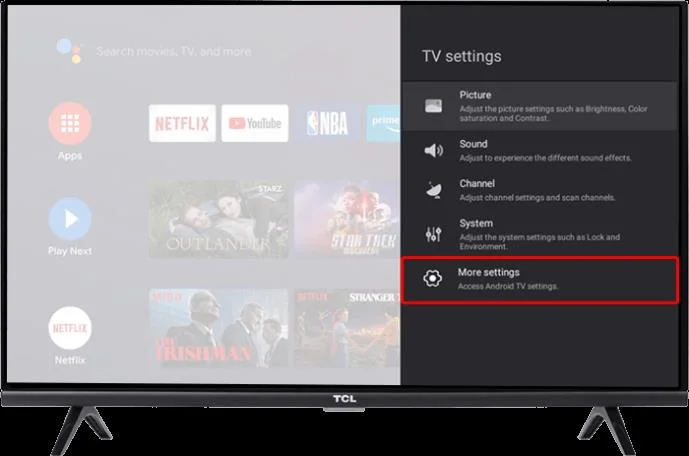
Another possible explanation for your TCL TV’s light blinking is that it has had some sort of technical failure or bug and needs a full factory reset. This process will restore the TV to its original settings. It should also resolve any minor issues that are making the light blink.
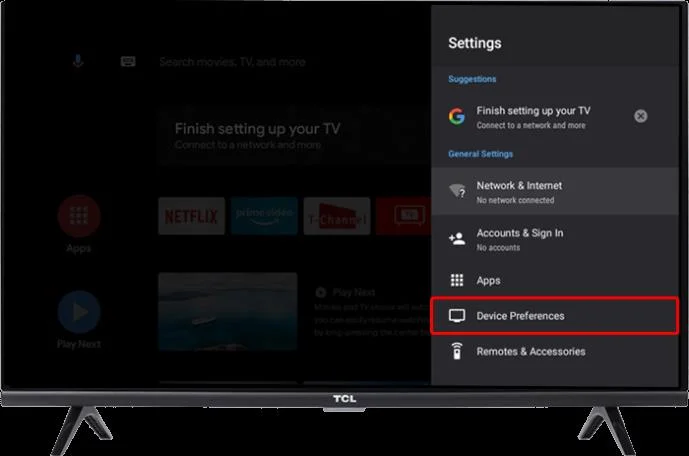
- Press the “Home” button.

- Find the “Settings” menu and then select “More Settings.”

- Click on “Device Preferences,” then “Reset.”

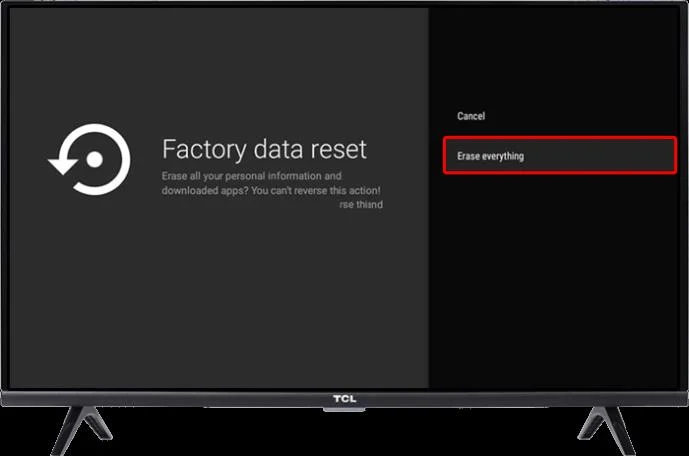
- Select the “Factory Data Reset” option and confirm it by selecting “Erase Everything.”

Remember, this will reset everything, including your TV’s screen settings and Wi-Fi connection information. So, when you turn it back on, you’ll have to go through the initial set-up phase and configure everything once again, but it should resolve the flashing light problem.
Backlight Issues
Sometimes, blinking lights on TCL TVs may be caused by problems with the backlight system within the TV. One of the LED lights or backlight components might be broken or failing. Fixing this isn’t usually a DIY job, so it’s best to take your TV to a professional repair center, or send it back to TCL if you still have the warranty.
A Problem with the Remote
A blinking light may mean that your TV’s remote control is sending signals to the TV over and again. This might happen even if you’re not pressing any buttons, and it’s usually a sign that the remote is broken or a button is stuck.
Taking the batteries out of the remote should help you see if it was causing the light to blink or not. If it was, you may have to get the remote replaced or repaired by a professional. You can temporarily switch to using a remote control app on your phone to control the TV, or just use the buttons on the unit itself.
FAQs
What if none of these methods fix the blinking light?
If none of the solutions above work for you, there may be a more complex issue with your TV. The best option is usually to contact TCL’s own customer support service and explain the problem to them. They can guide you through alternative repair methods. Otherwise, you can take your TV to a local repair shop and let the experts take a look at it.
What if I can’t find the reset button?
Reset buttons can be in different locations on each TCL TV model. It’s important to look all over the unit. It might be on one of the sides, the underside, or the back. Looking in your TV’s user manual can also help you find the button. If you can’t locate it, then your TV might not have one. Instead, you may have to simply press and hold the “Menu” button on your remote for a little while to reset the unit.
Fix Blinking Lights in a Flash
It’s certainly annoying when your TCL TV’s light keeps blinking, but a press of the reset button should fix the issue in most cases. Alternatively, factory resets or reconfiguring the Wi-Fi settings may resolve the problem. If all else fails, you can call TCL and ask them to fix it.
Have you had any issues with a TCL TV? Do you know any other quick fixes for the blinking light problem? Let us know in the comments section below.