Make Realistic Fake Blood Without a Cleanup Surprise

Mix a glossy prop-only fake blood batch, choose safer products for skin and costumes, and test cleanup before Halloween night.
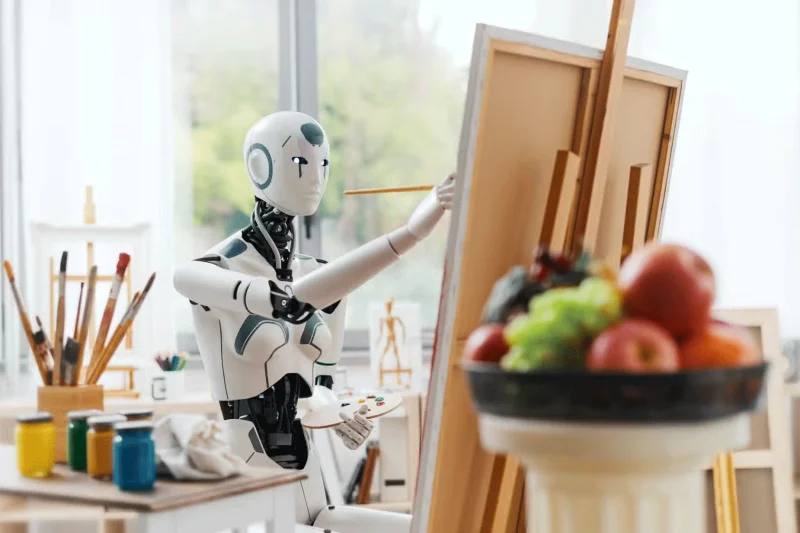
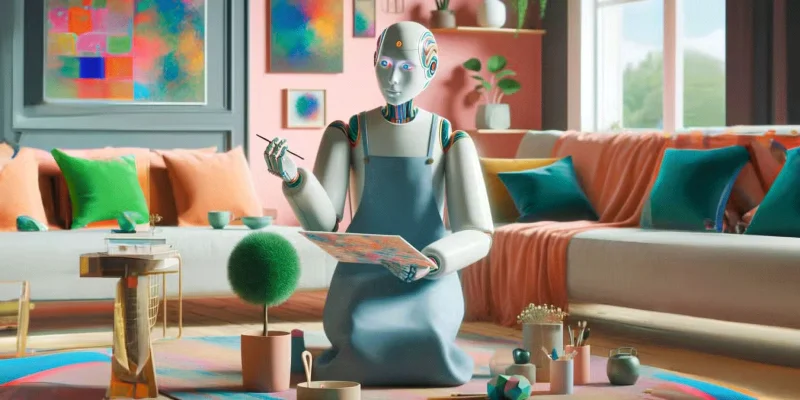
Every time we let AI “create” something, we are giving up a part of our own unique creation. Are you willing to hand over your creativity to algorithms trained to imitate it? In the view of many, Generative AI does not belong in the category of creative software, and here’s why.
Table of Contents
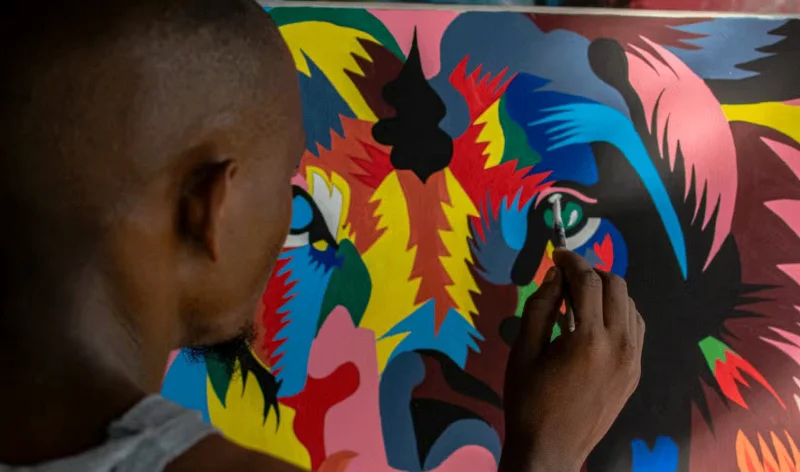
When we rely on AI to create art, music, or even written content, we are stifling true human expression. Creativity is more than just combining shapes, colors, or words; it’s also about translating an emotion, perspective, or experience into something new. When AI does the heavy lifting, we miss out on the deeply personal aspect of creativity. It’s like letting machines do the coloring—quick, maybe, but completely lacking in character.
Additionally, by relying on AI to generate creative ideas, we risk forgetting how to generate our own. The best ideas often come from trial and error, struggling with a blank page or a canvas until we find the right idea. But with AI providing ready-made concepts, we lose that struggle—the very thing that drives true, original creativity.
Consider traditional sketching versus creating artwork with AI. An artist can spend hours experimenting with different weights and shading techniques, learning from each stroke, while an AI user can create dozens of variations without developing any actual drawing skills.
One of the biggest problems with Generative AI is that it tends to produce results that, while technically impressive, lack variety and nuance. AI models are trained on huge datasets of existing work, so they often just copy existing patterns and styles. The result is a sea of content that all feel like variations on a theme—polished but repetitive.
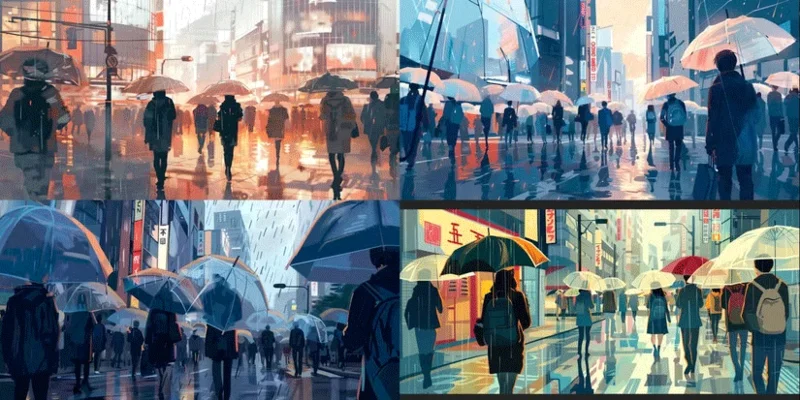
Compare the results of AI art generators, for example, and you'll see clear signs: Identical dim lighting, similar facial features in portraits, and characteristically blurred backgrounds.
When we bring AI to creative applications, we are essentially introducing sameness into a space that is uniquely ours. Art, design, and writing thrive on the individuality and unexpected twists that only the human mind can bring. But as AI creates more and more of what we see and consume, there is a risk that the creative world will become a rehash of what has been done before.
With AI tools available to handle creative tasks, there is a risk that human skills will be overlooked. The ability to design, write or illustrate previously required years of practice, feedback and refinement. Now, anyone can create something that looks like professional work in seconds with the right AI tool.
The devaluation of this skill can have real consequences. Take the recent debate over AI-powered tools in the design industry, for example. Graphic designers have voiced concerns that AI tools like Canva’s Generative AI design and Adobe’s Generative Fill are causing clients to devalue skilled designers.
After all, if a computer can create a logo or edit an image with just a few clicks, why pay a professional? This mindset undermines the effort and expertise that professionals put into their craft and makes it difficult for real artists to get their work recognized.
Creative skills don’t just happen overnight; they take years of practice, experimentation, and refinement to develop. But when AI can do the “hard stuff,” it’s easy to skip the learning and let the algorithm handle it. Ultimately, we miss out on actually developing our own skills.
Creating art, music, writing or design is not just about producing a finished piece, but about learning techniques, refining styles and finding your voice through experimentation. Relying on AI as a shortcut not only undermines this process, but risks creating a generation of creators who never get the chance to truly explore their potential. We lose the ability to experiment, learn from mistakes and grow.
Generative AI can also make unethical behavior, such as plagiarism, more common. AI models trained on large datasets of existing works often generate content that closely resembles those original works, leading to concerns about accidental or intentional plagiarism.
Artists have raised the alarm about AI tools copying particular styles, making it easy for users to claim Generative AI-generated content as their own or even mimicking the work of famous artists almost exactly.
In fact, the backlash from artists was so intense that platforms like ArtStation and DeviantArt updated their policies to give creators the option to opt out of having their work used in AI training datasets. This move speaks volumes about the risks of AI-driven plagiarism, where people can essentially copy a creator’s unique style without acknowledging or crediting the source.
This misuse does not just harm a particular individual; it affects the entire creative community. Original works can lose value when nearly identical copies are freely circulated.
Human creative heritage – art, music, literature, and other forms of cultural expression – represents the unique histories, experiences, and values of diverse communities. As we turn to AI to create new works, we risk losing this richness.
AI models are trained on existing datasets, which often reflect a narrow view of culture and creativity, often dominated by Western perspectives. Cultures that are underrepresented in these datasets risk being excluded or misrepresented by AI-driven creativity.
Over time, if Generative AI continues to play a larger role in creative production, these less well-represented cultures may be overlooked or homogenized by biases inherent in AI training data. The result is a creative world that becomes increasingly machine-like, generic, and unreflective of true cultural diversity.
While Generative AI has undeniable potential for efficiency and convenience, it can do more harm than good in creative applications and software. Creativity is a deeply human endeavor – drawing on emotions, experience, and personality. It is important that we maintain human primacy and resist the urge to let machines take over.
Mix a glossy prop-only fake blood batch, choose safer products for skin and costumes, and test cleanup before Halloween night.
Create a gentle Halloween look with pastel colors, friendly ghosts, easy no-carve accents, and practical safety tips for your home.
Create a spooky office cubicle with Halloween desk decor ideas that keep your workspace usable, tidy, and mindful of workplace safety.
Plan a recognizable Halloween 2026 look with pop culture costumes inspired by Spider-Man, Supergirl, Toy Story 5, Moana, Mario, and Wednesday.
Sort leftover Halloween candy safely, share or repurpose sealed treats, and choose food use or compost for pumpkins based on their condition.
Compare workplace Halloween costume choices by respect, dress code, mobility, and safety—and learn when a subtle accessory or a policy check is the better option.
Find a couples costume that fits your style, budget, and comfort level, from Addams Family classics to original inside-joke duos.
Need a last-minute high school Halloween costume? Compare 10 easy closet-based ideas by prep time, comfort, school-day practicality, and simple safety checks.
Use a simple 2026 Halloween decorating timeline for indoor décor, outdoor displays, and fresh pumpkins, with practical adjustments for weather and events.
Mix five vivid, approachable Halloween cocktails with measured recipes, simple prep tips, and an alcohol-free option for your party guests.








