Make Realistic Fake Blood Without a Cleanup Surprise

Mix a glossy prop-only fake blood batch, choose safer products for skin and costumes, and test cleanup before Halloween night.
Free and fun AI chatbots are everywhere, but finding the best options isn’t always easy. Many free AI chatbots are just crude versions of OpenAI’s free GPT-3 API, which is now “old” compared to modern AI models. So here are the best free AI chatbots to try.
Table of Contents
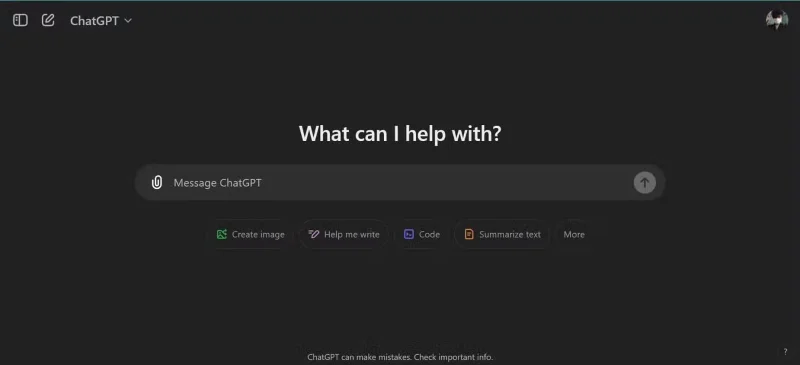
ChatGPT remains the top choice for many. ChatGPT is a versatile AI chatbot known for its conversational capabilities. It can generate human-like text, answer questions, and support a variety of tasks. ChatGPT stands out from all other chatbots in terms of speed, adaptability, and the depth of insight it provides when giving responses.
ChatGPT offers a variety of models, but the free version is still sufficient for most users. With ChatGPT free, you still have limited access to the latest models and features, such as OpenAI’s full GPT-4o model, DALL-E image generation, file uploads, and advanced voice chat on the phone. So you get almost every premium feature for free, albeit with a caveat.
There are even many free ChatGPT browser extensions that can further enhance your experience and add functionality not available on ChatGPT.
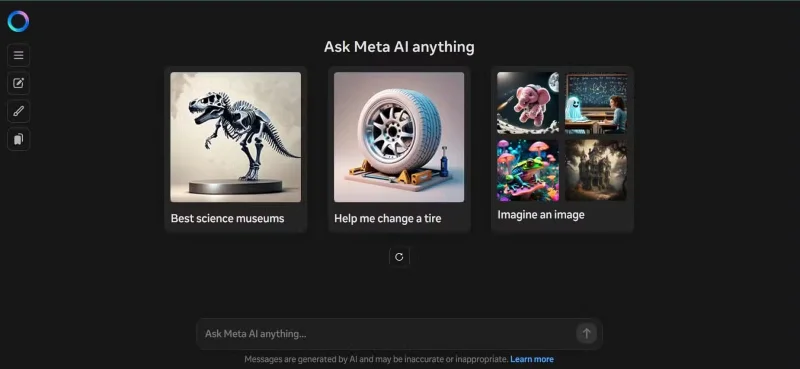
Meta AI is embedded on Instagram, Facebook Messenger, and WhatsApp. Meta AI uses Meta's Lllama 3 LLM ( Large Language Model ), which is capable of human-like conversation, image generation with Emu, and live translation. Meta AI integrates with Meta's social messaging apps, allowing you to chat with Meta AI on Messenger just like you would with real friends and family. It's less focused on heavy-duty tasks like coding or complex problem solving, but for quick, friendly interactions on the phone, it's a solid choice.
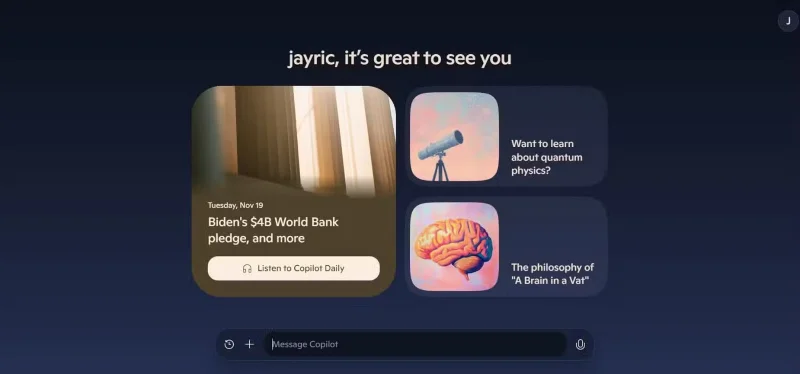
Microsoft Copilot uses OpenAI's GPT-4 Turbo model and integrates seamlessly with Microsoft Edge. Its ability to pull real-time information from the web gives it a unique advantage, especially for research tasks. Whether you're comparing products, planning a trip, or solving math problems, Copilot combines the ease of communication with the power of a search engine. Plus, it's free to use, all you need is a Microsoft account.
The latest versions of Windows 11 also integrate Microsoft Copilot, making it more convenient for people to use. What people like about Microsoft Copilot over ChatGPT is that the user interface is much better, it provides faster responses than the free version of ChatGPT, and the topic suggestions are more suitable for daily tasks and more personal applications.
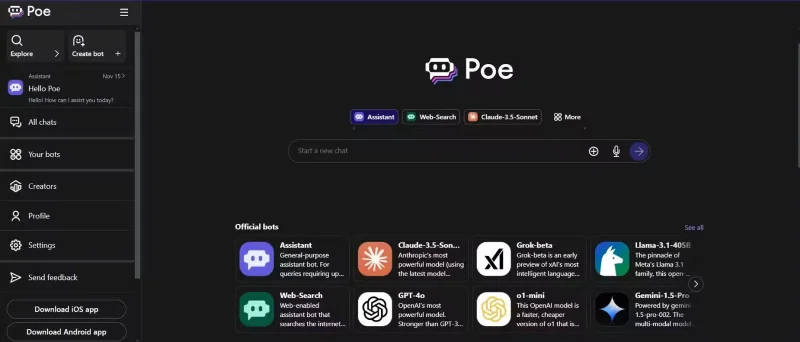
Poe AI is an AI-powered chatbot developed by Quora. It is designed to provide users with instant answers and engaging conversations using a variety of models, such as GPT-3.5 Turbo, Llama 3, Claude, and many more! Providing access to multiple LLMs allows Poe AI to be a versatile tool for different purposes. This allows you to chat with different LLMs and get different answers. You can even create your own bots using Poe, adding a layer of customization. The free version includes many features, although there are limitations on high-quality responses from certain models.
Since it’s free, Poe is a great way to test out different LLMs by comparing their responses and finding the one that fits your personal or professional applications. Of course, you can always use Poe as your chatbot since it primarily uses Claude AI, which is a great all-round LLM that you can use for a variety of applications.
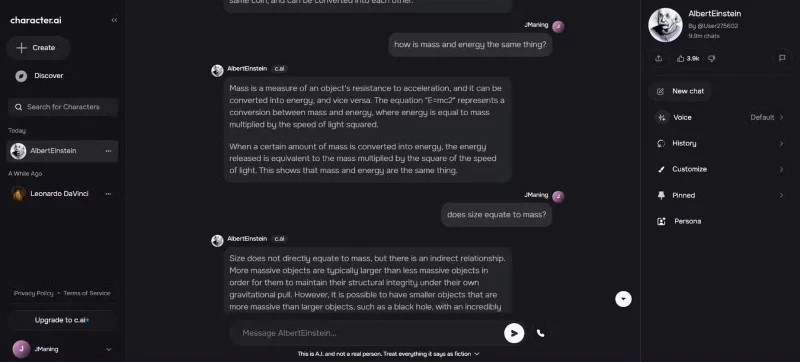
Looking for something more entertaining than productive? Character AI lets you interact with characters like fictional celebrities, historical figures, or even custom bots. These bots, called “characters,” are created and shared by people like you. Fans often create avatars of their favorite characters, whether real or fictional. So you’re not chatting with actual celebrities.
However, many of the characters are quite interesting, often have accurate personalities, and react in ways you would expect that person or character to react in real life. In addition to chatting with famous people or characters from your favorite novels or cartoons, you can also create a character and share it with friends and family.
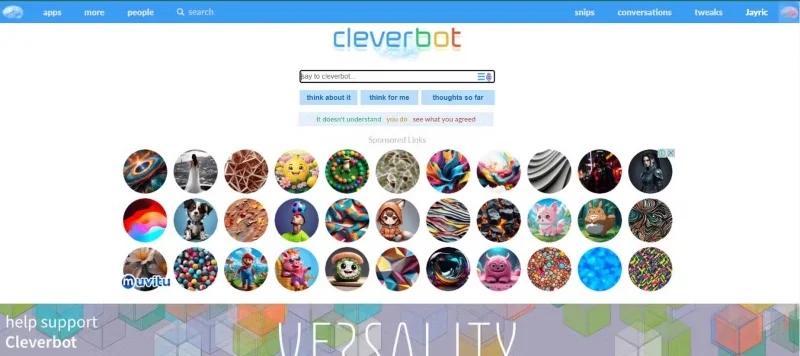
With some LLMs today having so many barriers, chatting with modern AI chatbots can sometimes feel overly censored or inappropriate. That’s why Cleverbot is included in this list! Cleverbot has been around for over a decade, and is known for its quick and entertaining responses. While it doesn’t offer the same deep or productive features as newer models, its appeal lies in its spontaneity. It’s great for killing time or for making fun, sarcastic comments.
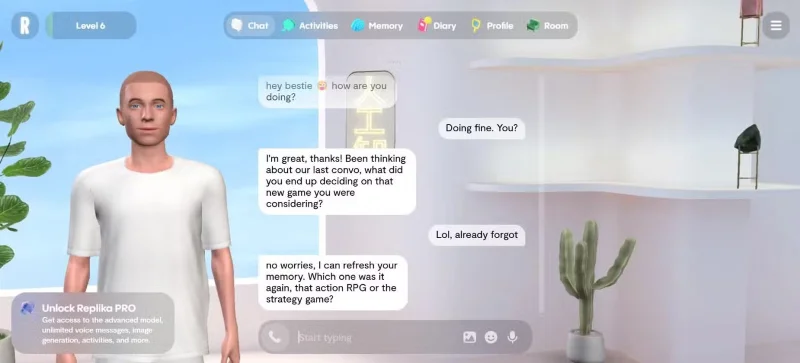
Looking for a more personalized conversation partner? Replica focuses on personal connections, offering a chatbot that can feel like a real companion. It’s especially popular with users looking for emotional support or just someone to talk to. While it’s more about casual, empathetic conversations, it also adapts to your personality over time, creating a customized experience. Replica offers features like mood tracking and journaling to help you improve your mental health.
Unlike other AI chatbots, Replika gives you a 3D room and avatar that you can customize and express your personality. So if you are looking for an AI chatbot that focuses more on you and what you think, Replika is an AI chatbot worth trying.
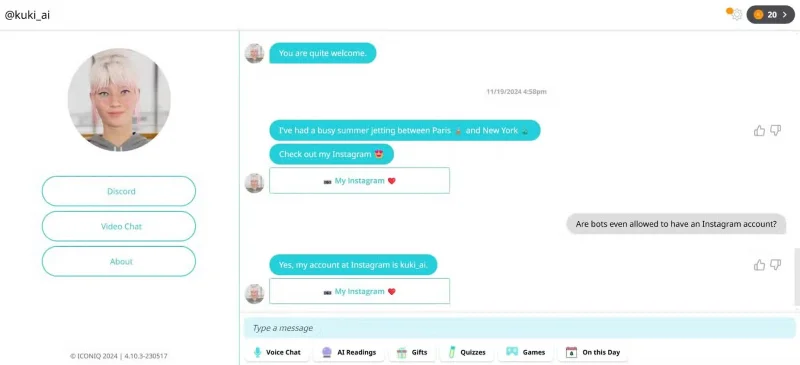
Kuki, formerly Mitsuku, is an award-winning AI chatbot recognized for its conversational abilities. It can discuss a variety of topics, play games, and even perform tasks like sending emails. Kuki’s engaging personality and versatility make it a favorite among users looking for interactive and entertaining conversations. Another thing that makes Kuki unique is that it has its own social media accounts on Facebook, Instagram, WhatsApp, YouTube, and TikTok.
The idea of Kuki is unique and interesting enough to be an alternative to Replika if you like AI game chatbots.
Mix a glossy prop-only fake blood batch, choose safer products for skin and costumes, and test cleanup before Halloween night.
Create a gentle Halloween look with pastel colors, friendly ghosts, easy no-carve accents, and practical safety tips for your home.
Create a spooky office cubicle with Halloween desk decor ideas that keep your workspace usable, tidy, and mindful of workplace safety.
Plan a recognizable Halloween 2026 look with pop culture costumes inspired by Spider-Man, Supergirl, Toy Story 5, Moana, Mario, and Wednesday.
Sort leftover Halloween candy safely, share or repurpose sealed treats, and choose food use or compost for pumpkins based on their condition.
Compare workplace Halloween costume choices by respect, dress code, mobility, and safety—and learn when a subtle accessory or a policy check is the better option.
Find a couples costume that fits your style, budget, and comfort level, from Addams Family classics to original inside-joke duos.
Need a last-minute high school Halloween costume? Compare 10 easy closet-based ideas by prep time, comfort, school-day practicality, and simple safety checks.
Use a simple 2026 Halloween decorating timeline for indoor décor, outdoor displays, and fresh pumpkins, with practical adjustments for weather and events.
Mix five vivid, approachable Halloween cocktails with measured recipes, simple prep tips, and an alcohol-free option for your party guests.








