Make Realistic Fake Blood Without a Cleanup Surprise

Mix a glossy prop-only fake blood batch, choose safer products for skin and costumes, and test cleanup before Halloween night.
You are looking to buy a robot vacuum cleaner (automatic vacuum cleaner) but do not know how to choose to suit your living space. Please refer to our article below to choose the most suitable automatic vacuum cleaner.
Choose by home space
Robot vacuum cleaner for street houses
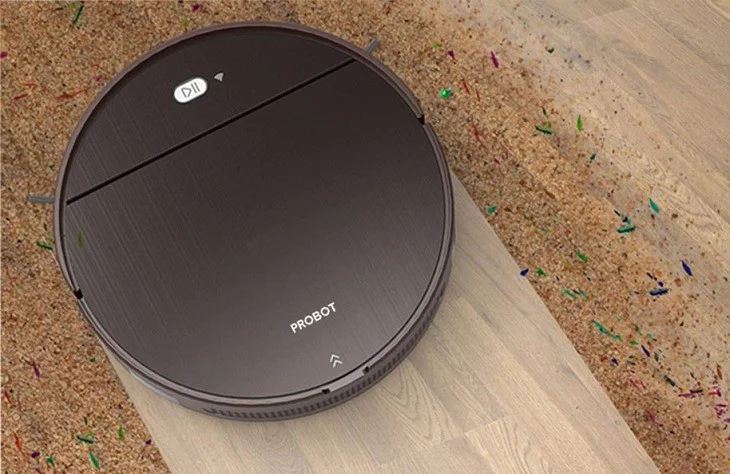
Street-front houses are often exposed to many types of dust and impurities that sometimes cannot be completely cleaned with a broom. In this case, you should choose a robot vacuum cleaner , which has both vacuuming and mopping functions.
A robot vacuum cleaner with 3 layers of HEPA filter will make your home air cleaner after vacuuming. The robot's suction power only needs to be 800pa or more to be stable.
Robot vacuum cleaner for low-rise apartments and houses in alleys
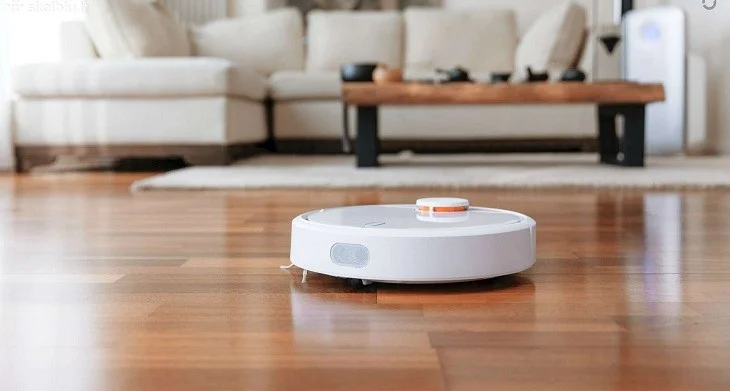
This space is less affected by dust than street-front houses, but the need to dry the floor will be higher because the air is not as well-ventilated as street-front houses.
For these types of houses, you should choose robot models with integrated Anti-Dropping water-based mopping feature that helps the robot to drop water to mop the floor without wetting the floor too much, leaving only a thin layer of water on the floor, drying quickly and not damaging the floor. The robot's capacity is about 1000pa to meet the needs of use.
Robot vacuum cleaner for high-rise apartments and villas
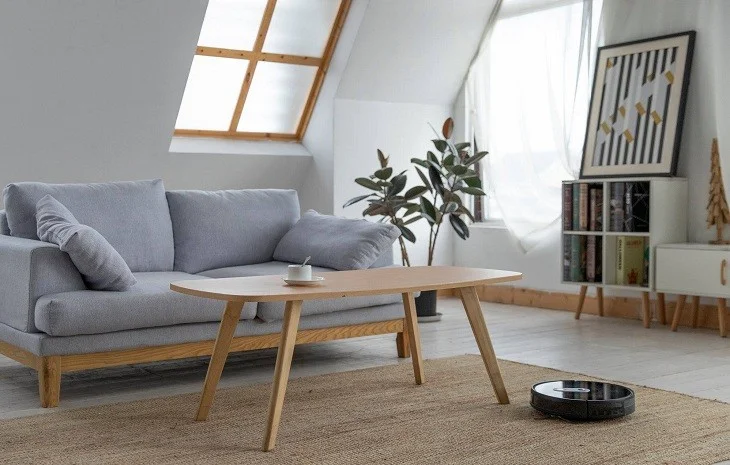
High-rise apartments and villas have a lot of thin dust in the air that flies into the room. Moreover, these spaces often use carpets, so dust will accumulate more easily.
Therefore, a high-end robot vacuum cleaner will be most suitable for this space. They have the ability to recognize carpet floors to switch the vacuuming mode from hard floors to carpets and vice versa.
In addition, high-end robot vacuum cleaners with a specialized mopping mode for carpet floors have a vacuuming function and very strong sensors, ensuring that dust is completely removed. You should choose a vacuum cleaner with a large capacity, about 2000pa or more, to be able to vacuum and clean the house.
Choose to buy by floor area
Floor under 40m2
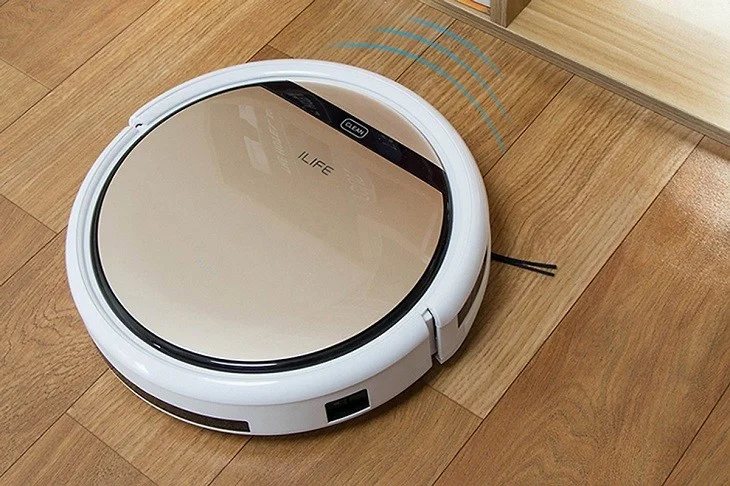
For houses with an area of less than 40m2, you can choose a robot vacuum cleaner with a smart laser navigation system with smart features. The machine's capacity is about 800pa, the dust compartment capacity is about 0.5 liters, the battery capacity is about 2600mAh, meeting the working time of 70-90 minutes.
Some models include ILIFE V5S PRO, ILIFE X620 or ECOVACS DEEBOT N79S, EUFY ROBOVAC 11S with prices ranging from 4 - 6 million VND with vacuuming and mopping functions, low-range sensor capability, very suitable for small floor areas.
Floor from 40m2 to 80m2
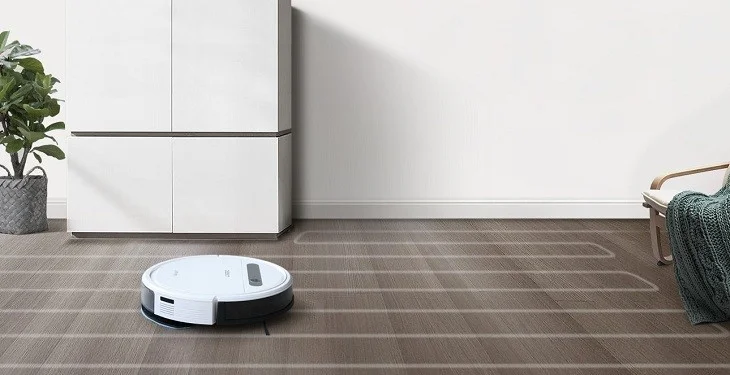
A mid-range robot vacuum cleaner with smart features and more power will handle larger spaces better.
The capacity of a robot vacuum cleaner is usually from 800-1000pa, the dust bin capacity is from 0.5 liters or more, the battery capacity is from 3,000mAh to ensure a working time of 120 minutes.
A robot that meets cleaning requirements will move in a zigzag route to increase cleaning area, remember the route better, have stronger suction with improved vacuum motors, and a larger mop box.
Some robot vacuum cleaner models in this line that you can refer to are Xiaomi Vacuum Gen 1, ILIFE X750, ILIFE V8S, ECOVACS DEEBOT DD35 (OZMO 600) with prices ranging from about 5.5 to 9 million VND for each one.
Floor over 80m2
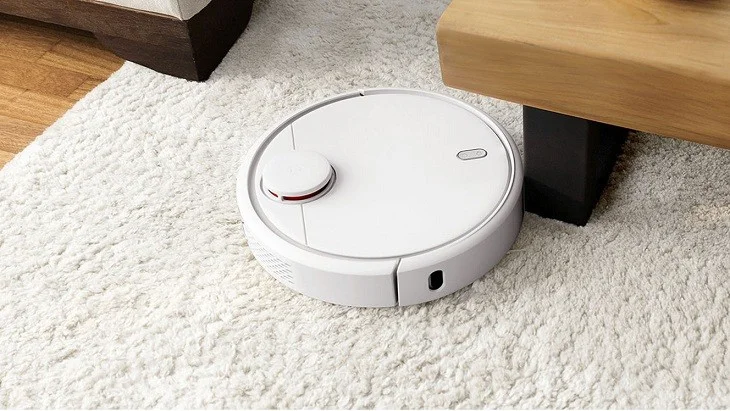
For large areas over 80m2, you should choose a robot vacuum cleaner with the function of scanning and mapping the route before cleaning, along with a memory to remember the route, so the robot will not waste time repeating the route leading to missing areas that have not been cleaned.
With such a large space, you should choose a robot with a strong enough sensor to not stray too far from the automatic charging station. These types of robot vacuum cleaners usually have a capacity of 1,000 - 1,600 pa, a large dust compartment capacity of about 0.7 liters and a battery with a capacity of more than 4,200 mAh to meet longer working hours.
So, depending on the space and type of house, you need to choose a suitable robot vacuum cleaner. Hopefully with the above information, you will choose the product as desired!
Mix a glossy prop-only fake blood batch, choose safer products for skin and costumes, and test cleanup before Halloween night.
Create a gentle Halloween look with pastel colors, friendly ghosts, easy no-carve accents, and practical safety tips for your home.
Create a spooky office cubicle with Halloween desk decor ideas that keep your workspace usable, tidy, and mindful of workplace safety.
Plan a recognizable Halloween 2026 look with pop culture costumes inspired by Spider-Man, Supergirl, Toy Story 5, Moana, Mario, and Wednesday.
Sort leftover Halloween candy safely, share or repurpose sealed treats, and choose food use or compost for pumpkins based on their condition.
Compare workplace Halloween costume choices by respect, dress code, mobility, and safety—and learn when a subtle accessory or a policy check is the better option.
Find a couples costume that fits your style, budget, and comfort level, from Addams Family classics to original inside-joke duos.
Need a last-minute high school Halloween costume? Compare 10 easy closet-based ideas by prep time, comfort, school-day practicality, and simple safety checks.
Use a simple 2026 Halloween decorating timeline for indoor décor, outdoor displays, and fresh pumpkins, with practical adjustments for weather and events.
Mix five vivid, approachable Halloween cocktails with measured recipes, simple prep tips, and an alcohol-free option for your party guests.








