
Make Realistic Fake Blood Without a Cleanup Surprise

Mix a glossy prop-only fake blood batch, choose safer products for skin and costumes, and test cleanup before Halloween night.
Table of Contents
Tecno's annual Future Lens event is where the smartphone maker reveals its latest imaging technology, usually focusing on camera technology, and this year it will integrate AI deeper into its imaging technology.
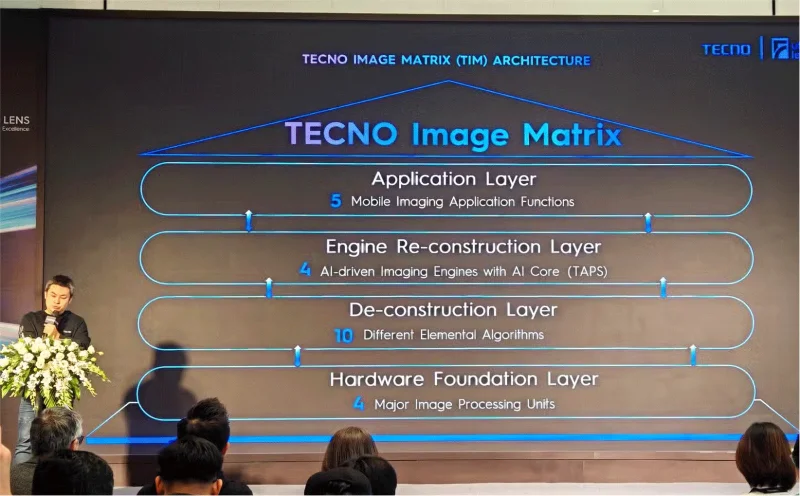
Like most modern technologies, AI is at the heart of it. Smartphone imaging technology continues to improve, and at Tecno’s Future Lens event held at the company’s manufacturing facility in Chongqing, China, the company unveiled three new AI image processing engines: Tecno Image Matrix, EVS Dynamic Shot technology, and AI Telephoto Dual Prism Tap Any Zoom technology.
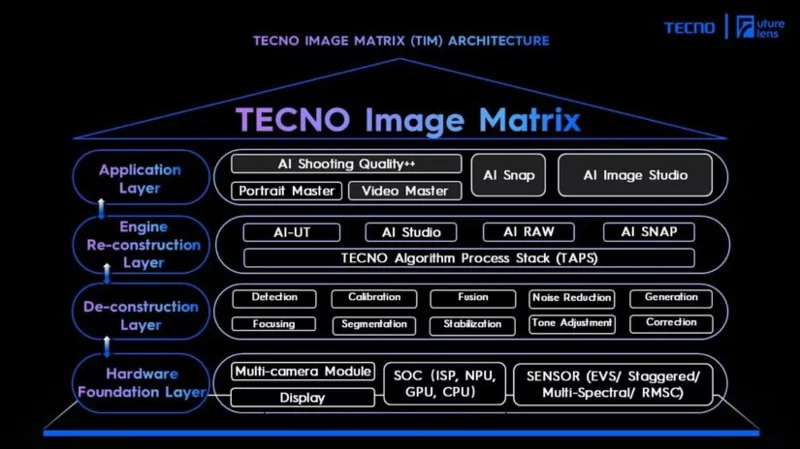
Tecno Image Matrix (TIM) is a new way of processing image data on smartphones. It uses a multi-layer structure to optimize every part of the image you take; essentially, this means that every photo you take will look perfect, no matter what the shooting environment is.
Now, that means more AI processing for your images. TIM's 4 layers work in the background but really help you not worry about whether that perfect moment in the photo is going to turn out the way you thought it would.
Tecno Image Matrix includes the following:
For those who want to take great photos without worrying about tweaking any settings, Tecno's deeper AI integration is definitely worth considering.
EVS Dynamic Snapshot is an interesting proposition for anyone who has ever tried to capture a moving subject and ended up with something more akin to Francis Bacon - a completely blurry color.
Lots of phones are capable of taking great burst shots, but Tecno's EVS Dynamic Snapshot is the next step for this imaging technology.
EVS Dynamic Snapshot solves the problem of blurry images by capturing the actual motion data of the subject. So instead of capturing each frame one by one, EVS locks the subject in the frame and uses AI algorithms to set the best image dynamic to highlight the action.
Tecno has used the idea of trying to capture a race car zooming by at hundreds of miles per hour, which is much faster than you can hope to capture with a regular smartphone (and even some regular cameras). Instead, EVS Dynamic Snapshot captures the entire moment and then provides the perfect frame.
Tecno's AI imaging suite is great, but have you ever wanted to zoom in on just a single part of an image without making it messy? Tecno's Tap Any Zoom Dual Prism Telephoto is just what you've been waiting for.
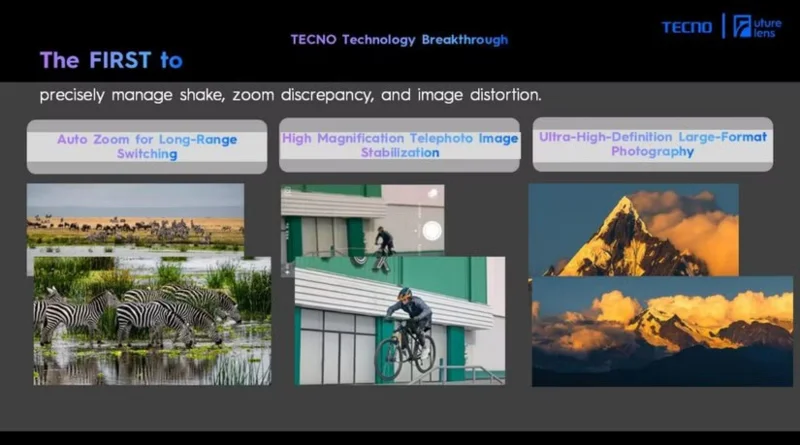
That said, this is the most interesting part of Tecno’s new AI imaging technology. It basically makes the telephoto lens in smartphones much more useful with a new dual-prism design, lens-shift OIS, and AI algorithms that take incredibly sharp and accurate photos.
But that’s not all. You can then double-tap to zoom in on any subject in the image, zooming in up to 30x while remaining incredibly clear. Combined with the dual-prism design, this means you can shoot 400MP photos with the ultra-wide angle or stitch them together with the telephoto sweep.
Being able to reframe an entire image without losing any detail is really cool and useful technology - people will definitely use it.
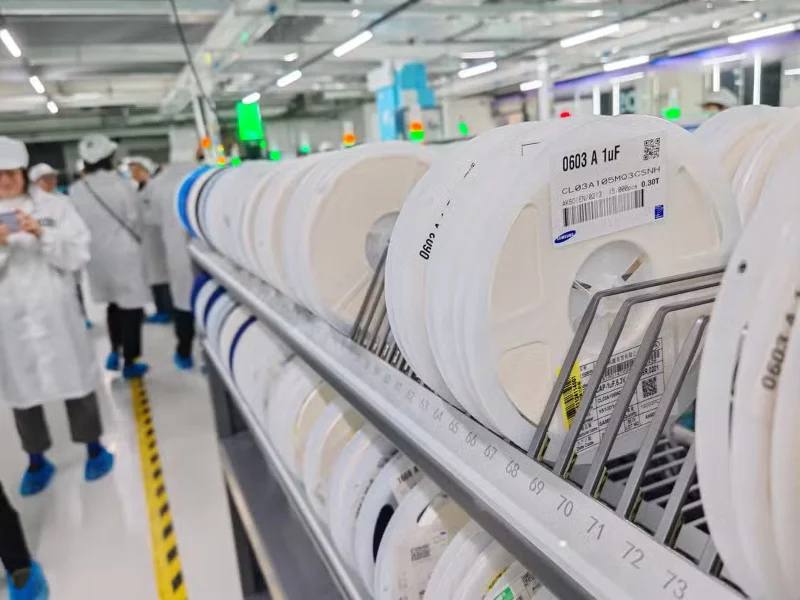
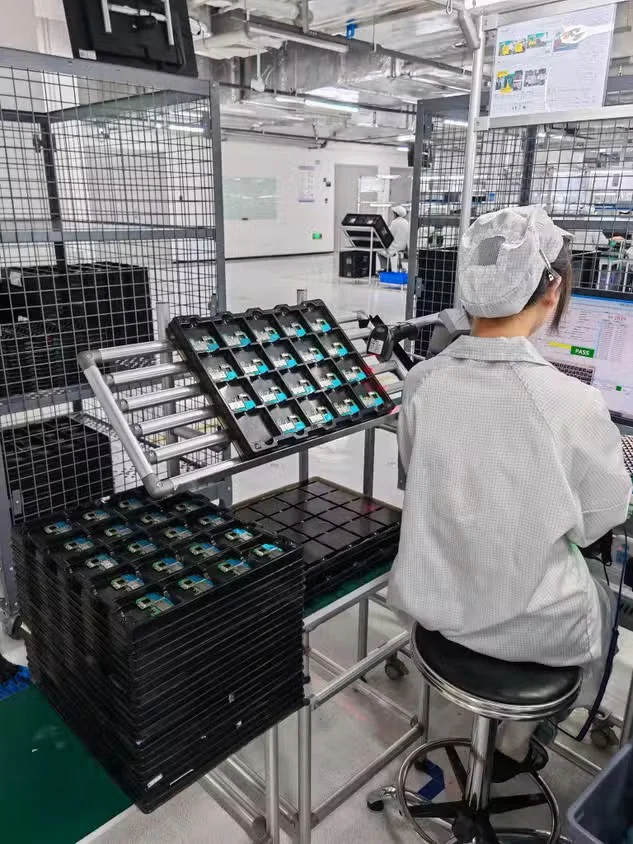
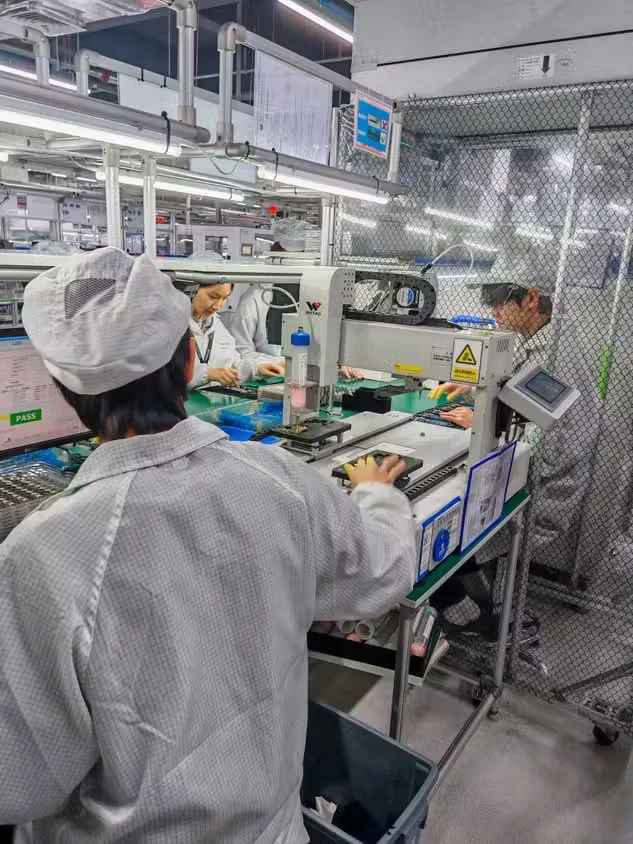
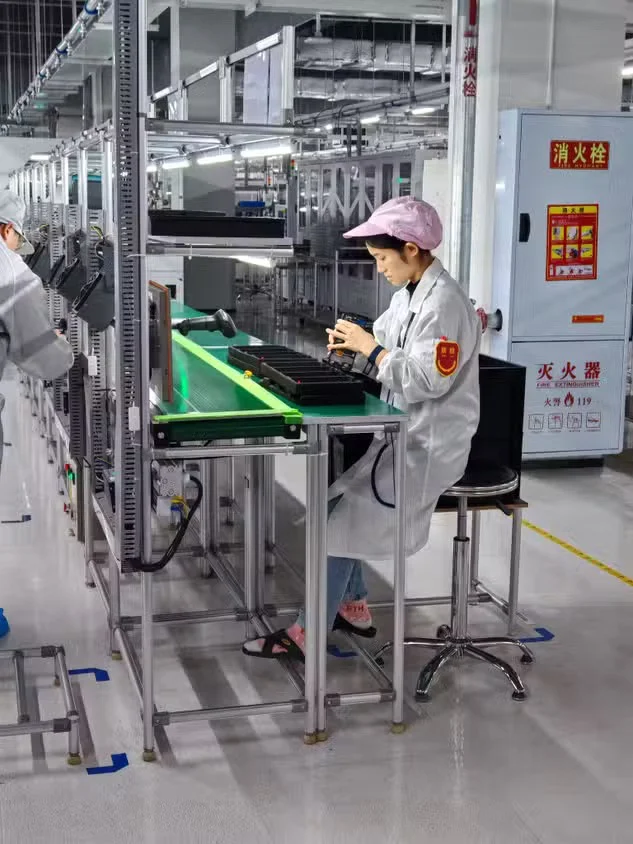
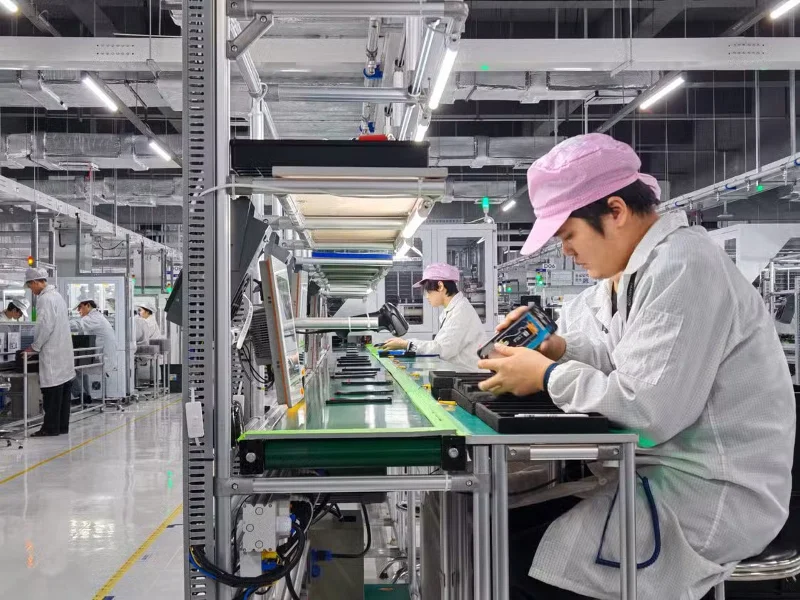
As you can imagine, there are a lot of automated processes using specialized machinery that transform smartphones from raw frames to finished products.
But there are still many processes that require human intervention. Are the cameras working properly and calibrated perfectly out of the box? There is a person who checks that on every smartphone on the line. Same with other processes like charging, screen conductivity, etc.
So while the overall process involves automation, the level of human interaction will surprise you. You have to see it for yourself to see the extensive requirements that go into each smartphone.
There’s nothing quite like seeing a brand new smartphone being shoved into a pressure tank and sprayed with water, only to see it come back to life like new. You probably already know your phone will be fine after being dropped in water, but seeing those tests up close certainly gives a new perspective on the level of testing our smartphones undergo before they reach the hands of our customers.
Mix a glossy prop-only fake blood batch, choose safer products for skin and costumes, and test cleanup before Halloween night.
Create a gentle Halloween look with pastel colors, friendly ghosts, easy no-carve accents, and practical safety tips for your home.
Create a spooky office cubicle with Halloween desk decor ideas that keep your workspace usable, tidy, and mindful of workplace safety.
Plan a recognizable Halloween 2026 look with pop culture costumes inspired by Spider-Man, Supergirl, Toy Story 5, Moana, Mario, and Wednesday.
Sort leftover Halloween candy safely, share or repurpose sealed treats, and choose food use or compost for pumpkins based on their condition.
Compare workplace Halloween costume choices by respect, dress code, mobility, and safety—and learn when a subtle accessory or a policy check is the better option.
Find a couples costume that fits your style, budget, and comfort level, from Addams Family classics to original inside-joke duos.
Need a last-minute high school Halloween costume? Compare 10 easy closet-based ideas by prep time, comfort, school-day practicality, and simple safety checks.
Use a simple 2026 Halloween decorating timeline for indoor décor, outdoor displays, and fresh pumpkins, with practical adjustments for weather and events.
Mix five vivid, approachable Halloween cocktails with measured recipes, simple prep tips, and an alcohol-free option for your party guests.








