
Make Realistic Fake Blood Without a Cleanup Surprise

Mix a glossy prop-only fake blood batch, choose safer products for skin and costumes, and test cleanup before Halloween night.
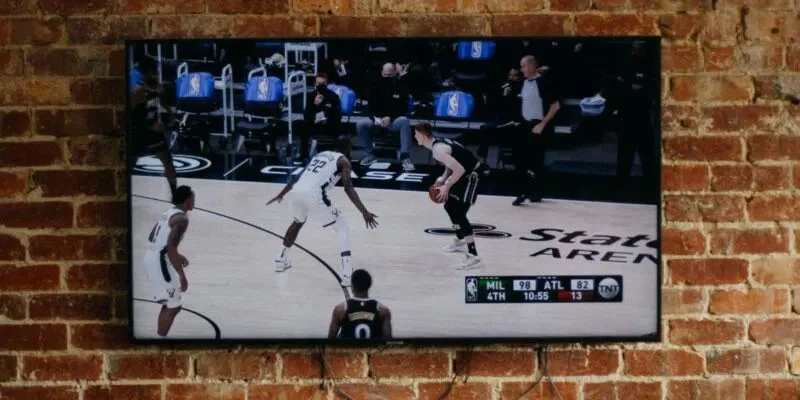
We’re living in a golden age of TV hardware. The number of pixels and the size of your screen matter. While 4K TVs sound great, and 8K TVs are even better, do you really need them? If you’re looking to upgrade your TV, read on to find out why 4K isn’t for everyone.
While TVs can boast a range of superior picture quality features, the quality of the picture they can produce depends on the source of the picture. For example, if you’re watching broadcast or free-to-air TV, the picture quality you see will be limited by the source signal. Most channels only broadcast content in standard and high definition, so if you’re watching a 720p broadcast on a 4K or 8K TV, you’ll see the same quality picture as someone with a 1080p screen.

Even if you have a 4K TV that can upscale, it can’t broadcast standard definition and natively convert it to 4K. Lower resolution images look terrible on a high-definition TV because the image can’t fill all the pixels, so upscaling will try to fix that. However, while upscaling can certainly improve the image, it can’t match the quality of native high-definition content, like Blu-ray.
You can pay extra for Netflix 4K, but can you actually watch 4K content ? Maybe. It all depends on whether your internet speed can handle the bandwidth required to stream in ultra-high definition.
It's important to remember that streaming services will always prioritize uninterrupted playback over buffering. You can pay for 4K content, but if your internet connection doesn't support it, the platform will often scale the resolution down to avoid buffering.
As you increase the screen size while keeping the resolution the same, the number of pixels per inch (PPI) decreases, resulting in a decrease in image sharpness. Ultra-high resolution may not be noticeable on a smaller screen, but on a larger screen, the extra pixels provided by an ultra-high-resolution TV will produce a sharper image. The general rule seems to be that any TV with a panel of 50 inches or larger should be 4K or better.
The distance between you and the screen will also affect the clarity of the image. Generally speaking, a smaller screen with a lower resolution, such as 1080p, will be sufficient for smaller spaces. However, the closer you are to the screen, the easier it is to see every pixel. Sitting closer will allow you to see all the detail that a 4K TV can do. If you’re still unsure about viewing distance and screen size, check out: How to Measure Your TV Screen Size to Determine Where to Place It, to help you decide.
While resolution may be the most obvious feature, there are many nuances when it comes to TVs. Different technologies are incorporated into new TVs – affecting the viewing experience and picture quality. For example, a 4K OLED TV and a standard 4K LED TV have the same resolution. However, OLED panels have pixels that light up and turn off individually, allowing for more detailed control over brightness and color saturation. This results in superior picture quality.
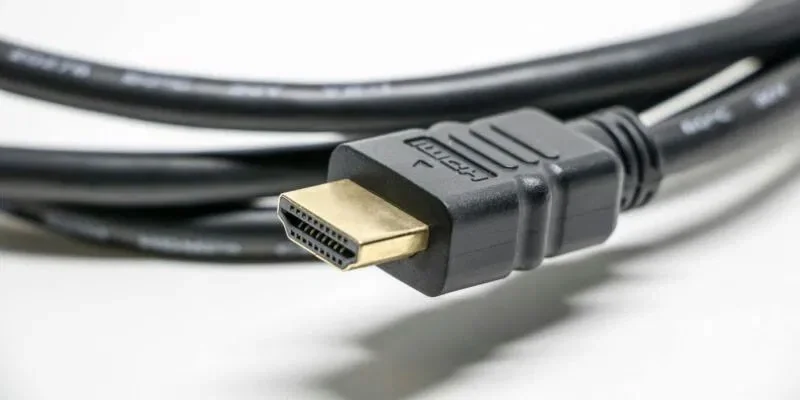
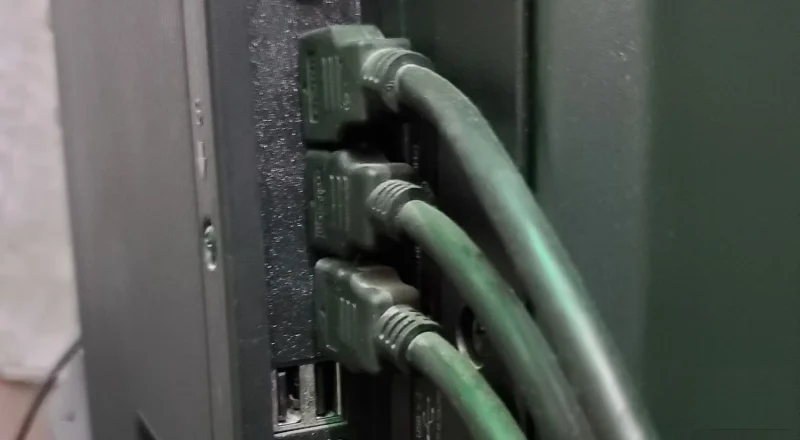
Additionally, HDR-enabled TVs can make a big difference because they widen the range between the brightest and darkest parts of an image, providing more depth. Finally, remember that not all HDMI cables are created equal. If you opt for a 4K TV, you’ll also want to upgrade your cables. High-speed HDMI cables support faster refresh rates, which is great for ultra-high-resolution content. Additionally, newer HDMI standards like HDMI 2.1 support higher frame rates and advanced audio formats.
As mentioned earlier, source quality is the number one factor in picture quality. Unfortunately, cable and broadcast TV, many video streaming platforms offer content in 4K, HDR (High Dynamic Range), and sometimes even 8K .
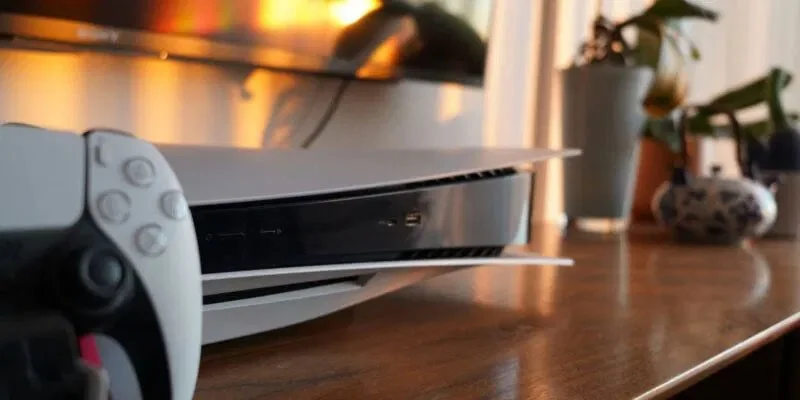
Those who use their TVs to play games, especially on next-generation consoles like the PlayStation 5 or Xbox Series X, will benefit from a 4K TV. In addition to 4K resolution support, a host of other premium features can take gaming to the next level, at least visually. High-end TVs often boast faster refresh rates, which can help games run smoother and more seamlessly. Faster refresh rates also reduce input lag.
High-end TVs with high resolution, OLED or QLED panels, HDR (High Dynamic Range), and Dolby Atmos or DTS:X audio can deliver an immersive, cinema-like viewing experience in your home. But again, keep in mind that picture quality depends largely on the source, so you may want to stick with physical media like Blu-ray.
Mix a glossy prop-only fake blood batch, choose safer products for skin and costumes, and test cleanup before Halloween night.
Create a gentle Halloween look with pastel colors, friendly ghosts, easy no-carve accents, and practical safety tips for your home.
Create a spooky office cubicle with Halloween desk decor ideas that keep your workspace usable, tidy, and mindful of workplace safety.
Plan a recognizable Halloween 2026 look with pop culture costumes inspired by Spider-Man, Supergirl, Toy Story 5, Moana, Mario, and Wednesday.
Sort leftover Halloween candy safely, share or repurpose sealed treats, and choose food use or compost for pumpkins based on their condition.
Compare workplace Halloween costume choices by respect, dress code, mobility, and safety—and learn when a subtle accessory or a policy check is the better option.
Find a couples costume that fits your style, budget, and comfort level, from Addams Family classics to original inside-joke duos.
Need a last-minute high school Halloween costume? Compare 10 easy closet-based ideas by prep time, comfort, school-day practicality, and simple safety checks.
Use a simple 2026 Halloween decorating timeline for indoor décor, outdoor displays, and fresh pumpkins, with practical adjustments for weather and events.
Mix five vivid, approachable Halloween cocktails with measured recipes, simple prep tips, and an alcohol-free option for your party guests.








