Make Realistic Fake Blood Without a Cleanup Surprise

Mix a glossy prop-only fake blood batch, choose safer products for skin and costumes, and test cleanup before Halloween night.
The convenience of Microsoft 365 , formerly Office 365, is undeniable, but it also comes with some major drawbacks. Whether you just don't like the new price or are considering upgrading from the standard version of Office to Microsoft 365, you may want to stick with your regular desktop version.
One time fee and done
The best part about sticking with the desktop version is that you only pay once. There are no monthly fees. You never have to worry about price increases.
For example, Office Home 2024 includes Word, Excel, PowerPoint, and OneNote for a one-time fee of $149.99. Microsoft 365 Personal starts at $99.99/year. The benefits of the online version are that you get more apps, online access, cloud storage , and technical support.
If you plan to use the same version of Office for years, you'll save money by sticking with the desktop version and paying once.
You just need the basics
On the surface, Microsoft 365 seems appealing because it offers more, such as 1TB of cloud storage, cross-platform compatibility, online access, Outlook , Defender (premium version), Editor, Clipchamp, Teams, and Forms in addition to the core apps of Excel, Word, PowerPoint, and OneNote.
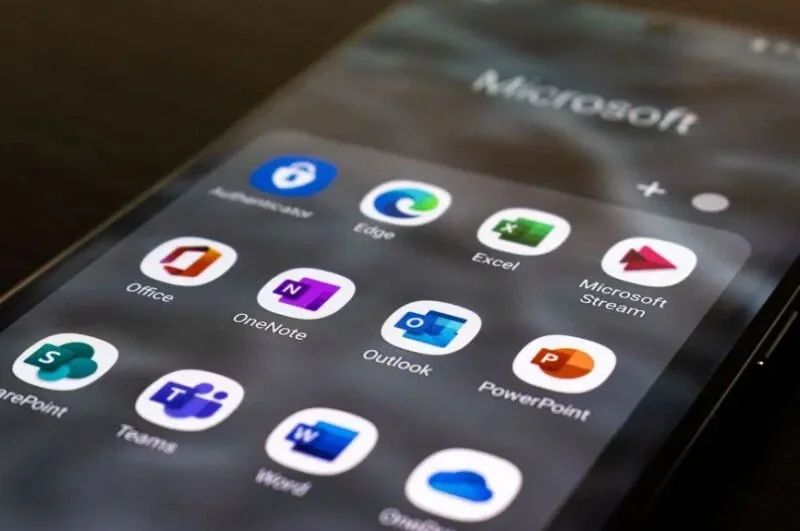
But what if you don't need all of these apps? Microsoft 365 doesn't offer a way to customize your plan to include just the apps you need. If you only use Word and Excel, you still have to pay for all the other apps.
Use the desktop version of Office if you only need a few core apps. If you need more apps, upgrading to Microsoft 365 is worth it.
Microsoft offers web version and free storage
Unless you use a lot of graphics or have thousands of Word and Excel files, you may never even use a fraction of the storage you pay for in Microsoft 365.
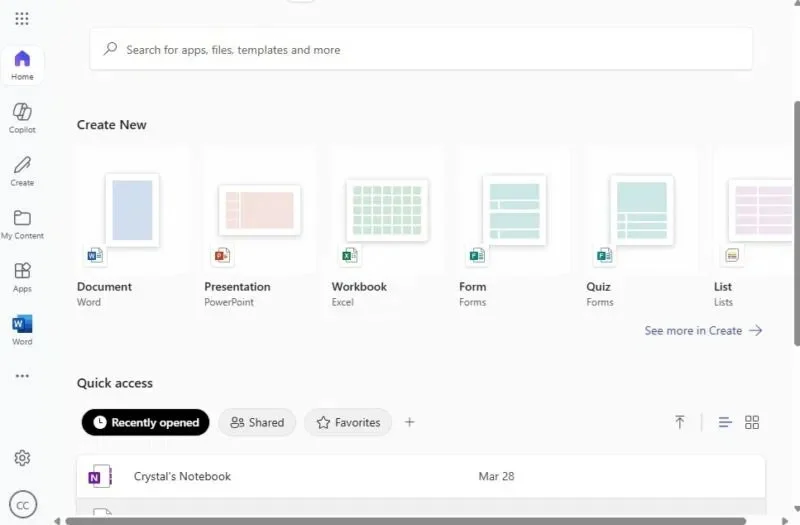
Did you know you can use Word, Excel, and PowerPoint for free, plus take advantage of 5GB of free storage? The free version of Microsoft 365 offers all the basic features without having to pay a dime.
Many people only have minor issues using more complex Excel formulas and filters with the free web version. For the average user, you may never notice the difference.
Use Microsoft 365 for the Web, sign in with your Microsoft account, and start enjoying the freebies. If you have the mobile apps, the free versions also work on mobile devices as long as you're using a screen smaller than 10 inches.
Just add bookmarks on your tablet for quick access to Microsoft web apps.
You don't want to pay extra for AI
Microsoft has increased the price of Microsoft 365 by $3/month to include Copilot . The downside is that it's limited in usability. You still have to pay $20/month for full access to Copilot.
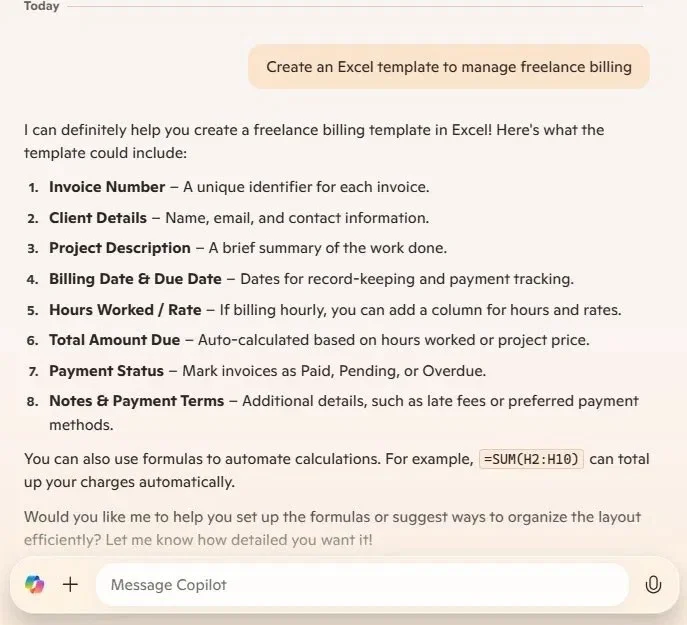
You don't need Microsoft 365 to use Copilot. Pay once for Office Home 2024 and then use the free version of Copilot that comes with Windows 11 . Or, access Copilot online. Ask the chatbot to edit content for Word or help you create an Excel template. Then, copy that content to Word or Excel and you're done. Use the same process for PowerPoint.
Yes, it's an extra step to copy and paste, but think of the money you save.
Stay with Microsoft 365 and save money
If you still need the premium versions of the Office apps and already have a Microsoft 365 subscription, you can go back to the original price. This will remove the Copilot integration, but let you keep everything else.
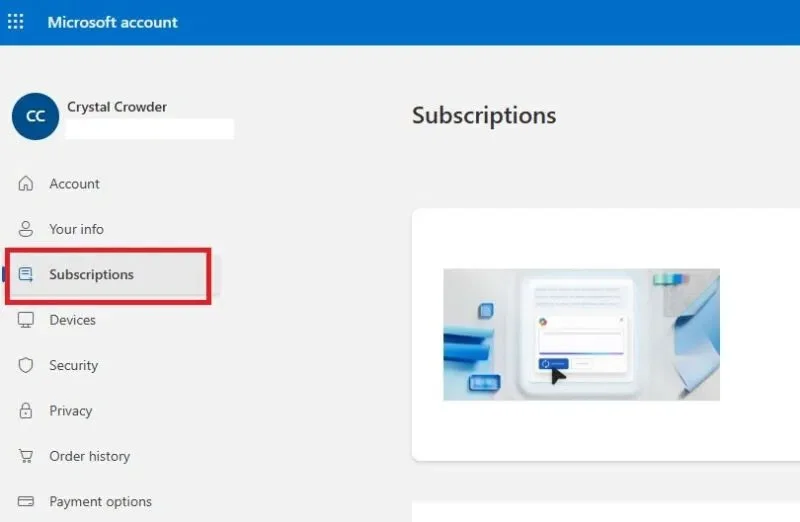
Sign in to your Microsoft account and select Subscriptions . If you don't see this option, click your profile icon in the lower left corner and select My Microsoft account .
Select your current subscription and select Manage > Cancel subscription . You'll be prompted to choose a different plan, including downgrading to Classic. Choose the Classic version that works best for you. You'll then be switched to the cheaper version at the end of your renewal period.
Please note, you will not have any of the above options if you are not currently registered.
Of course, one of the best ways to save money is to switch to a free Microsoft Office alternative. These often offer similar features for free. Some even offer online access.
Mix a glossy prop-only fake blood batch, choose safer products for skin and costumes, and test cleanup before Halloween night.
Create a gentle Halloween look with pastel colors, friendly ghosts, easy no-carve accents, and practical safety tips for your home.
Create a spooky office cubicle with Halloween desk decor ideas that keep your workspace usable, tidy, and mindful of workplace safety.
Plan a recognizable Halloween 2026 look with pop culture costumes inspired by Spider-Man, Supergirl, Toy Story 5, Moana, Mario, and Wednesday.
Sort leftover Halloween candy safely, share or repurpose sealed treats, and choose food use or compost for pumpkins based on their condition.
Compare workplace Halloween costume choices by respect, dress code, mobility, and safety—and learn when a subtle accessory or a policy check is the better option.
Find a couples costume that fits your style, budget, and comfort level, from Addams Family classics to original inside-joke duos.
Need a last-minute high school Halloween costume? Compare 10 easy closet-based ideas by prep time, comfort, school-day practicality, and simple safety checks.
Use a simple 2026 Halloween decorating timeline for indoor décor, outdoor displays, and fresh pumpkins, with practical adjustments for weather and events.
Mix five vivid, approachable Halloween cocktails with measured recipes, simple prep tips, and an alcohol-free option for your party guests.








