Kawaii Halloween Decor Without Gore or Jump Scares
Create a gentle Halloween look with pastel colors, friendly ghosts, easy no-carve accents, and practical safety tips for your home.
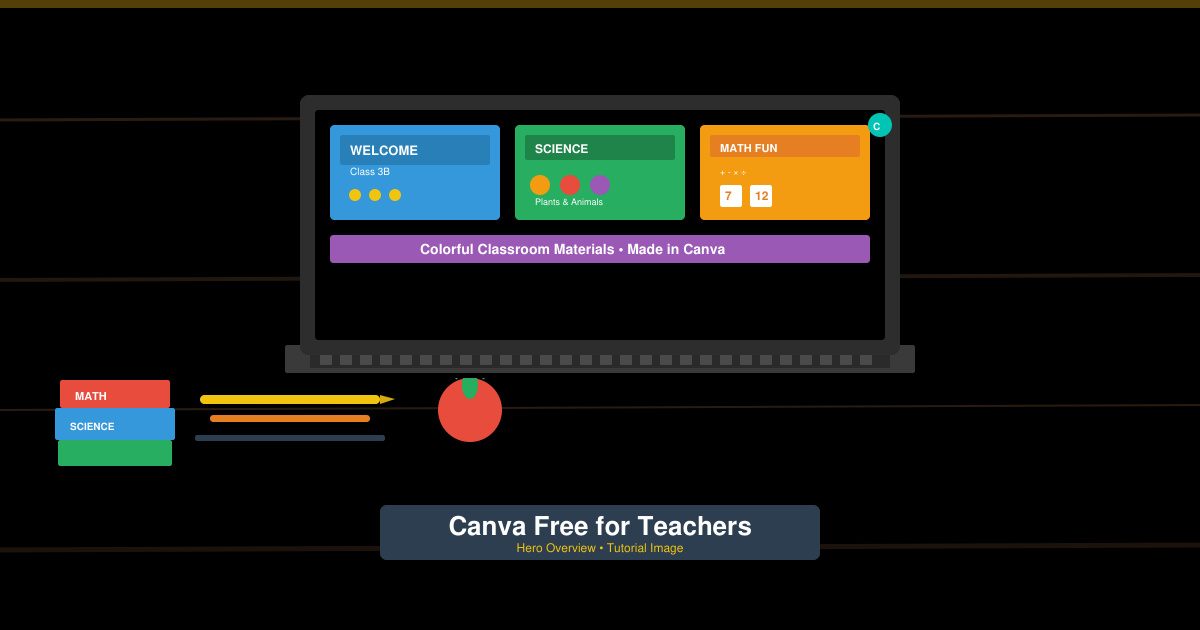
Canva Free for Teachers provides verified educators with access to Canva Pro features without paying a subscription. This includes unlimited premium elements, background remover, and brand kits tailored for classroom use. The guide below shows exactly how to set up and use Canva Free for Teachers.
Teachers need visuals that engage students without spending hours on design. Canva Free for Teachers removes the paywall on thousands of templates and assets, letting users focus on lesson content instead of sourcing images. Schools can also connect multiple teacher accounts under one education workspace for consistent branding across classes.
Verification requires only a school email or proof of employment. Once approved, the Pro tools remain active for as long as the account stays verified, with no recurring charges.
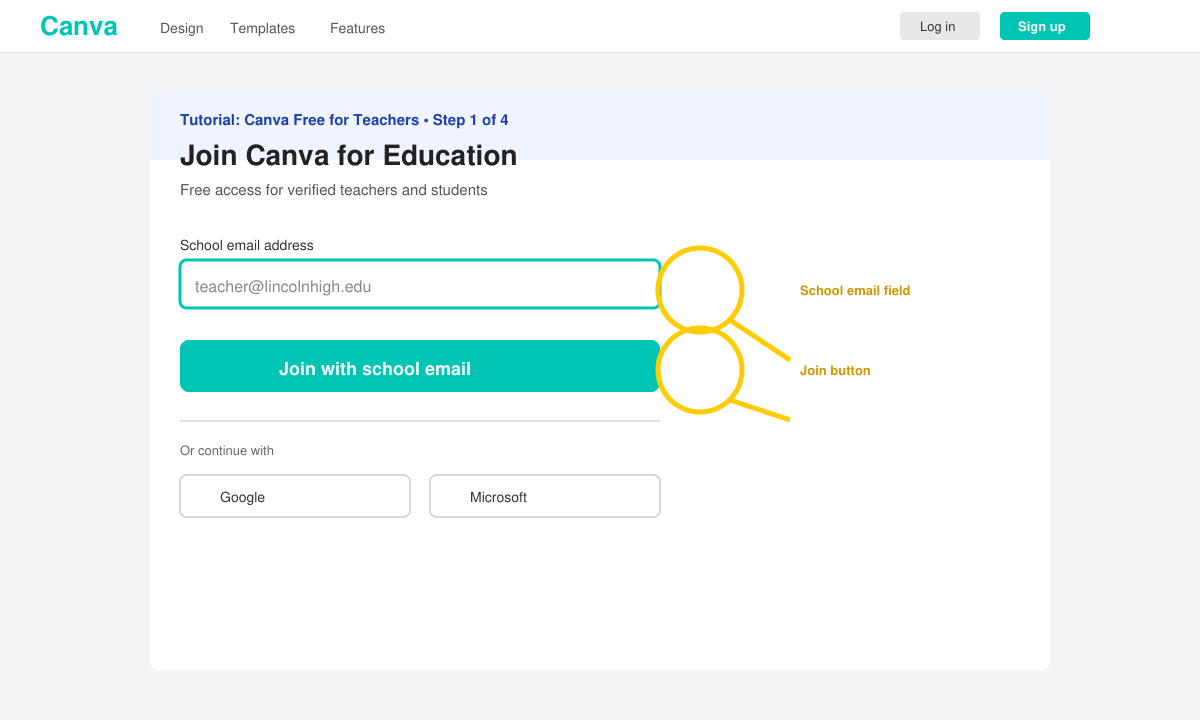
Open a browser and navigate directly to canva.com/education. Click the yellow “Join Canva for Education” button. Enter your school email address to begin the verification process.
Fill in your full name, school name, and role. Canva will send a confirmation link to your school email. Click the link inside the email to prove ownership of the address.
If the automated check fails, upload a photo of your school ID or a recent payslip. Canva reviews these documents within one business day and sends an approval email once verification succeeds.
After approval, return to Canva and click “Upgrade now” inside your account settings. Select the free education plan. Your workspace will immediately show the Pro badge and unlock all premium features.
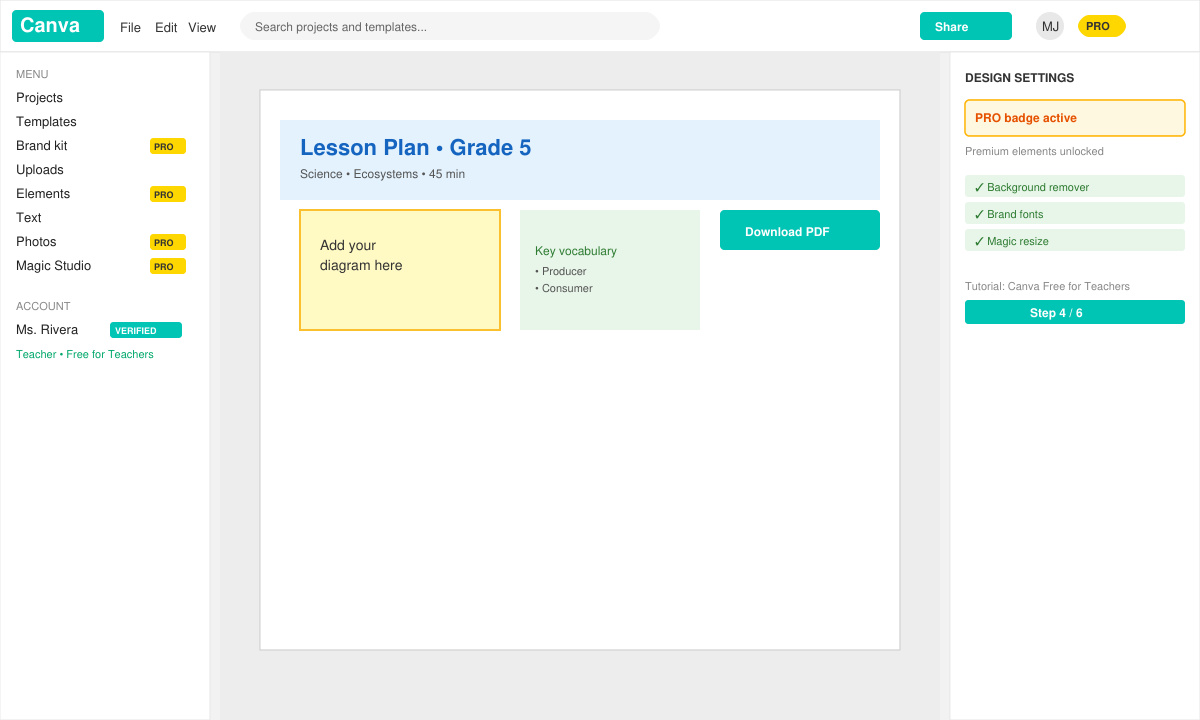
Yes. Once verified, teachers receive the full Pro feature set, including one-click background removal and the full library of premium graphics.
You must re-verify with the new school’s email or employment documents within 30 days of the move. The account stays active during the transition period.
No. Verified teachers have unlimited design storage and exports under the education plan.
Canva Free for Teachers removes cost barriers so educators can produce professional materials quickly. Follow the verification steps above to activate your account today.
Create a gentle Halloween look with pastel colors, friendly ghosts, easy no-carve accents, and practical safety tips for your home.
Create a spooky office cubicle with Halloween desk decor ideas that keep your workspace usable, tidy, and mindful of workplace safety.
Plan a recognizable Halloween 2026 look with pop culture costumes inspired by Spider-Man, Supergirl, Toy Story 5, Moana, Mario, and Wednesday.
Sort leftover Halloween candy safely, share or repurpose sealed treats, and choose food use or compost for pumpkins based on their condition.
Compare workplace Halloween costume choices by respect, dress code, mobility, and safety—and learn when a subtle accessory or a policy check is the better option.
Find a couples costume that fits your style, budget, and comfort level, from Addams Family classics to original inside-joke duos.
Need a last-minute high school Halloween costume? Compare 10 easy closet-based ideas by prep time, comfort, school-day practicality, and simple safety checks.
Use a simple 2026 Halloween decorating timeline for indoor décor, outdoor displays, and fresh pumpkins, with practical adjustments for weather and events.
Mix five vivid, approachable Halloween cocktails with measured recipes, simple prep tips, and an alcohol-free option for your party guests.
Find 15 office-friendly Halloween costume ideas for 2026, with practical checks for dress codes, respectful themes, comfort, and workplace safety.