
How to Use a Vegetable Steamer Basket

Master how to use a vegetable steamer basket for perfectly cooked, nutrient-rich vegetables in minutes. Follow this clear step-by-step guide to start steaming today.
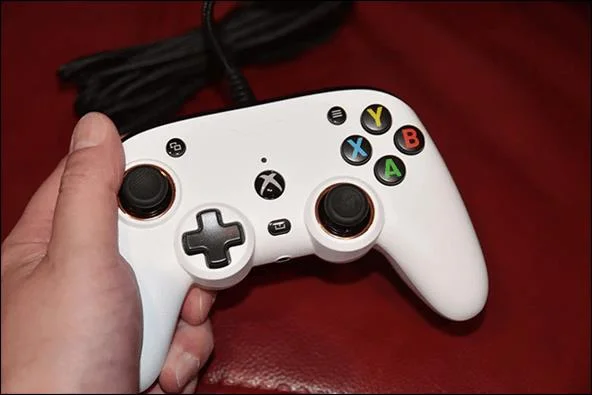
You’re all set for a long gaming session. You finally have the time and are ready to kick back and play your favorite Xbox games until the sun comes up. Your heart sinks when you pick up your Xbox controller and see it’s blinking.
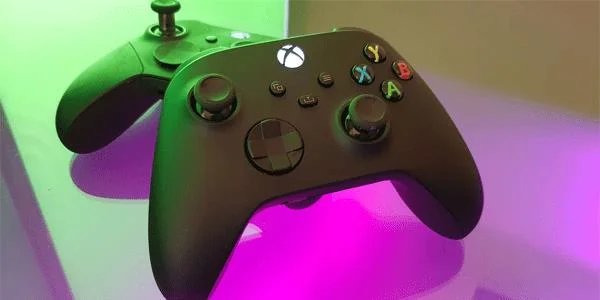
Don’t worry, there’s no reason to panic. This isn’t a catastrophic event but an easily resolved issue. This article will cover some of the more common reasons why your controller is blinking, along with a fix for each one.
Fixing an Xbox Series X Controller That Keeps Blinking
A blinking Series X controller is caused by one of two different factors, so the problem can be easily diagnosed. The usual culprits are either weak or dead batteries, or it’s become unpaired from the console. Or it could also be a combination of the two. We’ll discuss these and other possible situations, so no matter which of these scenarios is causing your controller to blink, each one is easily remedied.
Check the Controller’s Batteries
Weak or fully discharged batteries could be the reason your controller is blinking. If the batteries are weak, that means that your controller’s signal is weak, too. You can either replace the batteries or plug in the controller and wait until it’s fully recharged.
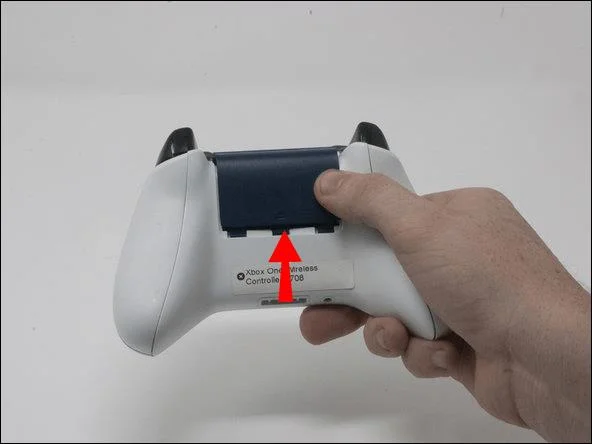
When replacing the batteries, you should only use alkaline AA batteries that have the LR6 designation on them. These are rechargeable; however, they don’t recharge while in the controller. You’ll need to recharge them by following the manufacturer’s recommendation.
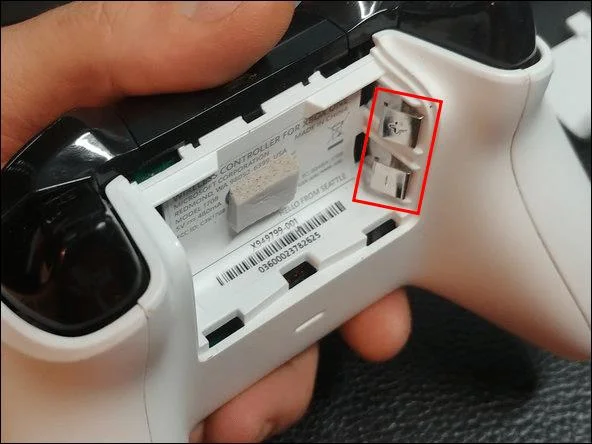
To install new batteries in your controller, follow these steps:
It’s important to ensure that the batteries have been installed properly. Also of note, check to make sure the battery contacts aren’t bent, misshapen, or corroded.
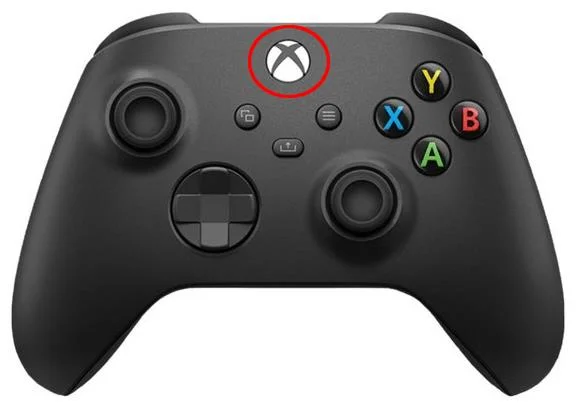
You can check your controller’s battery strength by pressing the Xbox button and looking in the upper right corner of your screen. There you’ll see a battery icon indicating the current battery strength.
Check the Controller’s Range
It’s possible that your controller is too far away from the game console. Try moving closer to see if it stops blinking. Another possibility is that other devices are interfering with the connection. Microwave ovens, wireless routers, and other devices could be blocking the syncing process. Inspect the gaming area for things that could be causing an interference.
Too Many Connected Devices
Have you recently had a gaming party with your buddies where they paired their controllers with your console? An Xbox console can accommodate up to eight different controllers. If you have more than eight controllers synced to your console, you’ll have to unpair one or more in order for yours to be connected.
Unpairing a controller is a straightforward process. To do so, follow these instructions:
Ensure That Your Controller Is Properly Paired
Another common cause for a blinking controller could be that it’s no longer paired with your console. If you’ve brought it to a fellow gamer’s place and paired it to his or her device, then you’ll need to re-sync your controller to your console. There are two methods of pairing your controller.
The first method is to connect your controller to your console with a micro-USB cable. A hard-wired connection like this will instantly pair your controller. This will provide a more secure connection, and you’ll have fewer issues with your controller.
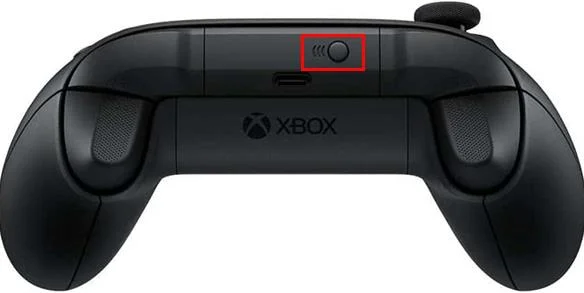
You can also pair your controller using the wireless method. To do so, follow these steps:
Try Updating Your Xbox Firmware
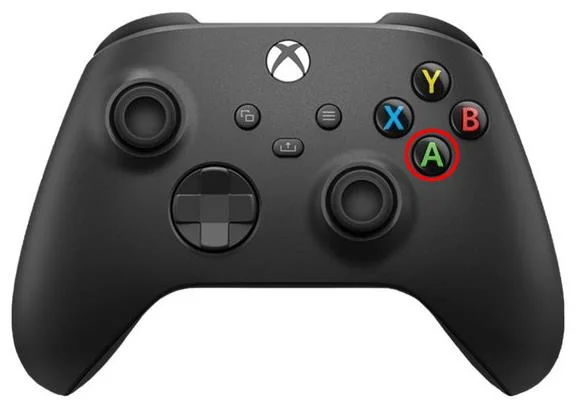
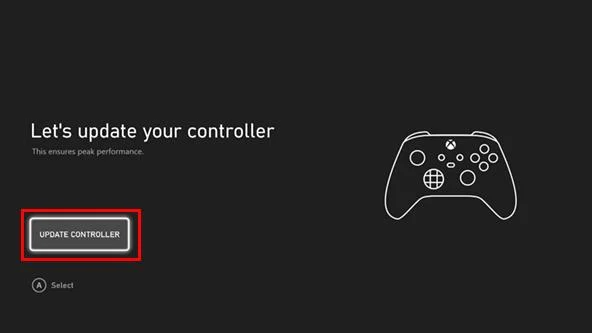
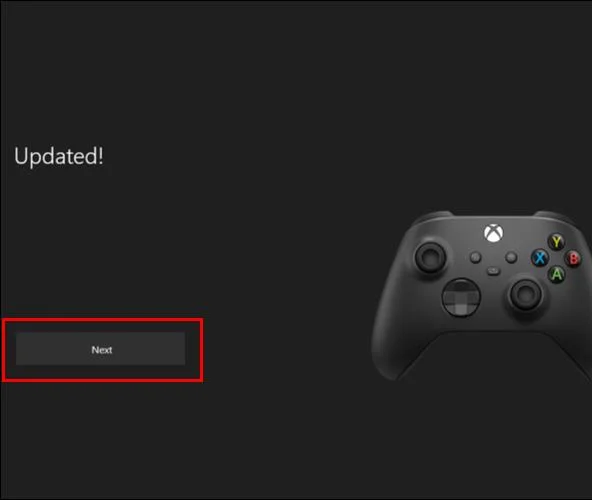
Your Xbox controller automatically receives updates every six months or so. However, if your controller is blinking and you’ve tried all of the other suggestions we’ve offered, perhaps updating your firmware is the solution. Here’s how to do it:
Restart Your Xbox Console
If all else fails, power off your controller. Turn off your console and unplug the power cord. Wait a few minutes before plugging in the console’s power cord and turning it back on. Power on your controller. Sometimes a simple hard reset will do the trick.
Contact Xbox Customer Support
If you’re still having problems, you can try contacting Xbox Customer Support. If your console is still under warranty, they may be able to assist you with having it repaired or replaced.
A Blinking Xbox Controller Is Trying to Tell You Something
A blinking controller is trying to get your attention and alert you to an issue. It’s usually weak batteries or because the controller is no longer paired. Recharging or replacing its batteries usually does the trick. If not, pairing the controller to your console again may resolve the issue. Make sure you have less than eight controllers paired and ensure that there aren’t any other wireless devices nearby which could cause interference.
Has your Xbox controller started to blink? Did you solve the problem by using one of the recommendations in this article? Let us know in the comments section below.
Master how to use a vegetable steamer basket for perfectly cooked, nutrient-rich vegetables in minutes. Follow this clear step-by-step guide to start steaming today.
How Long to Steam Broccoli in Microwave Steamer? Get the precise timing and step-by-step instructions for tender-crisp results that lock in nutrients and flavor.
Find and download the best free games for PC Steam with this complete guide. Learn how to browse, install, and play top free-to-play titles quickly.
How to Use Conair Steamer correctly to remove wrinkles fast from clothes and fabrics. Follow these clear steps for safe, effective results every time.
Shark Steamer Not Steaming? Follow these targeted troubleshooting steps to identify and fix the issue so your Shark steam cleaner works properly again.
Learn how to steam fresh broccoli perfectly in just five minutes. This simple stovetop method keeps nutrients intact and delivers tender-crisp results every time.
How to Steam Vegetables Without a Steamer using everyday kitchen tools like a pot, colander or microwave. Get crisp, nutrient-rich results with these proven methods.
Find cool multiplayer games on Steam with this guide covering discovery, installation, and play. Jump into co-op and competitive titles with friends today.
How to steam carrots in microwave delivers tender, nutrient-rich results in under 10 minutes. Follow these precise steps for perfectly cooked carrots without a steamer basket.
How to Steam Without a Steamer using everyday kitchen tools for perfectly cooked vegetables and dumplings. Discover fast methods that deliver restaurant-quality results at home.