Free Games for PC Steam gives you access to hundreds of high-quality titles without paying anything upfront. Steam's free-to-play section includes everything from battle royales to strategy games, all ready to install on Windows PCs. This guide walks you through the exact process to locate, download, and launch them.
Understanding Free Games on Steam
Steam separates free games into two main categories: completely free-to-play experiences supported by optional purchases and limited-time free promotions of paid games. Both types appear in the same store section and require only a free Steam account. Before you begin, make sure your PC meets the minimum system requirements listed on each game's store page to avoid performance issues later.
Free Games for PC Steam also updates regularly with new releases, so checking the store often reveals fresh options. Your library keeps everything organized even if you stop playing for months.

How to Download Free Games for PC Steam
-
Create or sign in to your Steam account
Open the Steam client on your PC. If you do not have an account yet, click the "Create new account" button on the login screen and follow the prompts to enter your email and choose a username. Verify your email address through the link Steam sends you before continuing.
-
Browse the free section in the Steam store
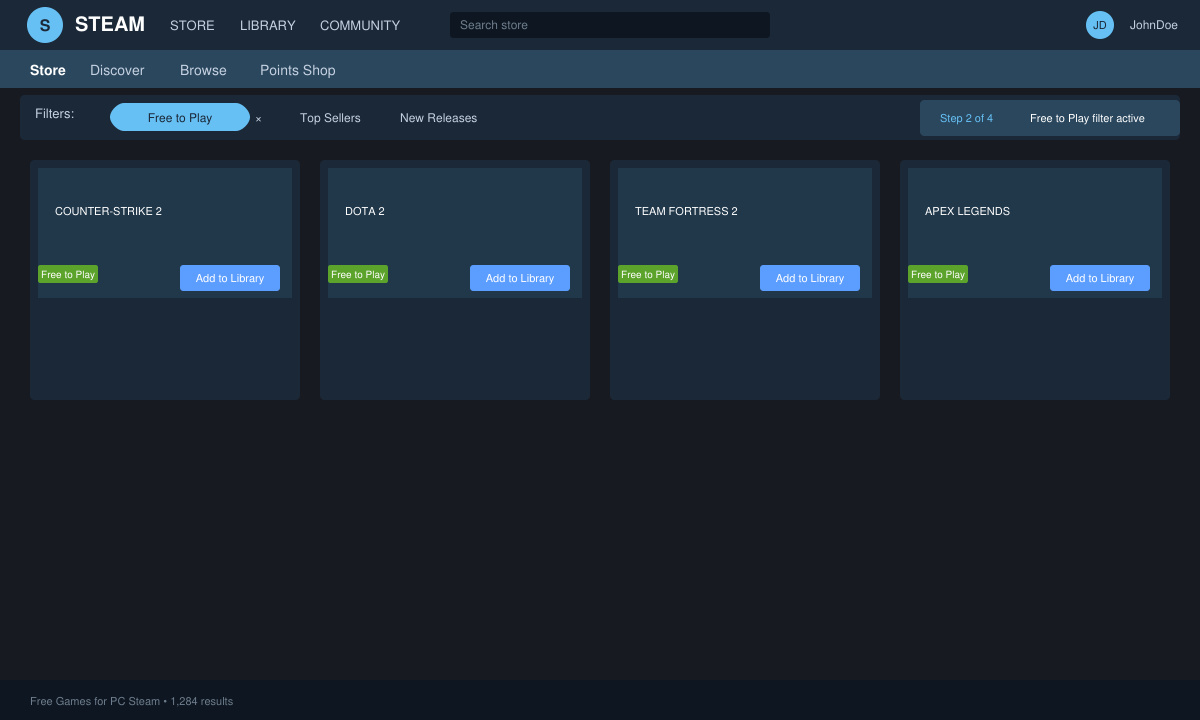
Once logged in, click Store in the top menu. On the left sidebar select Free to Play under the Games filter. Use the additional tags such as Action, RPG, or Multiplayer to narrow results to genres you enjoy.
-
Add a game to your library
Click any game thumbnail to open its store page. If the game is free, the button will say Play Game or Add to Library instead of a price. Click it and confirm the download when prompted. The game now appears in your Library tab.
-
Install the game on your PC
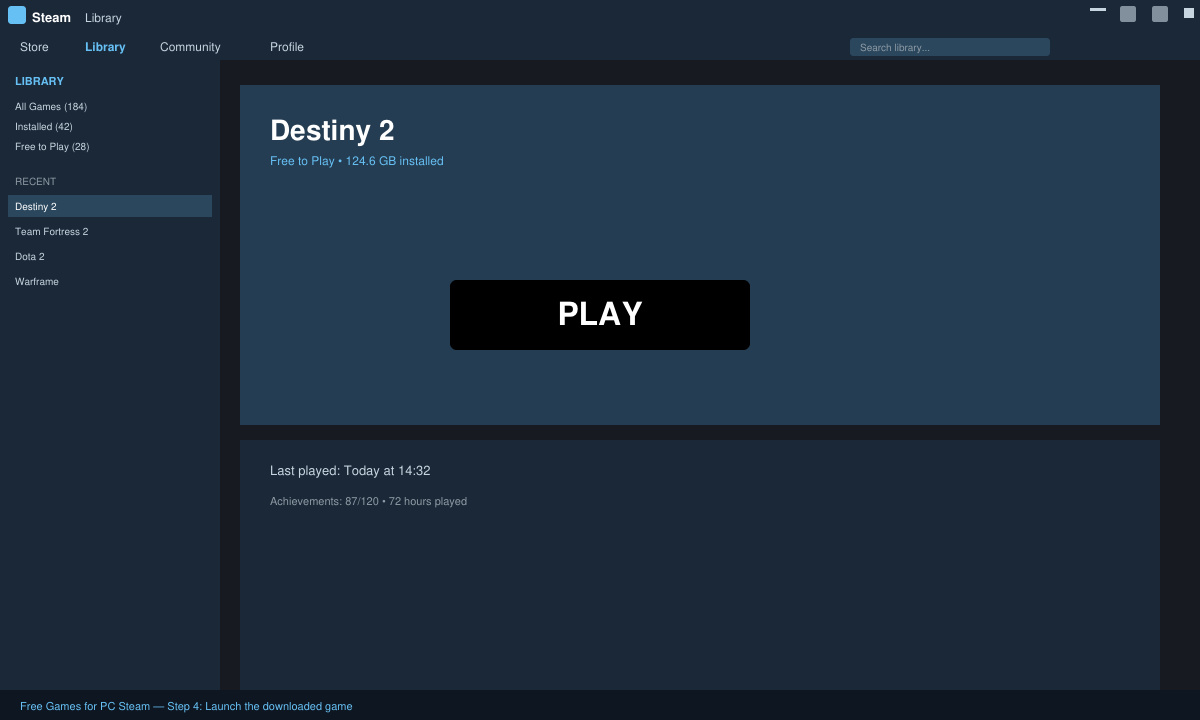
Switch to the Library tab, find the newly added title, and click Install. Choose your preferred install location if you have multiple drives, then wait for the download to finish. Steam shows progress in the download queue at the bottom of the window.
-
Launch and update the game
Click the Play button once installation completes. Steam automatically checks for updates before starting the game. Follow any in-game setup screens for graphics settings or account linking if required.
Tips for Finding Quality Free Games for PC Steam
- Sort results by "Top Rated" or "Most Played" to see games with strong player bases and fewer bugs.
- Read recent reviews before installing, focusing on comments about performance on your specific hardware.
- Enable the "Free Weekend" notification in your Steam settings so you never miss limited-time free access to premium titles.
- Check the "Recently Updated" filter weekly because developers often add new free content or events.
- Use Steam's built-in search bar with exact phrases like "free to play MMO" for faster discovery of specific genres.
FAQ
Are all free games on Steam truly free forever?
Yes. Once you add a free-to-play title to your library it stays there permanently, even if the developer later changes pricing on new accounts.
Do free Steam games require a credit card?
No. You can download and play most free games without adding any payment method, though optional in-game purchases will ask for one only if you choose to buy something.
Can I play Free Games for PC Steam offline?
Some titles allow offline modes after the initial download, but most require an internet connection at least once per session for account verification and anti-cheat checks.
Conclusion
Following these steps lets you build a large collection of Free Games for PC Steam in just a few minutes. Return to the store regularly to discover new additions and keep your library growing.







