Kawaii Halloween Decor Without Gore or Jump Scares

Create a gentle Halloween look with pastel colors, friendly ghosts, easy no-carve accents, and practical safety tips for your home.
You can absolutely bring your laptop on the plane. However, when using and storing your laptop on the plane, avoid this common mistake to prevent damage to the device and ensure your own safety .
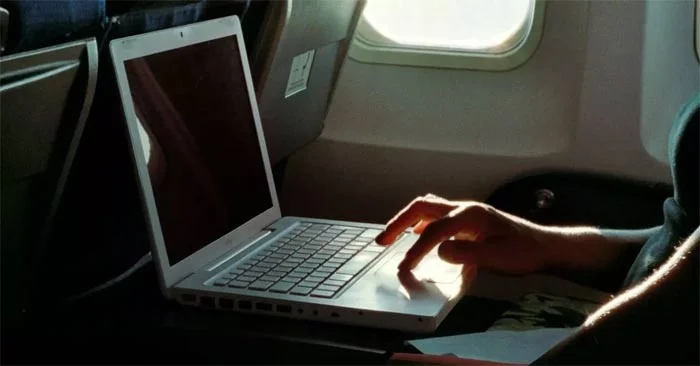
For most of us, time on a plane is the perfect opportunity to work or watch movies for hours on end. But there will inevitably be times during the flight, including takeoff and landing, when your laptop is not in use on the tray table in front of you.
So where do you store it? Hopefully not somewhere common and convenient—but potentially damaging. Read on to learn where you shouldn’t store your laptop, why storing it there is a big mistake, and what to do about it.
Common laptop storage mistakes when flying that many people regret
If you bring your laptop on a plane, don't make the mistake of stowing it in the seat pocket in front of you for the entire flight. Convenience can cause serious damage to your computer.
Yes, the seat pocket may seem like the perfect place to stash your laptop or tablet when you get up to use the bathroom, grab a snack, or watch a movie. You barely have to move to get it. But while those pockets are handy, they’re designed for storing emergency supplies and other essential in-flight information—not personal tech.
What happens if you put your laptop in your seat bag on an airplane?
The consequences of leaving your laptop or tablet in an airplane seatback pocket can be serious — literally. Your device could get damaged there.
TikTok user Sabrina Chakici shared in a recent video that after briefly stowing her brand new MacBook Pro in her seat pocket during a flight, she opened it up to find the device severely damaged. According to Chakici, the pressure from the passenger in front of her reclining her seat was enough to crush and crack the laptop screen. Although her device was covered in a hard shell, it wasn’t durable enough to protect the screen from shattering.
That’s not the only reason to avoid storing your laptop in your seat pocket. Those pockets are notoriously dirty and full of bacteria, since they don’t necessarily get disinfected between flights. In fact, the pocket can be the dirtiest part of an airplane seat. Avoiding it altogether is a great way to keep your laptop safe and reduce your chances of getting sick.
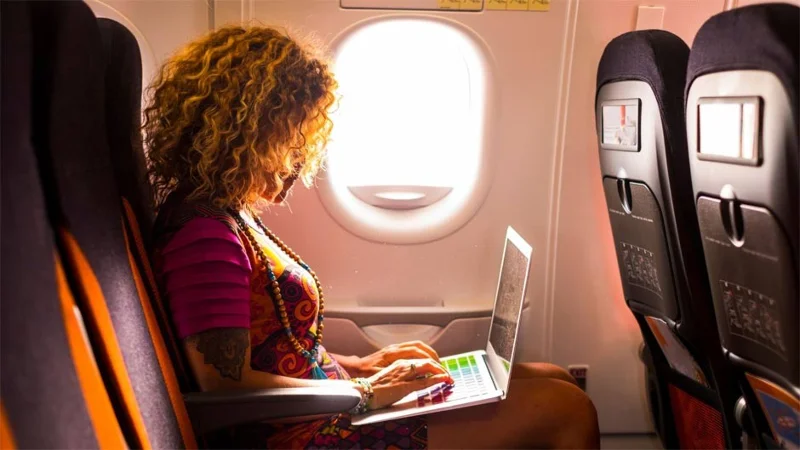
So where should you put your laptop when flying?
To get to your final destination with your laptop or tablet in good working condition, skip the seat bag and stow your device in your carry-on bag or under-seat luggage.
If possible, pack your computer in a protective case or a shockproof bag when you travel. The same goes for tablets. While devices are getting smaller and you may be tempted to just throw them in your bag, packing them properly is still important to avoid damaging them during your trip.
Create a gentle Halloween look with pastel colors, friendly ghosts, easy no-carve accents, and practical safety tips for your home.
Create a spooky office cubicle with Halloween desk decor ideas that keep your workspace usable, tidy, and mindful of workplace safety.
Plan a recognizable Halloween 2026 look with pop culture costumes inspired by Spider-Man, Supergirl, Toy Story 5, Moana, Mario, and Wednesday.
Sort leftover Halloween candy safely, share or repurpose sealed treats, and choose food use or compost for pumpkins based on their condition.
Compare workplace Halloween costume choices by respect, dress code, mobility, and safety—and learn when a subtle accessory or a policy check is the better option.
Find a couples costume that fits your style, budget, and comfort level, from Addams Family classics to original inside-joke duos.
Need a last-minute high school Halloween costume? Compare 10 easy closet-based ideas by prep time, comfort, school-day practicality, and simple safety checks.
Use a simple 2026 Halloween decorating timeline for indoor décor, outdoor displays, and fresh pumpkins, with practical adjustments for weather and events.
Mix five vivid, approachable Halloween cocktails with measured recipes, simple prep tips, and an alcohol-free option for your party guests.
Find 15 office-friendly Halloween costume ideas for 2026, with practical checks for dress codes, respectful themes, comfort, and workplace safety.








