Kawaii Halloween Decor Without Gore or Jump Scares

Create a gentle Halloween look with pastel colors, friendly ghosts, easy no-carve accents, and practical safety tips for your home.
Following the FF OB48 version is the Free Fire OB49 version with a new map - Solara, and when there is a new map in a Free Fire update, it will be considered a major update, not to mention the content besides. In the near future, Free Fire OB49 will allow players to experience the content on the test server. We will provide you with the latest FF OB49 download link below.
How to download the latest Free Fire OB49 April 25, 2025
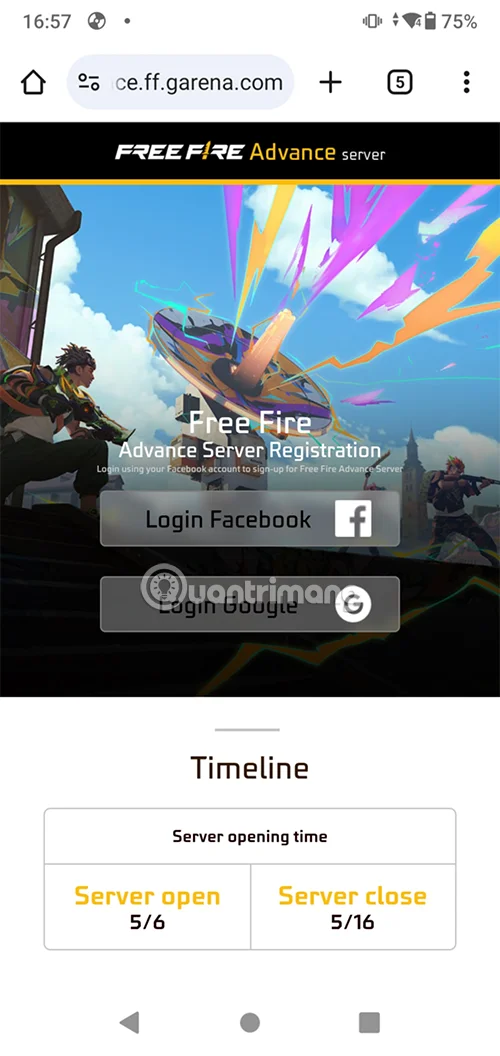
Step 1: Access the game download address below. If the Free Fire developer has not released the official FF OB download version yet, you will only see the Forbidden 403 status when accessing the link below.
https://ff-advance.ff.garena.com/Step 2: The download link of Free Fire OB49 will be opened from May 6 to 16, you will have 10 days to experience the new content in this server. Log in to your existing Free Fire account to get the download link.
As always, when you complete the login, you will see the server allowing you to download by displaying the AFK button in green instead of gray. Then you just need to download the Free Fire Advanced Server installation file and proceed to install it like normal APK files.
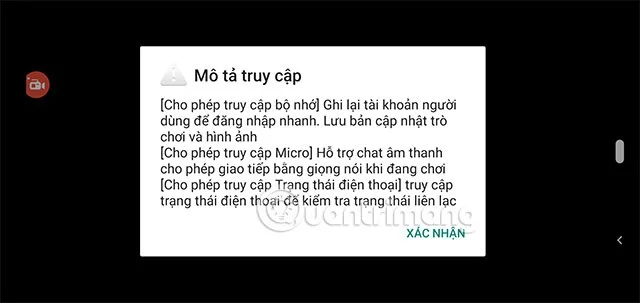
Step 3: The size of the Free Fire OB49 APK file may vary from the previous Free Fire OB48 version and the size will depend on the new content in this version. And the version you download will only be around 1GB. As for the main content, you will have to download it in the game later.
Step 4: Create your character name and select Let's Go below.
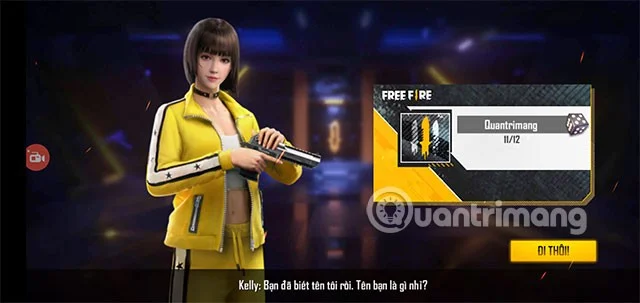
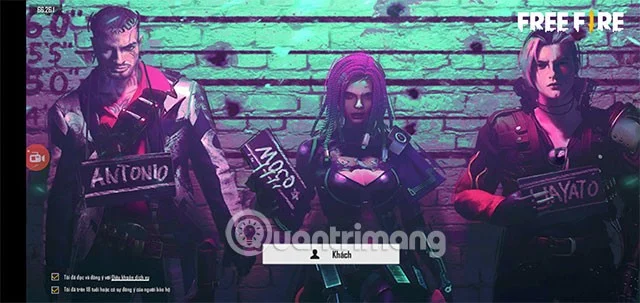
Step 5: Like previous versions, Garena will still only require players to log in with a Guest account. Since this is a trial version, you do not need to use an official Garena account to play.
Step 6: Next, enter the activation code you received when registering your email to download the Free Fire APK installation file in the download registration step. You can register this code now and save it, waiting until Garena allows players to officially access the server.
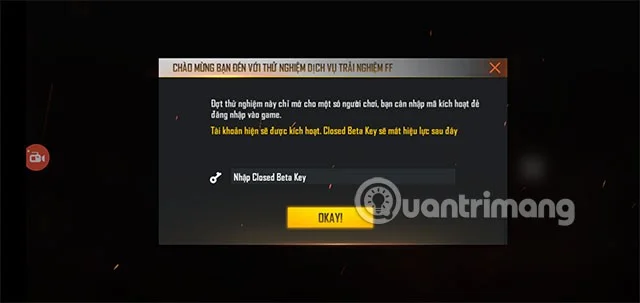
By signing up for the Free Fire beta, you will get a taste of what new content is available. Because Garena doesn't want too many players to join the beta server, they have limited the number of players by requiring them to enter a code to join the beta server.
What does Free Fire OB49 have?
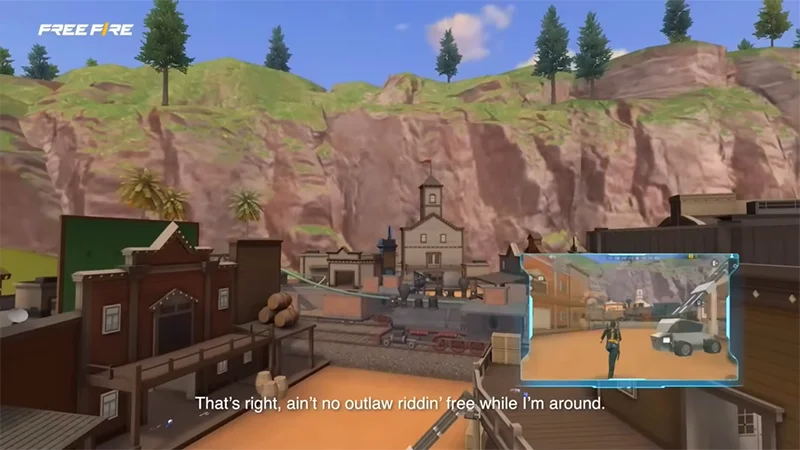
The new map Solara is expected to be the highlight of Free Fire OB49 this time, with three area designs: a futuristic tower area, a specially structured mountain landscape, and a Kalahari-like desert area.
Additionally, the room card system may change, allowing for custom room creation without cards, along with new characters, events, and features, but details are still being revealed.
The Solara map is designed with a variety of futuristic tower areas, mountains, and deserts, suitable for many play styles. Highlighted locations such as Thunder Zone (high loot, early combat), Nebula Port (close combat), Canyon Lab (precious loot, need to be careful) will help players grasp information about which places are deserted and which are crowded.
And of course, there will be a lot of other content that the game developer will include for players to experience after the old content of the FF OB48 version. Below is a summary of the content of the FF OB49 version:
What is Free Fire Advanced Server?
Free Fire Advanced Server is the test version of Free Fire, in this version, you will have the latest updates, from features, mechanisms to new maps, characters, weapons... You will experience them before they are put on the official server.
Does Free Fire Advanced Server have higher system requirements?
FF Advanced Server is no different from the regular Free Fire version, so if there are no configuration upgrades or advanced graphics options, the test version will not require higher configuration.
Is there a limit to the number of players on the test server?
Even before the activation code was required, the number of players on the test server was very limited. Since this server was created to only test the latest game content, there was no need for too many players.
Is the beta version stable?
The trial version may have errors, so players will often encounter errors related to image display, feature errors, game mechanism errors... Although it makes players uncomfortable when experiencing new content, if you see them, you can report them to the developer to receive diamonds for your Free Fire account in the official version.
How to report errors in Free Fire Advanced Server
The developer will suggest you to report bugs directly in the game through support tools. Or send feedback through official channels such as email, forums or Free Fire social media pages if you find a bug.
Create a gentle Halloween look with pastel colors, friendly ghosts, easy no-carve accents, and practical safety tips for your home.
Create a spooky office cubicle with Halloween desk decor ideas that keep your workspace usable, tidy, and mindful of workplace safety.
Plan a recognizable Halloween 2026 look with pop culture costumes inspired by Spider-Man, Supergirl, Toy Story 5, Moana, Mario, and Wednesday.
Sort leftover Halloween candy safely, share or repurpose sealed treats, and choose food use or compost for pumpkins based on their condition.
Compare workplace Halloween costume choices by respect, dress code, mobility, and safety—and learn when a subtle accessory or a policy check is the better option.
Find a couples costume that fits your style, budget, and comfort level, from Addams Family classics to original inside-joke duos.
Need a last-minute high school Halloween costume? Compare 10 easy closet-based ideas by prep time, comfort, school-day practicality, and simple safety checks.
Use a simple 2026 Halloween decorating timeline for indoor décor, outdoor displays, and fresh pumpkins, with practical adjustments for weather and events.
Mix five vivid, approachable Halloween cocktails with measured recipes, simple prep tips, and an alcohol-free option for your party guests.
Find 15 office-friendly Halloween costume ideas for 2026, with practical checks for dress codes, respectful themes, comfort, and workplace safety.








