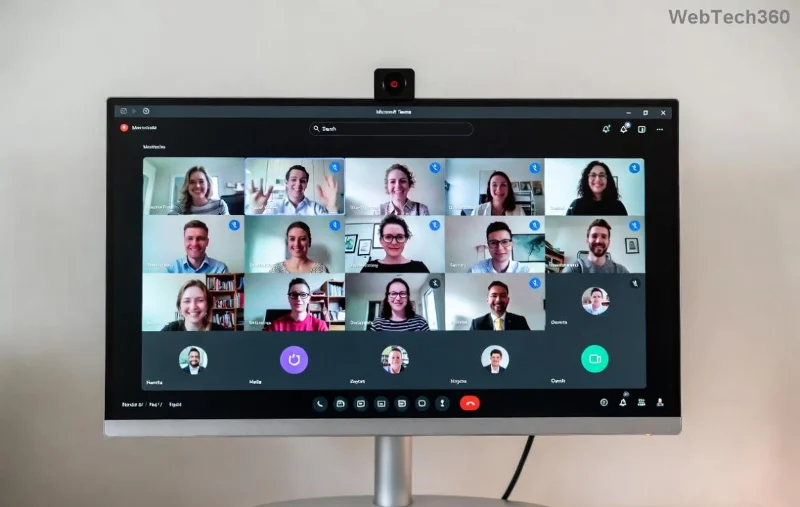
Ever received just a Microsoft Teams meeting ID and passcode but no full invite link? No worries! Whether you're attending a quick work call, virtual class, or team huddle, knowing how to join a Microsoft Teams meeting by ID and passcode is a game-changer. This straightforward guide walks you through every step on desktop, mobile, and web – updated with the latest Teams features for seamless connectivity. Let's dive in and get you connected faster than ever! 😊
✅ Prerequisites Before Joining
Before jumping in, ensure you have:
- The exact Teams meeting ID (usually 9-11 digits).
- The Teams passcode (alphanumeric code).
- A stable internet connection.
- Optionally, a Microsoft Teams app or modern browser like Chrome/Edge.
Pro tip: Guests can join without a Microsoft account – perfect for external collaborators! 👆
💻 Step-by-Step: Join from Desktop or Laptop
The Microsoft Teams desktop app offers the smoothest experience. Here's how:
- Open the Teams App: Launch Microsoft Teams. If not installed, download from the official site.
- Click "Join or create a team": Located at the bottom-left or top-right corner.
- Enter Meeting Details: In the "Join a meeting with ID or link" field, input the Teams meeting ID. Hit "Join".
- Enter Passcode: A prompt appears – type the Teams passcode and confirm.
- Choose Audio/Video: Select mic, camera, and speaker options. Click "Join now"!
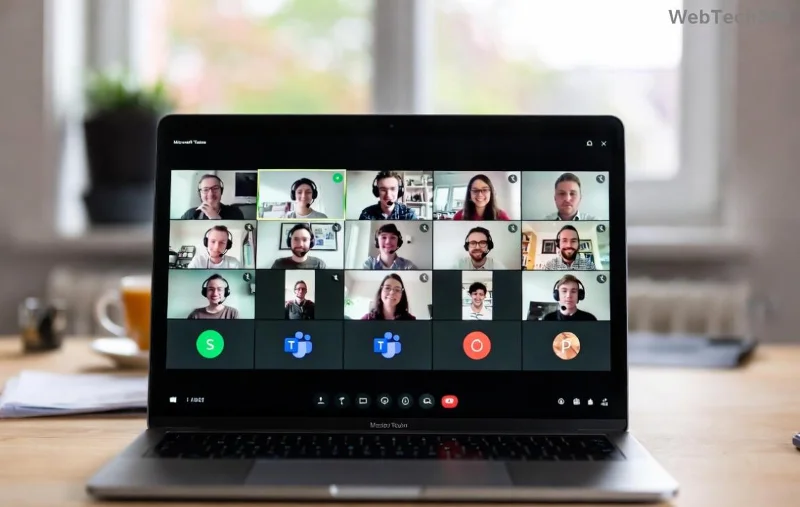
You're in! Share your screen or chat instantly. If prompted for a name, enter as a guest.
🌐 Join via Web Browser (No Download Needed)
Perfect for quick joins without installing anything. Works on any device:
- Go to Teams Web: Visit teams.microsoft.com.
- Click "Join or create": Prominent button on the landing page.
- Input ID: Paste the Microsoft Teams meeting ID in the box.
- Enter Passcode: Provide the passcode when asked.
- Customize Settings: Toggle video/audio, then "Join meeting".
Browser joins are lightning-fast and support all modern features like reactions and polls. ⭐
📱 Mobile Mastery: Android & iOS
On the go? Use the Teams mobile app for crystal-clear calls:
| Platform |
Steps |
| Android/iOS App |
1. Open Teams app.
2. Tap "Join" (bottom tab).
3. Enter meeting ID & passcode.
4. Tap "Join". |
| Mobile Browser |
1. teams.microsoft.com.
2. Tap "Join a meeting".
3. ID & passcode entry.
4. Allow permissions. |
![Mobile screen showing Teams meeting ID and passcode entry]()
Mobile tip: Enable notifications for reminders – never miss a beat! 📲
🔑 Mastering the Passcode Entry
The Teams passcode adds security. It's case-sensitive, so double-check:
- Enter exactly as provided (letters + numbers).
- If forgotten, ask the host via chat/email.
- Some meetings skip passcodes for open lobbies – join directly!
❌ Troubleshooting: Fix Common Join Issues Fast
Stuck? Here's your quick-fix toolkit:
![Troubleshooting Teams meeting join errors with ID and passcode]()
- "Meeting not found": Verify ID accuracy – no extra spaces!
- Passcode rejected: Retry or contact host. 😕
- Audio/Video fails: Check permissions in browser/app settings.
- Firewall blocks: Use web version or VPN off.
- Expired meeting: Confirm start time with organizer.
For official help, check Microsoft's Teams support.
⭐ Pro Tips to Elevate Your Teams Experience
- Save Frequent IDs: Pin meetings in the app for one-tap joins.
- Use Focus Mode: Blur backgrounds for pro vibes.
- Reactions & Raise Hand: Engage without interrupting.
- Record if Allowed: Capture key moments (host permission needed).
- Practice once – next time, you'll join in under 10 seconds! 👏
Mastering how to join a Microsoft Teams meeting by ID and passcode unlocks endless collaboration. From boardrooms to beach calls, you're set! Got a tip? Share in comments below. Ready for more? Explore advanced Teams features next. Stay connected! 🚀