Notification LED is a feature that uses the color and flicker of the LED to identify an incoming notification on the phone. It comes in handy when you just need to look at the LED color to see which app notifications are on your Samsung phone .
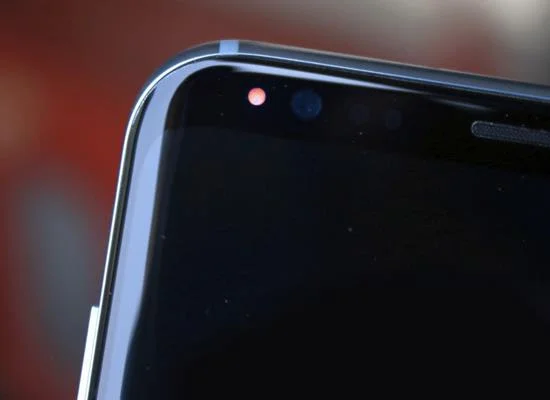
This article will guide you to turn on the notification LED on the device (note only devices that support LED notification can turn on).
The steps to turn on and off the notification LED on Samsung are as follows.
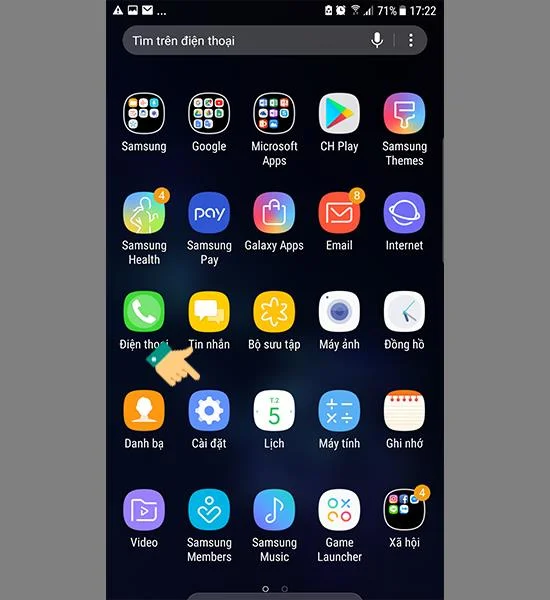
Step 1 : You choose "Install".
![Instructions to turn on and off the notification LED on Samsung]()
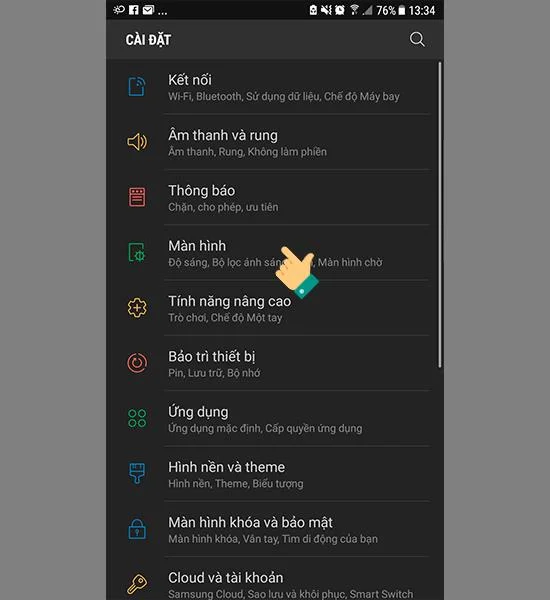
Step 2 : Select the item "Monitor".
![Instructions to turn on and off the notification LED on Samsung]()
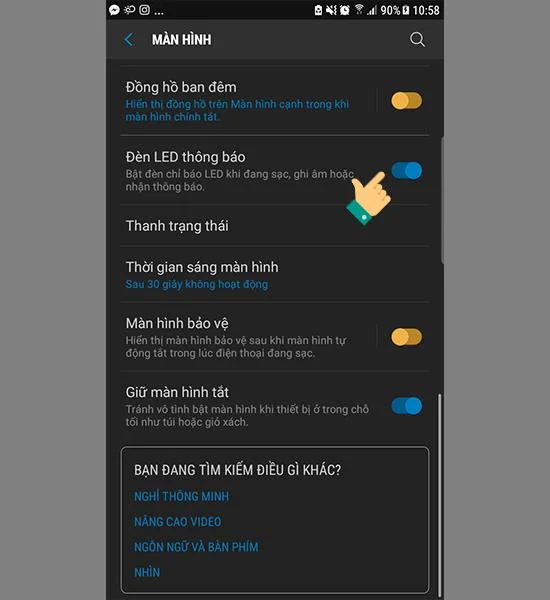
Step 3 : You turn on and off the "Notification LED" feature.
![Instructions to turn on and off the notification LED on Samsung]()
So you can always know when you have a notification not to miss important information too long after operating the notification LED on and off instructions on Samsung. Good luck!