On the new generation of TVs today, in addition to fully equipped with popular connection ports such as HDMI, USB, ... to facilitate the connection and sharing of data between TV and peripheral devices, one A new feature that is also favored by many consumers today is Screen Mirroring . So what is this feature, what does it stand out and how to use it? The following article WebTech360 will answer all of your questions.
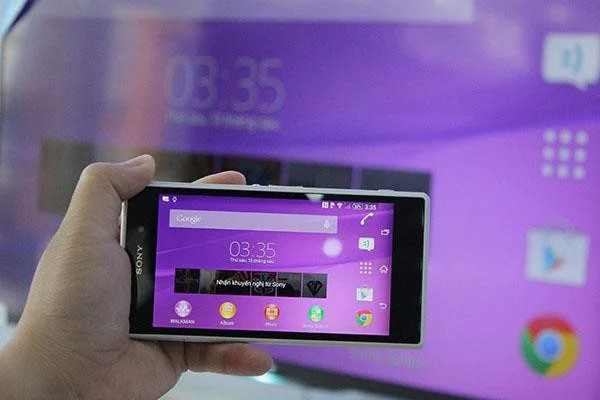
Learn about Sony's Screen Mirroring TV feature
1. What is Screen Mirroring feature?
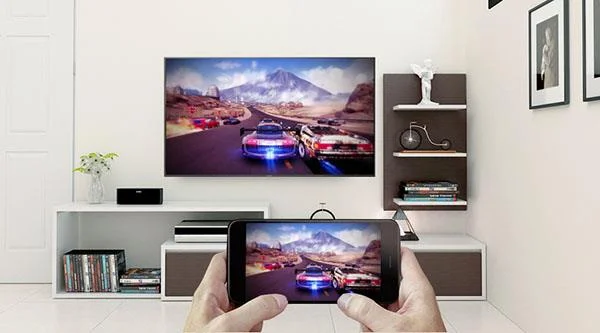
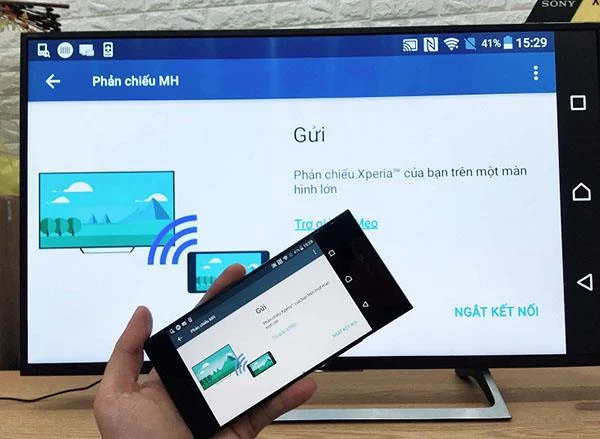
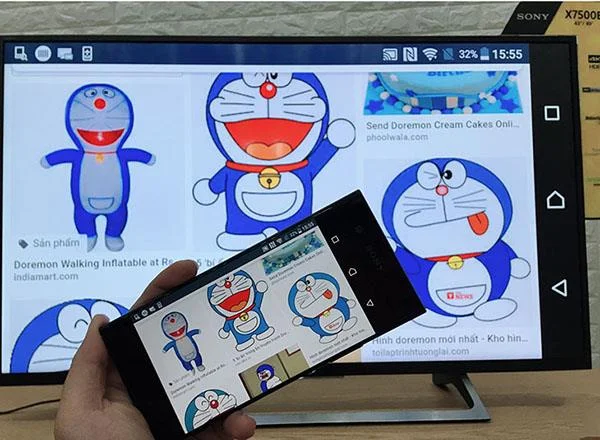
Screen Mirroring is a feature intelligent connection is integrated in many different color TV currently on the market, it allows to display any content image, video, directly from your mobile device to the colors Smart TV that No wires needed.

What is Screen Mirroring?
2. What is the advantage of this connectivity feature?
- This connection feature connects via a local network between devices, so no cables are needed, making your living space tidy.
- Share all content with high quality.
- Manipulation performed quickly and simply.
3. Implementation instructions
To be able to connect these two devices together, both the phone you use and the TV at home must be supported with Screen Mirroring.
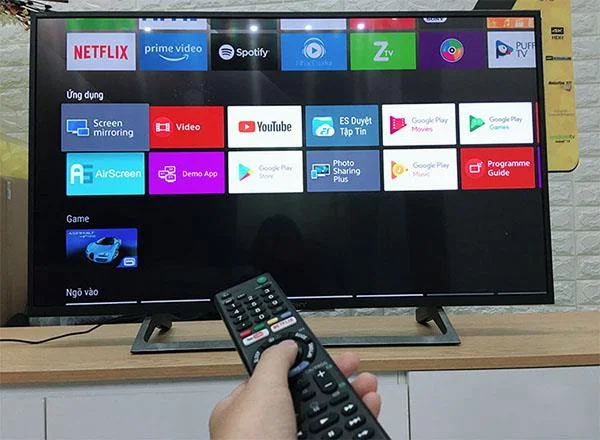
Step 1: Press the Home button to enter the screen used of the TV.
Step 2: In Application section, click Screen Mirroring.

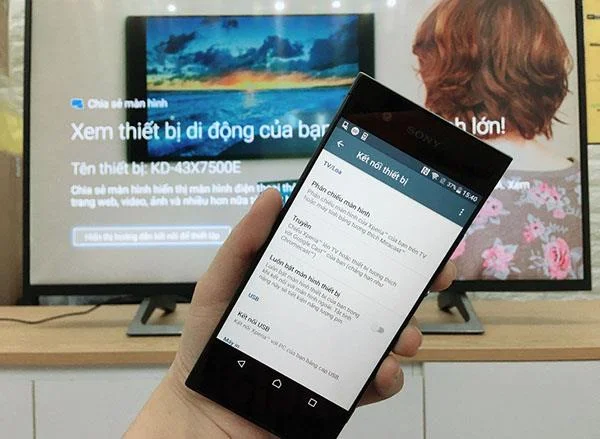
Step 3: For the phone, go to Settings -> Display -> Device Connection and select Screen Mirroring.

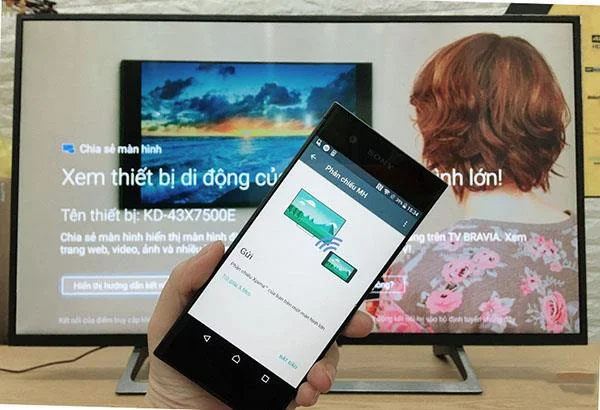
Step 4: Click on Start then wait for your phone to scan to find the name of the TV you want to connect.

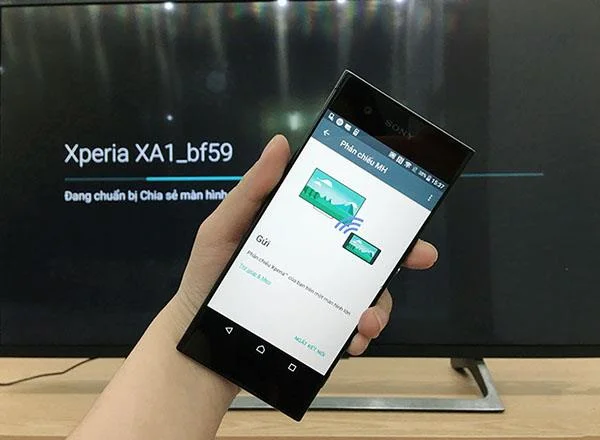
Step 5: Click to select the exact name of the device you want to pair. The TV screen will show the name of the phone you use to connect.


Once the connection is done, all content displayed on your phone will be displayed on the big screen of the TV.

In case you are planning to "pick up" a new Smart TV, you should also pay attention to this useful feature when choosing to buy, this feature will help bring better user experience and enhance the level for your own television.
>>> Refer to the selling prices of some popular television models on the market today.
So with just 5 simple steps, you can successfully connect the phone and TV together through Screen Mirroring feature. Hopefully the above article has brought the most necessary information and wishes you success!