You are using a Panasonic smart TV that owns a Wi-Fi network connection and a smart interface My Home Screen beside a series of entertainment features and applications for users. But you don't know how to connect to the smart TV network . Let WebTech360 learn the steps to connect to the network on Panasonic TV in the article below!
How to connect to a network on Panasonic TVs
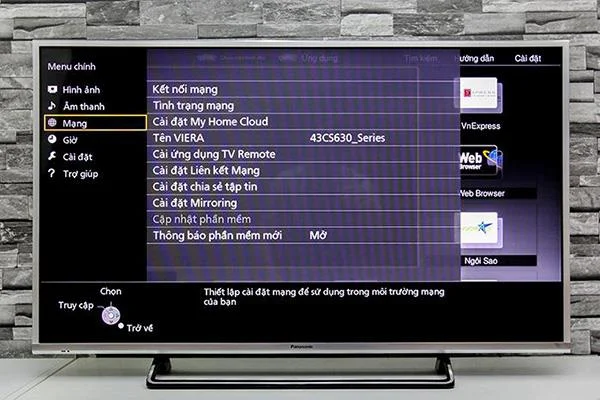
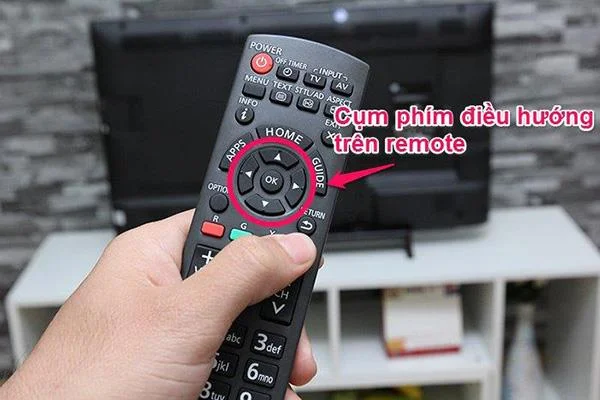
Step 1: Press the Menu button on the remote to enter the main menu of the TV.
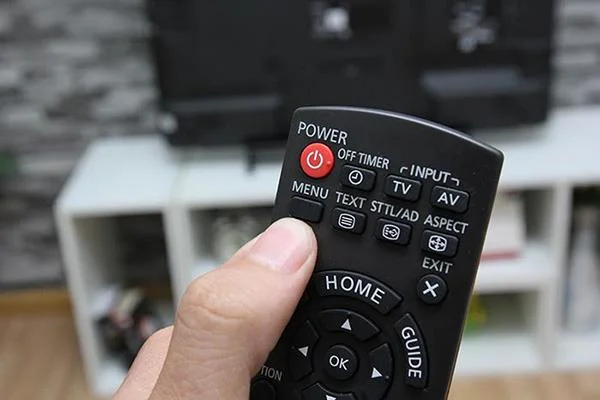
Step 2: At the main menu interface, choose Network on the left side of the screen.

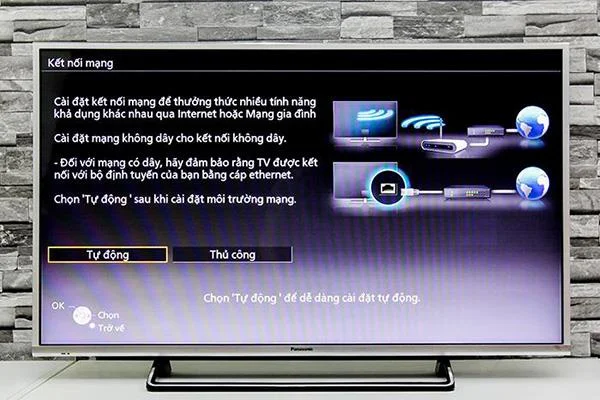
Step 3: In the network window, select the option to connect to the network, then select Automatic.

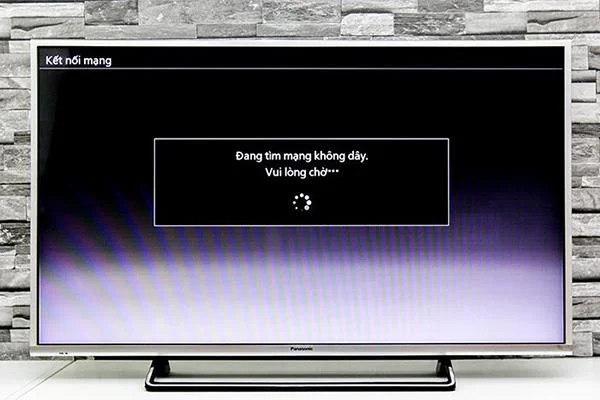
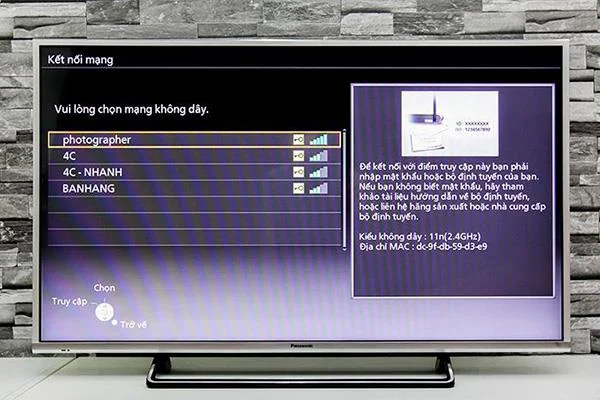
Step 4: After you choose to go to Automatic, the TV will automatically scan for available Wifi networks, after the Wifi network has been scanned, you choose to continue to the Wifi network your family is using.


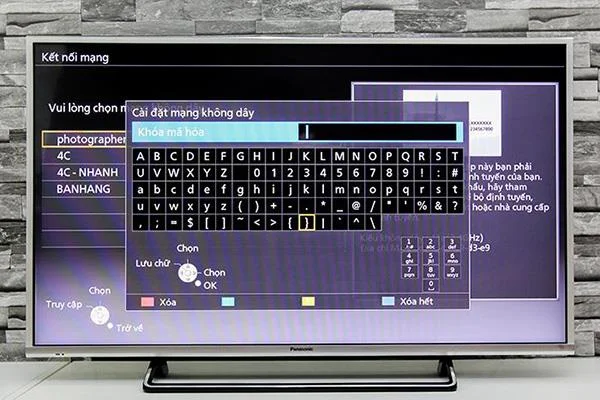
Step 5: If your Wifi network has a password, the TV will display a keyboard window so you can enter the password of the Wifi network into the TV.


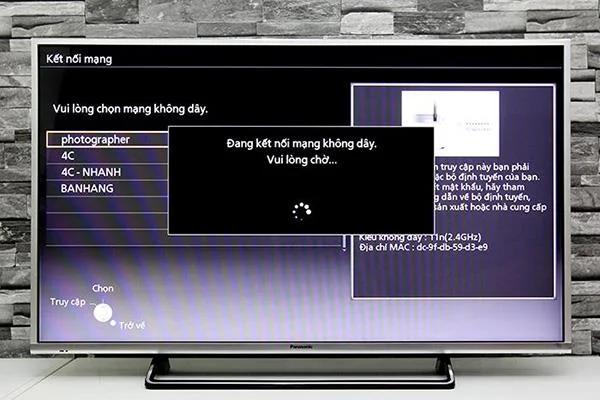
Step 6: Once you've selected the password, press the Return button to confirm, the TV will start connecting to the Wifi. After connecting successfully, you should try any application or website to test Internet connection.

So WebTech360 has instructed you to connect to the network on Panasonic TV already. Wish you successful manipulation!
Some Panasonic TVs support Internet connection: