Kawaii Halloween Decor Without Gore or Jump Scares

Create a gentle Halloween look with pastel colors, friendly ghosts, easy no-carve accents, and practical safety tips for your home.
Hotel rooms may seem clean, but bacteria, dirt, and other nasties lurking on frequently touched surfaces can make your stay less than safe. Here are the dirtiest areas in hotel rooms .
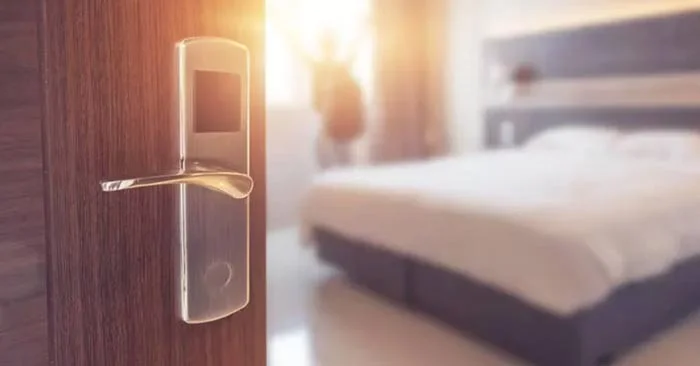
The dirtiest places in a hotel room
Even with strict cleaning procedures, you can never be sure that the glasses in the bathroom or minibar have been properly washed. Worse still, cleaning staff in some establishments will simply rinse the glasses in the bathroom and minibar with water if they don’t appear to have been used. To be safe than sorry, ask for individually packaged disposable cups or bring your own, such as a collapsible cup that’s easy to pack.
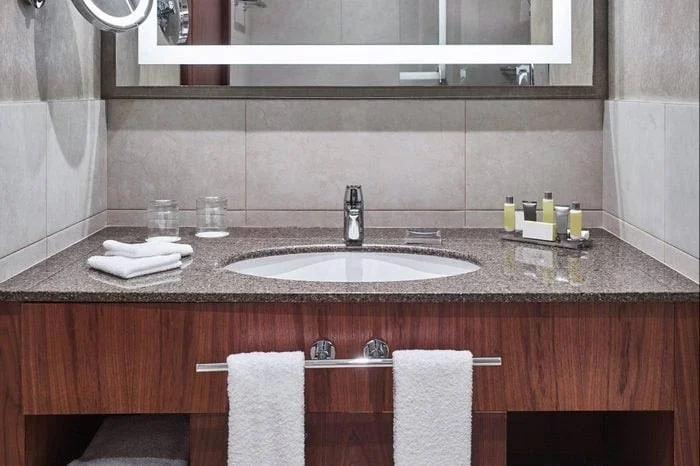
Bacteria often lurk on surfaces in hotel rooms that aren’t cleaned properly, especially in the bathroom. One of the most frequently touched spots? The faucet. Bathroom faucets and toilet seats can sometimes be wiped with the same cloth used to wipe the toilet, transferring fecal bacteria to the faucet and seat. Not only can this lead to gastrointestinal infections, she notes, but it can also carry gastrointestinal and respiratory viruses that remain on the surface. Worse yet, the same cloth can be used from room to room. So it’s a good idea to keep personal hygiene items, like toothbrushes or razors, in a kit you brought from home rather than leaving them on a bare countertop.
Some hotels claim that frequently touched surfaces like TV remotes are sanitized, but is that really the case? Many remotes are now often sealed in the wake of Covid to make them easier to clean, but you should wash your hands after using them. If your remote isn’t covered, you can minimize your exposure to potential contaminants like E. coli left behind by placing it in a thin plastic bag (like a Ziploc bag) to change channels and turn the TV on and off.
A desk is a frequently used, high-touch surface that may not be cleaned as often and is often a place where guests and housekeeping staff can leave dirty clothes. Fortunately, it doesn’t take much effort to clean a desk surface. Give your workspace a good wipe down with a disinfectant wipe before putting down your laptop, papers, or eating.
There’s one particularly nasty place that comes as no surprise: hotel room phones. They’re germ magnets because they’re held so close to your face and mouth. They can harbor E. coli and respiratory viruses from previous guests who spoke into or handled the phone. Given the high risk of exposure to these scary viral elements, it’s best to avoid using your phone in your hotel room altogether. Otherwise, put it on speakerphone.
The bed is arguably the most important item in any hotel room, so if it looks a little dirty, you should ask for fresh bedding before you check in. According to experts, unwashed sheets, blankets, and pillowcases can harbor “organisms that can cause sexually transmitted diseases.” To ensure you get clean pillowcases, always call housekeeping for cleaner ones. And if your bed has decorative pillows? Remove them as soon as you arrive—they’re rarely washed and can harbor bacteria and allergens.
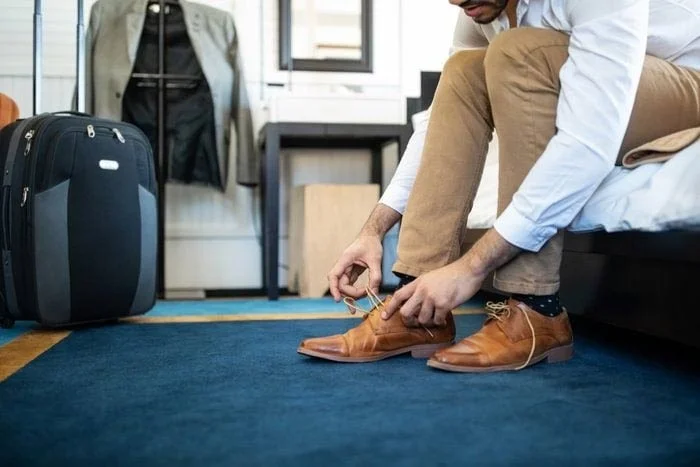
Even if housekeeping is diligent in vacuuming between guests, carpets may not be thoroughly cleaned after each use. Since they are rarely cleaned thoroughly, they can be a breeding ground for bacteria and germs. Health-conscious frequent travelers know to always wear socks or slippers in their hotel rooms and avoid sitting or lying on the carpet.
Create a gentle Halloween look with pastel colors, friendly ghosts, easy no-carve accents, and practical safety tips for your home.
Create a spooky office cubicle with Halloween desk decor ideas that keep your workspace usable, tidy, and mindful of workplace safety.
Plan a recognizable Halloween 2026 look with pop culture costumes inspired by Spider-Man, Supergirl, Toy Story 5, Moana, Mario, and Wednesday.
Sort leftover Halloween candy safely, share or repurpose sealed treats, and choose food use or compost for pumpkins based on their condition.
Compare workplace Halloween costume choices by respect, dress code, mobility, and safety—and learn when a subtle accessory or a policy check is the better option.
Find a couples costume that fits your style, budget, and comfort level, from Addams Family classics to original inside-joke duos.
Need a last-minute high school Halloween costume? Compare 10 easy closet-based ideas by prep time, comfort, school-day practicality, and simple safety checks.
Use a simple 2026 Halloween decorating timeline for indoor décor, outdoor displays, and fresh pumpkins, with practical adjustments for weather and events.
Mix five vivid, approachable Halloween cocktails with measured recipes, simple prep tips, and an alcohol-free option for your party guests.
Find 15 office-friendly Halloween costume ideas for 2026, with practical checks for dress codes, respectful themes, comfort, and workplace safety.








