The Korean electronics - TV companies are always famous for the most advanced technologies, and always tend to lead. Therefore, the power saving mode on its product lines will always be integrated. This article, WebTech360 will guide you on how to enable this power saving mode on LG Internet TVs .
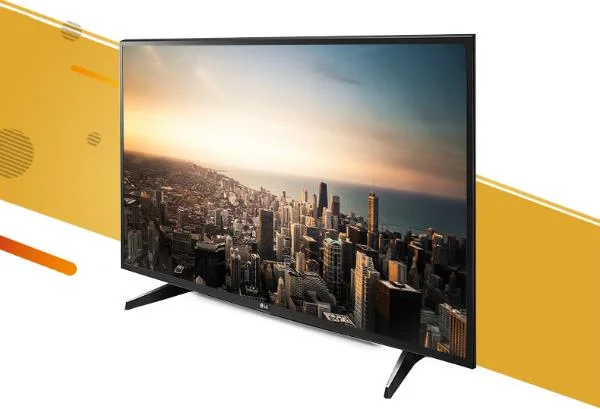
Turn on power saving mode on LG TV Internet
Should I use the TV's power saving mode?
This is probably the question that quite a lot of people ask when it comes to this mode, most users will accept to spend an additional small fee for the electricity bill to get the best visual experience.

Should I use the TV's power saving mode?
However, the advice of WebTech360 to you is that we should enable this mode on our TV. Especially TVs from Korea, their power saving mode will be divided into more levels than TVs of Japanese manufacturers or other countries, so it will not affect the experience too much. experience. If we use this feature we get:
- Reduce the cost of electricity each month.
- Increase the durability and longevity of the product.
- Power saving mode is now very modern, so it will not affect too much picture and sound experience on your TV.
- Reduce the amount of heat radiated on the TV.

Using this mode offers many benefits to us.
Instructions to turn on power saving mode
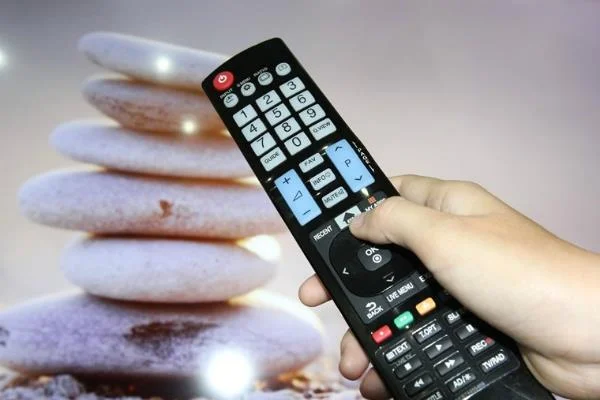
Step 1: Press the Home button on the TV Remote.

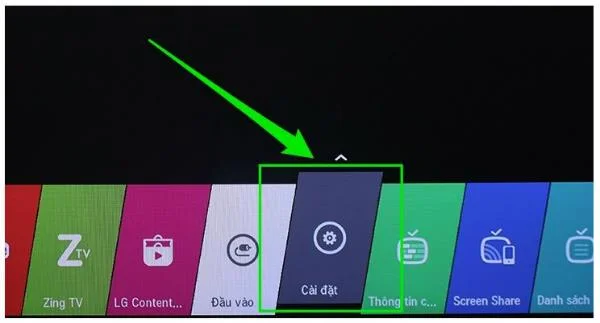
Step 2: Select Settings .

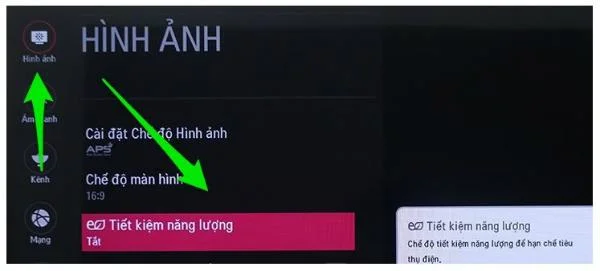
Step 3: Select Photos.
Step 4: Select the Energy Saving line .

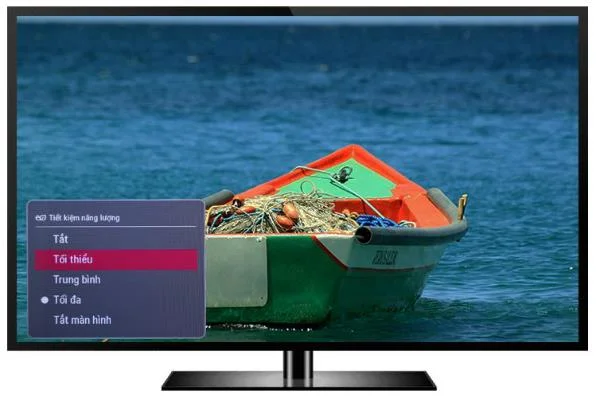
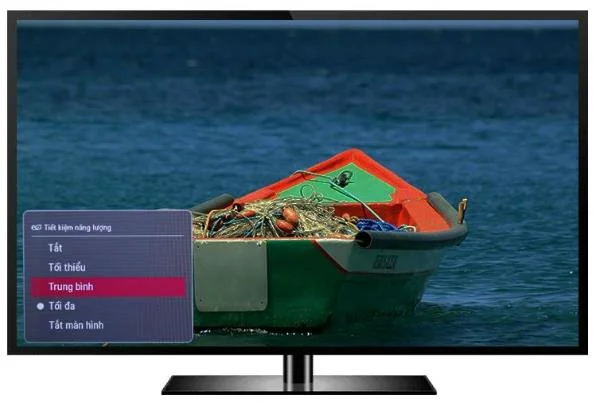
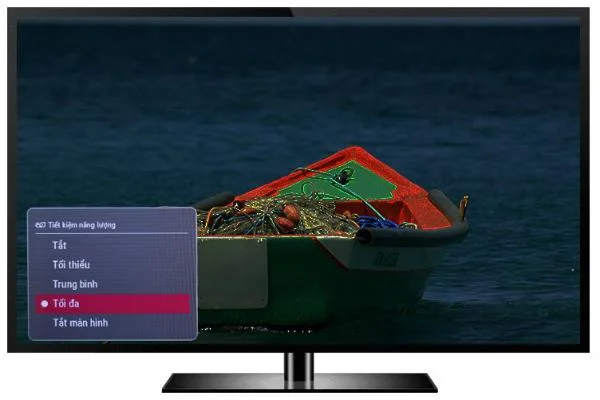
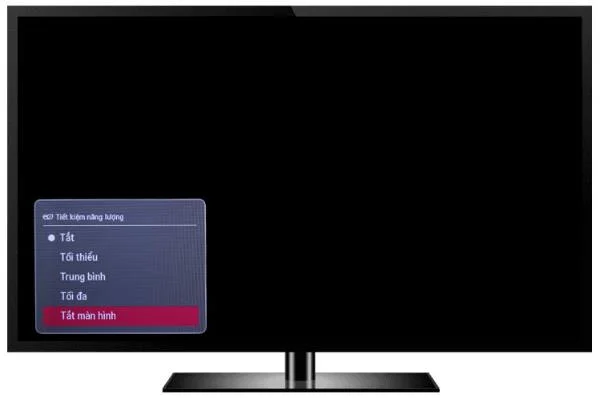
Step 5: Select the savings level for your TV - Min / Average / Maximum / Screen off .

Minimum

Normal

Maximum levels

Turn off the screen
Note: The higher the saving level, the lower the TV screen will be. Especially for the Off screen mode will be extremely suitable for those who like to listen to music but do not like to let the TV screen light.

Screen off mode will be suitable when we listen to music.
See also: LG 2018 TV lineup prices.
Those are the 5 basic steps for you to use electricity more economically and reduce the cost of using your family. Good luck!
>>> See more: How to output audio from LG TV ?
>>> See more: The most premium TVs from LG up to now