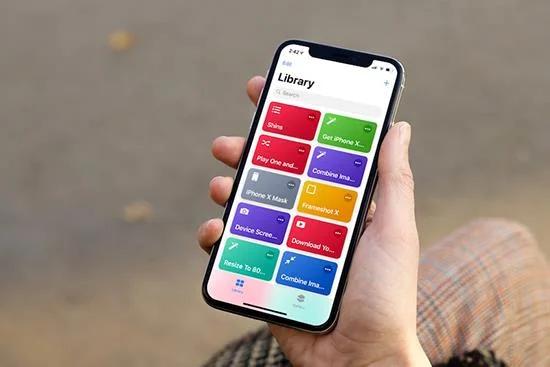
When the launch of iOS 12 , Apple also introduced to users a new application called Shortcuts (shortcut), improved from the Workflow app. In this article, WebTech360 will share with you 10 useful shortcuts that are quite essential for iPhone and iPad users !
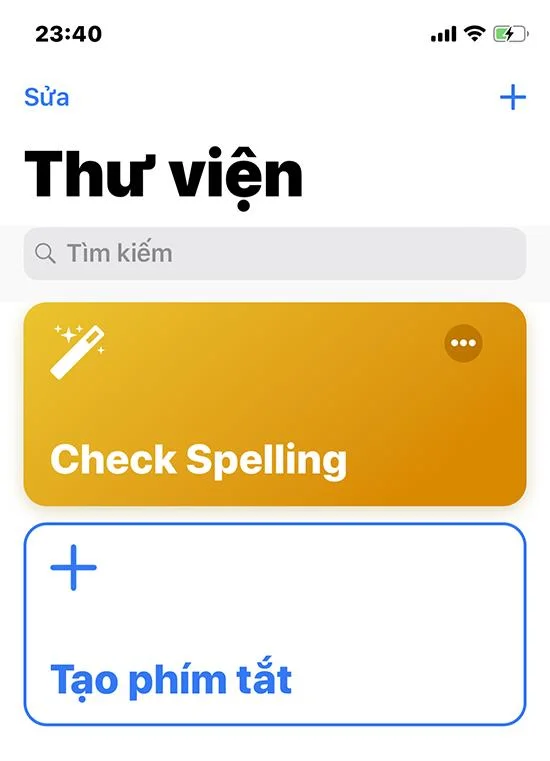
1. Check Spelling
Auto-correct spelling seems to be a feature that is too familiar to smartphone users, but sometimes it cannot keep up with the user's spelling mistakes. With check spelling, you can copy and share any text that needs checking to this shortcut to check and correct errors.
![10 Useful Shortcuts in iOS 12 are essential for iPhone and iPad users]()
Shortcut "Check Spelling"
2. Do Not Disturb Timer
Do Not Disturb on iOS 12 has new improvements, helping you to manage and set the time to do not disturb. With this shortcut, you need to choose the number of minutes or hours and then enter the desired amount of time without being disturbed.
![10 Useful Shortcuts in iOS 12 are essential for iPhone and iPad users]()
Shortcut "Do Not Disturb"
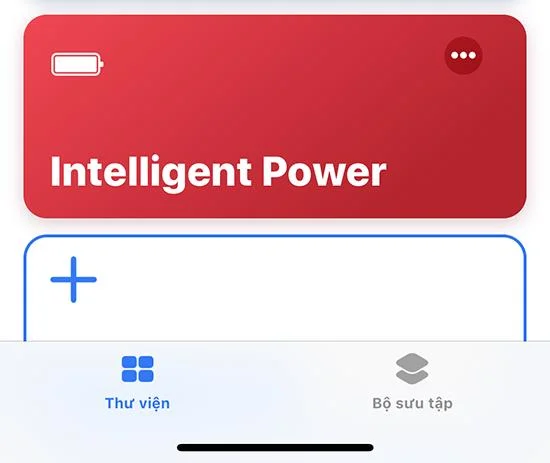
3. Intelligent Power
If you are worried about the battery life of your iPhone or iPad, this shortcut will assist you in comparing the current battery status with the settings in your device and guide you on how to make your device operate more efficiently.
![10 Useful Shortcuts in iOS 12 are essential for iPhone and iPad users]()
Shortcut "Intelligent Power"
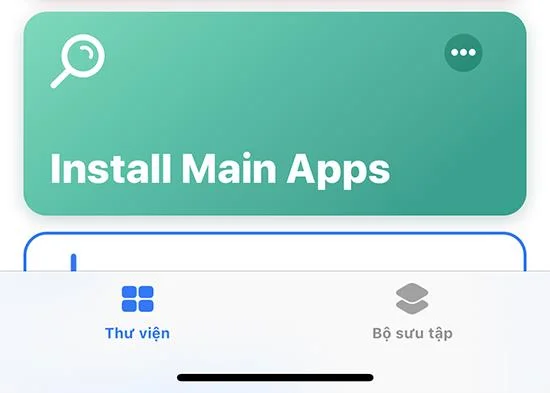
4. Install Main Apps
When using this shortcut, you just need to enter the names of the apps you need to download, it will browse the list and provide a link to the app in the App Store to make it easier for you to download. In addition, this shortcut also supports you to "transform" the video into GIFs!
![10 Useful Shortcuts in iOS 12 are essential for iPhone and iPad users]()
Shortcut "Install Main Apps"
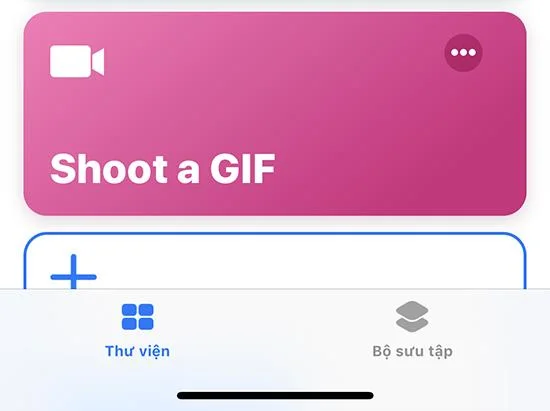
5. Shoot A GIF
This shortcut will open the Camera app, take some photos (default 4), after taking the last photo, it combines them into animated image (GIF).
![10 Useful Shortcuts in iOS 12 are essential for iPhone and iPad users]()
Shortcut "Shoot A GIF"
6. Time Machine
Shortcut Time Machine helps you to "review" memories "of the old days" in the camera. You can customize it to see pictures from 1, 2 or more years ago.
![10 Useful Shortcuts in iOS 12 are essential for iPhone and iPad users]()
Shortcut "Time Machine"
7. Download File
Downloading files on iOS is quite arduous. However, everything will be very simple when there is Download File. You can share links to files in Shortcuts. The app then automatically downloads the file and asks you for the folder you want to save.
![10 Useful Shortcuts in iOS 12 are essential for iPhone and iPad users]()
Shortcut "Download File"
8. Unzip And Save
It is also difficult for iOS devices to handle ZIP archives. However, when running this shortcut, you can easily extract the ZIP file on your iPhone or iPad.
![10 Useful Shortcuts in iOS 12 are essential for iPhone and iPad users]()
Shortcut "Unzip And Save"
9. Expand URL
Shortened links can be used to mask the landing page of the URL. If you suspect a link has a bit.ly extension, you should use this shortcut to check the full URL.
![10 Useful Shortcuts in iOS 12 are essential for iPhone and iPad users]()
Shortcut "Expand URL"
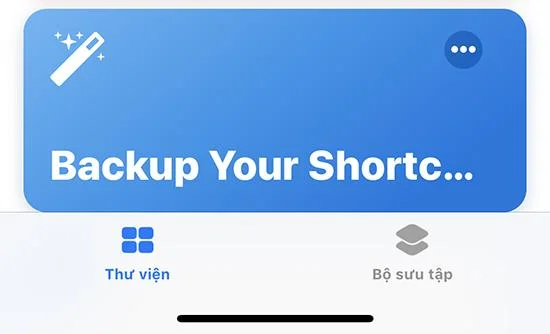
10. Backup Your Shortcuts
With this shortcut, you can back up the shortcut in case your shortcuts go wrong as they are synced by default via iCloud between iOS devices.
![10 Useful Shortcuts in iOS 12 are essential for iPhone and iPad users]()
Shortcuts "Backup Your Shortcuts"
These 10 useful shortcuts will help you optimize the performance of your iOS devices, while saving you a lot of time. What are you waiting for without creating useful and convenient shortcuts for yourself and "mobile phone"!