11 Ways to Find a Lost TV Remote Quickly and Effectively

The TV remote control is an “inseparable item” with the TV and is the device that helps you use the TV most conveniently. Therefore, every time the TV remote control is lost, many people often get “mad” and frustrated. To avoid that negative feeling, please refer to our solutions below!

Quick View

Check out the possibilities

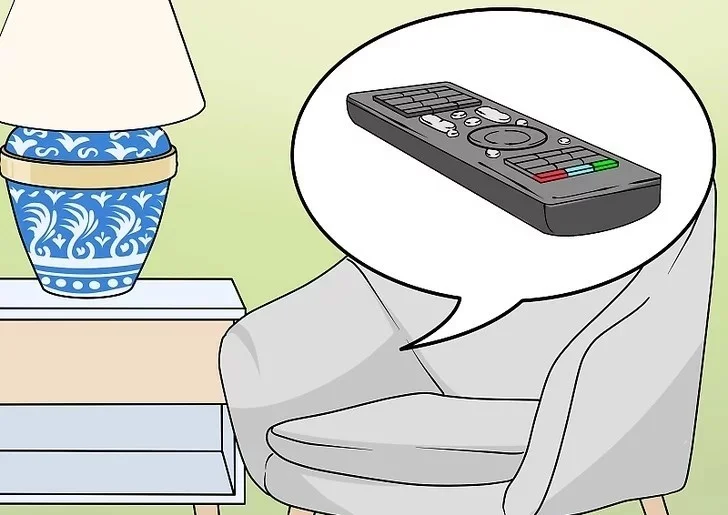
Many people tend to leave the remote near the TV or where they sit to watch TV, usually on the sofa or in bed. Therefore, the places around where you sit to watch TV are the most likely places to leave the remote.

Look in hard-to-see places

Remote controls are often covered by books, magazines, blankets and coats or wedged between cushions and chairs. TV remote controls are also often placed on top of refrigerators, next to kettles, bookshelves, chests of drawers, etc.
11 Ways to Find a Lost TV Remote Quickly and Effectively

Remember the places you have been

You may have taken the remote control with you and put it somewhere while you were thinking about something else. So, think about whether you left the remote control somewhere while you were walking to the bathroom, bedroom, kitchen or in front of the toilet door.

Also, if you have eaten or drank anything within a few hours, check the refrigerator, as you may have left it on top or nearby.

11 Ways to Find a Lost TV Remote Quickly and Effectively

Look in the sheets or blankets

If you are someone who watches TV in bed, this method is very effective. The TV remote is usually under the bed sheet or blanket. The best way to find it is to run your hand along the sheet until you feel something that resembles a remote. If you still can’t find it, look around the bed, check areas like under the bed, the foot of the bed, etc.

11 Ways to Find a Lost TV Remote Quickly and Effectively

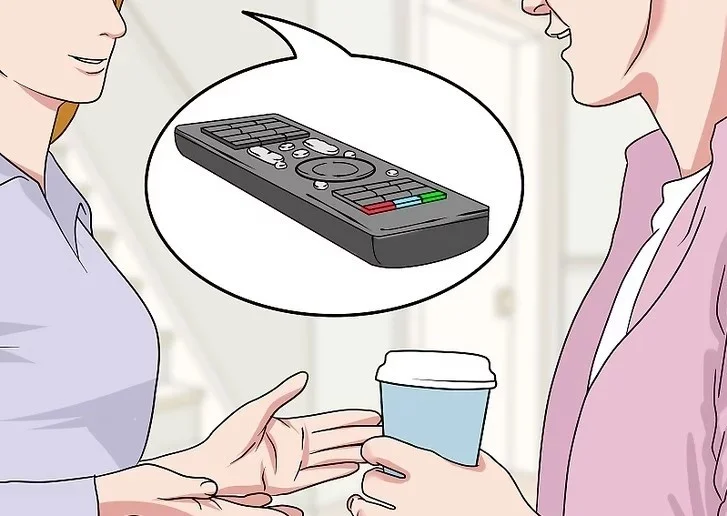
Ask other family members

If someone else has recently used the TV remote, that person may be able to give you a clue as to its location. It may have been placed somewhere you don't normally put it or somewhere you don't normally go.

11 Ways to Find a Lost TV Remote Quickly and Effectively

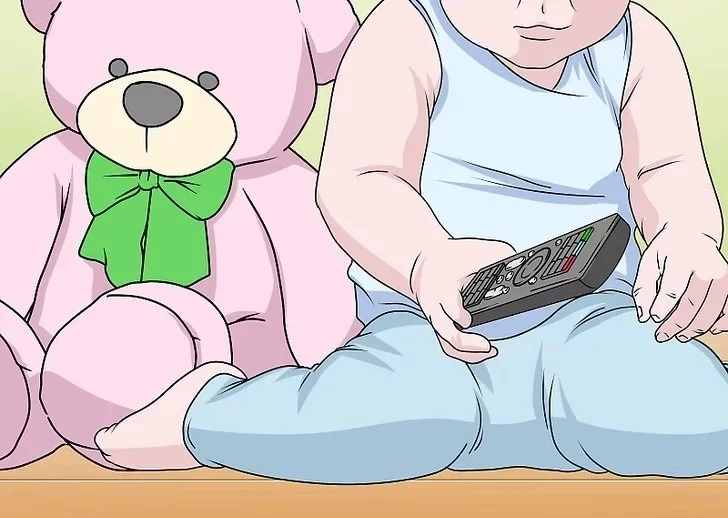
Determine who held the remote

Maybe your sibling brought the remote into the room and forgot to put it back. Maybe someone hid the remote to tease you. Or maybe your dog grabbed the remote and took it somewhere. Think about who could have had the remote.

11 Ways to Find a Lost TV Remote Quickly and Effectively

Please help

Ask a friend or family member to help you find it, this will save you time and give you a better chance of finding the remote control. Who knows, people might find it in places you never normally leave it!

Pay attention and remember

If you keep an eye on the remote more, you’ll be less likely to have to look for it. Try to be mindful and aware when you put the remote away. Memorize the image of the device and the context so you can remember where the remote is.

To stay in a fixed place

If you don’t want to waste time looking for the remote, it’s best to keep it in a fixed place. You can choose to put it on the coffee table, next to the TV, or in a case and put it on the sofa or coffee table or wherever you can see it most easily.

11 Ways to Find a Lost TV Remote Quickly and Effectively

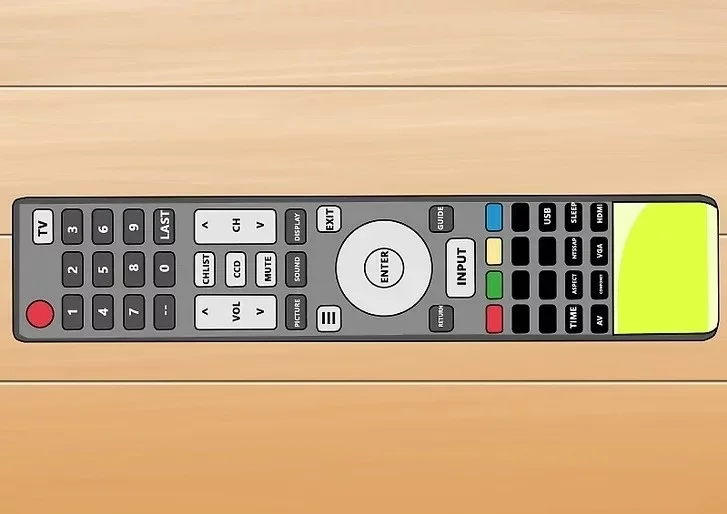
Make the controls stand out more

You can stick bright, reflective tape or ribbons, glue plastic feet to the device, or add any details that you feel can make it look more impressive and outstanding without hindering the features of the device.

11 Ways to Find a Lost TV Remote Quickly and Effectively

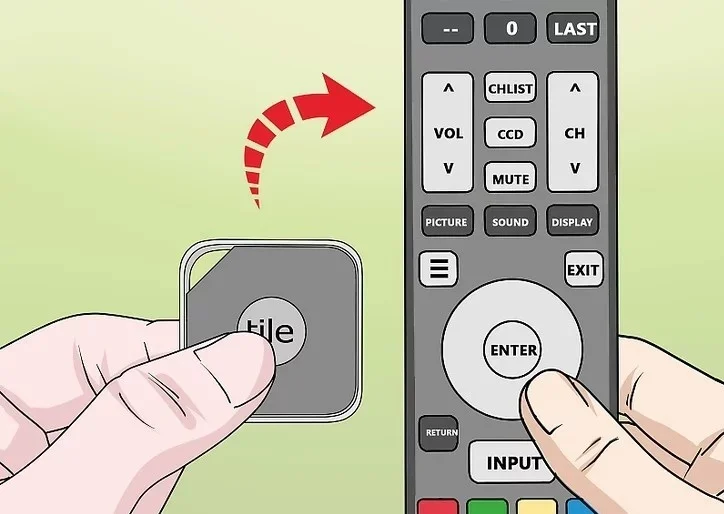
Install GPS tracker for control

Many companies now sell small tracking devices that link to smartphone apps. Attach the tracking device to your TV remote in case it gets lost. Your smartphone will beep or flash when it gets close to the remote. Some apps even have the ability to find remotes that are far away from you. However, location tracking devices are quite expensive.

11 Ways to Find a Lost TV Remote Quickly and Effectively

Above are 11 ways to find the remote when it is lost. Apply these methods to find the remote as quickly as possible! Good luck!

Leave a Comment

How to Fix Microsoft Teams Undefined Error (2026)

How to Fix Microsoft Teams Undefined Error (2026)

Struggling with Microsoft Teams 'Undefined Error' (2026)? Discover proven, step-by-step fixes like clearing cache, updating the app, and more. Get back to seamless collaboration fast!

How to Disable Microsoft Teams at Startup for Better PC Performance

How to Disable Microsoft Teams at Startup for Better PC Performance

Discover simple, step-by-step methods to disable Microsoft Teams at startup and unlock better PC performance. Faster boot times, less resource drain—perfect for Windows users seeking smooth operation.

How to Fix Microsoft Teams Network Error Offline

How to Fix Microsoft Teams Network Error Offline

Stuck with Microsoft Teams "Network Error" offline? Discover proven, step-by-step solutions to fix Microsoft Teams network error offline quickly. Get back online fast—no tech skills needed!

Solving Microsoft Teams Error 4oggx

Solving Microsoft Teams Error 4oggx

Struggling with Microsoft Teams Error 4oggx? Discover proven fixes to resolve sign-in failures, crashes, and connectivity issues fast. Get back to productive calls without frustration!

How to Fix Microsoft Teams Remove Account Data Error

How to Fix Microsoft Teams Remove Account Data Error

Encountering the frustrating Microsoft Teams "Remove Account" Data Error? Discover quick, reliable fixes like clearing cache, resetting the app, and more to get back to seamless collaboration without losing data. Updated with the latest solutions.

Troubleshooting Microsoft Teams Layout Error Sidebar

Troubleshooting Microsoft Teams Layout Error Sidebar

Tired of the frustrating Microsoft Teams "Layout Error" Sidebar? Follow our proven, step-by-step troubleshooting guide with the latest fixes to get your Teams sidebar working smoothly again. No tech skills needed!

Troubleshooting Microsoft Teams Offline Error in 2026

Troubleshooting Microsoft Teams Offline Error in 2026

Stuck with Microsoft Teams offline error in 2026? Discover proven troubleshooting steps, common causes, and quick fixes to restore your connection fast. No tech skills required!

How to Fix Microsoft Teams Error M Memory

How to Fix Microsoft Teams Error M Memory

Tired of Microsoft Teams crashing with "Error M" memory issues? Follow our step-by-step guide to fix Error M in Teams, clear cache, update software, and boost performance—no tech skills required!

Step-by-Step: Setting Up Microsoft Teams Town Hall Events

Step-by-Step: Setting Up Microsoft Teams Town Hall Events

Discover the easiest step-by-step guide to setting up Microsoft Teams Town Hall events. Host massive virtual gatherings effortlessly with pro tips for seamless execution. Perfect for leaders and organizers!

How to Fix Microsoft Teams Download Error for PC

How to Fix Microsoft Teams Download Error for PC

Struggling with Microsoft Teams "Download Error" on PC? Discover proven, step-by-step fixes to resolve download failed issues quickly. Get back to seamless collaboration in minutes—no tech skills needed!

Troubleshooting Microsoft Teams Error L License

Troubleshooting Microsoft Teams Error L License

Stuck with Microsoft Teams "Error L" License error? Follow this step-by-step troubleshooting guide to resolve licensing issues quickly, restore access, and boost productivity without IT hassle. Updated with latest fixes.

Troubleshooting Microsoft Teams Video Call Freezing

Troubleshooting Microsoft Teams Video Call Freezing

Tired of Microsoft Teams video call freezing mid-meeting? Follow this proven troubleshooting Microsoft Teams video call freezing guide with quick fixes, advanced tips, and real solutions to restore smooth video instantly.

How to Fix Microsoft Teams Download Failed Due to Unexpected Error

How to Fix Microsoft Teams Download Failed Due to Unexpected Error

Frustrated by Microsoft Teams 'Download Failed Due to Unexpected Error'? Discover proven, step-by-step solutions to fix this common issue quickly and get back to seamless collaboration. Updated with the latest fixes for peak performance.

Why Did My Microsoft Teams Recording Fail? Common Reasons

Why Did My Microsoft Teams Recording Fail? Common Reasons

Frustrated because your Microsoft Teams recording failed? Uncover the top common reasons like permissions issues, storage limits, and network glitches, plus step-by-step fixes to prevent future failures and record flawlessly every time.

Solving Microsoft Teams Error B Connection

Solving Microsoft Teams Error B Connection

Struggling with Microsoft Teams "Error B" connection? Discover step-by-step fixes for smooth connectivity. Clear cache, check networks, and more in this ultimate guide to resolving Error B instantly.