Home
» Wiki
»
4 disadvantages of using handheld consoles
4 disadvantages of using handheld consoles
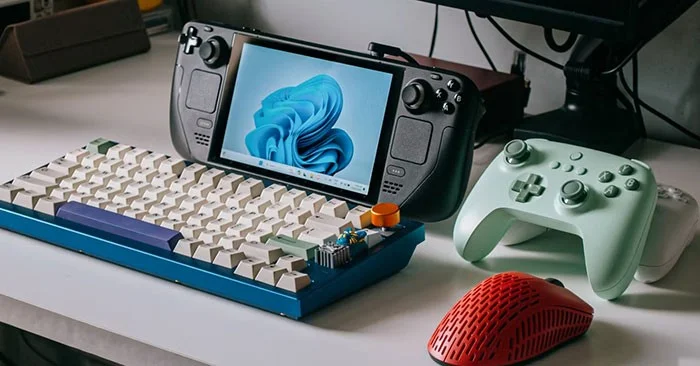
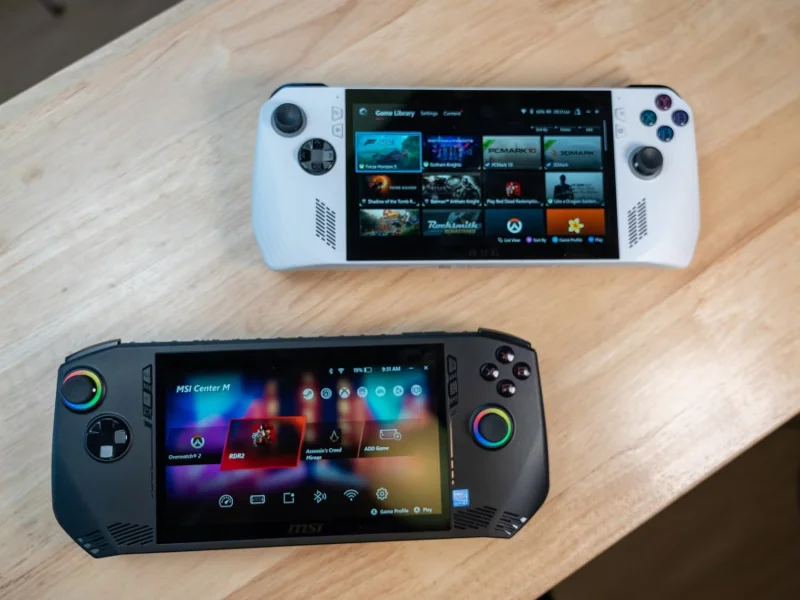
Handheld consoles are still very much alive, and there are plenty of strong new options, like the Steam Deck, alongside old favorites like the Switch or PSP. However, there are still some downsides.
1. Find the right time
The biggest problem with handheld consoles is finding the right time to play them. For young people, there are always opportunities — during the school day, the short time before dinner, or an hour or two in bed before lights out. But, these days, those golden opportunities to play video games are often golden opportunities to do other, more important things.
On the rare occasions when they do have time to play games, people are more likely to turn on the TV and play on the big screen than reach for a handheld console.
2. Compact size affects comfort
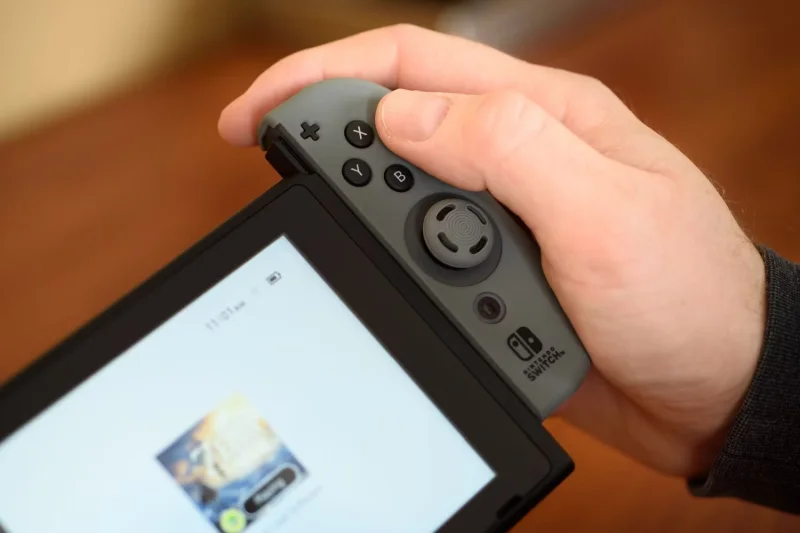
An equally important drawback is the size, and not just the screen – the small controller is also an issue for many. Whether it’s docked or detachable, the small buttons and joysticks are uncomfortable to use and can cause serious hand fatigue after playing for a while.
Handheld devices can cause not only hand fatigue, but also body fatigue! The small screen size and compact nature of handheld devices seem to require users to have a slightly hunched posture, with their heads down and elbows tucked in.
Sitting like this for long periods of time is uncomfortable and can cause neck, shoulder and back problems. Again, it’s hard to see why this is appealing when you can sit comfortably on the sofa, use a full-sized controller and play games on the living room TV.
3. Limited capabilities
What most of the best handheld consoles have in common is that they are dedicated to one thing: playing games. They often don’t do much else. Many include an Internet browser, a media player, and app or email support, for example. However, the interfaces for these features are often clunky and slow. You can easily pull out your smartphone to complete any online task instead of dealing with a slow menu screen and an awkward keyboard on a handheld.
Furthermore, if you decide to listen to YouTube or stream media on your portable device, you may find that the sound quality can be subpar. Since these devices are designed to be as portable as possible, there is often not much room for high-quality speakers. Instead, music tends to sound tinny, lacking clarity, and lacking volume.
Finally, we come to battery life. In an effort to keep handhelds as light and small as possible, expected usage time between charges can be an issue. The Nintendo Switch, for example, can only last 2.5 hours when performing intensive tasks, and even the latest Steam Deck runs out of battery after about 3 hours of heavy gaming.
When the battery runs out, it's time to recharge or continue using the device while plugged in, which again begs the question, why not just use a regular console?
However, it would be a bit of an exaggeration to say that handhelds are unnecessary, and they do fill a specific need in the market, especially among the younger generation. If you care more about a comfortable experience, then it might be time to forget about handhelds and move on to standard controllers and big-screen TVs.