After a period of use, you should clean up your iPhone again so that it becomes softer and smoother, with plenty of free memory for you to enjoy taking photos and recording videos. So please follow this article with me to clean your iPhone.
Quick start Guide:
I. Delete unused applications.
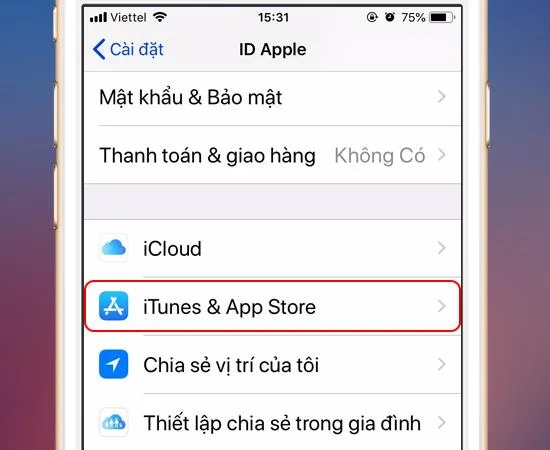
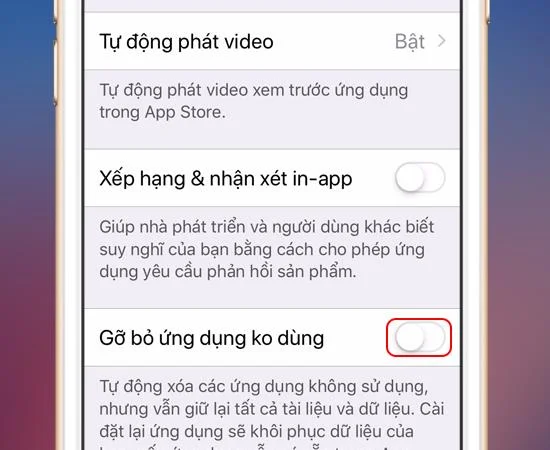
Settings -> Apple ID Account -> iTunes and App Store -> Remove unused apps.
II . Delete call history
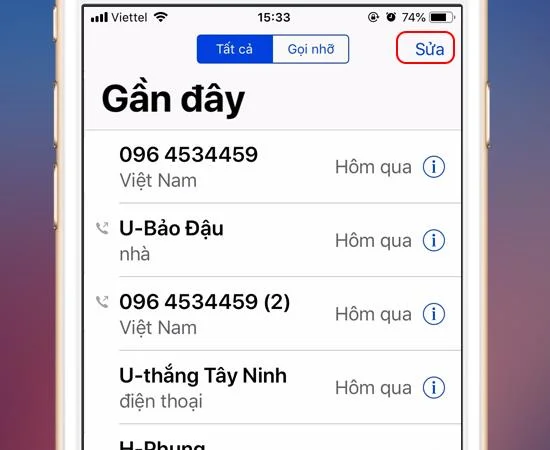
Phone -> Recent -> Edit -> Delete -> Done.
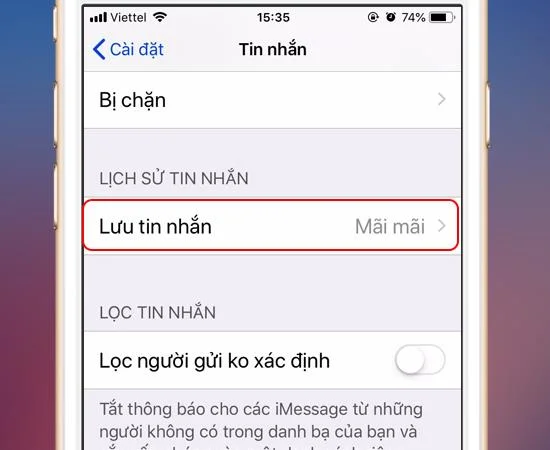
III. Delete old messages on iPhone.
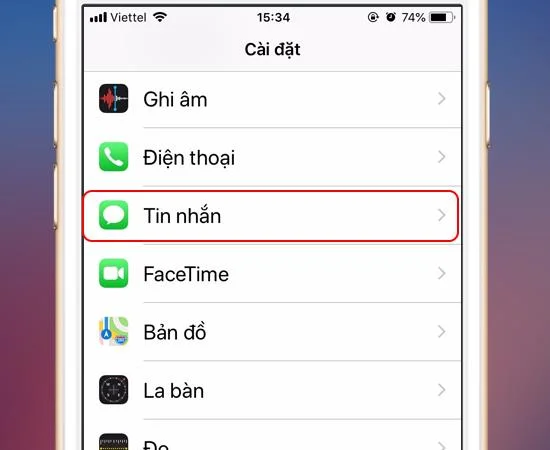
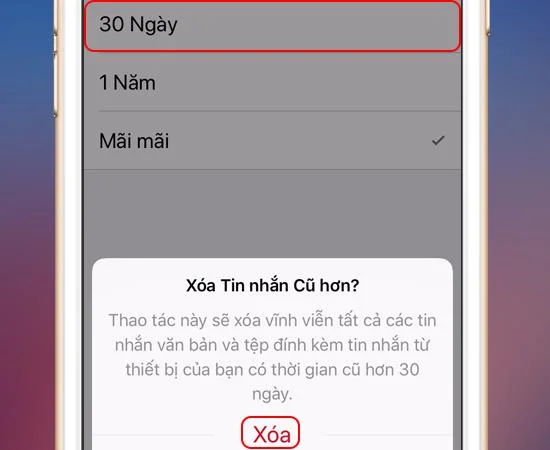
Settings -> Messages -> Save messages -> 30 days -> Delete.
IV. Delete browsing history.
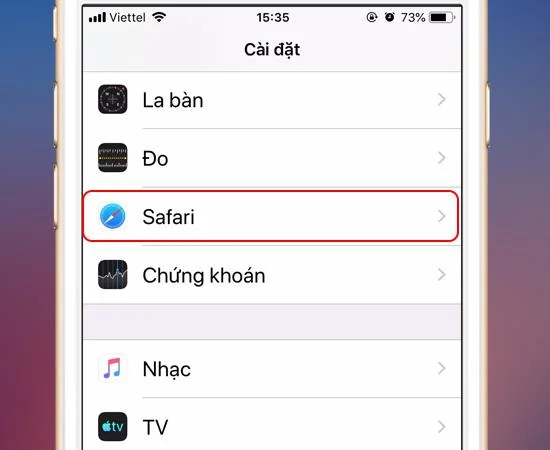
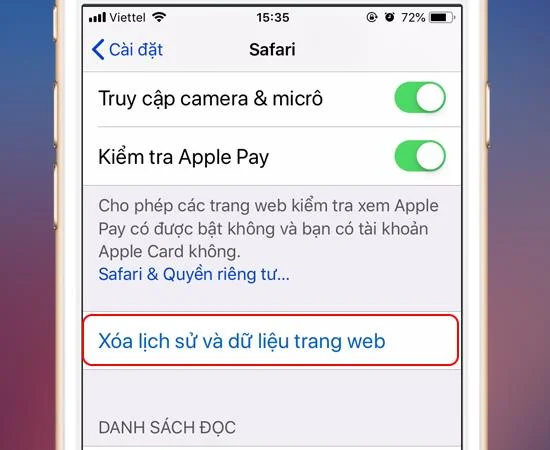
Settings -> Safary -> Clear history and website data .
I. Delete unused applications.
Step 1: First go to Settings -> Your Apple ID Account .
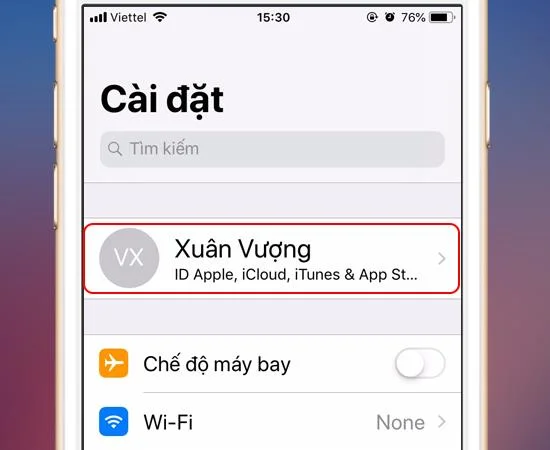
Step 2: Select iTunes and App Store

Step 3: Choose Remove apps you don't use.
>>> See more: How to set MP3 as ringtone for iPhone?

II . Delete call history
Step 1: First go to Phone -> Recent -> Edit.

Step 2: Select Delete -> Done to delete the call history.

III. Delete old messages on iPhone.
Step 1: You choose Settings -> Messages.

Step 2: Click Save message.

Step 3: Next, choose to save for 30 days - > Delete to delete messages older than 30 days

IV. Delete browsing history.
Step 1: Go to Settings -> Safari.
>>> See more: 3 steps to turn off the sound to take pictures on the Japanese iPhone lock is the easiest .

Step 2: Then select Clear History and Website Data .

Your setup is complete. With the tips above, you can make your iPhone smoother to start the new year.
Good luck!