When buying a TV, people are looking for quality and reliability, which can only be found in reputable brands. That's why you should only buy a product from one of these 6 manufacturers when you want to upgrade your next TV.
1. Samsung
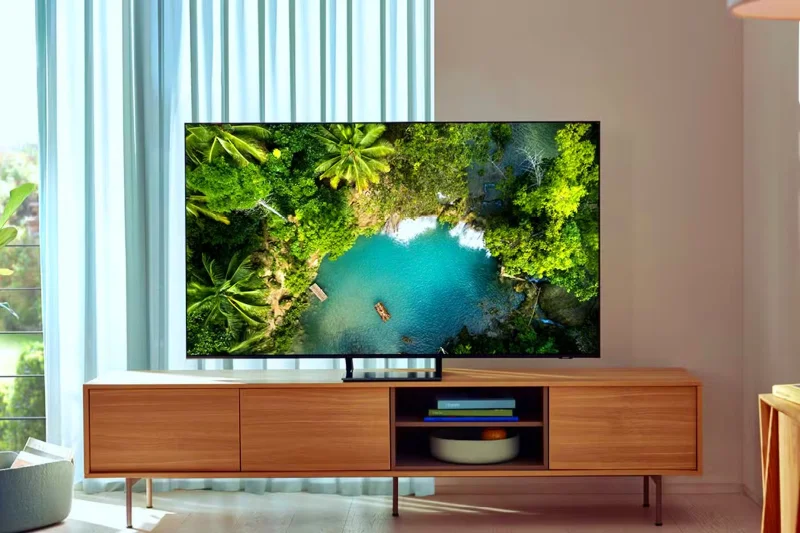
Samsung QLED TV in the living room
Thanks to constant innovation in this area, Samsung is one of the best TV brands on the market. Huge investments in pushing the boundaries of quantum dot technology and mini-LED backlighting mean Samsung displays are some of the best options on the market today. Samsung pioneered QLED technology , which delivers incredible color accuracy and higher peak brightness.
The company also pioneered Neo-QLED, an innovation for QLED displays that offers better contrast ratios and better local dimming control, like the QN85D QLED series and the QN90D series. And if OLED is your thing, the company also sells several models with OLED panels, like the S90D.
Another important factor that makes Samsung TVs appealing is the software, with the company's Tizen OS offering a user-friendly, feature-rich interface. The company also provides long-term updates and software support.
2. LG
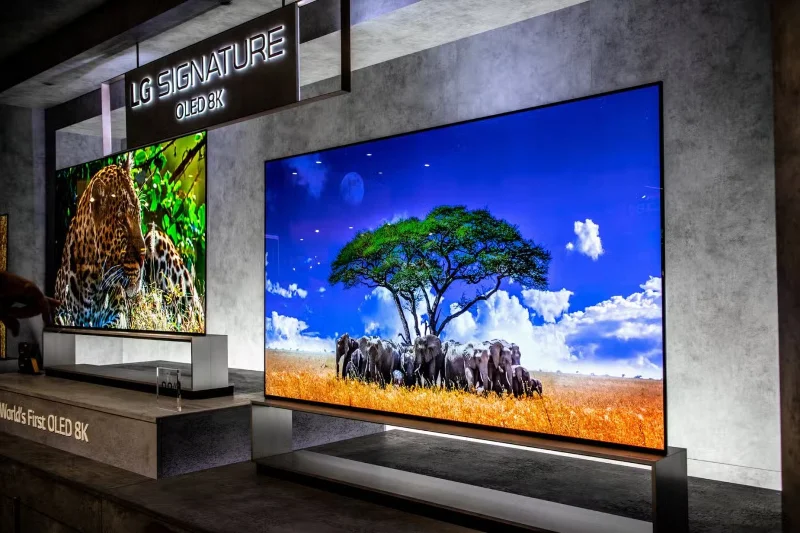
LG smart TVs on display at tech show
LG pioneered OLED display technology and remains one of the best TV manufacturers to buy if you need a self-illuminating display with perfect blacks, wider viewing angles, and infinite contrast ratios. But it doesn’t stop there. With its OLED Evo display technology , the company has improved upon traditional OLEDs with peak brightness and better efficiency. You can find this cutting-edge display technology in the LG G4 and C4, the company’s best TVs.
Another unique selling point of LG smart TVs is their support for Dolby Vision and Dolby Atmos , which deliver superior sound quality and HDR. On the internal hardware side, LG hasn’t cut corners – it’s included its flagship alpha processor for the best performance. On the software side, LG TVs feature webOS, one of the best smart TV platforms on the market.
3. Sony
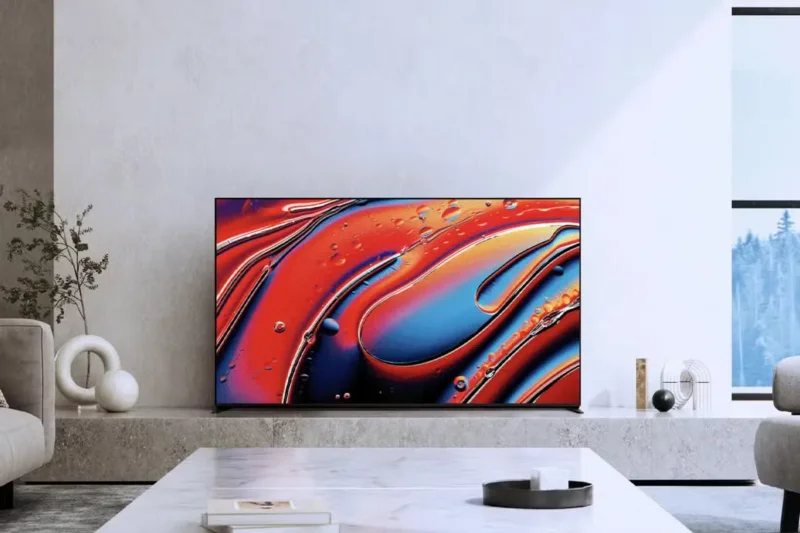
Sony Bravia 9 85-inch QLED 4K TV
Sony is a highly regarded brand in the TV market for good reason. For starters, the company has set itself apart by offering the best picture processing technology among modern TV brands through its flagship XR processor. While the company doesn’t manufacture its display panels, it sources them from the best companies in the market, like LG and Samsung Display. For example, the Sony Bravia 9 (the company’s 2024 flagship TV) uses a Samsung QLED panel.
In addition to the processor and panel, modern Sony TVs use Android TV , the best smart TV platform. If you use Netflix to watch movies and TV shows, Sony offers a unique Netflix Calibrated Mode that ensures you watch content with the picture quality you expect.
4. Hisense
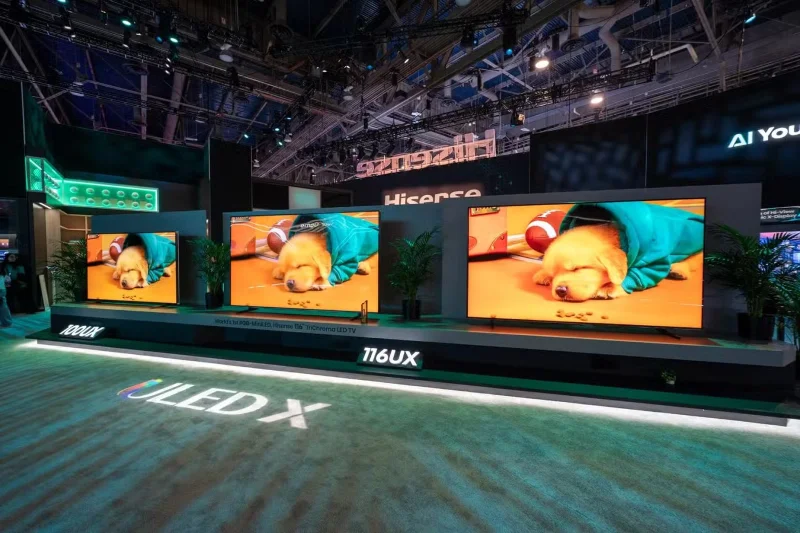
Hisense 100 inch UX TV models
Hisense is known for its excellent value TVs, offering some high-end features at mid-range prices. The company’s U-series TVs offer solid picture quality at this price point, thanks to their ULED display technology. Despite starting out as a budget brand, the company has significantly improved its lineup and now competes with premium options from other brands.
On a tight budget, many will choose this brand for its excellent picture quality at an affordable price. The company's in-house VIDAA smart TV platform isn't the best, but thankfully it includes Google TV on some models like the U8N.
5. TCL
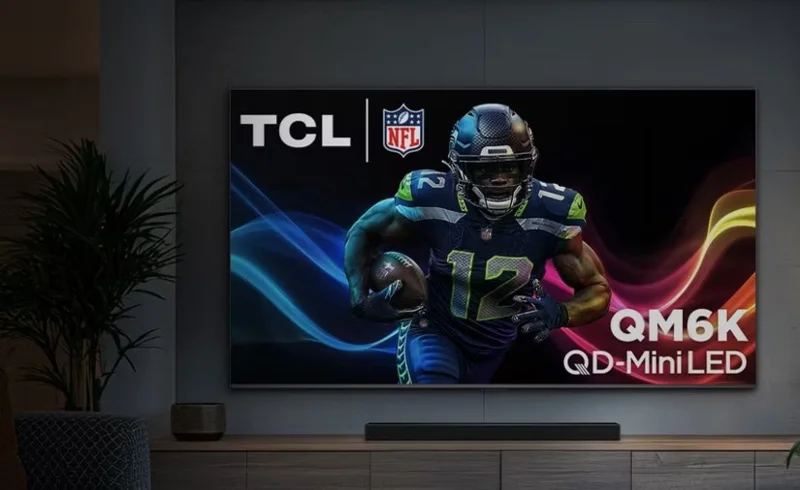
TCL QM6K 2025 TV
TCL is another solid budget TV brand that offers great specs at a lower price point, making it an easy choice if you don’t want to spend a fortune on your next TV upgrade. Unlike the others, the company hasn’t been around for long, but by following the same strategy as Hisense, it now has a respectable lineup of TVs that can compete with the likes of Samsung, Sony, and LG.
The company has bet big on mini-LED backlighting technology, which delivers deeper blacks and peak brightness. For the best gaming experience, TCL TVs also have great gaming features, like 240Hz refresh rates and a gaming mode with lower input lag, like the QM8.
6. Panasonic
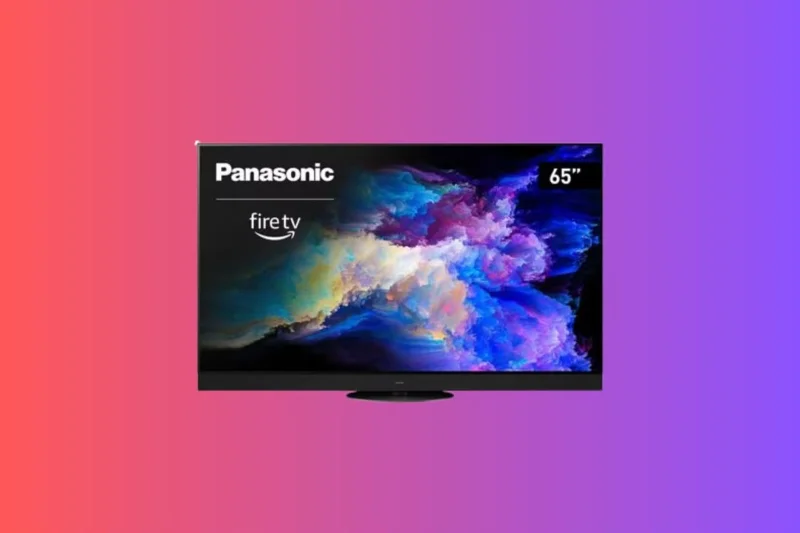
Smart TV Panasonic Z95A OLED
Panasonic OLEDs are considered to be some of the best in terms of pure cinematic quality. The only downside is that they are only available in certain regions. Panasonic TVs stand out because they work with Hollywood filmmakers to tune the colors to ensure the best picture quality.
If you want a TV that’s factory-tuned for the best color accuracy, go with Panasonic. Panasonic TVs also use Amazon’s Fire TV platform, which is one of the best options on the market. If you want the best of Panasonic, the Z95A is a solid choice, packed with features.
When buying a TV, you should choose reputable brands that offer the best picture quality money can buy or the best value. Avoid buying cheap, unbranded TVs as they may not offer the best quality or even a warranty if something goes wrong. If you buy from any of these six brands, you are sure to get a great TV that will serve you well for many years.