Samsung Health is a very convenient health check-up application, you can easily check your health with the sensor without any other aid. Support users to control stress, number of steps, amount of water, daily caffeine use, ...
1. Benefits of Samsung Health:
- Health can be managed without using other devices.
- Helping the user to adjust his / her daily routine to help his body become stronger.
2. How to measure heart rate on Samsung Health:
Quick start Guide:
Go to Samsung Health app -> Select stress / heart rate measurement -> Place your index finger on the sensor and keep silent -> Wait for the measurement to finish -> You should see your metrics .
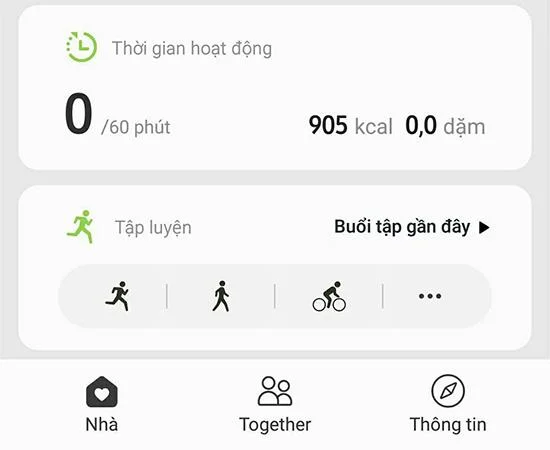
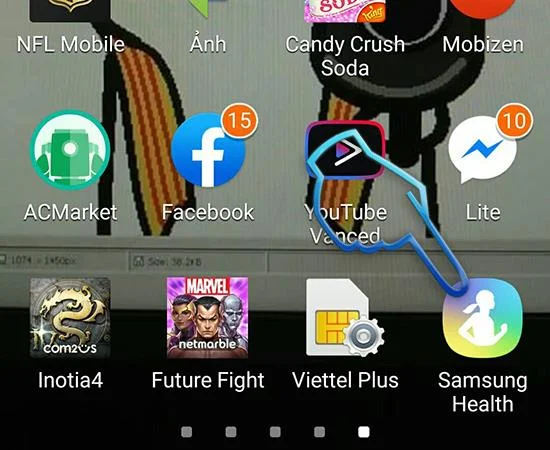
- Step 1: Go to the Samsung Health app . If your device does not have, download / update it here .
- Step 2 : Tick agree to the terms of use and privacy policy .
![7 steps to measure heart rate on Samsung Galaxy S8]()
- Step 3: Click next and you will go to the main screen of Samsung Health . Here your phone will start monitoring your health parameters.
![7 steps to measure heart rate on Samsung Galaxy S8]()
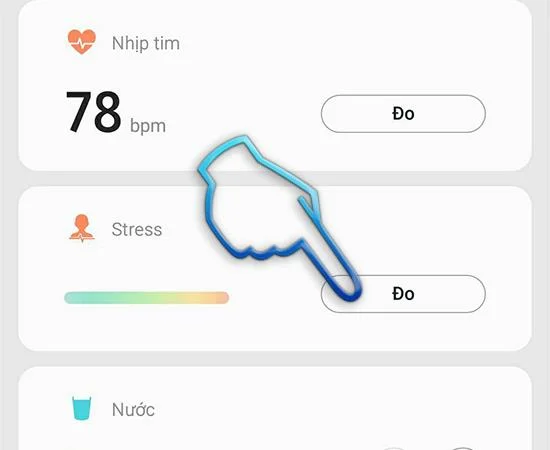
- Step 4: Scroll down you will see heart rate measurement and stress measurement, etc.
- Step 5: Click on stress measurement for sensor to measure synthetic index.
![7 steps to measure heart rate on Samsung Galaxy S8]()
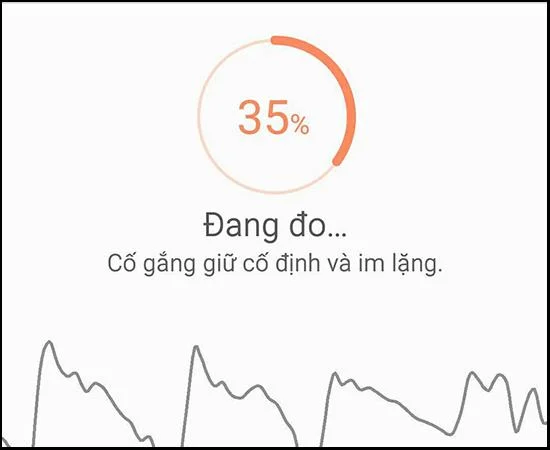
- Step 6: Follow the instructions to place your index finger on the sensor and keep quiet .
![7 steps to measure heart rate on Samsung Galaxy S8]()
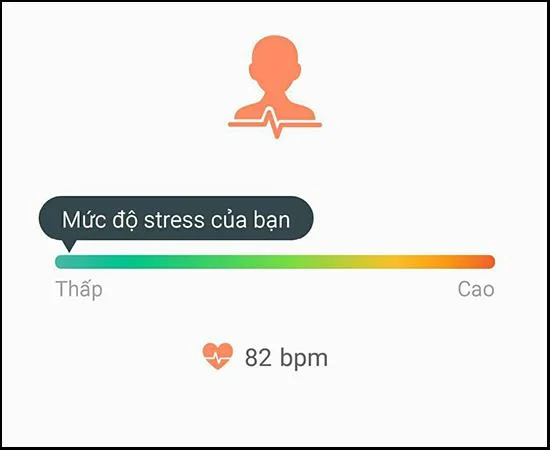
- Step 7: After the measurement is complete you can see results like your tress and heart rate.
![7 steps to measure heart rate on Samsung Galaxy S8]()
In addition to health indicators you can use functions like water management, caffeine, set water reminders to improve your health. Thank you for your interest!
See more:
- Install 4G mode on Samsung Galaxy A3 2016
- How to play games on Xiaomi Mi MIX
- Test order for Samsung device
- Samsung warranty activation guide
WebTech360 FAQ