
How to Update Google Chrome Browser

Learn how to update Google Chrome browser on Windows, Mac, and Android in minutes to enjoy better security, speed, and new features. Follow these clear steps.
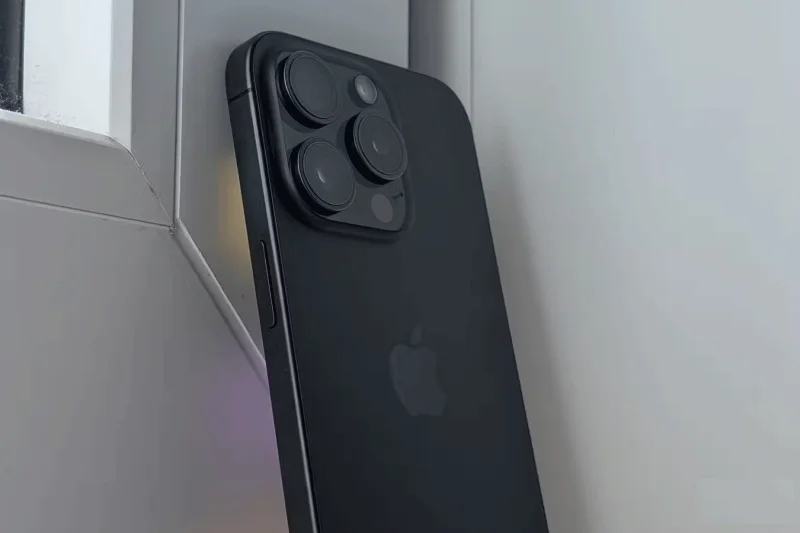
Not only does the iPhone take great photos and videos, it also has a number of unique camera features that you won't find on even the top Android phones. They improve the overall shooting experience and give you more flexibility when framing your shots.
Table of Contents
Like the best Android camera phones, the iPhone has two or three rear cameras. However, Apple is the only one that uses the iPhone's main camera and ultra-wide camera simultaneously to provide a merged live preview in the camera viewfinder.
In the iPhone Camera app, the preview expands beyond the camera grid to cover the entire screen. This is made possible by the "View Outside the Frame" option, which is enabled by default.

The great thing about Apple's implementation is that the Camera app will only show an expanded preview when the frame requires it. This is a little feature that debuted on the iPhone years ago, but you still won't find it on any Android phone.
Android phones may have powerful camera hardware, but the iPhone has the edge when it comes to video. It can shoot higher-quality video with more detail and less noise. Even better, the iPhone 15 Pro and newer models can shoot Log video in Academy Color Encoding System (ACES), which is the standard the film industry uses to color grade movies and TV shows.
Recent flagship Android phones support HDR and even 8K video recording. Some also support Log recording, but none can shoot RAW video in ACES mode. However, this feature is only beneficial to professionals who use iPhones to shoot video, as ACES-encoded footage will make their workflow easier.
Starting with the iPhone 15 in 2023, Apple has switched the default image resolution to 24MP for the main camera. The higher resolution offers a noticeable improvement in sharpness without sacrificing overall image quality. It's also a great middle ground between the 12MP and 48MP resolutions these iPhones can achieve.
Once you master some key iPhone camera settings, you can take full advantage of the added flexibility of shooting 24MP photos.
Top Android phones often have large, high-resolution 50MP or even 200MP camera sensors combined with powerful ISPs. However, none of them can shoot at 24MP by default. They use pixel binning to create more detailed 12MP images. And while they look impressive, the sharpness is noticeably worse than the iPhone's 24MP images.
If you own a Samsung Galaxy S24, you can use the ExpertRAW app to shoot photos at 24MP resolution. However, only power users will appreciate the extra flexibility that ExpertRAW offers over the default Samsung Camera app.
Despite superior camera hardware, photos taken on Android phones using popular social media apps like Instagram or Snapchat don’t look as good as those taken on an iPhone. This is because Apple implements a superior underlying camera API that allows third-party apps to take high-quality photos that are similar to those taken with the stock Camera app.
The same is true for video, with Android phones capturing grainier, less detailed video through social media apps. Google has promised some improvements in this area over the years, but the iPhone continues to beat Android phones in this area.
On iPhone and most Android phones, you can press and hold the shutter button in the Camera app to start recording a short video. This is useful when you want to quickly record a short video to share on social media or when you don't have enough time to open the Camera app and switch to video mode.
While the feature has been around for years, the iPhone 16 and iPhone 16 Pro are the only devices capable of recording such short videos at 4K/60FPS with Dolby Vision. Android phones, including the Samsung Galaxy S24 Ultra, can only record such videos at FHD+ resolution at 30FPS.
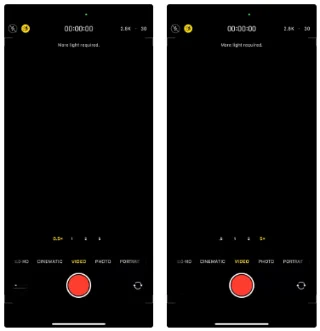
Apple introduced Action mode with the iPhone 13 Pro models in 2021. It's useful for capturing stable footage while moving. In typical Apple fashion, it's not the first to market with this feature. But even in 2024, Apple still beats its Android rivals with its superior Action mode.
On the iPhone 15 Pro and newer Pro models, you can use Action mode with the 3x or 5x telephoto camera lens to capture super-steady footage. You can even get 2x digital zoom from the main 48MP camera.
While most Android phones have a similar feature, they only let you shoot from the ultra-wide and main cameras. On high-end Samsung phones, for example, turning on Super Steady mode limits you to 0.6x and 1x focal lengths. There's no option to use the 5x telephoto camera for video.
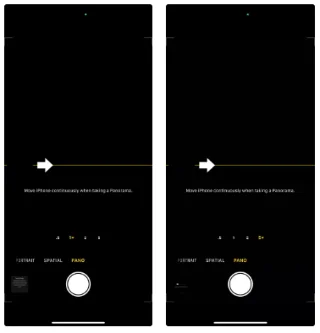
Like Action mode, the iPhone also stands out with its Panorama mode, which is superior to its Android counterpart. This mode can take Panorama photos at a whopping 53MP resolution. And if that’s not enough, the iPhone allows you to take Panorama photos at 0.5x, 1x, 2x, and 3x (or 5x) zoom levels.
Even though high-end Android phones have quad-camera setups, they can only take Panorama shots from the ultra-wide-angle camera and the main camera.
The iPhone 15 Pro and newer models let you take photos and videos of space, which will appear in 3D when viewed on an Apple Vision Pro or Meta Quest headset. Even better, the iPhone 16 Pro can record spatial audio.
Admittedly, taking photos and videos of space from your phone is only useful if you own one of these AR/VR headsets, but it's a feature that no Android phone currently supports.
As seen in the list above, modern iPhones beat Android phones in many aspects, especially when it comes to photography. It may not have the best camera hardware, but Apple’s superior implementation of some key features ensures that the iPhone has an edge over Android devices.
Learn how to update Google Chrome browser on Windows, Mac, and Android in minutes to enjoy better security, speed, and new features. Follow these clear steps.
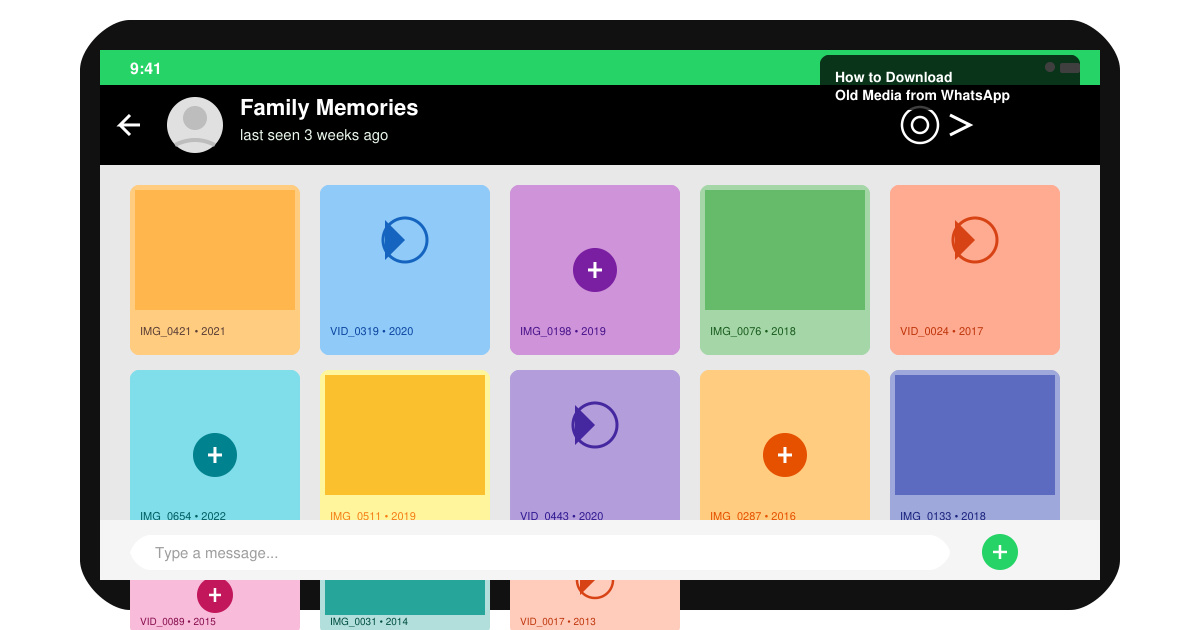
Learn how to download old media from WhatsApp and recover photos or videos from past chats. Follow these clear steps to save files that no longer appear in your gallery.
Facebook Messenger Isn T Working on your device? Use these exact troubleshooting steps to restore chats, calls, and notifications fast on Android, iOS, or desktop.
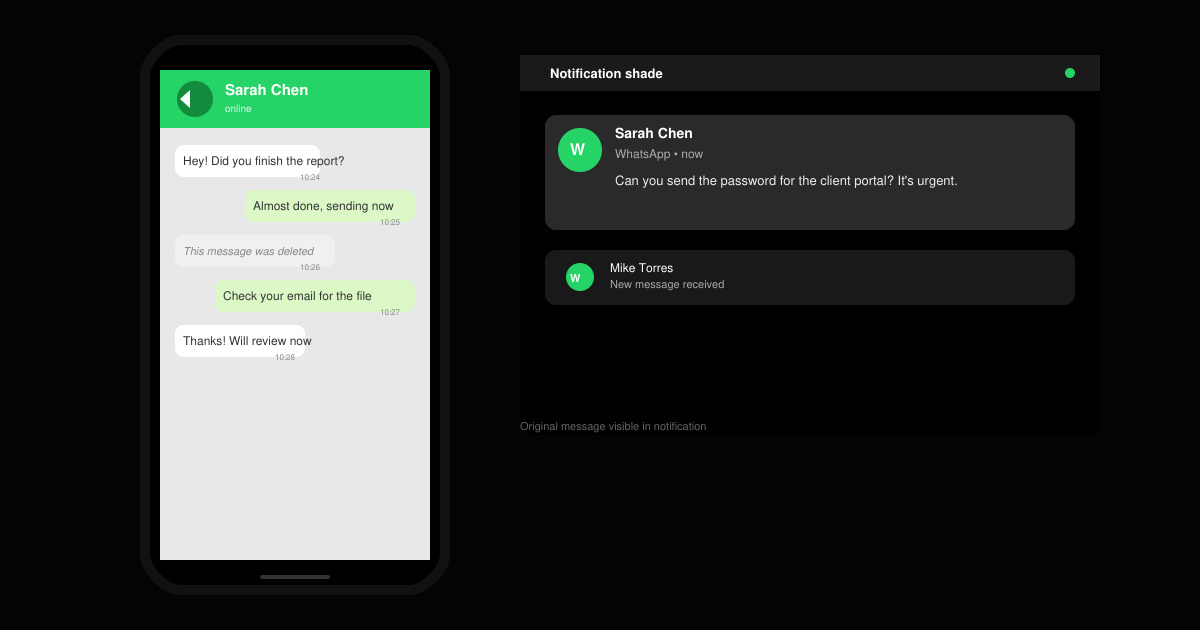
How to See Deleted WhatsApp Messages using your phone's built-in tools. Follow these exact steps to recover messages that contacts have deleted from chats.
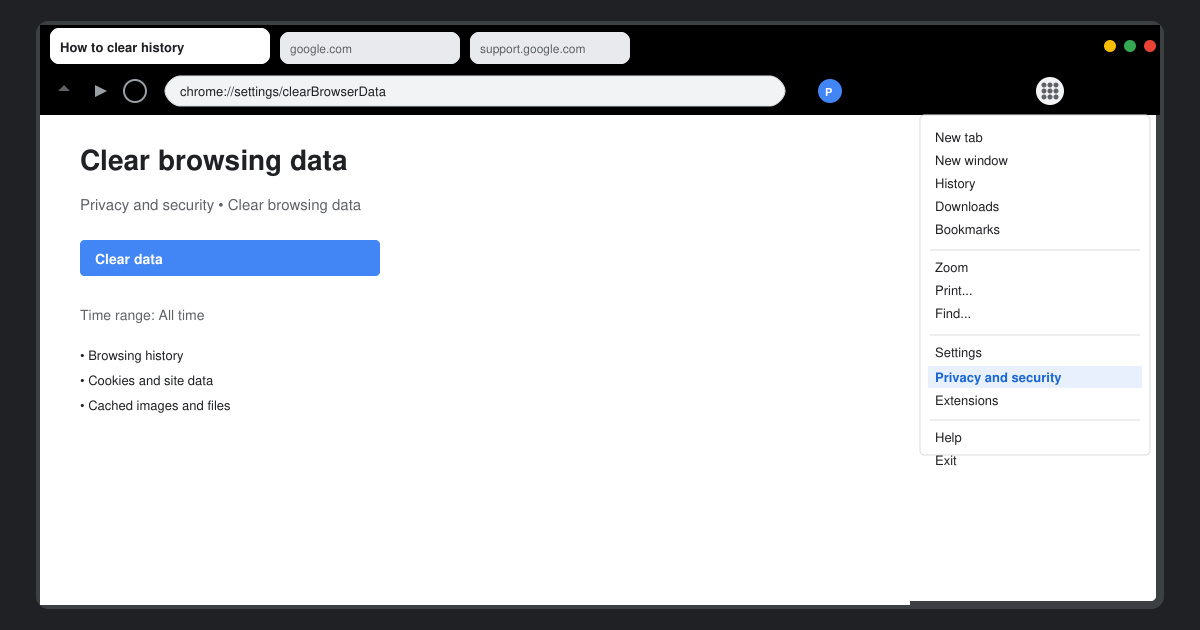
Learn how to clear browser history in Chrome on desktop and Android with this exact step-by-step process. Keep your browsing private and free up storage space quickly.
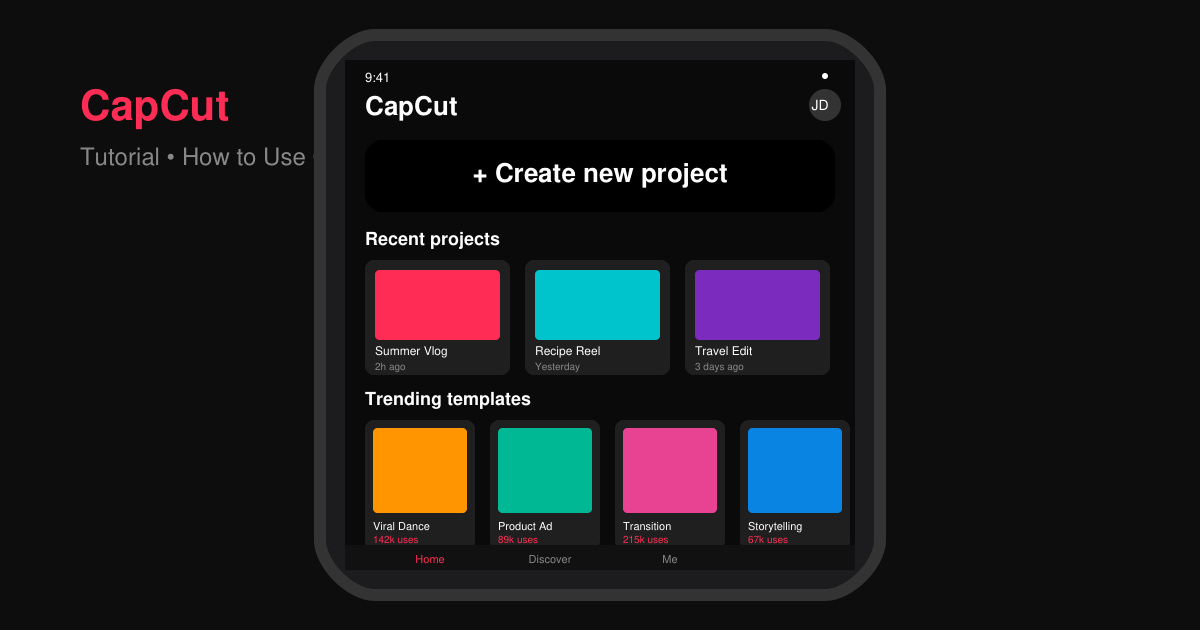
Master how to use CapCut with this practical walkthrough covering project setup, editing tools, effects, and export options for high-quality video results.
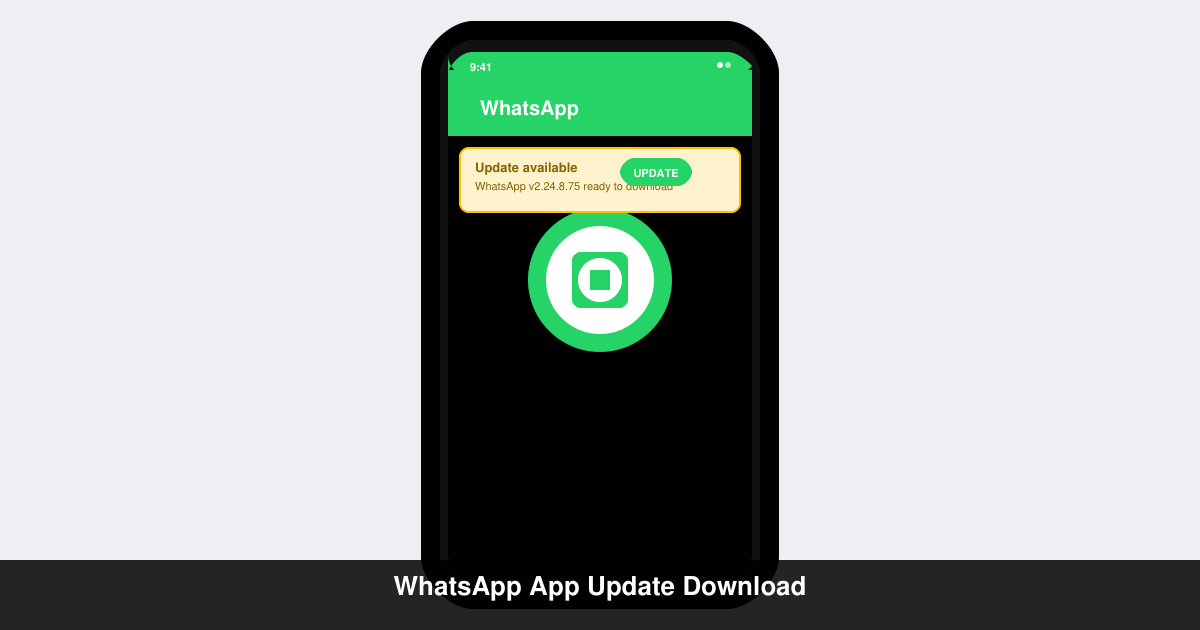
Get the latest WhatsApp App Update Download from official sources to access new features and security improvements. Follow these clear steps for Android and iOS devices.
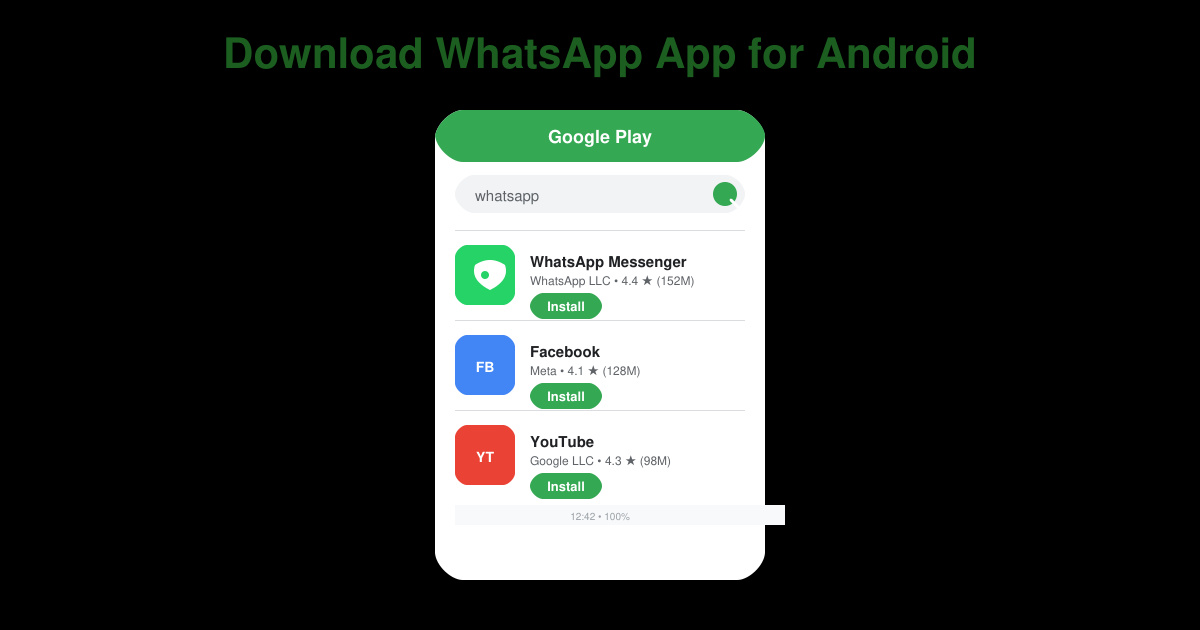
Learn how to safely Download WhatsApp App for Android from the official Google Play Store. Follow our clear step-by-step instructions to install the latest version quickly and securely.
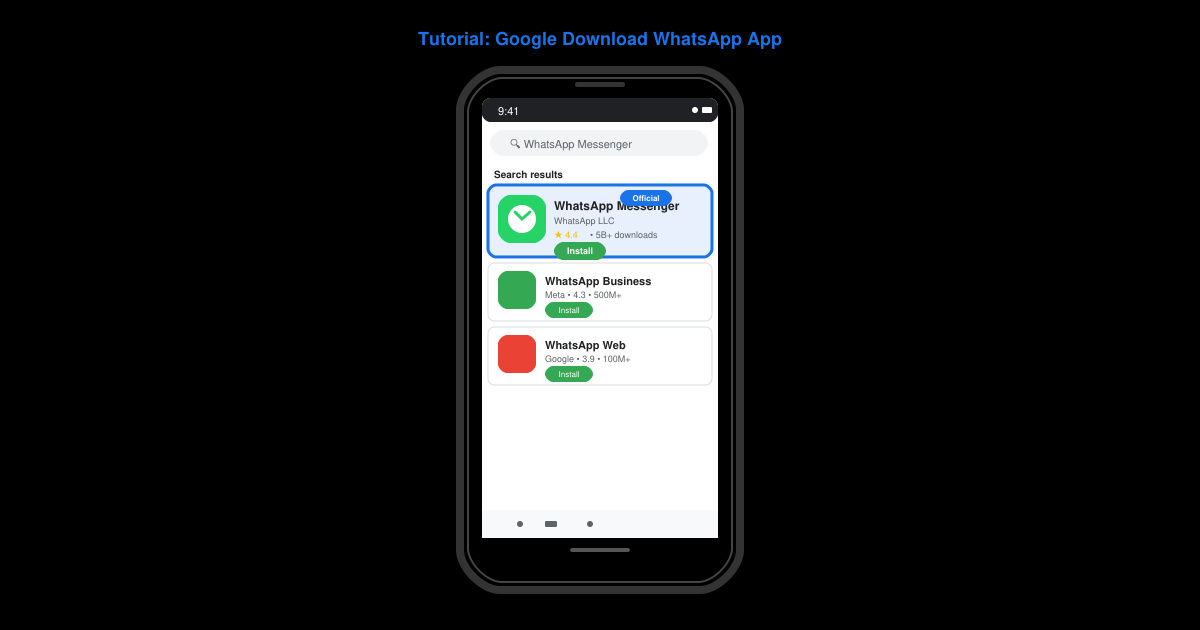
Google Download WhatsApp App safely through the Google Play Store with this clear guide. Get the official version on your Android device quickly and avoid fake downloads.
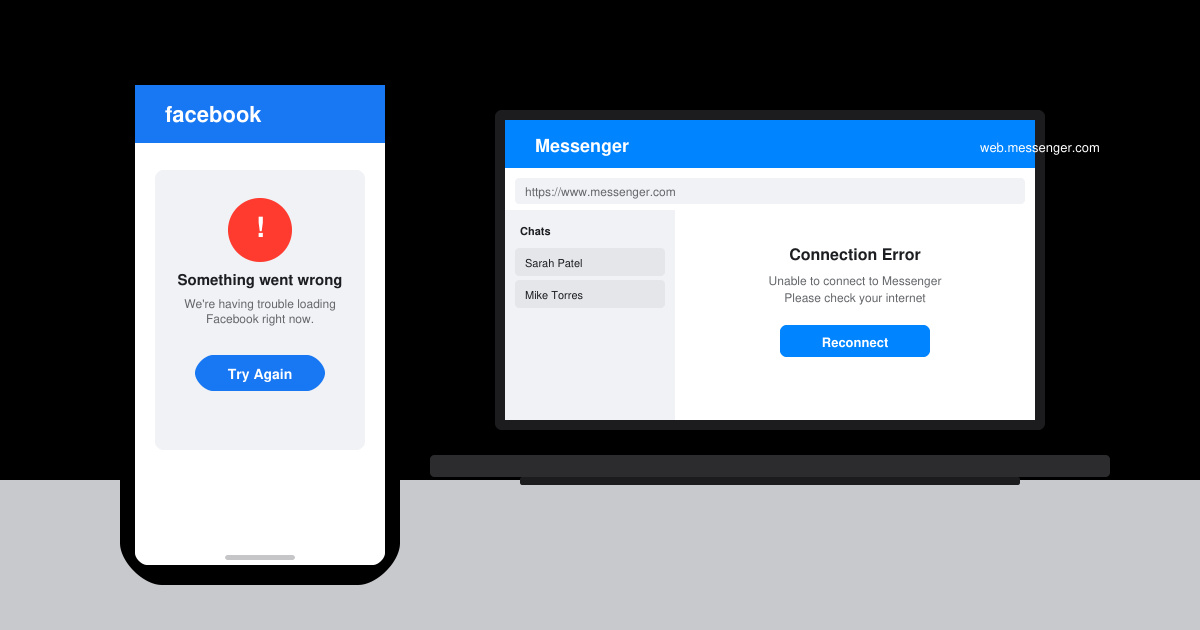
Facebook and Messenger not working can disrupt your day. Follow these targeted fixes to restore access quickly on mobile and desktop.