When to Start Decorating for Halloween in 2026

Use a simple 2026 Halloween decorating timeline for indoor décor, outdoor displays, and fresh pumpkins, with practical adjustments for weather and events.
There’s no denying that foldable phones are pretty cool. But after using them for a while, there are a few quirks to them. Here are 8 major downsides to foldable phones that you might not expect!
Table of Contents
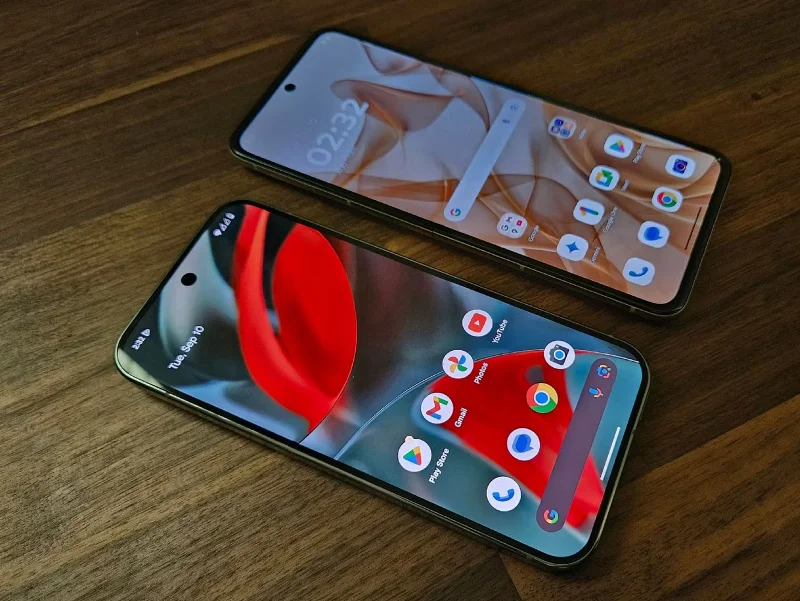
Modern smartphones are relatively long devices. They are typically twice as long as they are wide. Foldable phones tend to be even longer than usual. As you can see in the illustration, when the Motorola Razr 2024 is opened next to the Google Pixel 9 Pro, it is almost half an inch taller, even taller than the Pixel 9 Pro XL!
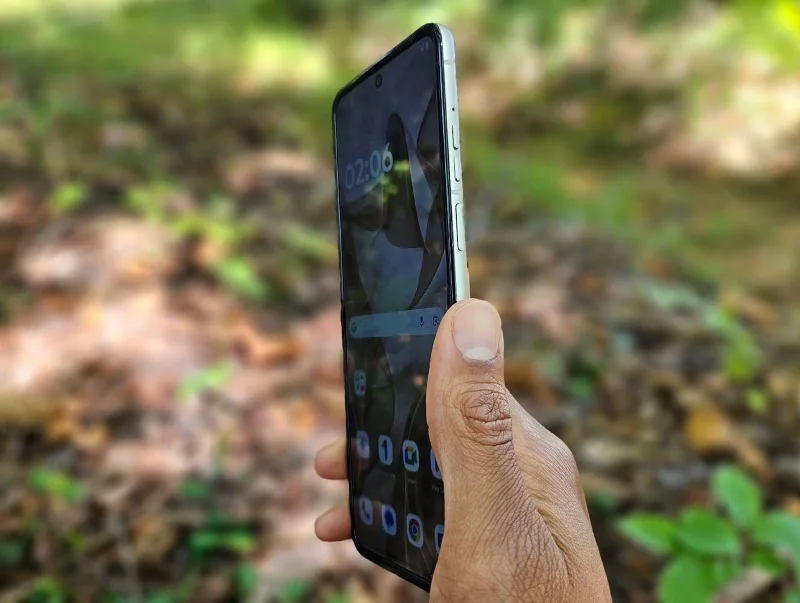
Even with long fingers, it’s still not comfortable to reach up to see notifications on most modern smartphones. The same goes for any interaction that involves reaching up to the top half of the screen, like tapping the clock widget to set an alarm.
Smartphone makers have agreed that the buttons are on the side of the phone, usually the right side. On the Galaxy Z Fold 5, the power button and fingerprint reader are in the middle of the right side. The volume buttons are just above.
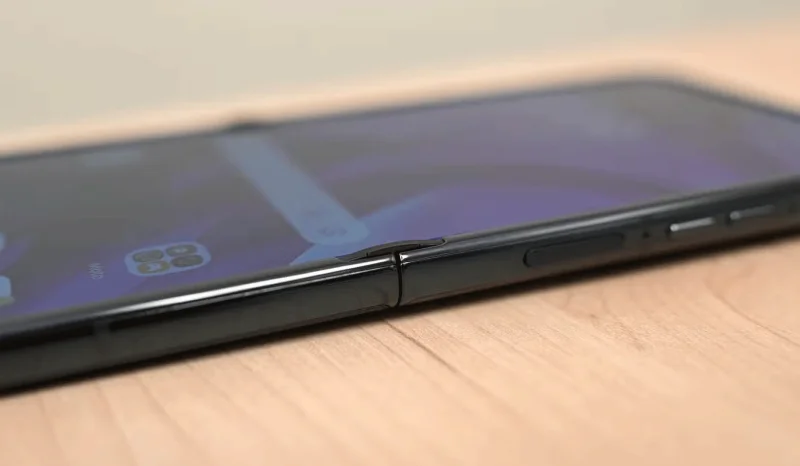
When folded, the buttons can’t be in the middle of the phone. There’s a hinge there, so the buttons are on top. To unlock or power on such a device, you have to reach higher than you’d expect. And to adjust the volume, you’ll have to reach even higher.
The outer display is one of the biggest differences between the Motorola Razr and Samsung's Galaxy Z Flip 6. The larger outer display on the Motorola Razr allows it to replicate many of the functions of the inner display. But even on the Razr, most people will probably open the phone to use most apps.
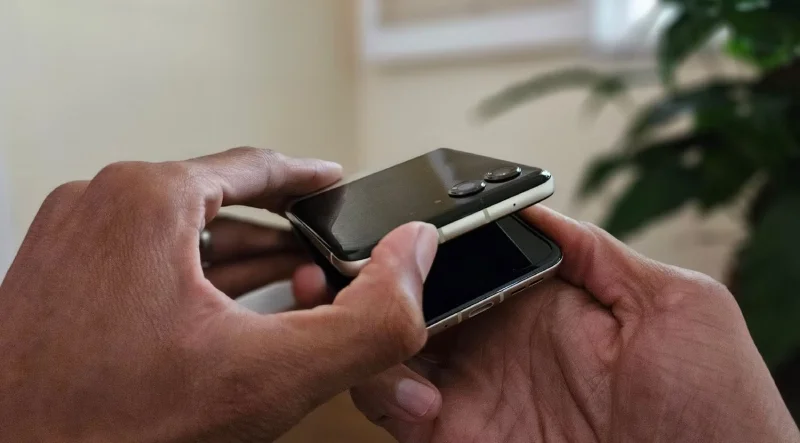
Opening a modern flip phone isn’t as easy as opening a basic clamshell phone. While feature phones are easy to operate with one hand, opening a modern flip phone requires two hands. Technically, you can open the screen with one hand, but it’s awkward and no easier than using both hands.
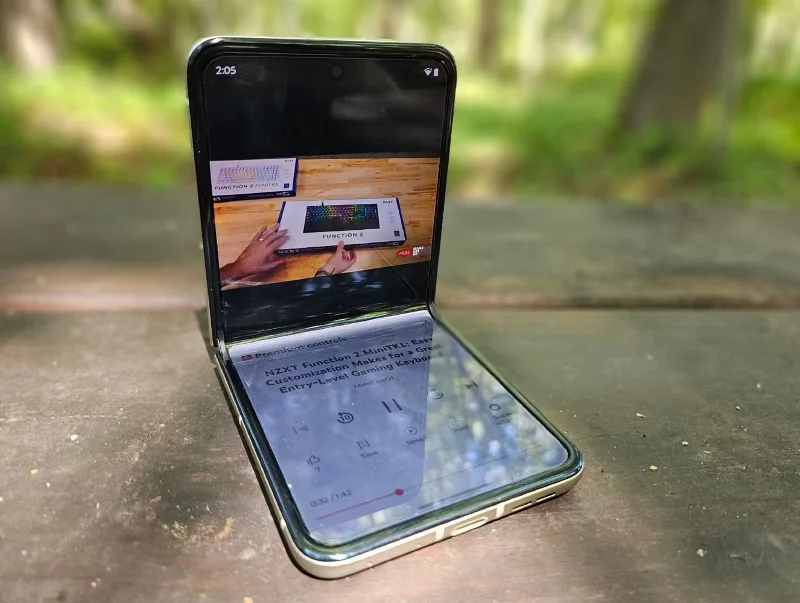
Foldable phones aren’t as ideal for streaming video as you might think. In theory, foldable phones promise larger screens, but they’re not without physical limitations. If a phone folds into a book-like shape with a 16:9 aspect ratio, it won’t look like a phone when closed. The internal screen has to be closer to a square to make these phones pocketable. That means videos on a foldable phone are only slightly larger than on a regular phone.
On foldable phones, videos are sometimes actually smaller than they are on regular phones. That’s because, with such a tall, narrow aspect ratio, videos can’t fill the entire screen without cutting off some of the footage. That means YouTube videos on the Motorola Razr 2024 are a bit smaller than the same videos played on the Pixel 6.
Part of the appeal of a foldable phone is that it takes up much less space in your pocket. And yes, it is actually smaller than a regular phone. But that comes with a trade-off. The foldable phone is twice as thick, so instead of a large, uncomfortable rectangle in your pocket, you get a bulky, uncomfortable square device.
When there are moving parts, things are more likely to break. Over time, hinges can fail. If you search for images of broken foldable phones, you’ll often see black streaks and broken pixels along the creases of the foldable display.
Foldable phones also have a lower IP rating than traditional flip phones. While the inside screen is great for reading e-books, a book-style flip phone might not be the best way to read a book on the beach.
Because foldable phones have a large external display and an internal display, they are more expensive than traditional slab phones. Many of us expect prices to come down, but right now, foldable phones are still hovering around $2,000. Do your research and shop around to get the best deals.
The Galaxy Z Fold 5 (and 6) have inferior camera hardware compared to the lower-priced Galaxy S23 and S24 Ultra. That's because there's not much room for powerful camera hardware in a phone whose two halves need to be thinner than a regular phone when unfolded. Since foldable phones tend to be thicker when folded, it's also not ideal to fit a large camera bump on the back.
While the technical challenges are valid, it’s still a pain to pay more and not get the best camera hardware a smartphone maker has to offer. After all, the Z Fold and other book-style foldable phones still take better photos than most Android phones out there. They’re just worse than the best flagship Android phones out there.
Use a simple 2026 Halloween decorating timeline for indoor décor, outdoor displays, and fresh pumpkins, with practical adjustments for weather and events.
Mix five vivid, approachable Halloween cocktails with measured recipes, simple prep tips, and an alcohol-free option for your party guests.
Find 15 office-friendly Halloween costume ideas for 2026, with practical checks for dress codes, respectful themes, comfort, and workplace safety.
Plan a fun elementary school Halloween party with easy crafts, games, inclusive treats, costume tips, and a sample 75-minute classroom schedule.
Compare realistic side hustles for 2026 by startup cost, fees, flexibility, and income control, with current tax and scam guidance from official sources.
Upgrade your home office ergonomics with current OSHA and NIOSH guidance on chair fit, monitor height, laptop setup, lighting, and movement.
Learn why emotional intelligence matters in leadership, where it helps most, how to strengthen it, and how to tell whether your approach is working.
A practical roadmap for moving into tech without a degree: choose an accessible role, build job-ready skills, prove them with projects, and use hiring feedback to improve.
Build a credible LinkedIn personal brand in 2026 with current profile, content, newsletter, analytics, verification, and visibility guidance from LinkedIn.
Quiet quitting and quiet firing are catchy labels, not diagnoses. Learn what is verified, what depends on context, and what employees and managers can do next.








