Desk Decorating Ideas for a Spooky Office Cubicle

Create a spooky office cubicle with Halloween desk decor ideas that keep your workspace usable, tidy, and mindful of workplace safety.
Given the PS5’s high price tag, you may want to explore the second-hand market for a more affordable option. But is buying a used PS5 a smart choice? Here are some of the key pros and cons to consider to help you make an informed decision.
Advantages of buying a used PS5
Buying a used PS5 can be a smart choice if you want to enjoy next-gen gaming without paying the high price of buying new. Here are some of the key benefits to consider.
1. Save a lot of money from the beginning
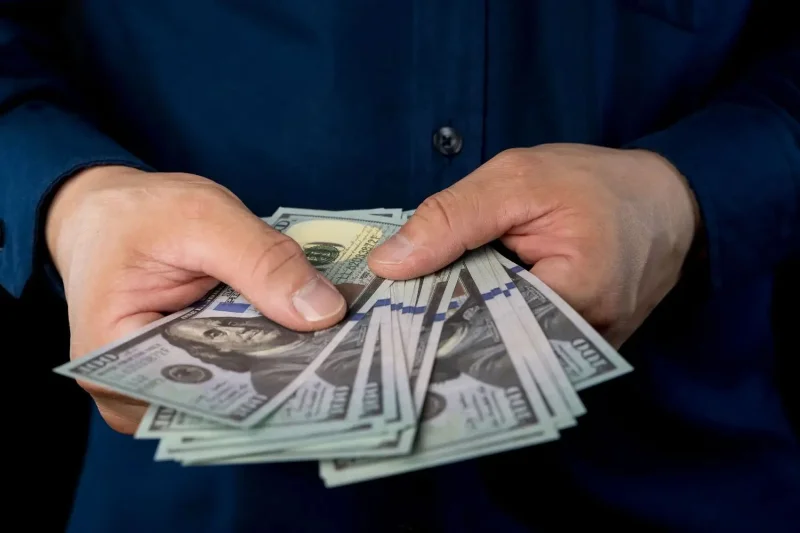
The standard model of the brand new PlayStation 5 retails for $499.99, while the Digital Edition retails for $449.99. However, you can often save 20% to 30% or more on a used model, depending on the condition and the seller’s asking price. These discounts can make a significant difference, especially if you’re on a tight budget or want to allocate money toward games, accessories, or a PlayStation Plus subscription.
Plus, with a used PS5, most of the depreciation has already happened, which means that if you decide to resell the console later, you may not lose as much money as you would if you sold it brand new.
2. Good chance to get a deal package
Savings aren't limited to the console itself; they often extend to bundle deals. Sellers often include completed games or accessories like console cases, chargers, etc., creating an attractive package that offers more than just the console.
This allows you to get more for less, allowing you to enjoy a variety of games and accessories without having to spend the extra money to buy each one separately. For those looking to get the full PlayStation 5 experience without breaking the bank, these deals make buying a used PS5 an attractive option.
3. Performance identical to the new PS5
Whether you have a brand new PS5 or a used one, the hardware inside is the same, so there's virtually no difference in the gaming experience. Games load just as quickly, graphics look just as stunning, and the overall responsiveness of the system remains unchanged.
As long as you update your PS5 to the latest firmware, it will have access to all the optimizations and improvements that Sony continues to roll out, ensuring it stays on par with a brand new model.
4. Better for the environment
By purchasing a used PS5, you are extending the life of your console and preventing it from ending up in landfills prematurely. Buying a used console helps reduce e-waste, an increasingly pressing global concern. Additionally, by opting for a used PS5, you are reducing the demand for new devices, which reduces the overall environmental impact associated with their production.
Disadvantages of buying a used PS5
While there are many benefits to buying a used PS5, it is important to consider the potential downsides that come with it. Here are some of the downsides you should consider before making your decision.
1. Subject to wear and tear
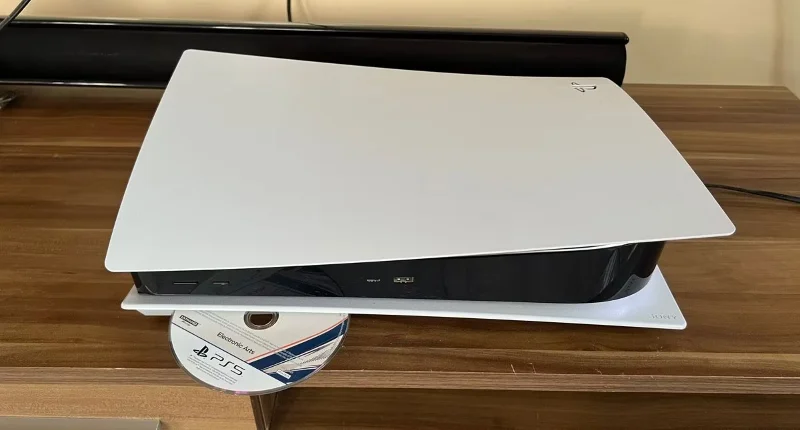
While you can find a good used PS5, there’s always the risk of potential issues that could impact performance and longevity. For example, if the previous owner regularly played physical games, the drive may have seen significant use, increasing the likelihood of mechanical issues. Over time, this can lead to issues like discs getting stuck in the drive, not being read properly, or making unusual noises when loading games.
Likewise, if the PS5 is used in a poorly ventilated environment, its internal components may be exposed to excessive heat. Unfortunately, these issues can be difficult to identify during a quick check, as symptoms may only appear during extended gaming sessions.
2. Risk of hidden errors and reduced lifespan
A used PS5 may have undergone unauthorized repairs or modifications that could reduce its functionality. This could range from swapping parts to jailbreaking, potentially causing instability or incompatibility with future updates.
While this is less likely to happen if you're buying from a friend, you should be cautious when buying from platforms like Craiglist, Facebook Marketplace, or similar sites.
Electronics, including gaming consoles, have a limited lifespan. While a new console can last 6-8 years if properly cared for, a used one may only have a few years left, depending on how it was used. So the savings from buying a 3-4 year old used PS5 may not be as big as you think.
3. No or limited manufacturer warranty
Sony typically offers a 1-year warranty on a brand new PS5, which covers everything from manufacturing defects to hardware failures that might arise during that time.
This warranty provides peace of mind knowing that if anything goes wrong, you'll have the manufacturer's support to repair or replace your console at no additional cost.
However, when you buy a used PS5, there's a good chance that the original warranty has expired or is about to expire, leaving you unprotected against any faults or failures. Out-of-warranty repairs can be quite expensive, and in some cases, the cost of fixing the problem could even be more than the money you save by buying a used console, making it a potentially risky investment.
4. Possible problems with drifting joysticks
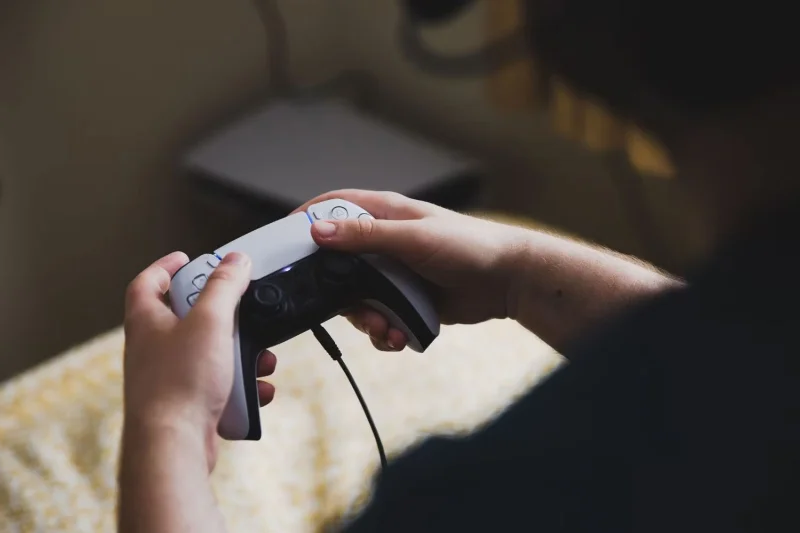
When considering buying a used PS5, one important aspect to consider is the possibility of problems with the controller, which can significantly impact your gaming experience. Like any other electronic component, the PS5 controller is susceptible to wear and tear, especially if it has been used a lot. One common issue you may encounter is a drifting joystick.
Fixing a drifting joystick on a PS5 controller can be particularly difficult, often requiring technical expertise – and sending the controller in for professional repair can be expensive. Since these issues can be difficult to spot or get worse over time, it’s important to thoroughly inspect the controller if possible or consider the potential need for a replacement.
Deciding whether to buy a used PS5 ultimately comes down to your personal priorities and risk tolerance. If you want to save some money and don’t mind potential downsides, a used console can be a great option. However, it’s important to do your due diligence – inspect the console thoroughly, learn about its history, and make sure you’re buying from a reputable source.
Create a spooky office cubicle with Halloween desk decor ideas that keep your workspace usable, tidy, and mindful of workplace safety.
Plan a recognizable Halloween 2026 look with pop culture costumes inspired by Spider-Man, Supergirl, Toy Story 5, Moana, Mario, and Wednesday.
Sort leftover Halloween candy safely, share or repurpose sealed treats, and choose food use or compost for pumpkins based on their condition.
Compare workplace Halloween costume choices by respect, dress code, mobility, and safety—and learn when a subtle accessory or a policy check is the better option.
Find a couples costume that fits your style, budget, and comfort level, from Addams Family classics to original inside-joke duos.
Need a last-minute high school Halloween costume? Compare 10 easy closet-based ideas by prep time, comfort, school-day practicality, and simple safety checks.
Use a simple 2026 Halloween decorating timeline for indoor décor, outdoor displays, and fresh pumpkins, with practical adjustments for weather and events.
Mix five vivid, approachable Halloween cocktails with measured recipes, simple prep tips, and an alcohol-free option for your party guests.
Find 15 office-friendly Halloween costume ideas for 2026, with practical checks for dress codes, respectful themes, comfort, and workplace safety.
Plan a fun elementary school Halloween party with easy crafts, games, inclusive treats, costume tips, and a sample 75-minute classroom schedule.








