Pop Culture Costume Ideas That Will Dominate Halloween 2026

Plan a recognizable Halloween 2026 look with pop culture costumes inspired by Spider-Man, Supergirl, Toy Story 5, Moana, Mario, and Wednesday.
Mistakes when you use a dryer such as clothes still not dry after 1 hour or clothes wrinkled after drying are all due to mistakes you made that you did not expect... Please refer to the article to avoid making these mistakes.
Leaving clothes in the dryer too long
Leaving clothes in the dryer for too long can cause them to wrinkle or shrink due to residual heat. After drying, take the clothes out and hang them up.
Do not use dryer balls

Dryer balls help speed up drying time, reduce wrinkles and static, and increase the durability of clothes. Therefore, if you are not used to using dryer balls, now is the time to try them to verify the effectiveness they bring.
Not emptying the lint trap after each dryer cycle
Failure to empty the lint trap regularly can cause the trap to clog, which can cause the dryer to overheat and cause a fire.
No regular cleaning
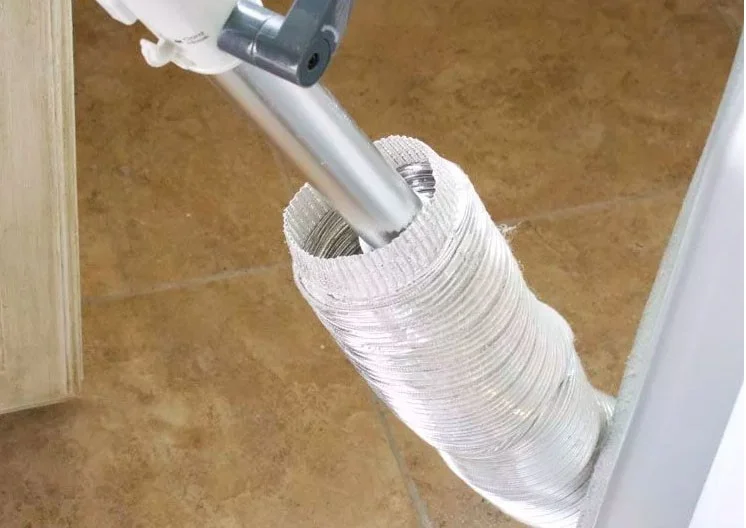
Dryers need to be cleaned periodically with soap and water once a month to increase drying efficiency as well as prevent fires caused by lint and residue accumulated over time.
Not understanding all the functions of the dryer
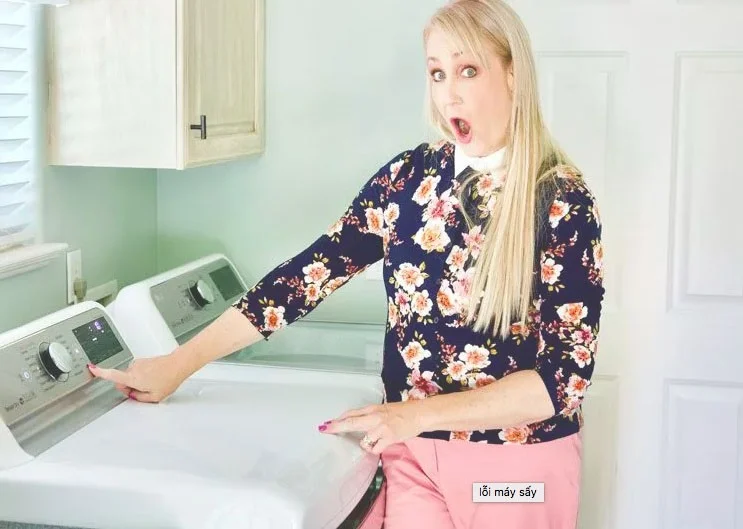
Many people only use one or two functions of the dryer and often do not learn how other functions work. Therefore, sometimes you miss out on some other useful functions.
Put too much or too little stuff
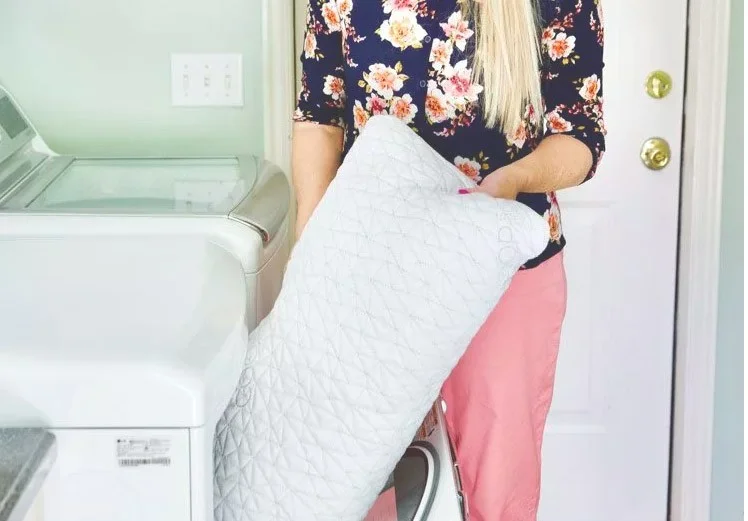
Did you know that fabrics expand as they dry? A dryer can help keep freshly washed towels nice and soft. However, oversized towels don’t collapse properly when they’re dry. Putting small loads in the dryer can also increase drying times, which wastes energy.
The main solution is to dry a small amount of clothes with a few towels to avoid clumping. You should dry with a moderate amount of weight to help the machine run efficiently and have fewer problems.
You are not utilizing the residual heat.
When drying, you use the remaining heat to dry instead of starting the drying at room temperature with the hope of drying faster. This is also the wrong way because after drying, the dryer also needs time to cool down and warm up before starting to dry a new batch of clothes.
Over drying
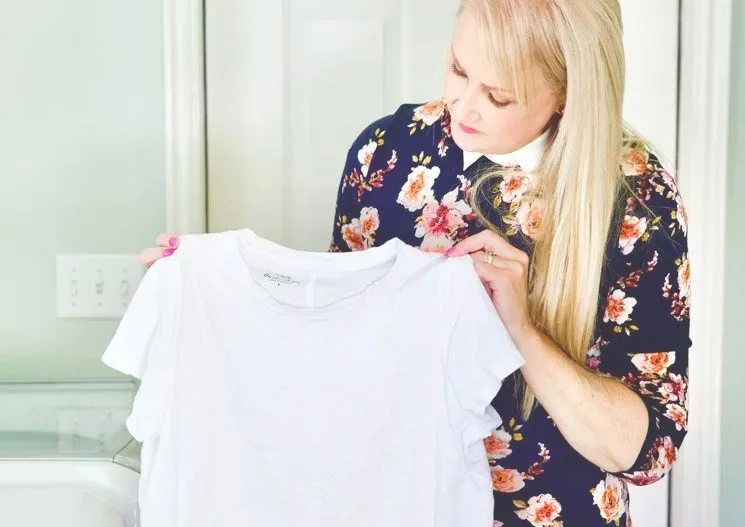
High temperatures from the dryer can damage clothes and bedding, so you should set a timer on the dryer and be careful with different fabrics to choose the right drying mode. If the temperature is not right, the fabric will yellow, wrinkle, lose elasticity and change texture.
Open the dryer door frequently
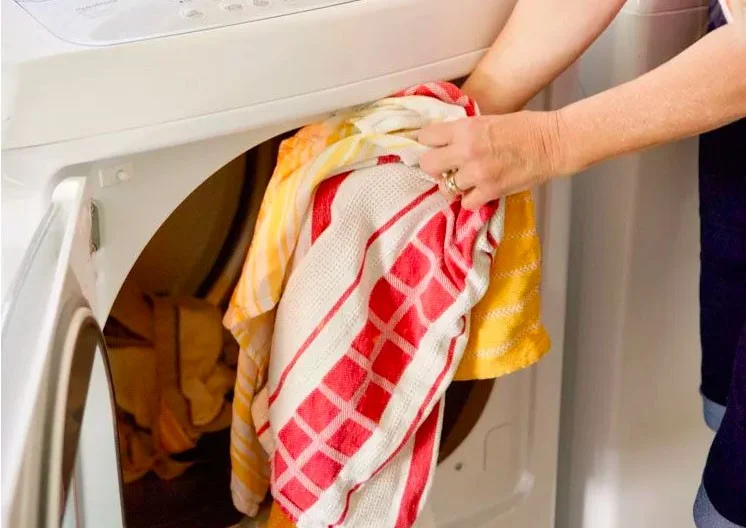
If you're trying to increase efficiency, avoid opening the dryer door after starting a cycle to keep the hot air inside. Every time you open the door, the drum loses heat and adds time to the drying cycle.
Plan a recognizable Halloween 2026 look with pop culture costumes inspired by Spider-Man, Supergirl, Toy Story 5, Moana, Mario, and Wednesday.
Sort leftover Halloween candy safely, share or repurpose sealed treats, and choose food use or compost for pumpkins based on their condition.
Compare workplace Halloween costume choices by respect, dress code, mobility, and safety—and learn when a subtle accessory or a policy check is the better option.
Find a couples costume that fits your style, budget, and comfort level, from Addams Family classics to original inside-joke duos.
Need a last-minute high school Halloween costume? Compare 10 easy closet-based ideas by prep time, comfort, school-day practicality, and simple safety checks.
Use a simple 2026 Halloween decorating timeline for indoor décor, outdoor displays, and fresh pumpkins, with practical adjustments for weather and events.
Mix five vivid, approachable Halloween cocktails with measured recipes, simple prep tips, and an alcohol-free option for your party guests.
Find 15 office-friendly Halloween costume ideas for 2026, with practical checks for dress codes, respectful themes, comfort, and workplace safety.
Plan a fun elementary school Halloween party with easy crafts, games, inclusive treats, costume tips, and a sample 75-minute classroom schedule.
Compare realistic side hustles for 2026 by startup cost, fees, flexibility, and income control, with current tax and scam guidance from official sources.








