Home
» Wiki
»
9 Safe Video Apps for Kids on Android and iPhone
9 Safe Video Apps for Kids on Android and iPhone
Give a child a smartphone or tablet and they’ll quickly be on YouTube watching their favorite videos. But the truth is, YouTube isn’t particularly safe for kids.
So, if your kids are bored and need some entertainment, here are the best YouTube alternatives for kids that you can install on your Android or iOS device.
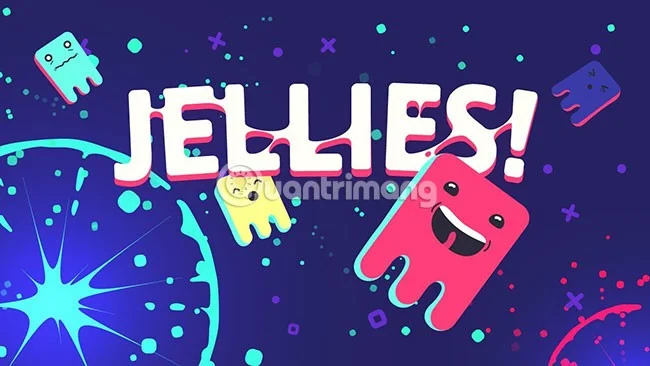
Instead of letting your kids waste time watching cartoons, you can encourage them to learn with the Jellies app. Jellies is available for iOS, but you can also find it on the Amazon App Store for Android devices.
Jellies curates videos by hand-picking each one to show to kids. There are humans behind Jellies so you can rest assured that your kids are safe from anything harmful.
If you want more control, you can create your own playlists to limit what your kids can watch. Videos are grouped by age or topic.
You get a 30-day trial to try it out for yourself. After that, Jellies charges $4.99/month (VND 115,000).
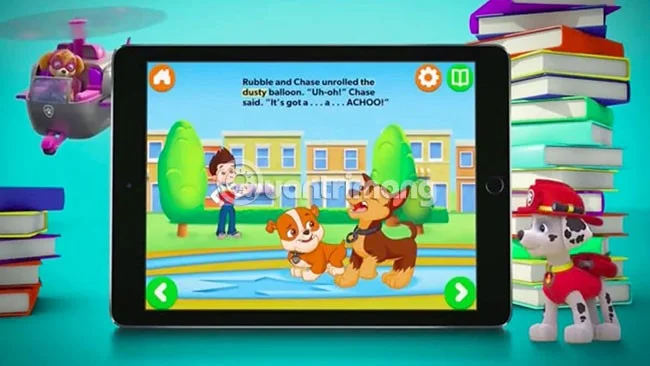
The popular kids' entertainment channel Nick Jr. has its own app (also known as Nick Jr.) so kids can watch their favorite videos safely. The app is completely free and available for both iOS and Android devices.
However, this app is not all about video content. Nick Jr. also has kid-friendly games and songs. All of the content is based on Nick Jr. shows, so there is nothing harmful to children here.
Some TV shows require you to subscribe to Nick Jr. before you can watch the content, but most of the content in the app is free.
KiddZTube is another app that helps keep kids safer while enjoying video content. This app is mainly aimed at toddlers and preschoolers.
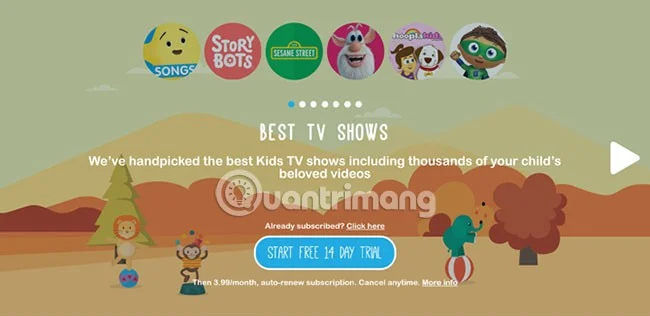
The videos that KiddZTube displays are all handpicked from YouTube. The team behind the app are dedicated teachers. They select the videos, check them for safety, and add some extra content. The videos that are selected have quizzes, additional instructions, or include some extra lessons.
Since the content is curated by educators, this is definitely an app that can help your child learn. However, beyond the educational aspect, KiddZTube also has cartoons, music, and fun stories for your child to enjoy.
You have 14 days to try KiddZTube, after which a monthly subscription costs $3.99/month (VND 90,000).
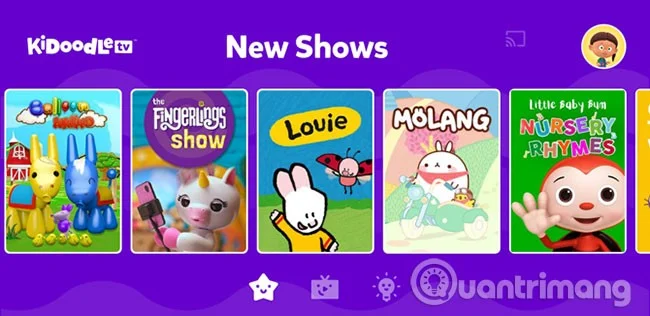
Another strong YouTube alternative for kids is Kidoodle.TV, a subscription-based video streaming service whose videos are moderated by parents just like you.
When you open the app, you can choose the age range of the videos you want to watch, from 0 to 12 years old, or “all ages” to see the full range. You don’t need an account, but if you sign up for a subscription, you’ll get access to parental controls. You can monitor usage, disable specific videos, and set time limits.
Videos on Kidoodle.TV include educational, entertaining, and fun content.
Kidoodle.TV is free to use, but you can disable ads with a premium subscription. You also get 100GB of storage for your family videos, as well as access to some bonus videos. The optional subscription costs $4.99/month, or $49.99/year.
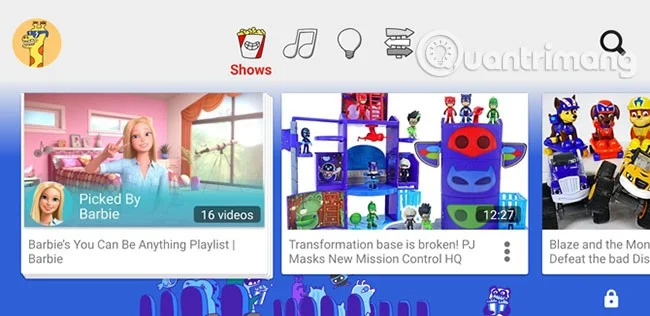
One of the best alternatives to YouTube is YouTube Kids . If you can’t help your kids wean themselves off YouTube, it’s best to limit what they see. The YouTube Kids app, available for Android and iOS, helps you do just that, and it’s completely free.
YouTube Kids restricts access to YouTube to prevent children from viewing unsafe videos. However, installing YouTube Kids doesn't mean your child is completely safe. There have been occasional reports of inappropriate videos and ads appearing in the app.
Given the amount of videos available on the platform, this isn’t too surprising, and you should continue to monitor your child’s usage if they use the app. For added peace of mind, you can disable video search and usage timers, as well as block specific YouTube videos or channels from being shown.
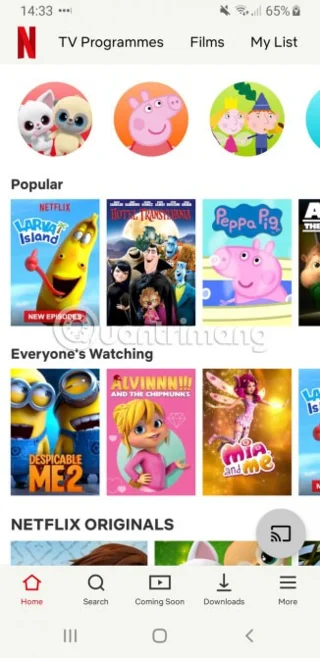
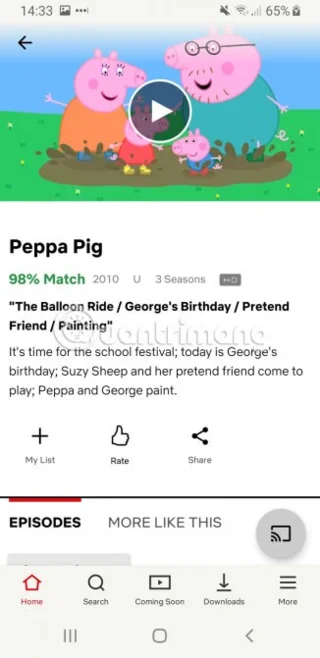
If you have a Netflix subscription , there is a lot of video content available for kids. The Netflix app includes a dedicated Kids section, which includes TV shows and movies aimed at kids of all ages.
Since this is part of the main Netflix app, you’ll want to check out Netflix’s parental controls first. These allow you to prevent your kids from straying into mature content by adding a PIN code and restricting certain content. You can also set up different profiles for different age groups.
All you need to do is create a new Netflix profile and select “For Children” in the settings. You can also set more specific age ranges on the Netflix website, to limit content for both toddlers and older children.
The Netflix app also lets you download video content to watch on the go, so it's a great app to keep the kids entertained when you're away from home.
Apps like YouTube Kids exist because Google knows the dangers of online video content for young children cannot be ignored. These apps provide safer videos for kids, but parents and educators should still be vigilant.
7. GoNoodle
GoNoodle
Don't just focus on brainstorming. Diversifying into other areas of interest is good for your child. GoNoodle helps kids learn some fun yoga, dance moves, and other fitness activities through its interactive tutorials. You have to use your email account to log in - a plus for your child's safety - as they can't start before you've given them any authorization. The interface is pretty intuitive, suitable for kids aged 6 and up, and helps your child learn without too many distractions, as the app is ad-free.
What's amazing about this kid-safe YouTube alternative is that parents are taking the initiative to create videos with their kids and friends themselves - which makes the app worth celebrating.
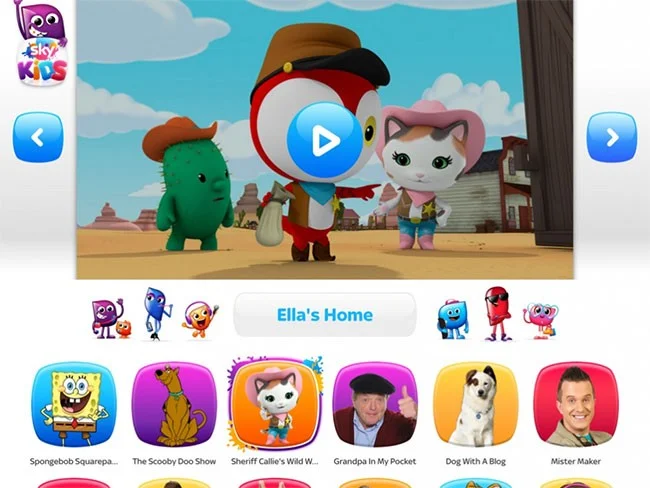
Many of the programs focus on positive behavior like learning how to apologize when you hurt someone and other good gestures. This is a paradise with positive messages and some educational values for ages 6 and up. Your child will have a super fun, engaging and safe experience with New Sky Kids.
KiddZtube is an application for preschoolers, so the video content is extremely safe, without inappropriate content.
Videos on this platform are carefully screened by the censorship team before being uploaded to the video library. Moreover, videos with interesting content and beautiful words will be prioritized for children to watch, thereby bringing wonderful things to children.
This is an application with a free trial period of the first 14 days, after which you need to register for a paid package for 90,000 VND/month to continue using it.
Note: Usage fees of applications may change over time depending on the publisher's policy.
The YouTube Kids alternatives on this list are all reliable options, but since some videos are still sourced from YouTube, you should still check before installing any apps.
Whatever you decide to do, the most important thing is to teach your children the basics of internet safety, so they have an idea of what dangers to avoid.