Leftover Halloween Candy and Pumpkins: What to Do Next

Sort leftover Halloween candy safely, share or repurpose sealed treats, and choose food use or compost for pumpkins based on their condition.
People have been using Apple devices for years, but lately, something has been wrong. The attention to detail that once set Apple apart seems to be lacking, and many people are starting to think about taking their tech ecosystem elsewhere.
5. iOS has become unreliable
iOS used to be so stable — even older iPhones have been running smoothly for years. The iPhone 6s running iOS 15 still runs as well as it did when it was new, six years after its launch.
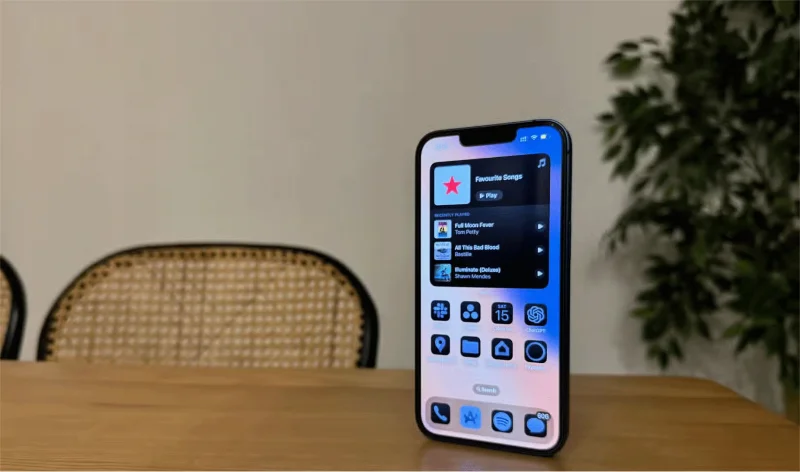
But lately, that’s not the case. Even the not-so-old iPhone 13 feels laggy and slow on iOS 18. That’s something the iPhone has never been known for. And it’s not just performance—core ecosystem features like AirDrop have become frustratingly inconsistent. The sheer number of bugs now makes iOS feel a lot less polished than it used to be.
4. Apple Intelligence is extremely poor
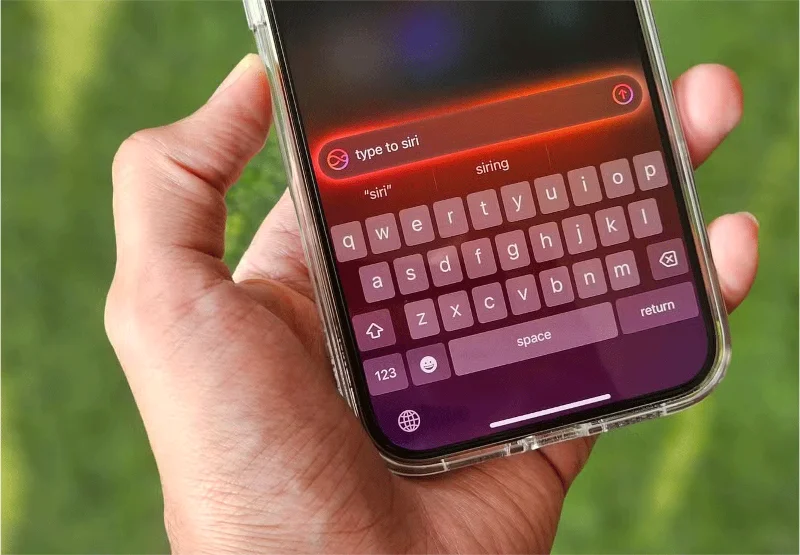
Quantrimag.com has written about how uninspiring Apple Intelligence is , and this is one of Apple’s messiest launches yet. A phased rollout was expected, but now major features—like an improved Siri —are reportedly being delayed until May, according to Bloomberg, meaning it could take nearly a year from announcement to release.
Even if Apple tries to get it all together, it’s hard to ignore how far behind it is. Google and Samsung already offer more AI-powered features, and there’s nothing unique about Apple Intelligence that really sets it apart. And when Apple does implement AI features that are similar to its competitors, the results are often poor at best.
3. visionOS is still years away from widespread adoption
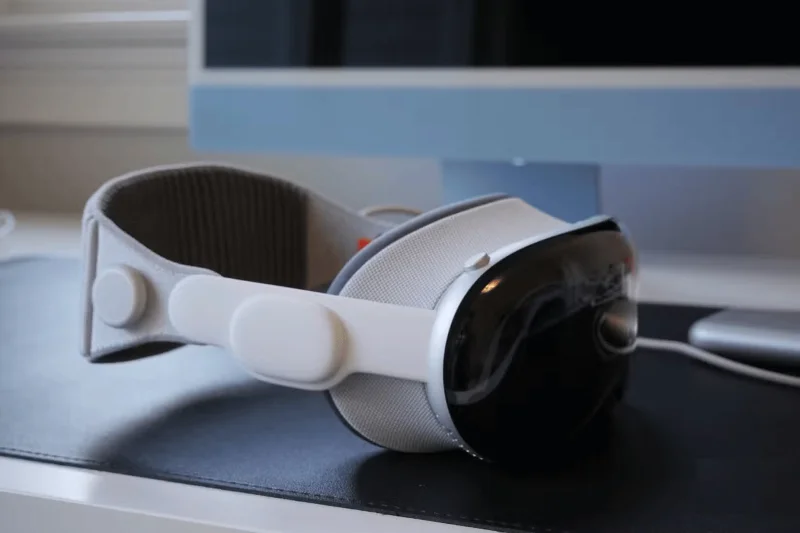
Apple's next big bet is visionOS and the ecosystem of devices built around it. But despite being announced in June 2023, we've only seen one product so far — the Vision Pro . Many blame its steep $3,500 price tag for lackluster sales, but that's probably not the biggest problem.
Even if Apple releases a more affordable headset, the real question remains: Do you really need one? The Vision Pro still lacks a unique feature that makes it a must-buy, and there are no apps that will truly change the way you live or work.
2. Competitors have caught up on hardware
One of the things that used to make the iPhone stand out was how far Apple's chips had come. A-series processors were often a generation or two ahead of Qualcomm's. But over the past few years, that gap has narrowed.
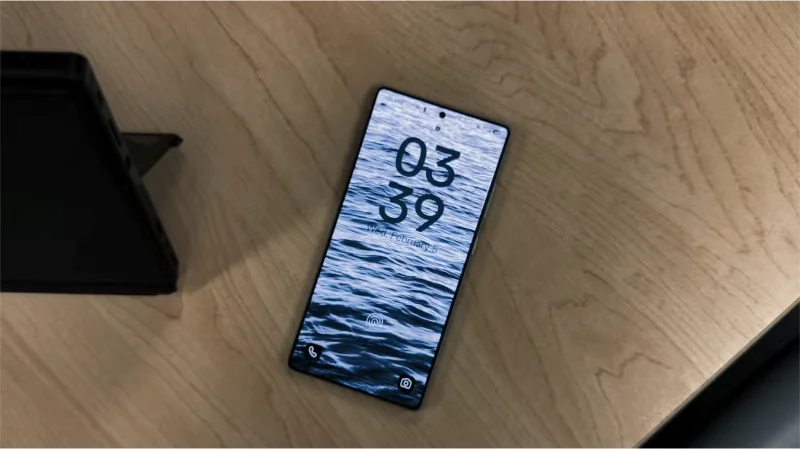
In day-to-day use, there really isn't a noticeable difference in speed between an iPhone and a top Android phone. And now that Samsung and Google offer seven years of software updates, the argument for choosing an iPhone just for longevity isn't as strong as it once was.
1. The company's product line is a mess.
Remember when choosing an iPhone was simple? There were only 3 or 4 models available at any one time, and the differences between them were clear, with reasonably broad features at different price points.
But things are more complicated than ever. A great example is the newly launched iPhone 16e , which starts at $599 and comes with the latest A18 chip, which enables Apple’s AI. At the same time, however, Apple is also selling the iPhone 15 , which costs a higher $699 but has the older A16 chip. Such overlapping pricing and features make it harder than ever to understand which model offers the best value.
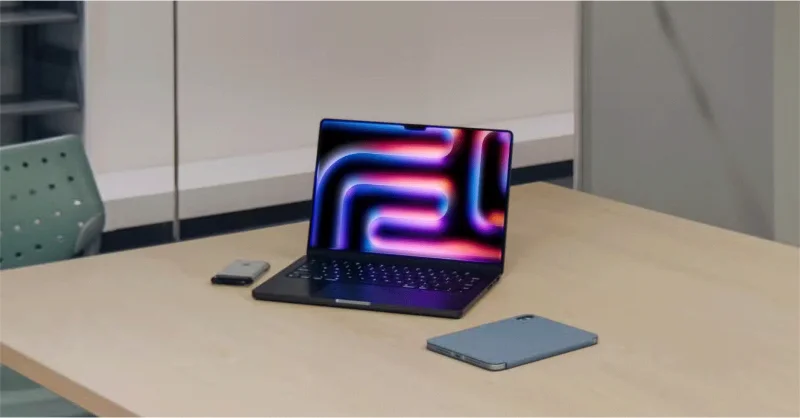
The simplicity that Apple once offered has slowly faded, and some major changes are needed to recapture Apple's glory days.
Sort leftover Halloween candy safely, share or repurpose sealed treats, and choose food use or compost for pumpkins based on their condition.
Compare workplace Halloween costume choices by respect, dress code, mobility, and safety—and learn when a subtle accessory or a policy check is the better option.
Find a couples costume that fits your style, budget, and comfort level, from Addams Family classics to original inside-joke duos.
Need a last-minute high school Halloween costume? Compare 10 easy closet-based ideas by prep time, comfort, school-day practicality, and simple safety checks.
Use a simple 2026 Halloween decorating timeline for indoor décor, outdoor displays, and fresh pumpkins, with practical adjustments for weather and events.
Mix five vivid, approachable Halloween cocktails with measured recipes, simple prep tips, and an alcohol-free option for your party guests.
Find 15 office-friendly Halloween costume ideas for 2026, with practical checks for dress codes, respectful themes, comfort, and workplace safety.
Plan a fun elementary school Halloween party with easy crafts, games, inclusive treats, costume tips, and a sample 75-minute classroom schedule.
Compare realistic side hustles for 2026 by startup cost, fees, flexibility, and income control, with current tax and scam guidance from official sources.
Upgrade your home office ergonomics with current OSHA and NIOSH guidance on chair fit, monitor height, laptop setup, lighting, and movement.








