Finding the best multiplayer games on Steam opens up endless hours of cooperative adventures and competitive matches with players worldwide. Steam hosts thousands of titles with robust online features, making it simple to connect with friends or join public lobbies. This article covers standout recommendations and practical steps to start playing them right away.
Overview of the Best Multiplayer Games on Steam
Steam remains the leading platform for multiplayer gaming thanks to its vast library, frequent sales, and built-in voice chat tools. The best multiplayer games on Steam span genres from fast-paced shooters to survival sandboxes where teamwork is essential. Players benefit from cross-region matchmaking and regular updates that keep communities active for years.
Before diving in, ensure your PC meets basic requirements such as a stable internet connection above 10 Mbps and a Steam account linked to a payment method for any paid titles. Free-to-play options like Team Fortress 2 let you test the waters without spending money first.
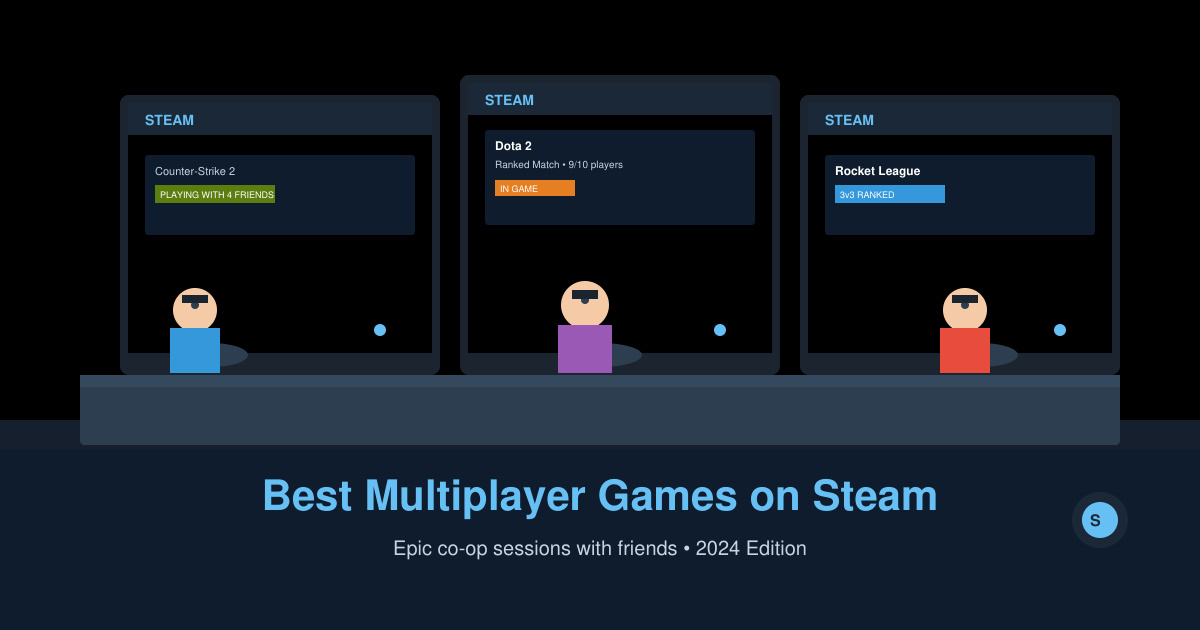
How to Access the Best Multiplayer Games on Steam
-
Step 1: Download and Install the Steam Client
Visit store.steampowered.com in your browser, click the green Install Steam button at the top, and run the downloaded installer. Once open, create a free account or log in, then navigate to the Library tab to prepare for game installations. This base setup takes under five minutes on most Windows machines.
-
Step 2: Search for Counter-Strike 2 and Join a Match
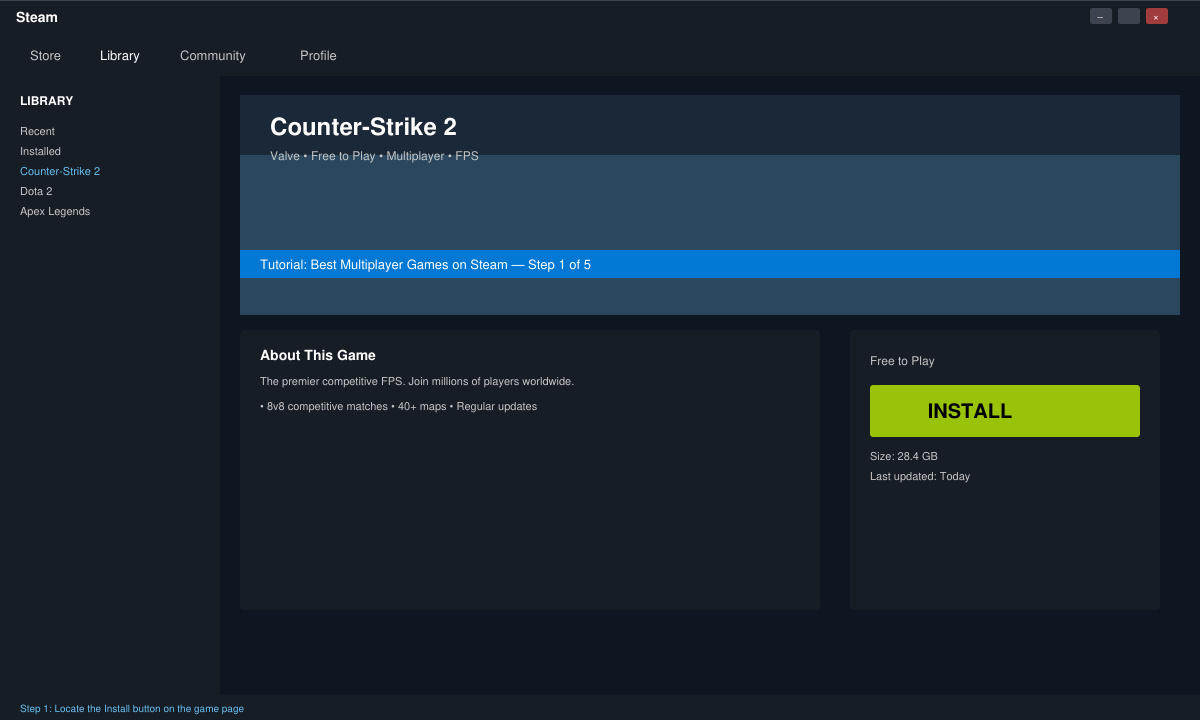
In the Steam client, type Counter-Strike 2 into the search bar at the top. Click Install, wait for the download, then launch the game from your Library. Select Play and choose Casual matchmaking to enter your first 5v5 bomb defusal round within seconds of queuing.
-
Step 3: Install Phasmophobia for Co-op Ghost Hunting
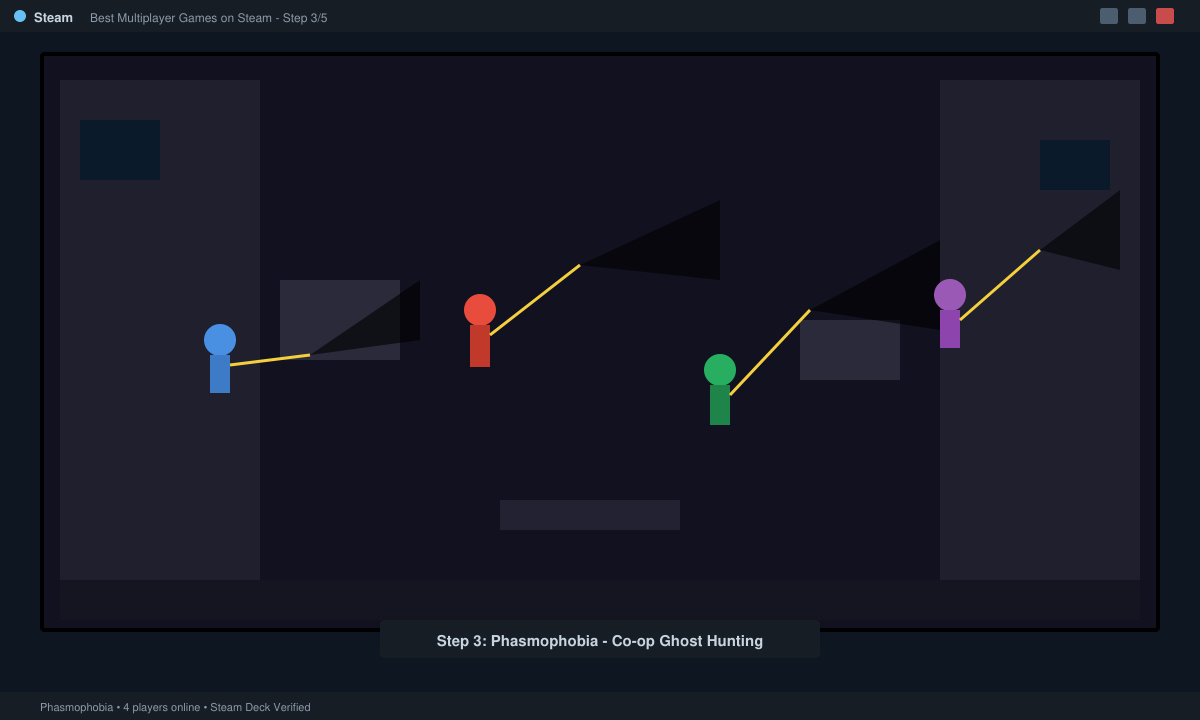
Return to the Store page and search Phasmophobia. Purchase or add to cart if on sale, complete the install, and launch it. Create a private lobby, invite up to three Steam friends via the in-game code, and start investigating haunted locations using the provided equipment.
-
Step 4: Try Valheim for Long-Term Survival Multiplayer
Search Valheim in Steam, install the game, and start a new world. Choose the multiplayer option to host a dedicated server or join an existing one through the community server browser. Gather resources with friends to build bases and defeat bosses across procedurally generated islands.
Tips for Smooth Multiplayer Sessions on Steam
Enable Steam Overlay by right-clicking any game in your Library, selecting Properties, and checking the box for overlay support. This lets you invite friends without alt-tabbing. Always verify game files through the Properties menu if you experience connection drops or missing textures. Use the Friends list to create groups ahead of time so everyone joins the same lobby instantly. Watch for regional ping differences and select servers closest to your location for the lowest latency.
Many best multiplayer games on Steam receive seasonal events that introduce new maps and cosmetics. Check the News tab in each game every week to stay updated on balance changes and limited-time modes.
FAQ
Do all best multiplayer games on Steam require a subscription?
No. Most top titles are one-time purchases or completely free, with optional cosmetic DLC only.
Can I play best multiplayer games on Steam with a controller?
Yes. Games like It Takes Two and Among Us offer full controller support and can be enabled in the game settings menu.
How do I fix high ping in Steam multiplayer games?
Switch to a wired Ethernet connection instead of Wi-Fi and select the nearest server region in the game options.
Conclusion
The best multiplayer games on Steam deliver lasting entertainment when you follow these straightforward installation and joining steps. Start with one free title today to experience the platform's vibrant communities firsthand.








