ChatGPT is great for generating passwords because it doesn't get stuck in the same mental loop as us. It can quickly generate random combinations of words, letters, numbers, and symbols that strike the perfect balance between complexity and memorability. For example, you could ask it to come up with a password like this:
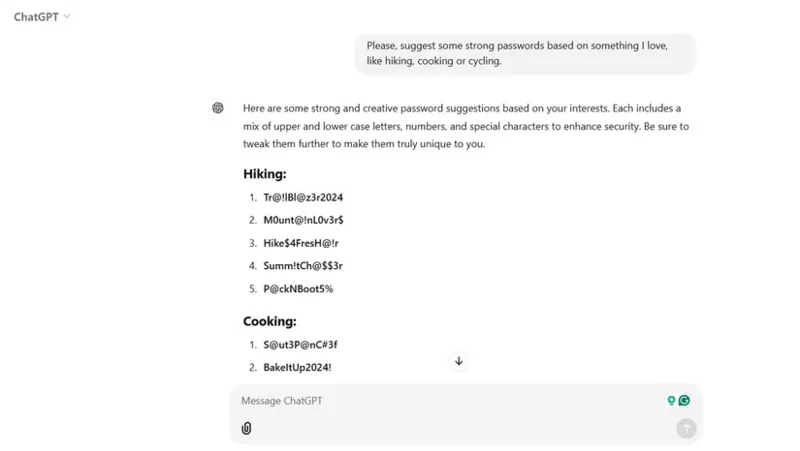
Please suggest some strong passwords based on something I love, like hiking, cooking, or cycling.
Suggest some strong passwords based on something I enjoy, like hiking, cooking, or biking.
Within seconds, you'll get some great options. These types of passwords strike a balance between strength and usability. They're still hard for hackers to guess, but they're much easier for you to remember because they're tied to something personal.
Ask ChatGPT to suggest passwords based on preferences.
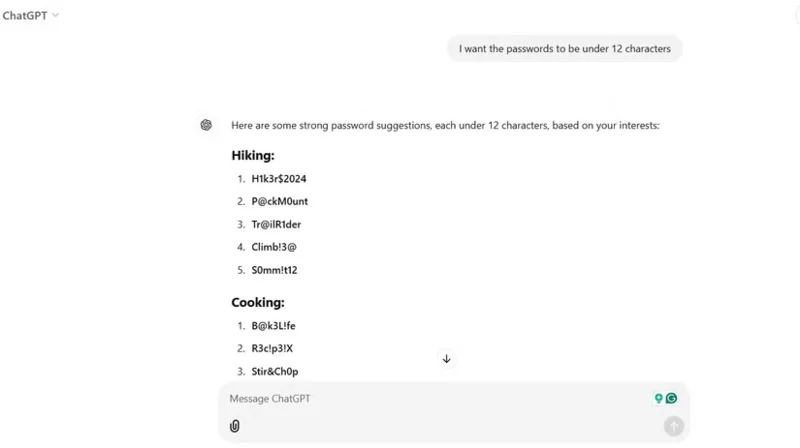
You can also customize the request to suit your preferences. For example, if you're looking for something shorter but still secure, you can request a password under 12 characters.
Modify the password generated by ChatGPT to less than 12 characters.
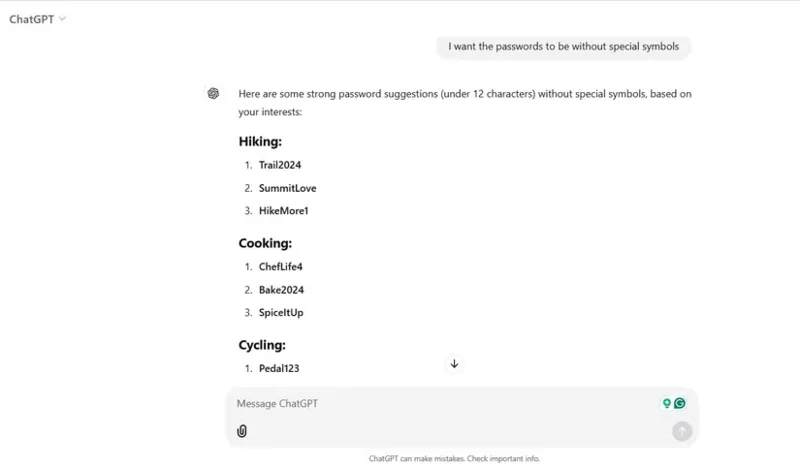
If you need a password that is easy to type on your smartphone, you can request a password without special symbols. ChatGPT can adapt to your needs, and that flexibility makes it extremely useful.
Ask ChatGPT to generate a password without symbols.
Should I use ChatGPT to generate passwords?
While ChatGPT can generate some extremely secure passwords, whether you should rely on it as a password generator depends on your approach and how comfortable you are with using AI for something as sensitive as this.
If you're just creating a one-time password to lock down a random online forum account, ChatGPT might be fine. But for sensitive accounts—banks, email, or anything tied to your identity—you're better off using a good password manager like Bitwarden or 1Password. These tools don't just generate secure passwords; they also store and autofill passwords, which ChatGPT doesn't do.
Now, a quick note on safety: While ChatGPT is great for generating passwords, never share sensitive personal information with it, like your email address or other private information. Think of it as a brainstorming tool, not a repository!