Desk Decorating Ideas for a Spooky Office Cubicle

Create a spooky office cubicle with Halloween desk decor ideas that keep your workspace usable, tidy, and mindful of workplace safety.
On March 4, the startup Anthropic, invested by Google and Amazon, announced a set of artificial intelligence (AI) models collectively called Claude 3, including Claude 3 Opus, Claude 3 Sonnet and Claude 3 Haiku.
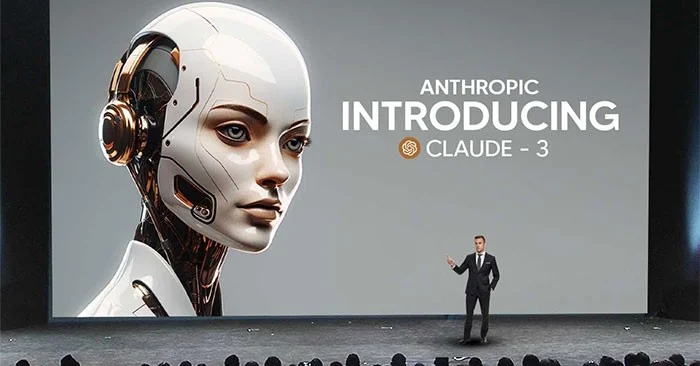
This is the latest chatbot to join the fierce competition in this AI technology field.
What is Claude 3?
Claude 3 is a family of 3 multimodal AI models developed by Anthropic to replace the Claude 2 series of AI models. You can say Claude 3 is Anthropic's answer to Google's Gemini and OpenAI's GPT-4. Released in 3 versions Haiku, Sonnet, and Opus, in order of increasing intelligence, Claude 3 is Anthropic's first multimodal AI model and represents a significant leap forward over the Claude 2 series.
Now, if you’ve never heard of the Claude AI chatbot, that’s understandable. Claude and its base models don’t enjoy the superstar status of ChatGPT or the brand appeal of Google’s Gemini. However, Claude is certainly one of the most advanced AI chatbots in the world, outperforming the much-lauded ChatGPT in a number of key areas.
To truly appreciate the Claude 3, it's important to look back at the failures of previous models.
All 3 issues have now been completely or at least partially resolved with the release of Claude 3.
Claude 3 Opus is currently the most powerful chatbot
According to Anthropic, Claude 3 Opus is currently the most powerful chatbot. In various benchmark tests, the new chatbot has outperformed rival versions of OpenAI's GPT-4 and Google's Gemini 1.0 Ultra.
Anthropic President Daniela Amodei believes that Claude 3 Opus will be the choice of customers if they have to perform the most complex tasks such as accurately handling complex financial analysis.
Anthropic said the Claude 3 series will be available on Amazon and Google cloud platforms. The company will also sell direct access in 159 countries.
With Claude 3 Opus, customers will pay $15 per million character strings entered. Meanwhile, GPT-4 Turbo only costs $10.
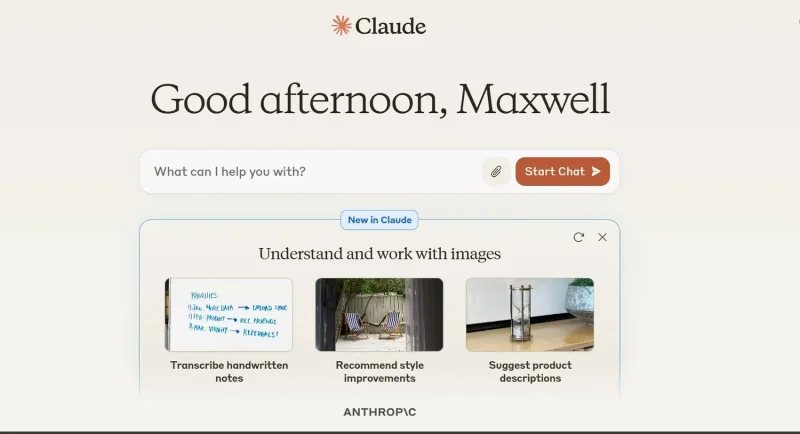
Anthropic emphasizes that Claude 3 will examine images, not generate them, meaning users can upload images and enter text for analysis.
Anthropic is run by former OpenAI executives and is one of several companies developing generative AI, a form of artificial intelligence that can create new content and ideas, including stories, conversations, images, videos and music, in the same way humans do.
What can you do with Claude 3?
Like most advanced AI models out there, Claude 3 can generate top-notch responses to a wide variety of queries across a wide range of domains. Whether you need to quickly solve an algebra problem, write a brand new song, draft an in-depth article, write software code, or analyze a massive dataset, Claude 3 can do it all.
But most AI models already do well on these tasks, so why use Claude 3?
The answer is simple! Claude 3 is not only another AI model that performs well on these tasks, but it is also the most advanced freely available multimodal AI model you can find anywhere on the internet. Google’s much-touted Gemini performs impressively in benchmark tests. However, Anthropic claims that Claude 3 outperforms it by an impressive margin on some tasks. While benchmarks are something we tend to be skeptical about, if you put both AI models to the test, the superiority of the Claude 3 model in some important use cases becomes very clear.
Claude 3 lets you do most of the things you can do with Gemini and GPT-4 (except image creation) without paying the $20 subscription fee like ChatGPT.
Create a spooky office cubicle with Halloween desk decor ideas that keep your workspace usable, tidy, and mindful of workplace safety.
Plan a recognizable Halloween 2026 look with pop culture costumes inspired by Spider-Man, Supergirl, Toy Story 5, Moana, Mario, and Wednesday.
Sort leftover Halloween candy safely, share or repurpose sealed treats, and choose food use or compost for pumpkins based on their condition.
Compare workplace Halloween costume choices by respect, dress code, mobility, and safety—and learn when a subtle accessory or a policy check is the better option.
Find a couples costume that fits your style, budget, and comfort level, from Addams Family classics to original inside-joke duos.
Need a last-minute high school Halloween costume? Compare 10 easy closet-based ideas by prep time, comfort, school-day practicality, and simple safety checks.
Use a simple 2026 Halloween decorating timeline for indoor décor, outdoor displays, and fresh pumpkins, with practical adjustments for weather and events.
Mix five vivid, approachable Halloween cocktails with measured recipes, simple prep tips, and an alcohol-free option for your party guests.
Find 15 office-friendly Halloween costume ideas for 2026, with practical checks for dress codes, respectful themes, comfort, and workplace safety.
Plan a fun elementary school Halloween party with easy crafts, games, inclusive treats, costume tips, and a sample 75-minute classroom schedule.








