Snapchat is a popular social platform that allows users to post video clips publicly and send messages to other users directly If someone isn’t responding to your snaps or messages you may have been blocked.
Social media is a fickle place. People can act out of character and out of spite without really considering the consequences. If you think you may have been blocked by a friend on Snapchat, continue reading to learn how to check for yourself.

Finding Out If You’ve Been Blocked
Social networks aren’t always the best at letting you know if you have been blocked. This is probably for many reasons, such as user privacy and safety. It can be a bit confusing figuring out whether or not you have been blocked.

A deleted account acts similarly to one that is blocking you. However, there are ways to determine whether an account is closed, or still active but not visible to you anymore.
Check your Snapchat Contact List
The easiest way to tell if someone blocked you on Snapchat is to check your contact list. If they were there one minute and gone the next, you may have been blocked. It’s also possible that you may just have been removed as a contact, so this is best used as a preliminary check. Follow these steps:
- Open your Snapchat App.

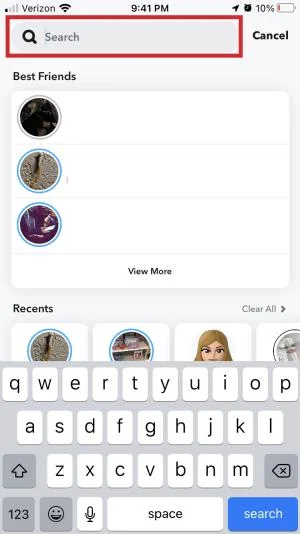
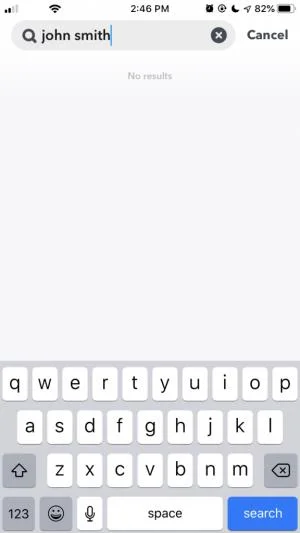
- Tap on the Search Bar at the top of the screen.

- Search for the friend that you think may have blocked you.
If you can see and re-add them, they may have removed you, but not blocked you. If they are a friend, ask them about it using another form of commutations. If not, either cut your losses, or try re-adding them and see what happens.
Send them a message
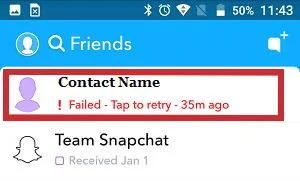
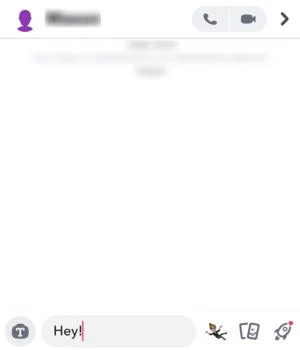
If you have chatted with the person before, this process may be a little easier. If you still have chats in your list, try messaging them again.
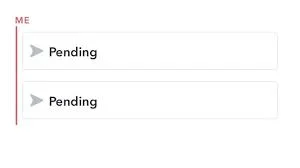
- If you see something like Failed to send your message – Tap to try again, that could mean that you have been blocked.

- If you see Pending and a gray icon instead of blue or pink, then you have been deleted from their contacts list, but not blocked

Use a Different Snapchat Account
Another easy way to check if someone has blocked you on Snapchat (or any other social media for that matter) is to use a different account and see if you can still see them. Ask a mutual friend if they can see the person in question. If they can see the person but you cannot, chances are they have indeed blocked you. If they cannot see them either, there is likely more to the story.
If you don’t have any mutual friends, try using another Snapchat account of your own. If you find them on that account, but not on your main account, then they have most likely blocked your main account. Switch accounts by following these steps:
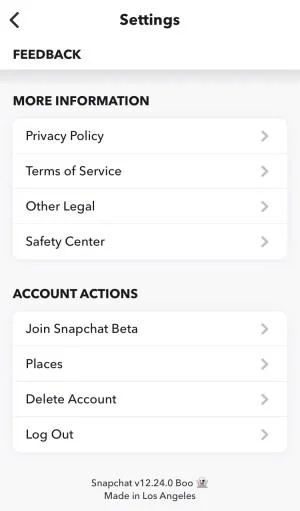
- Log out of your main Snapchat account

- Log in to your alternative Snapchat account.

- Search for the person you think may have blocked you, and add them as a friend if found.

This technique could fail if the person in question already knew of your second Snapchat account. To get around this, you can create a new account that you’re just going to use to see if they have, in fact, blocked you. However, if someone has blocked you, creating a second account to try and message them anyway may not be the best way to handle the situation.
Check to see if someone is following you on Snapchat
Finding out if someone has followed you on Snapchat is much more definitive and easy to use than trying to see if someone has blocked you or not. Being followed is a positive thing, so all social networks want to encourage that positive feedback loop. That’s why it is always easier to find out positive things (like who has followed you) than negative ones (who has blocked you).
To find out if a person is following you on Snapchat:
- Search for their name within the app.

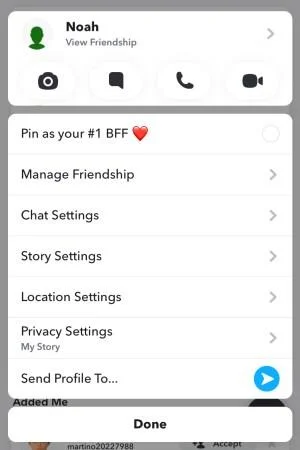
- Select and hold their username until a menu appears. From the popup menu, tap on their profile picture.

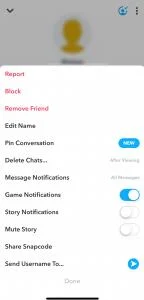
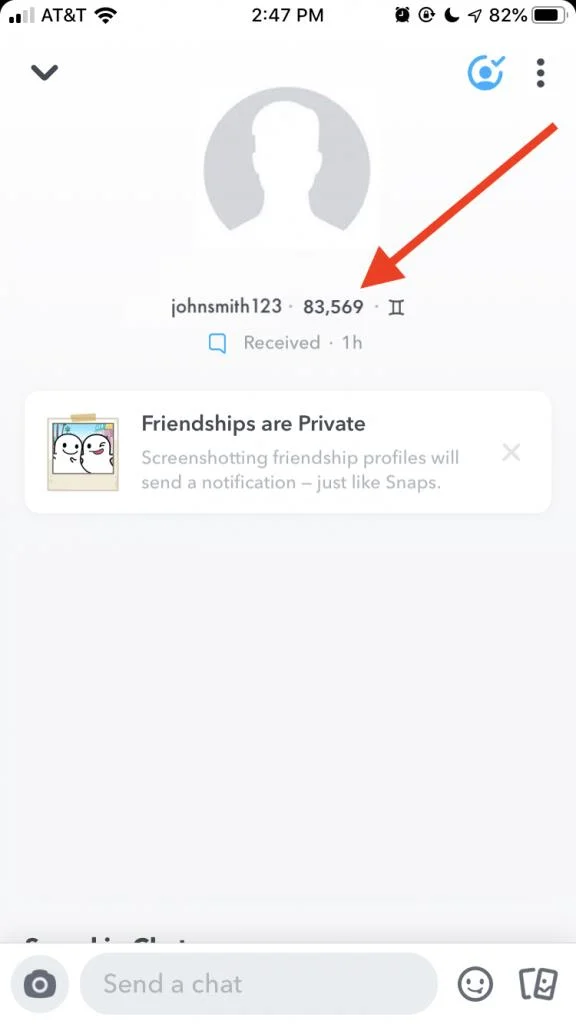
- This will bring you to their profile page, as seen below. If that user is following you back, you’ll see their Snapscore as indicated by the red arrow. Otherwise, you’ll only be able to view their username.

It isn’t necessarily a bad thing if someone isn’t following you back; it could just mean that they haven’t gotten around to it yet. They may not use the network as much as you do, or they may have been busy.
Frequently Asked Questions
Does Snapchat tell you if you’ve been blocked?
No. You won’t receive an alert if you’ve been blocked, so you’ll have to review the above-listed suggestions to come to a conclusion. If you don’t see any information about the profile that you’re interested in after a conflict, then you’ve likely been blocked.
Can I block someone on Snapchat who already blocked me?
No. You won’t be able to see their profile so you won’t have the u0022Blocku0022 option from their profile. If you don’t want the other person to have the option to unblock you, you’ll have to check their profile periodically and do so if it appears again. Fortunately, Snapchat does alert you if another user adds you back. If the person who has blocked you changes their mind, you will see the notification, then you can block them yourself.

Can I report someone who blocked me?
You can visit the Snapchat Support website and file a report against another user. You will need some information, so it’s a good idea to get screenshots (although they will get an alert) if you want to file a report.
I was talking to someone, and now their profile has disappeared. What’s happened?
If you’ve met someone on Snapchat and you were having great conversations with them, then out of nowhere they’ve disappeared, it’s likely that Snapchat removed the profile. Whether for violating the Terms of Service or because it was actually a spam account, Snapchat will pull suspicious accounts. This doesn’t mean the person blocked you (especially if the conversations you were having were pleasant) even though the app may act like you’ve been blocked.

Wrapping Up
While being blocked might be frustrating, it’s not the end of the world. Try connecting with the person outside of social media if you have any real questions about the status of your friendship. If they don’t answer your text, this article will help you to answer as to whether or not they have blocked you.
Do you have any tips, tricks, or questions related to figuring out whether or not you have been blocked on Snapchat? Let us know in the comments below.