Leftover Halloween Candy and Pumpkins: What to Do Next

Sort leftover Halloween candy safely, share or repurpose sealed treats, and choose food use or compost for pumpkins based on their condition.
Some scams are easy to spot, but others require more attention. One of the scariest scams today involves fake bad news alerts - it's important to know how to spot them and be on the lookout.
What is the "Bad News" Scam Trap?
The “Bad News” scam involves someone sending you a message saying they have bad news. In most cases, this involves them claiming that one of your loved ones has passed away.
These emails almost always end with a thought-provoking quote. You’ll also see a link included, which often looks strange. While you can use websites to check if a link is safe, it’s best to avoid links in these emails in all situations.
Sometimes these emails are hard to evaluate because they use a valid first and last name. Searching and verifying the email address can sometimes help confirm your suspicions that the emails are not real.
What should I do if I receive this message?
This message is unlikely to cause you any harm if you know how to handle it. To ensure you don’t fall victim to this scam, we’ve listed two key recommendations below.
1. Delete emails and block senders

In this case, you should simply delete the email. Once you've done that, you should block the sender. This will at least prevent them from contacting you again. Once you've deleted the email from your primary inbox, you should also delete it permanently.
2. Contact relatives
If the scam includes the name of someone you actually know (or someone close to them), you should still contact them. Let them know you received the email and want to check in; this is also a good opportunity to express gratitude.
In addition to keeping an eye on them and showing your appreciation, you should let them know that there may be other emails about them circulating. However, if you are going to show them the message, take a screenshot instead of forwarding the email. You don’t want them accidentally clicking on a link, right?
What to do if you have fallen for this scam?
The adage of prevention is better than cure, but it will be useless if you have fallen victim to this scam. So if you have fallen victim to this scam, here are some actions you can take to minimize the damage.
1. Notify your payment service provider and cancel your bank card
If you have submitted your payment information or saved it on your device, notify your payment provider as soon as possible. Ask the institution to cancel your card and issue a new one. Fortunately, with online banking being so popular these days, you can often use a virtual card until you get your new physical card.
Getting a refund on your credit card, PayPal, or debit card can be difficult. However, if you’ve already transferred money (or noticed some money leaving your account), it’s worth a try. Typically, you’ll have to contact customer support; the process varies from bank to bank.
2. Scan for malware
In addition to minimizing the financial impact, you should also consider the impact on your computer, phone, or tablet. If you accidentally click on a link in this phishing scam email, make sure you scan it for malware.
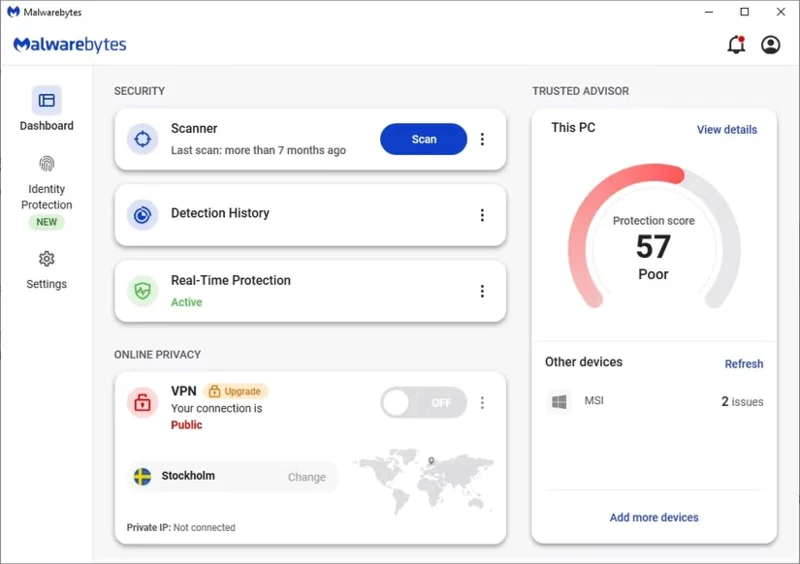
You can choose any tool you want, but we recommend upgrading to Malwarebytes Premium . If the program finds malware or other dangerous programs, it will quarantine them.
While fake bad news scams are insidious and will certainly appeal to your emotions, it is important to remain vigilant. Do not click on links in these messages under any circumstances, and if you have clicked, be sure to check for malware. It is also a good idea to notify your bank of any potential fraudulent transactions.
Sort leftover Halloween candy safely, share or repurpose sealed treats, and choose food use or compost for pumpkins based on their condition.
Compare workplace Halloween costume choices by respect, dress code, mobility, and safety—and learn when a subtle accessory or a policy check is the better option.
Find a couples costume that fits your style, budget, and comfort level, from Addams Family classics to original inside-joke duos.
Need a last-minute high school Halloween costume? Compare 10 easy closet-based ideas by prep time, comfort, school-day practicality, and simple safety checks.
Use a simple 2026 Halloween decorating timeline for indoor décor, outdoor displays, and fresh pumpkins, with practical adjustments for weather and events.
Mix five vivid, approachable Halloween cocktails with measured recipes, simple prep tips, and an alcohol-free option for your party guests.
Find 15 office-friendly Halloween costume ideas for 2026, with practical checks for dress codes, respectful themes, comfort, and workplace safety.
Plan a fun elementary school Halloween party with easy crafts, games, inclusive treats, costume tips, and a sample 75-minute classroom schedule.
Compare realistic side hustles for 2026 by startup cost, fees, flexibility, and income control, with current tax and scam guidance from official sources.
Upgrade your home office ergonomics with current OSHA and NIOSH guidance on chair fit, monitor height, laptop setup, lighting, and movement.








