Pop Culture Costume Ideas That Will Dominate Halloween 2026

Plan a recognizable Halloween 2026 look with pop culture costumes inspired by Spider-Man, Supergirl, Toy Story 5, Moana, Mario, and Wednesday.
Doraemon the Fat Cat with his magic bag filled with endless treasures is a part of the childhood of many generations of children from 8X, 9X to 10X.
After more than 20 years since the last episode, there have been magical scenes of Doraemon appearing in the real world by chance.
Table of Contents

OpenAI's GPT Chat is an AI application that can answer questions from users in various fields and is taking the world by storm.
And some people have discovered that the author of the story "Doraemon" has accurately predicted the appearance of ChatGPT. Specifically, in the 17th short story collection, the story of Journalist Nobita, mentioned a technology from the future, which can compose a series of superheroes saving the world, or do math, solve problems,... by learning from existing works, the data provided.
This futuristic technology in comics is not unlike the way current AI systems learn from massive data sets to mimic the original author's style.
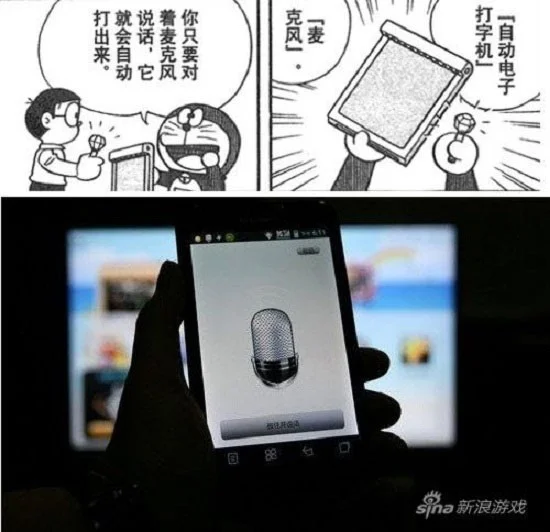
Doraemon gave Nobita one of his gadgets and said: “If you are too lazy to write, just speak into this microphone. The printer will automatically print your words onto paper!”
And today, technology companies like Google and Apple have also launched voice recognition features that allow conversion from speech to text, even text to speech.
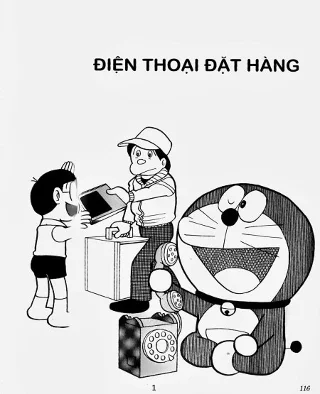
Shopping and home delivery has only become popular in recent years, but in Doraemon stories, this form of delivery has been around for a long time. With the “telephone ordering” gadget, Nobita only needs to say “Hello”, pick up the phone and call, and it’s ready! And especially in the story, this service also applies to human goods.
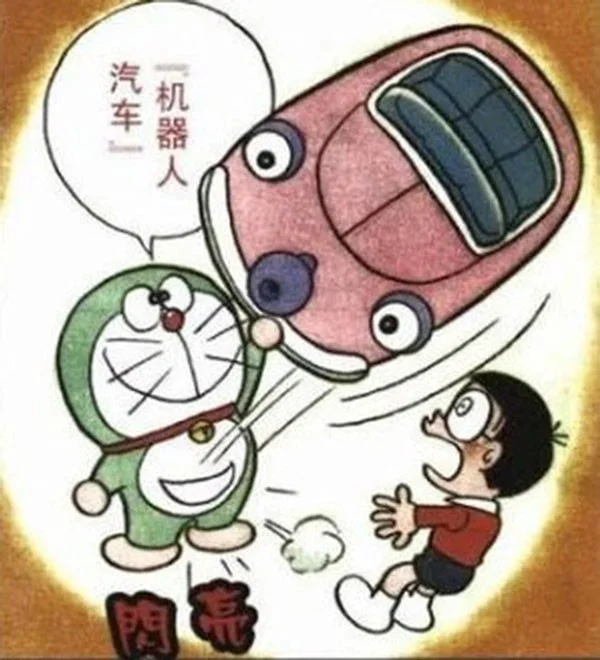
When Nobita, Suneo, Shizuka,... were still students in class 3E, the car that could drive and control itself was a miracle that only appeared thanks to Doraemon's gadget.
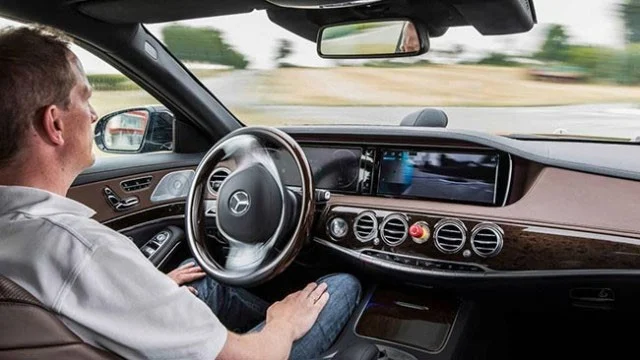
But now, famous car manufacturers such as Tesla, Mercedes, Nissan,... have all launched smart self-driving car technology. But compared to the treasure of the robot cat from the 22nd century, today's self-driving cars still cannot compare.

In the story, Nobita and his friends can freely explore and play at the bottom of the sea without fear of darkness thanks to Doraemon's underwater campfire.
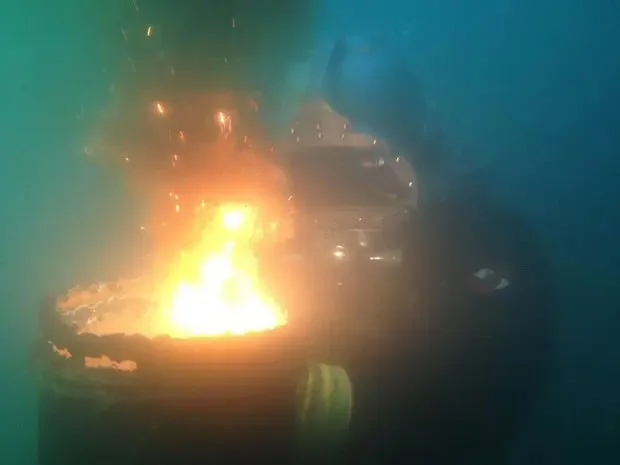
The real-life version of this gadget is called Thermite – a substance made of 50% aluminum powder and 50% rust, which requires a magnesium strip to light. Thermite can even burn underwater!
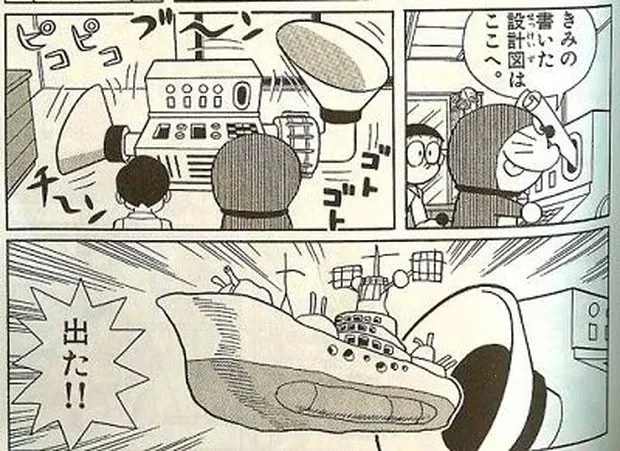
Doraemon has a magical gadget that can instantly construct 3D objects drawn in a template.
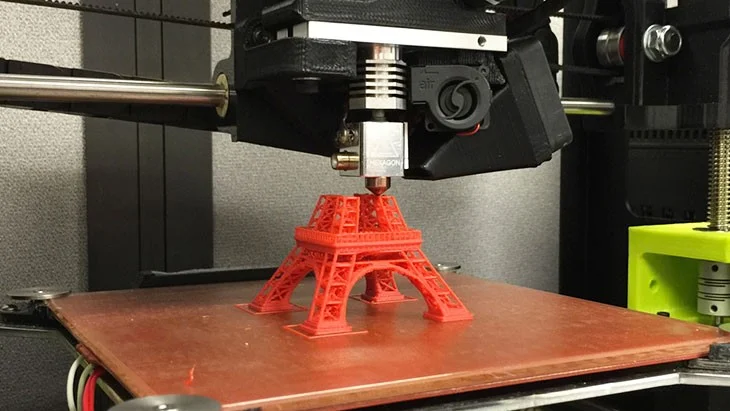
3D printers have appeared in the real world today but the way they work is a bit more complicated than the machine in Doraemon. We have to input all the information and details into the device to be able to print out 3D shapes, not simply giving out images.
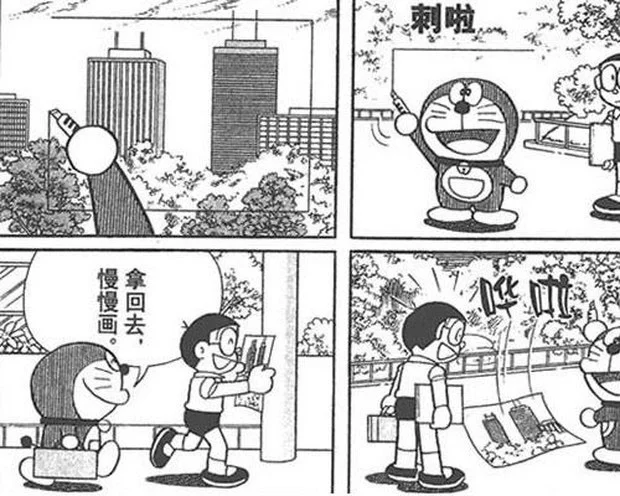
The gadget that could cut out the frame and instantly turn it into a picture of Doraemon had made countless children around the world admire. At that time, cameras were a luxury for most people, so it was clearly a fantasy in the minds of readers.
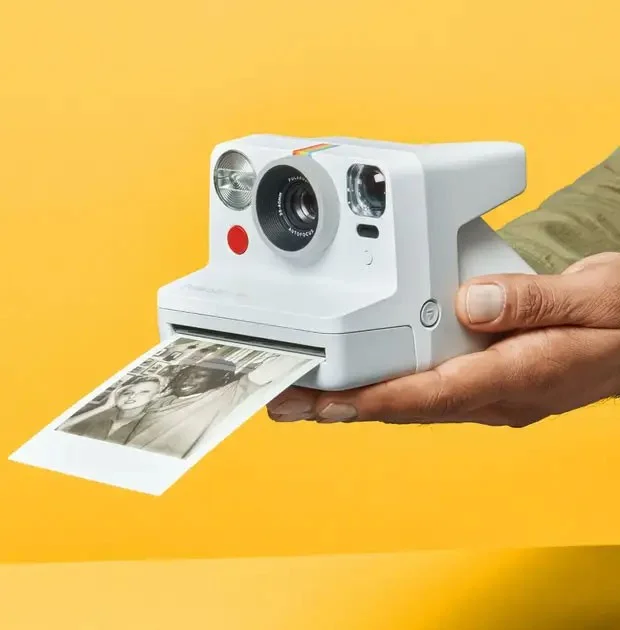
But now the Polaroid camera with the ability to take instant photos, photo printers that directly export photos from smartphones or cameras have become too familiar to many people.
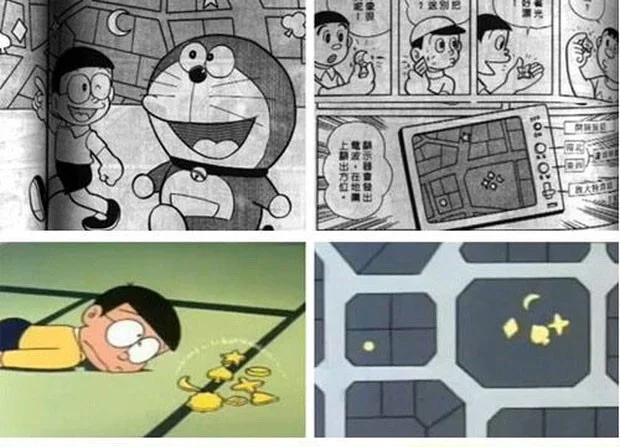
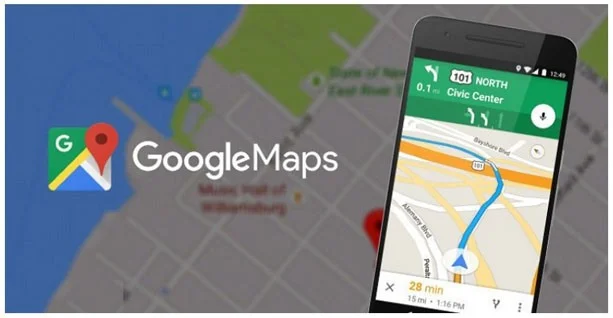
When reading Doraemon, many people were surprised by the navigation tool and thought that this only existed in stories. But now, Google Maps is a familiar navigation application that helps us get to the right destination.
Plan a recognizable Halloween 2026 look with pop culture costumes inspired by Spider-Man, Supergirl, Toy Story 5, Moana, Mario, and Wednesday.
Sort leftover Halloween candy safely, share or repurpose sealed treats, and choose food use or compost for pumpkins based on their condition.
Compare workplace Halloween costume choices by respect, dress code, mobility, and safety—and learn when a subtle accessory or a policy check is the better option.
Find a couples costume that fits your style, budget, and comfort level, from Addams Family classics to original inside-joke duos.
Need a last-minute high school Halloween costume? Compare 10 easy closet-based ideas by prep time, comfort, school-day practicality, and simple safety checks.
Use a simple 2026 Halloween decorating timeline for indoor décor, outdoor displays, and fresh pumpkins, with practical adjustments for weather and events.
Mix five vivid, approachable Halloween cocktails with measured recipes, simple prep tips, and an alcohol-free option for your party guests.
Find 15 office-friendly Halloween costume ideas for 2026, with practical checks for dress codes, respectful themes, comfort, and workplace safety.
Plan a fun elementary school Halloween party with easy crafts, games, inclusive treats, costume tips, and a sample 75-minute classroom schedule.
Compare realistic side hustles for 2026 by startup cost, fees, flexibility, and income control, with current tax and scam guidance from official sources.








