4 VPNs That Dont Require Login or Registration
Want to get the benefits of a VPN without signing up for an account? Believe it or not, there are options out there.
Switching to VPNs has completely changed the online privacy of many people, but there are a few things you need to know before you start using them.
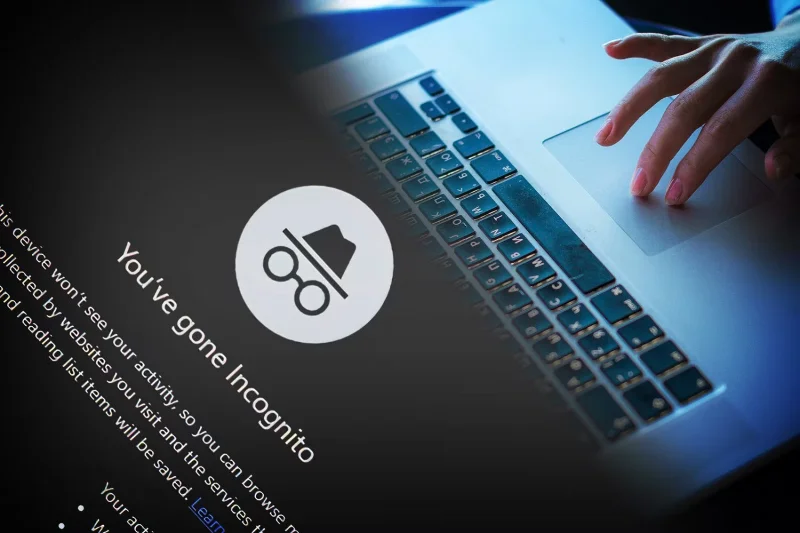
1. Sometimes you need to use incognito mode to use your VPN location

Many people use VPNs to research information that isn't available in their area and to view content that's otherwise inaccessible. However, sometimes you won't get location-specific results unless you use incognito mode.
This issue commonly affects iPads and can be very frustrating at times. Aside from still getting shopping recommendations for your area, you can't access content like radio shows.
There are some advantages to browsing incognito mode regularly, but it would be nice if a VPN worked without it.
2. VPNs don't always unlock geo-restricted content

Speaking of geo-restricted content, there’s a common misconception that a VPN will automatically unblock shows, movies, and live sports that aren’t available in your area. This is often the case, but not always. For example, sometimes you’ll have trouble changing your Netflix catalog – even with a VPN (although you can still watch Netflix with a VPN).
Again, the best way to watch geo-restricted content is through an Incognito window. You can also look for VPN services that have specific tools for unblocking streaming services and sporting events. There are many factors to consider before signing up for a VPN, and this is one of them.
3. If you livestream, be careful with the stream quality
VPN streaming quality isn’t always the best. Even if you have an account with your streaming service, you should still consider the lowest possible streaming quality you can expect.
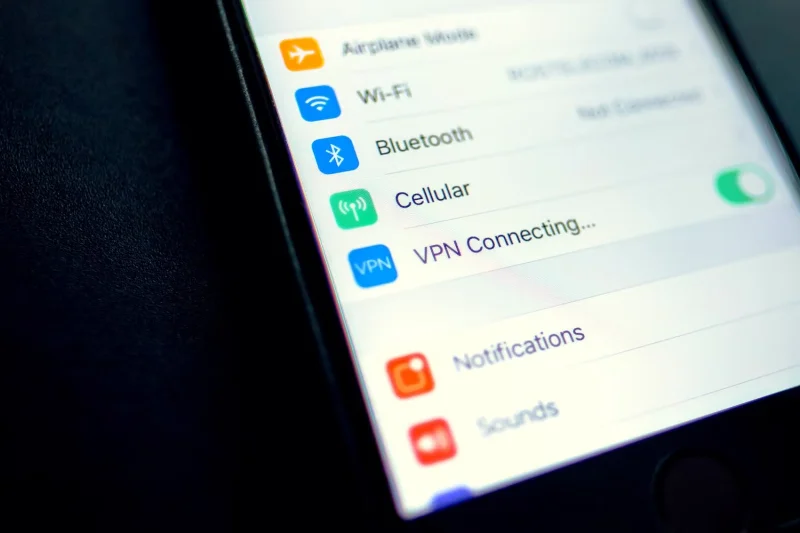
Of course, there are other things you can try to improve the quality, such as having a stable basic Wi-Fi connection. Turning off Wi-Fi on your smartphone also helps.
4. You may not be able to access certain websites and services.

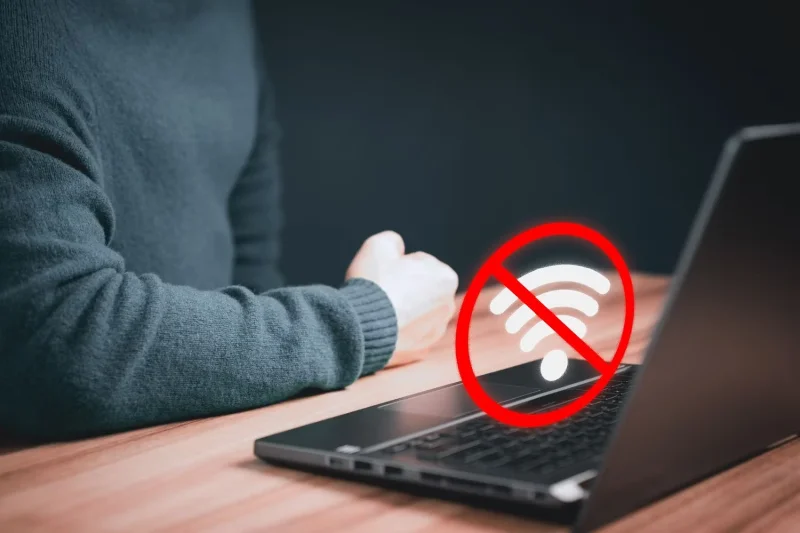
You can usually browse the Internet on a VPN without any problems, but sometimes you will encounter unexpected problems. For example, sometimes you will have trouble accessing your mobile banking account when connected to a VPN. Also, sometimes there is no Internet when the VPN is on.
This isn't a big deal if you're using your home Wi-Fi, but it can be annoying if you're in a public place. You'll also sometimes get a security warning when you log in, which is understandable if your device thinks you're in a different country.
Sometimes, it may not be the VPN that is causing these issues. Instead, the strength of the server may be the main issue. However, it is important to remember that you may encounter problems.
5. A paid VPN subscription is often worth the investment

There are some free VPNs , and there's even a list of VPNs that don't require you to log in or sign up . But in my experience, signing up for a paid VPN is worth the investment.
When you use a paid VPN, you usually have access to more servers than you would normally have. This allows you to choose the specific region you want your device to connect to. Best of all, you have the freedom to switch between servers if one of the connections is weak for whatever reason.
Many free VPNs also have data and usage limits, which can quickly become annoying if you want to use a VPN all the time. And while some free VPNs are safe, others are not. You can often try a VPN with a free trial or money-back guarantee, so you can start with that if you’re not sure which VPN to choose.
6. VPN is just one layer of online security
Before signing up for a VPN, many people mistakenly believe that having a VPN will solve all their problems when it comes to protecting themselves online. But the truth is that VPNs are just one aspect of online security. While they are important, you can still put yourself at risk if you don’t use good security measures.
Having a basic understanding of cybersecurity is essential; if you’re visiting dangerous websites and downloading malware, your VPN won’t be much help. You should also consider purchasing additional software, such as antivirus software. Just make sure you know what features your antivirus solution needs.
7. VPNs can drain your battery
VPNs can drain your battery. Keep in mind that your battery may not last as long when connected to a VPN.
8. VPN is more than just an Internet connection

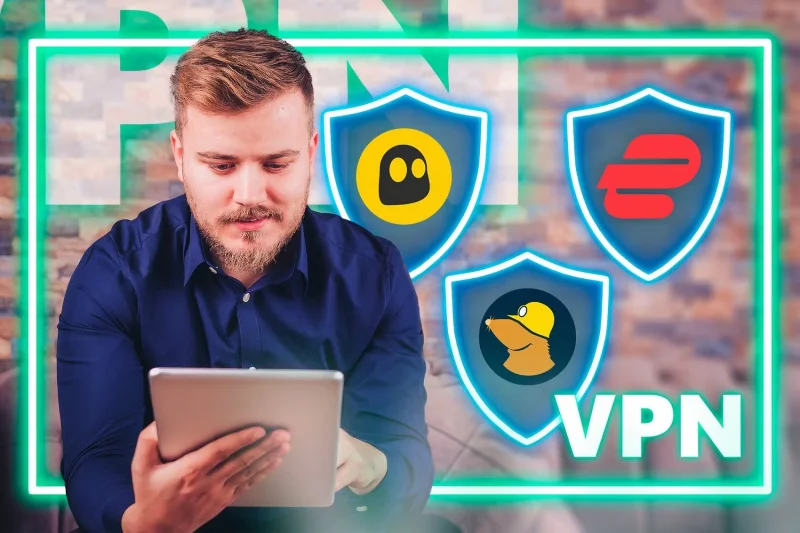
Honestly, the main reason many people buy a VPN is so they can browse content from different parts of the world. And while you might use a VPN primarily for accessing the internet, they can do a lot more than that. For example, ExpressVPN has a password manager that helps you keep your online logins safe across multiple devices.
Likewise, Proton VPN integrates well with other privacy-focused tools like Proton Calendar and Proton Drive. It’s worth looking at what else your VPN can offer beyond the Internet aspects.
You should get a more comprehensive look at what you’re getting before committing to a VPN. Pay for a VPN, and also look for one that can unblock content if that’s important to you.
Want to get the benefits of a VPN without signing up for an account? Believe it or not, there are options out there.
One benefit of using a virtual private network (VPN) is that it masks your real location. But if that's your main goal, you might be surprised to learn that some apps can still see your real location.
VPN (Virtual Private Network) is simply understood as a virtual private network system, capable of creating a network connection based on a certain service provider.
One of the world's most popular VPN services - ExpressVPN - has officially launched an app version for Windows PCs running on ARM-based processors.
To really understand whether a VPN is right for you, there’s no better way than to try it out. Install a few clients, connect to the best servers, test your favorite sites, and see how they perform.
VPNs have a number of advantages, such as protecting your online identity and allowing you to access content in other countries. You may even experience faster connection speeds.
Mock locations and VPNs are often used interchangeably when discussing online privacy and security, but they are not the same.
Not all VPNs are created equal, and that's especially true for free services.
When you turn on a VPN, your internet connection is encrypted, making it harder for snoopers—like your ISP (Internet Service Provider)—to monitor what you're doing. But what exactly does your ISP see after you turn on a VPN?
Back in 2023, Microsoft launched a new feature for Microsoft Defender users called Privacy Protection.
Discover how to use a VPN with Caesars Sportsbook to access your favorite sports betting platform while traveling outside the U.S.
Discover top Chrome extensions that change your IP address and enhance your privacy. Explore options like ExpressVPN and GeoProxy for safer browsing.
Understanding the difference between a VPN and a firewall, as well as why using them together provides better security, will help keep you safe.
A good VPN will improve every aspect of gaming. For example, by using a VPN to mask your location, you can play geo-restricted games.
Tired of Microsoft Teams OneDrive Error blocking file sync? Follow our step-by-step guide to solve Microsoft Teams "OneDrive Error" File Sync issues quickly. Proven fixes for smooth collaboration in Teams channels. Get your files syncing error-free today!
Tired of Microsoft Teams workflows and Power Automate errors halting your productivity? Get step-by-step solutions to common issues like authentication failures, timeouts, and flow errors. Fix them in minutes and automate effortlessly!
Facing Microsoft Teams "Download Error" on MacBook? Discover proven troubleshooting steps to resolve download failures quickly, from cache clears to reinstalls, and get back to smooth teamwork.
Tired of the frustrating Microsoft Teams "Where is Teams" Folder Error? Discover proven, step-by-step troubleshooting fixes to resolve it quickly and restore smooth teamwork. Latest methods included!
Frustrated by Microsoft Teams JavaScript Error on desktop app? Discover proven steps to fix it fast: clear cache, update, reset, and reinstall. Get back to seamless collaboration in minutes!
Struggling with Microsoft Teams "Guest Login" Error? Discover step-by-step fixes, from quick cache clears to admin settings, to resolve guest access issues fast and collaborate seamlessly. Updated with the latest tips!
Tired of the Microsoft Teams "For PC" download error blocking your work? Follow our proven, step-by-step guide to resolve it quickly and get Teams running smoothly on your PC today.
Struggling with Microsoft Teams "Windows 7" login error? Discover step-by-step fixes for this frustrating issue on Windows 10/11. Clear cache, edit registry, and more – get back to seamless collaboration today!
Tired of Microsoft Teams Error Code 0x80070005 blocking your meetings? Follow this 2026 guide with step-by-step fixes for access denied issues. Get Teams running smoothly in minutes!
Master the installation of the Microsoft Teams Add-in for Outlook 2026 effortlessly. Boost your productivity with seamless scheduling and meetings. Follow our proven, up-to-date steps for instant success!
Struggling with Microsoft Teams "License Error" 2026? Discover proven, step-by-step solutions to resolve it fast. Clear cache, check licenses, and get back to seamless collaboration—no IT help needed!
Whether youre in your 50s, 60s, or even 70s, its not too late to prioritize your health and put yourself first. Here are the best exercises for people 50 and older.
Struggling with Microsoft Teams Error Caa50024 on Windows 10/11? Follow our step-by-step fixes to resolve crashes and launch issues quickly. Latest proven solutions for seamless teamwork.
Stuck with Microsoft Teams login error AADSTS50011? Discover proven, step-by-step fixes to resolve the reply URL mismatch issue and log in seamlessly. No tech skills needed!
Tired of the frustrating Microsoft Teams "Win 7" Compatibility Error blocking your meetings? Get instant fixes with our step-by-step guide, including workarounds for older Windows versions. Resolve it now and stay connected!