In the process of connecting to a computer to transfer data, music, pictures, ... encountered some problems, unable to connect Samsung phone to computer. Some cases and fixes you can follow to fix the error of not connecting Samsung to the computer.
Cases and fixes for not connecting Samsung phone to computer are as follows:
1 / The USB cord is connected successfully, but the phone memory is not displayed.
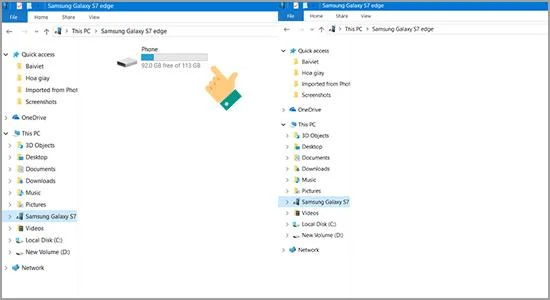
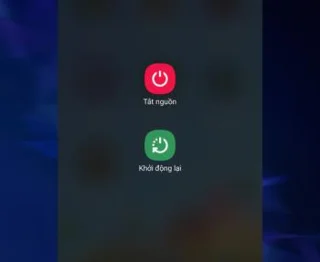
This may be due to the lack of memory scanning. You can restart your Samsung device to fix it. or the error is because you have not selected the correct USB connection mode for the device. Please refer here to change the media file transfer mode.
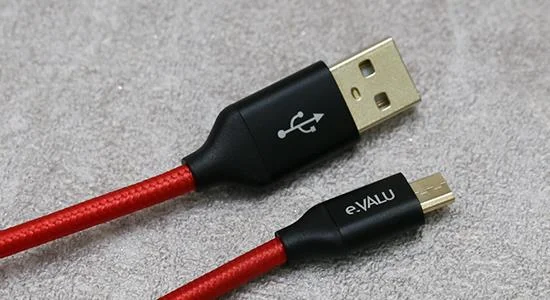
2 / Cable connection error.
![Fix Samsung not connecting to computer error]()
You can replace it with another cable. Meet durability and safety when connecting for retry.
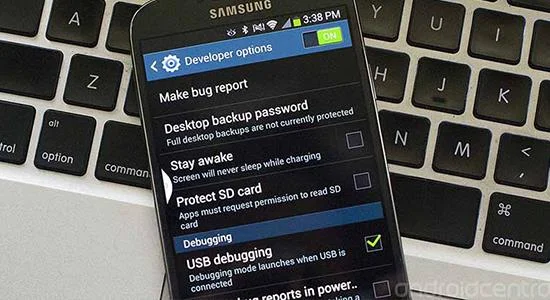
3 / Due to the USB Debug feature required to connect.
![Fix Samsung not connecting to computer error]()
You can open USB Debug mode to facilitate connection between Samsung Android device and computer through Android SDK on Android application development. Provides the highest authority to connect the device to the computer. You refer to the article enable USB Debug on Samsung to fix the above situation.
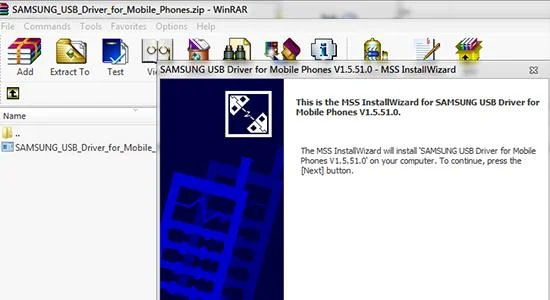
4 / The machine lacks USB Driver to connect.
![Fix Samsung not connecting to computer error]()
The cause is usually because the Driver on your computer is too old and has not been updated with the latest. You should check and update the latest Driver .
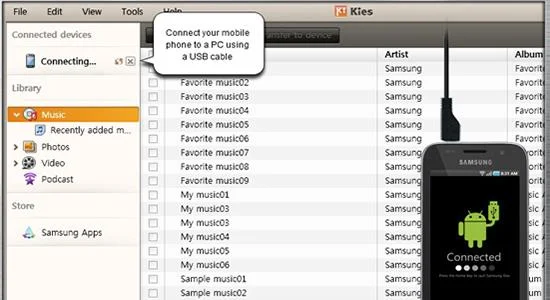
5 / Use software to fix.
![Fix Samsung not connecting to computer error]()
Download Kies or Smart Switch software to your computer and connect as usual, the computer will automatically recognize the Driver and identify your device.
Some causes and solutions for not connecting Samsung to the computer are consulted by you. Good luck!