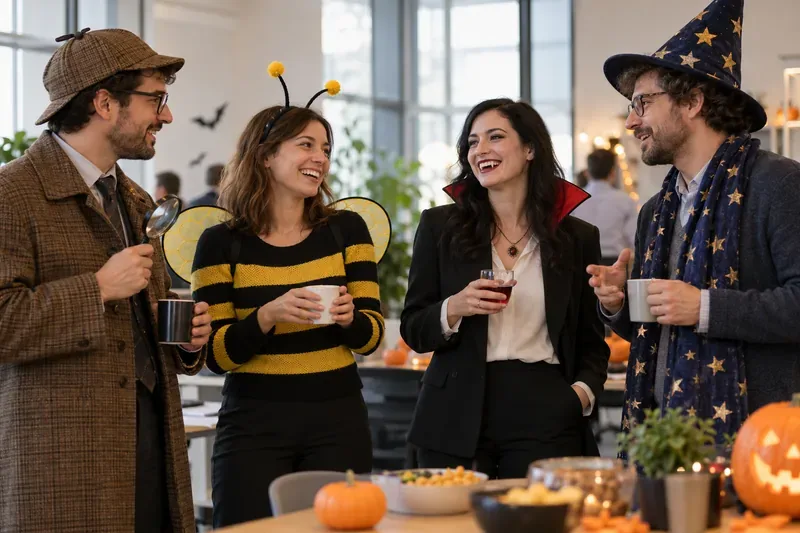
Desk Decorating Ideas for a Spooky Office Cubicle

Create a spooky office cubicle with Halloween desk decor ideas that keep your workspace usable, tidy, and mindful of workplace safety.
Google is adding multimodal capabilities to its search-focused AI Mode chatbot, allowing it to "see" and answer questions about images, while also expanding access to AI Mode to "millions" more users.
The update combines a custom version of Gemini AI with the company's Lens image recognition technology, allowing AI Mode Search users to take or upload a photo and receive "rich, comprehensive feedback with links" about the photo's content. The multimodal update to AI Mode is available starting today and can be accessed in the Google app on Android and iOS.
“AI Mode builds on our years of work on visual search and takes it even further,” said Robby Stein, VP of product at Google Search. “With Gemini’s multimodal capabilities, AI Mode can understand the entire context of an image, including the context of how objects relate to each other and their unique materials, colors, shapes, and arrangements . ”
Google says the update uses a “fan-out technique” that asks multiple queries about the images it sees and any objects in them, to provide “extremely nuanced and contextually relevant” responses . That allows it to do things like identify the books shown in images, make suggestions for similar titles with positive ratings, and answer questions to further compile recommendations.

AI Mode for Google Search serves as a competitor to Perplexity and ChatGPT Search, a chatbot-like experience that responds to requests with AI-generated summaries pulled from everything in Google's search index.
AI Mode launched exclusively to Google One AI Premium subscribers last month, albeit only in Labs. Now, Google says it has started rolling out AI Mode to “millions” more Labs users in the US, not just paid AI Premium subscribers.
Create a spooky office cubicle with Halloween desk decor ideas that keep your workspace usable, tidy, and mindful of workplace safety.
Plan a recognizable Halloween 2026 look with pop culture costumes inspired by Spider-Man, Supergirl, Toy Story 5, Moana, Mario, and Wednesday.
Sort leftover Halloween candy safely, share or repurpose sealed treats, and choose food use or compost for pumpkins based on their condition.
Compare workplace Halloween costume choices by respect, dress code, mobility, and safety—and learn when a subtle accessory or a policy check is the better option.
Find a couples costume that fits your style, budget, and comfort level, from Addams Family classics to original inside-joke duos.
Need a last-minute high school Halloween costume? Compare 10 easy closet-based ideas by prep time, comfort, school-day practicality, and simple safety checks.
Use a simple 2026 Halloween decorating timeline for indoor décor, outdoor displays, and fresh pumpkins, with practical adjustments for weather and events.
Mix five vivid, approachable Halloween cocktails with measured recipes, simple prep tips, and an alcohol-free option for your party guests.
Find 15 office-friendly Halloween costume ideas for 2026, with practical checks for dress codes, respectful themes, comfort, and workplace safety.
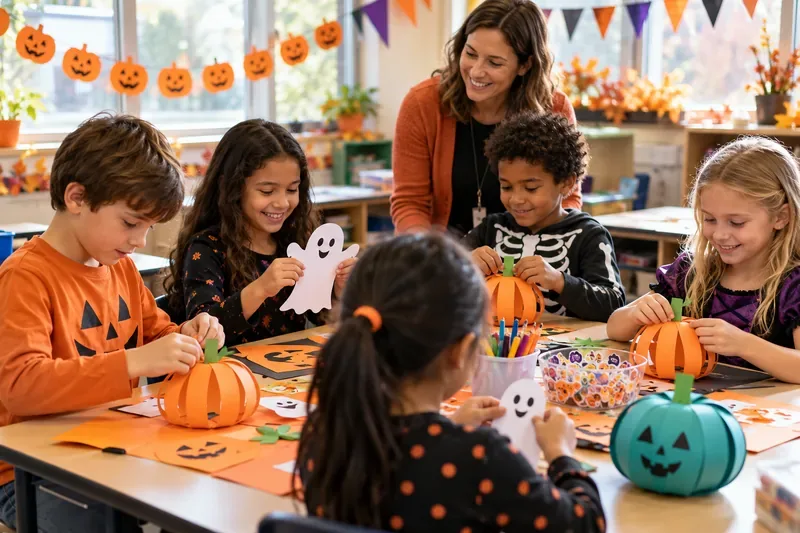
Plan a fun elementary school Halloween party with easy crafts, games, inclusive treats, costume tips, and a sample 75-minute classroom schedule.