Great Free Games on Steam give players access to high-quality experiences across shooters, MMOs, and strategy titles at no cost. Steam’s free-to-play section includes dozens of polished games with regular updates and active communities. This guide highlights standout options and walks through the exact steps to start playing them.
Discovering Great Free Games on Steam
Steam currently hosts hundreds of free-to-play games that require only a free account. Popular choices range from competitive multiplayer battles to deep single-player campaigns with optional cosmetic purchases. Many titles receive frequent content updates funded by cosmetic sales rather than upfront payments, keeping the experience fresh for years.
Before diving in, confirm your PC meets the minimum requirements listed on each game’s store page. Most free games run well on mid-range hardware, but checking the specs avoids download frustration later.
How to Get Started with Great Free Games on Steam
-
Create or log into your Steam account
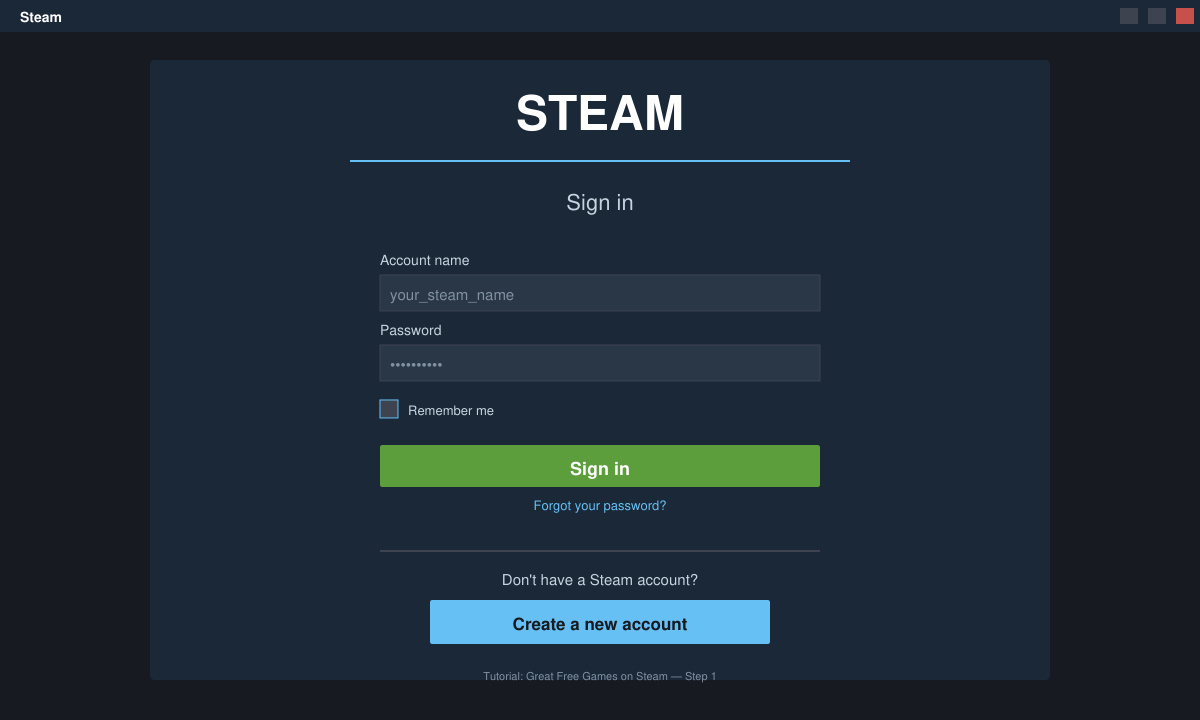
Open the Steam desktop client or visit store.steampowered.com in a browser. Click the “Login” button in the top right corner and enter your existing credentials or select “Create a new account” to sign up with an email address. Verify the account through the confirmation email if prompted.
-
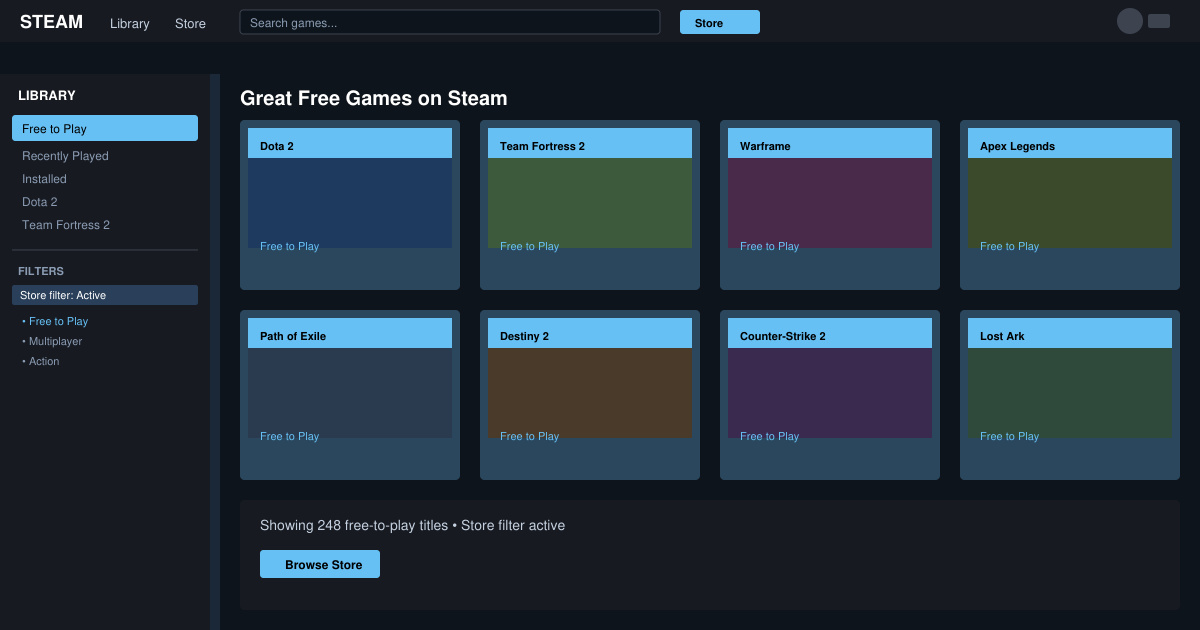
Browse the free-to-play section
In the Steam client, click the “Store” tab at the top, then select “Games” followed by the “Free to Play” filter on the left sidebar. Sort results by “Top Rated” or “Release Date” to surface polished titles quickly.
-
Install your first game
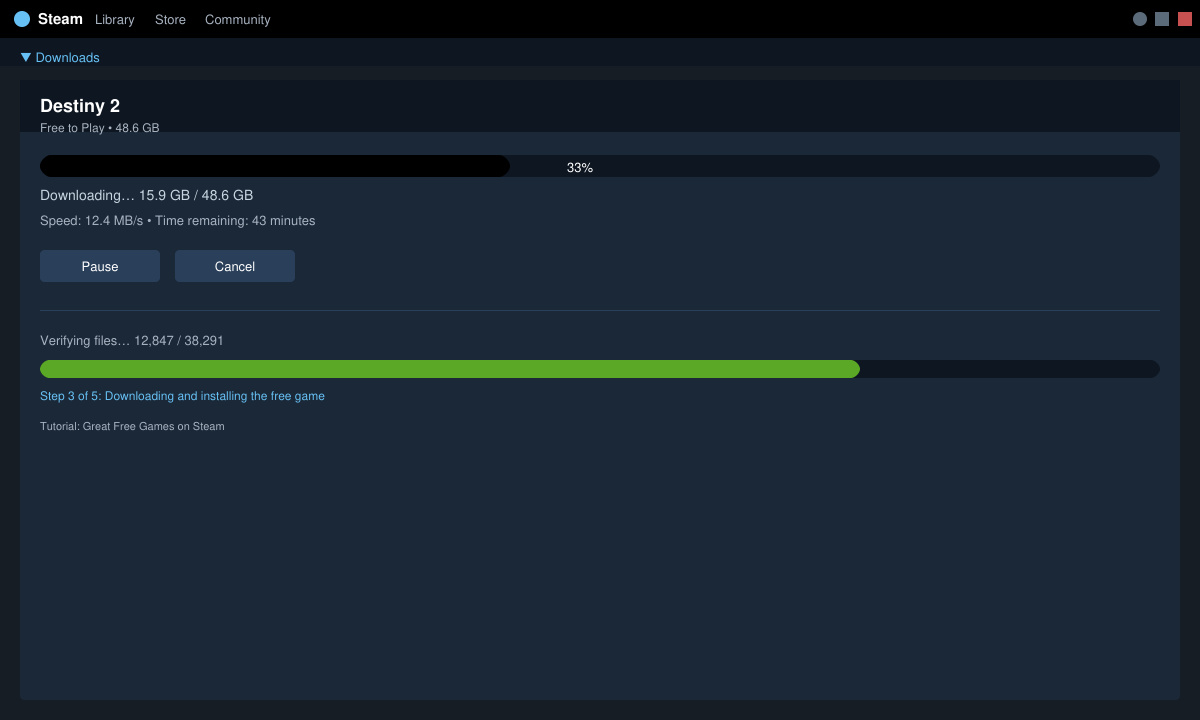
Click any title such as Dota 2 or Warframe to open its store page. Press the large green “Play Game” or “Install” button. Steam downloads the client files automatically; the process takes between five and twenty minutes depending on your internet speed and the game size.
-
Launch and set up graphics options
After installation finishes, click “Play” from your library. On first launch, choose windowed or fullscreen mode and select a graphics preset matching your hardware. Lower settings if you notice frame drops below 60 fps.
Tips for Playing Great Free Games on Steam
- Enable two-factor authentication in Steam Guard settings to protect your inventory and account from unauthorized trades.
- Check the in-game store carefully—most free titles offer purely cosmetic items, but some include battle passes that accelerate progression.
- Use Steam’s built-in family sharing feature if multiple people use the same PC so each account keeps separate save data and progress.
- Read recent reviews sorted by “Most Recent” to spot temporary server issues before committing time to a new game.
FAQ
Are Great Free Games on Steam truly free forever?
Yes. Once downloaded, the base game remains free to play indefinitely. Optional purchases exist but never block core content.
Do I need a credit card to download Great Free Games on Steam?
No. Steam only requires payment information if you choose to buy optional items later. Creating an account and installing free games works without any card details.
Can I play Great Free Games on Steam offline?
Most free-to-play titles require an initial online connection for account verification. After that, some games such as single-player modes in Path of Exile allow limited offline play.
Conclusion
Great Free Games on Steam provide strong entertainment value with no upfront cost. Follow the steps above to install your first title and begin playing within minutes.








