Desk Decorating Ideas for a Spooky Office Cubicle

Create a spooky office cubicle with Halloween desk decor ideas that keep your workspace usable, tidy, and mindful of workplace safety.
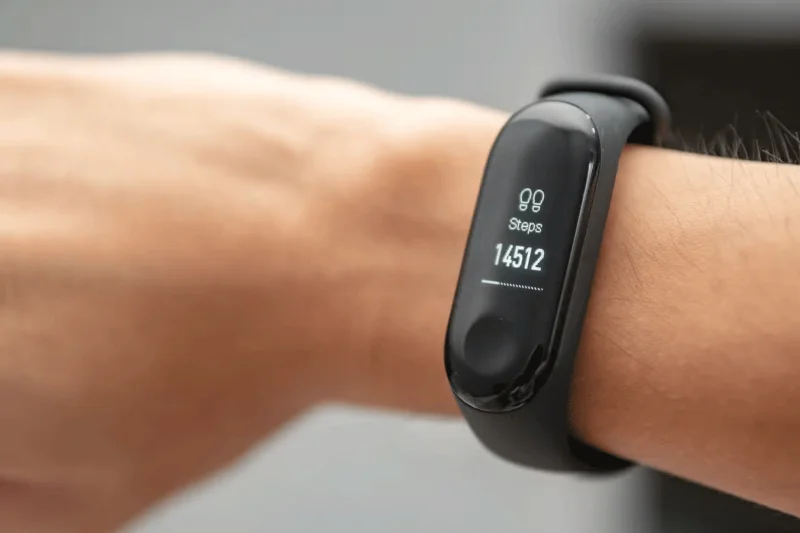
Thanks to the various sensors in modern smartphones, smartphones can do more than just communicate. For example, you don't need a dedicated device to count your steps because your phone can do it for you. So how do smartphones count steps?
How does your smartphone track your steps?
Most smartphones today come equipped with a variety of motion sensors, such as accelerometers, gyroscopes, and GPS. The main sensor that allows your smartphone to track your steps is the built-in accelerometer. This tiny device measures input through an oscillating lever that touches a metal contact point.
This device measures the acceleration of your phone as it moves. This is how your phone knows when to rotate the screen based on how you hold it. The same type of data can be interpreted to track the cadence of your steps as you walk or run. Using accelerometer data, apps analyze your activity using special algorithms to count the number of steps you take each day.
In addition to the accelerometer, some phones also have a gyroscope, which measures rotation and orientation, helping to determine the direction of motion. The gyroscope is not required, but it can supplement the accelerometer data and increase accuracy if present.
These two sources of information are then cross-analyzed to find out how many calories you burned, along with other statistics about your performance. For example, fitness apps use this data to determine how many calories you burned.
Other types of sensors, like altimeters, can also add to this digital portrait of the quality of your workouts. Additionally, some apps compile data from your smartphone and smartwatch to get the most accurate results possible. For example, Google Fit combines step counts from both your phone and your smartwatch.
That’s how your smartphone counts the steps you take. Even if you’re running on a treadmill at home, the accelerometer in your phone is ready to record every move. But it’s not just smartphones; pedometers also use these sensors to track your steps.
Create a spooky office cubicle with Halloween desk decor ideas that keep your workspace usable, tidy, and mindful of workplace safety.
Plan a recognizable Halloween 2026 look with pop culture costumes inspired by Spider-Man, Supergirl, Toy Story 5, Moana, Mario, and Wednesday.
Sort leftover Halloween candy safely, share or repurpose sealed treats, and choose food use or compost for pumpkins based on their condition.
Compare workplace Halloween costume choices by respect, dress code, mobility, and safety—and learn when a subtle accessory or a policy check is the better option.
Find a couples costume that fits your style, budget, and comfort level, from Addams Family classics to original inside-joke duos.
Need a last-minute high school Halloween costume? Compare 10 easy closet-based ideas by prep time, comfort, school-day practicality, and simple safety checks.
Use a simple 2026 Halloween decorating timeline for indoor décor, outdoor displays, and fresh pumpkins, with practical adjustments for weather and events.
Mix five vivid, approachable Halloween cocktails with measured recipes, simple prep tips, and an alcohol-free option for your party guests.
Find 15 office-friendly Halloween costume ideas for 2026, with practical checks for dress codes, respectful themes, comfort, and workplace safety.
Plan a fun elementary school Halloween party with easy crafts, games, inclusive treats, costume tips, and a sample 75-minute classroom schedule.








