How to Fix Microsoft Teams Error Restart Loop

Imagine launching Microsoft Teams, only for it to crash and restart endlessly. Frustrating, right? 😩 This Microsoft Teams error restart loop disrupts meetings, chats, and workflows. But don't worry—you're not alone, and it's fixable. In this guide, we'll walk you through proven solutions, from quick wins to advanced tweaks. Follow along, and you'll be back to smooth collaboration in no time. Let's dive in! ⭐

🕵️‍♂️ What Causes the Microsoft Teams Restart Loop?

Before fixing, understand the culprits. Common triggers include:

  • Corrupted cache files cluttering your app.
  • Outdated or buggy Microsoft Teams versions.
  • Profile conflicts from multiple accounts.
  • Insufficient permissions or antivirus interference.
  • Registry issues on Windows (rare but pesky).

Spotting it early? Teams opens briefly, shows a loading screen, then restarts. No error codes needed—the loop speaks for itself. Ready to break free? Start with these quick fixes. 👆
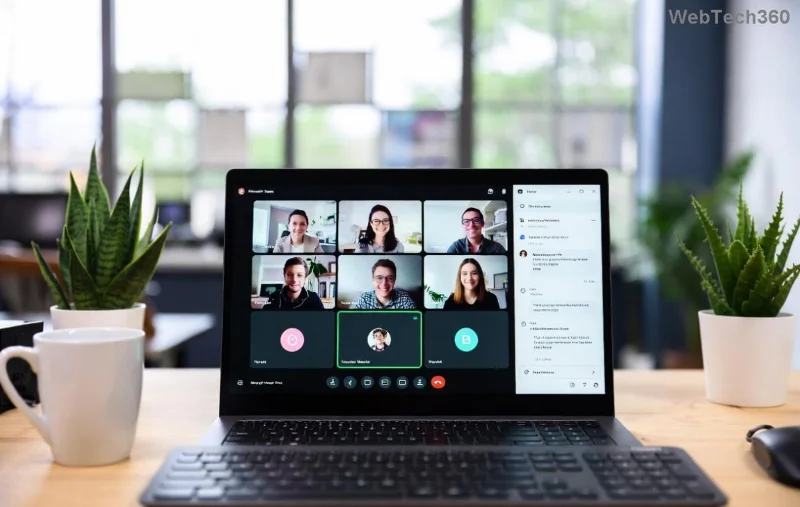
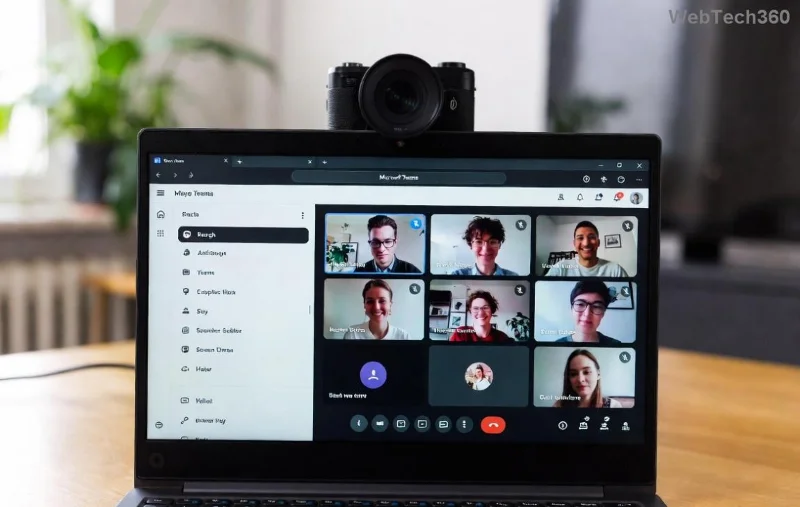
Screenshot of Microsoft Teams stuck in restart loop error

🔧 Quick Fixes: Resolve Microsoft Teams Error Restart Loop in Under 5 Minutes

These no-brainer steps fix 80% of cases. Test Teams after each one.

1️⃣ Clear Teams Cache (The #1 Fix!)

Cache buildup is the usual suspect. Here's how:

  1. Quit Teams completely (use Task Manager: Ctrl+Shift+Esc > End all "Teams" processes).
  2. Press Win + R, type %appdata%\Microsoft\Teams, hit Enter.
  3. Delete contents of these folders: Cache, blob_storage, databases, GPUCache, IndexedDB, Local Storage, tmp.
  4. Restart Teams. Boom—loop gone! 👍

2️⃣ Sign Out and Back In

Profile glitches? Simple reset:

  1. In Teams, click profile pic > Sign out.
  2. Close app, relaunch, sign in fresh.

3️⃣ Update or Repair Teams

Outdated app? Auto-updates fail sometimes.

  • Check Help > Check for updates in Teams.
  • Or via Windows Settings: Apps > Microsoft Teams > Modify > Repair/Reset.

Still looping? Time for heavy hitters. Keep reading—these next steps will seal the deal. 📈

⚙️ Advanced Solutions: Permanently End the Teams Restart Loop

If quick fixes flop, go deeper. Safety first: back up important data.

Step-by-step guide to clearing Microsoft Teams cache folders

4️⃣ Uninstall and Reinstall Teams (Fresh Start Magic)

The nuclear option that works wonders:

Step Action Why It Works
1 Settings > Apps > Microsoft Teams > Uninstall Removes corrupted files
2 Delete leftover folders: %appdata%\Microsoft\Teams and %localappdata%\Microsoft\Teams Clears hidden junk
3 Download latest from official site Ensures newest version
4 Install as Administrator (right-click > Run as admin) Bypasses permission issues

5️⃣ Run Teams as Administrator & Disable Interfering Apps

  1. Right-click Teams shortcut > Properties > Compatibility > Run as administrator.
  2. Temporarily disable antivirus (e.g., Windows Defender real-time protection).
  3. Boot in Safe Mode: Restart holding Shift > Troubleshoot > Advanced > Startup Settings > Safe Mode. Test Teams.

6️⃣ Reset Teams Registry (For Windows Pros ⚠️)

Caution: Edit registry at your own risk. Back up first (Regedit > File > Export).

  1. Press Win + R > regedit.
  2. Navigate to HKEY_CURRENT_USER\Software\Microsoft\Office\Teams.
  3. Delete the entire Teams key.
  4. Restart PC and reinstall Teams.

Pro tip: For machine-wide installs (common in enterprises), target HKEY_LOCAL_MACHINE\SOFTWARE\WOW6432Node\Microsoft\Office\Teams too.

Microsoft Teams reinstall process to fix restart loop

📱 Bonus: Fix on Mac, Web, or Mobile

  • Mac: Quit Teams > ~/Library/Application Support/Microsoft/Teams > Delete cache folders > Relaunch.
  • Web Version: Clear browser cache (Ctrl+Shift+Del) > Try Incognito mode.
  • Mobile: Force stop app > Clear cache/data in Settings > Update from store.

🛡️ Prevention Tips: Never See the Microsoft Teams Restart Loop Again

  • Regularly clear cache weekly. 📅
  • Keep Teams updated automatically.
  • Use one primary account.
  • Run as admin if on shared PCs.
  • Whitelist Teams in antivirus rules.

For official troubleshooting, check Microsoft's Teams support.

🎉 You're Back in Action!

Congrats—you've conquered the Microsoft Teams error restart loop! If issues persist, reply in comments or contact Microsoft Support. Share this guide if it helped a friend. 🚀 What's your go-to fix? Drop it below!

Stay productive, stay connected. 👏

Leave a Comment

Troubleshooting Microsoft Teams Where is Teams Folder Search

Troubleshooting Microsoft Teams Where is Teams Folder Search

Frustrated with Troubleshooting Microsoft Teams "Where is Teams" Folder Search issues? Follow our expert, step-by-step guide to locate hidden folders, fix search glitches, and restore smooth collaboration in the latest Teams updates. Quick fixes that work!

How to Fix Microsoft Teams Error AADSTS70008: Security Token Expired

How to Fix Microsoft Teams Error AADSTS70008: Security Token Expired

Struggling with Microsoft Teams Error AADSTS70008: Security Token Expired? Discover proven, step-by-step fixes to get back to seamless collaboration. Clear cache, re-authenticate, and prevent future issues fast!

How to Resolve Microsoft Teams Error Code 0x80070005

How to Resolve Microsoft Teams Error Code 0x80070005

Tired of Microsoft Teams Error Code 0x80070005 blocking your meetings? Follow our expert, step-by-step guide with quick fixes like permission resets, cache clears, and reinstalls to resolve access denied errors fast and get back to collaborating seamlessly.

Troubleshooting Microsoft Teams Error Message 80080005

Troubleshooting Microsoft Teams Error Message 80080005

Stuck with Microsoft Teams Error 80080005? This comprehensive guide delivers proven, step-by-step fixes for audio glitches, mic failures, and more. Restore seamless collaboration today!

Solving Microsoft Teams Error Code 404 on Web

Solving Microsoft Teams Error Code 404 on Web

Tired of Microsoft Teams Error Code 404 on web blocking your meetings? Follow our proven, step-by-step guide to clear cache, troubleshoot browsers, and resolve the "Not Found" error fast for seamless collaboration. Updated with the latest fixes!

Why is the Microsoft Teams Add-in Missing from My Outlook?

Why is the Microsoft Teams Add-in Missing from My Outlook?

Frustrated because the Microsoft Teams add-in is missing from Outlook? Uncover the top reasons and easy step-by-step fixes to bring back seamless Teams-Outlook integration without hassle. Works for latest versions!

How to Set Up and Link Microsoft Teams to Your Outlook Calendar

How to Set Up and Link Microsoft Teams to Your Outlook Calendar

Master how to set up and link Microsoft Teams to your Outlook Calendar with this ultimate step-by-step guide. Enjoy effortless meeting scheduling, seamless sync, and boosted teamwork – no tech headaches!

How to Find the Microsoft Teams Installation Folder

How to Find the Microsoft Teams Installation Folder

Struggling to locate the Microsoft Teams installation folder? This step-by-step guide reveals exact paths for Windows, macOS, and more. Master how to find the Microsoft Teams installation folder effortlessly and boost your productivity today!

How to Remove an Account from Microsoft Teams Safely

How to Remove an Account from Microsoft Teams Safely

Discover how to remove an account from Microsoft Teams safely without losing data. Follow our expert, step-by-step guide for personal and work accounts to ensure a smooth, secure process.

Troubleshooting Microsoft Teams Call Failed Issues in 2026

Troubleshooting Microsoft Teams Call Failed Issues in 2026

Tired of Microsoft Teams "Call Failed" errors disrupting your 2026 meetings? Follow this ultimate troubleshooting guide with step-by-step fixes, latest tips, and quick wins to get back to seamless calls.

How to Fix Microsoft Teams Media Playback Errors in 2026

How to Fix Microsoft Teams Media Playback Errors in 2026

Tired of Microsoft Teams media playback errors ruining your 2026 meetings? Follow our expert, step-by-step guide to fix audio, video, and sharing glitches fast—no tech skills needed. Seamless collaboration awaits!

Solving Microsoft Teams Error Code 48V35 During Video Calls

Solving Microsoft Teams Error Code 48V35 During Video Calls

Struggling with Microsoft Teams Error Code 48V35 during video calls? Discover proven fixes for this common issue, from quick restarts to advanced driver updates. Get back to seamless meetings fast!

How to Login to the Microsoft Teams Admin Center Correctly

How to Login to the Microsoft Teams Admin Center Correctly

Master how to login to the Microsoft Teams Admin Center correctly with our precise step-by-step guide. Fix common errors, ensure security, and manage Teams effortlessly for admins everywhere.

How to Fix Microsoft Teams VDI Error on Citrix/VMware

How to Fix Microsoft Teams VDI Error on Citrix/VMware

Tired of Microsoft Teams VDI errors crashing your Citrix or VMware sessions? Discover step-by-step fixes for audio, video, and optimization issues. Get back to seamless meetings with our latest, expert guide.

Troubleshooting Microsoft Teams Mac Error Keychain Issues

Troubleshooting Microsoft Teams Mac Error Keychain Issues

Struggling with Microsoft Teams "Mac Error" Keychain issues? Discover proven, step-by-step troubleshooting fixes for macOS to get back to seamless collaboration. Quick solutions inside!









