How to Fix Microsoft Teams Microphone Error on Headset

Imagine joining a crucial Microsoft Teams meeting only to face the dreaded "Microphone Error" on your headset. Frustrating, right? 😩 You're not alone—this common glitch affects millions, but the good news is it's fixable with simple steps. Our guide delivers quick, reliable solutions backed by the latest Teams updates, helping you get back to seamless communication. Let's dive in and silence that error for good!
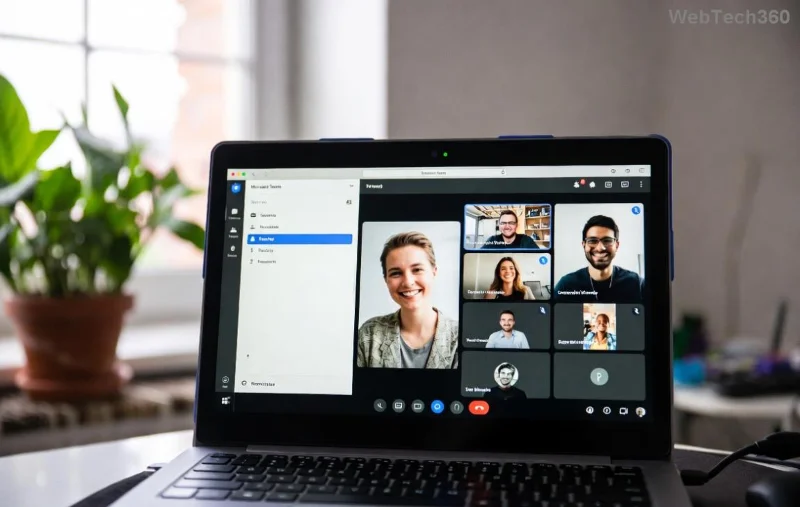
Screenshot of Microsoft Teams microphone error on headset

👆 Quick Troubleshooting Checklist: Start Here

Before deep dives, run this 5-minute checklist. Most Microsoft Teams microphone errors resolve here:

Check Action Expected Result
Hardware Connection Unplug/replug headset. Try different USB port. LED lights up or sound test works.
Other Apps Test Open Voice Recorder or Zoom—test mic. Mic works elsewhere? Issue is Teams-specific.
Teams Mute Status Click mic icon in Teams—ensure not muted. Mic icon unmuted (not slashed).
Volume Levels Windows Sound Settings > Check mic volume at 80%+. Green bars move when speaking.

If these don't work, proceed to detailed fixes. Stay with us—these steps are ordered by success rate! ⭐

1️⃣ Method 1: Update Device Settings in Microsoft Teams (80% Fix Rate)

The top culprit? Wrong device selected. Here's how to nail it:

  1. Open Microsoft Teams > Click your profile picture > Settings.
  2. Go to Devices tab.
  3. Under Microphone, select your headset from the dropdown (e.g., "Headset Microphone (USB Audio Device)").
  4. Click Make a test call—speak and confirm playback.
  5. Hit Speak now in the test; if bars move, you're golden! 🎉
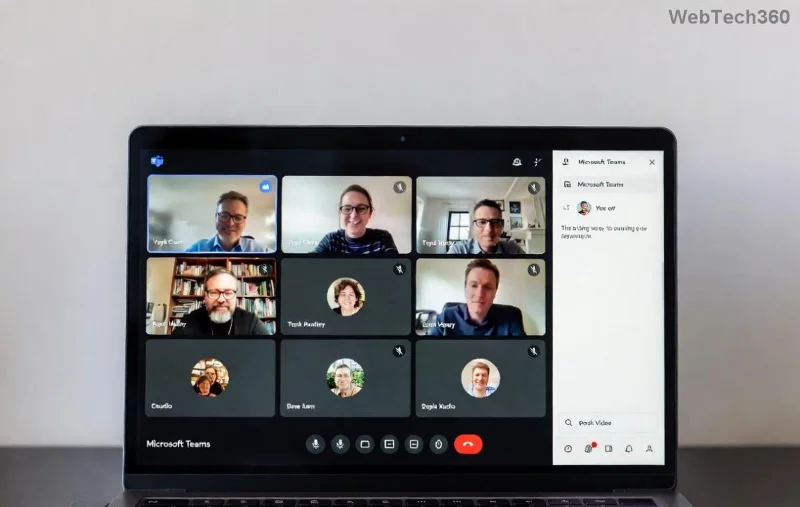
Teams device settings for microphone selection

Pro Tip: If your headset isn't listed, proceed to Windows/Mac audio fixes below. This tweak alone fixes most Teams headset microphone errors.

2️⃣ Method 2: Reset Windows Privacy Permissions (Windows Users)

Teams needs mic access—blocked permissions cause 30% of errors. Fix it fast:

  1. Search "Privacy & security" in Windows Search.
  2. Click Microphone > Ensure Microsoft Teams is toggled ON.
  3. Scroll down: Turn ON "Let apps access your microphone."
  4. Restart Teams.

For deeper reset: Right-click Start > Device Manager > Audio inputs > Right-click your headset mic > Update driver > Search automatically.

Bonus: Run Teams as admin (right-click icon > Run as administrator) for stubborn cases.

3️⃣ Method 3: Clear Teams Cache & Update App

Corrupted cache? Common after updates. Clear it:

  1. Quit Teams completely (Task Manager > End task).
  2. Press Win+R > Type %appdata%\Microsoft\Teams > Delete all files/folders inside.
  3. Restart Teams—it rebuilds fresh.
  4. Check for updates: Profile > Check for updates.
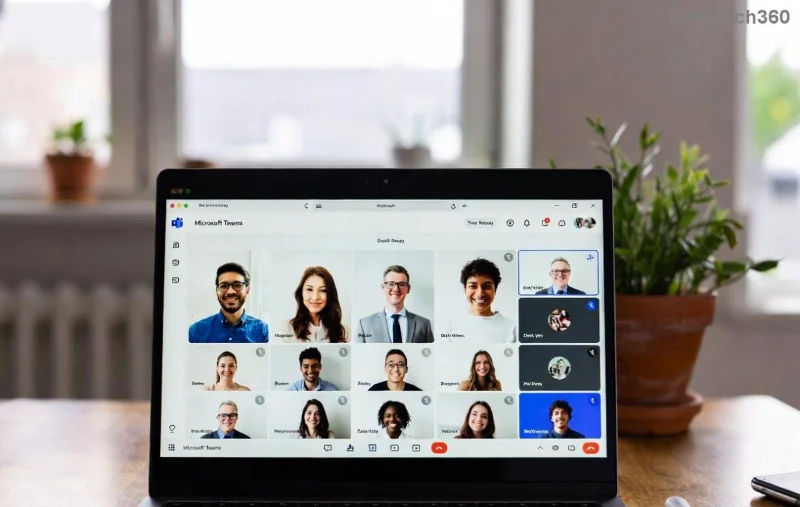
Clearing Teams cache to fix microphone error

Latest Teams versions (desktop/web) include enhanced audio diagnostics—always update for bug fixes.

4️⃣ Advanced Fixes: Drivers, Reinstall & Hardware Swaps

Still stuck? Level up:

  • Update Headset Drivers: Manufacturer site (e.g., Logitech, Jabra) or Windows Update.
  • Reinstall Teams: Settings > Apps > Teams > Uninstall > Download fresh from official site.
  • Mac Users: System Preferences > Sound > Input > Select headset. Reset Teams permissions in System Preferences > Security & Privacy.
  • Bluetooth Headsets: Forget device & re-pair; disable "Hands-free" mode if available.

If hardware fails across apps, test another headset—could be faulty jack/cable. 👍

🚀 Prevent Future Microsoft Teams Microphone Errors

Lock in success:

  • Weekly driver checks via Device Manager.
  • Use wired headsets for reliability over Bluetooth.
  • Enable Teams auto-updates.
  • Run Teams audio troubleshooter monthly.

FAQ: Common Teams Headset Mic Questions

Q: Why does my mic work in other apps but not Teams?
A: Permissions or device selection—follow Method 1 & 2.

Q: Fixed on Windows, what about web version?
A: Browser permissions: Chrome > Settings > Privacy > Microphone > Allow Teams.

Q: Wireless headset specific errors?
A: Update firmware via manufacturer app; stay within 10ft range.

Congrats—you've conquered the Microsoft Teams "Microphone Error"! 👏 Share your success in comments below. For more tech wins, bookmark us. Clear calls await!
Leave a Comment

How to Fix Microsoft Teams Error Code 657Rx and 9Hehw

How to Fix Microsoft Teams Error Code 657Rx and 9Hehw

Stuck with Microsoft Teams Error Code 657Rx and 9Hehw? Discover proven, step-by-step solutions to fix these frustrating errors quickly. Restore smooth video calls and chats today—no tech expertise needed!

Solving Microsoft Teams For Business Error

Solving Microsoft Teams For Business Error

Tired of the frustrating Microsoft Teams "For Business" Error blocking your meetings? Get proven, step-by-step fixes to resolve it fast and boost productivity. Latest solutions inside!

How to Fix Microsoft Teams Error AADSTS50011 (Redirect URI Fix)

How to Fix Microsoft Teams Error AADSTS50011 (Redirect URI Fix)

Struggling with Microsoft Teams Error AADSTS50011? Discover the exact Redirect URI fix for seamless authentication. Step-by-step guide with screenshots to resolve it fast—no more login headaches!

How to Fix Microsoft Teams Breakout Rooms Not Erstellen

How to Fix Microsoft Teams Breakout Rooms Not Erstellen

Frustrated with Microsoft Teams Breakout Rooms not creating? Discover proven fixes for "Breakout Rooms Not Erstellen" errors. Step-by-step guide ensures smooth meetings every time.

Troubleshooting Microsoft Teams Error T Today

Troubleshooting Microsoft Teams Error T Today

Stuck with Microsoft Teams "Error T" today? Get proven, step-by-step troubleshooting for Microsoft Teams "Error T" with quick fixes, causes, and solutions to get back to seamless collaboration. Works on desktop, web, and mobile!

How to Fix Microsoft Teams On iPhone App Error

How to Fix Microsoft Teams On iPhone App Error

Tired of Microsoft Teams "On iPhone" App Error crashing your meetings? Discover proven fixes for sign-in failures, crashes, and glitches on the latest iOS. Step-by-step guide with quick wins!

Solving Microsoft Teams Web Client Disabled Error

Solving Microsoft Teams Web Client Disabled Error

Tired of the Microsoft Teams Web Client "Disabled" Error blocking your meetings? Follow our proven step-by-step fixes to solve Microsoft Teams Web Client Disabled Error fast – no IT help needed!

How to Check Your Microsoft Teams Version Using PowerShell

How to Check Your Microsoft Teams Version Using PowerShell

Discover how to check your Microsoft Teams version using PowerShell in seconds. Step-by-step guide for IT pros, admins, and everyday users to verify updates, troubleshoot issues, and stay ahead. Accurate, fast, and foolproof methods revealed!

Solving Microsoft Teams Guest Access Not Working

Solving Microsoft Teams Guest Access Not Working

Struggling with Microsoft Teams Guest Access Not Working? Discover proven fixes, from quick checks to advanced troubleshooting, to get guests collaborating seamlessly in no time.

Where is the Microsoft Teams Recycle Bin? How to Recover Deleted Files

Where is the Microsoft Teams Recycle Bin? How to Recover Deleted Files

Lost important files in Microsoft Teams? Discover the exact location of the Microsoft Teams Recycle Bin and follow our proven steps to recover deleted files quickly and easily—no tech skills required!

The Most Essential Vitamins for Women Over 50

The Most Essential Vitamins for Women Over 50

As you age, many of your bodys organs can weaken, but it doesnt have to be that way if you take care of yourself. Here are the most essential vitamins for women over 50.

Where to Find Your Microsoft Teams ID and Account Info

Where to Find Your Microsoft Teams ID and Account Info

Struggling to locate your Microsoft Teams ID or account details? This step-by-step guide shows exactly where to find your Microsoft Teams ID and account info on desktop, web, mobile, and more for seamless collaboration.

How to Enable Microsoft Teams Transcription for Meetings

How to Enable Microsoft Teams Transcription for Meetings

Unlock the power of Microsoft Teams transcription for meetings with this step-by-step guide. Learn how to enable transcription, prerequisites, and tips for accurate transcripts to boost productivity and accessibility. Perfect for teams in 2026.

Troubleshooting Microsoft Teams Unknown Error Fix

Troubleshooting Microsoft Teams Unknown Error Fix

Tired of Microsoft Teams "Unknown Error" crashing your meetings? Discover step-by-step troubleshooting fixes that work instantly. Clear cache, reset app, and more—no tech skills needed!

Supplements that people with irritable bowel syndrome should not take

Supplements that people with irritable bowel syndrome should not take

Not all supplements are beneficial for irritable bowel syndrome (IBS), some may even worsen your symptoms.









