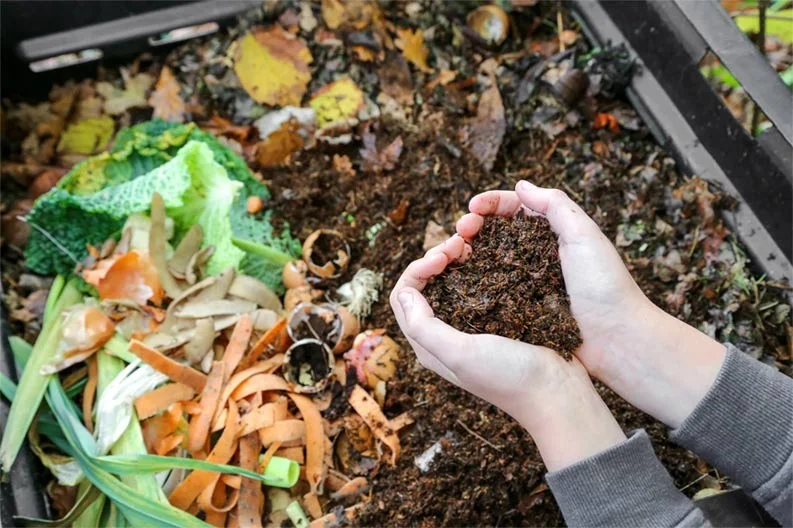
Composting not only reduces landfill waste, but it also improves your yard. According to the Environmental Protection Agency (EPA), " compost is organic material that can be added to soil to help plants grow ." That means better fruit harvests, better flowers, and a healthier garden at no extra cost by taking your household's leftovers and turning them into "plant food."
Follow the composting guide below so you can help improve the planet — and your garden — while reducing waste .
Why compost?
Composting is an effective way to reduce the amount of waste going into the environment. Not only does it reduce methane gas produced by landfills (a major contributor to global warming), it also helps control trash odors in your home.
And the biggest benefit? You'll have a nutrient-rich fertilizer to use in your garden.
What can you compost?
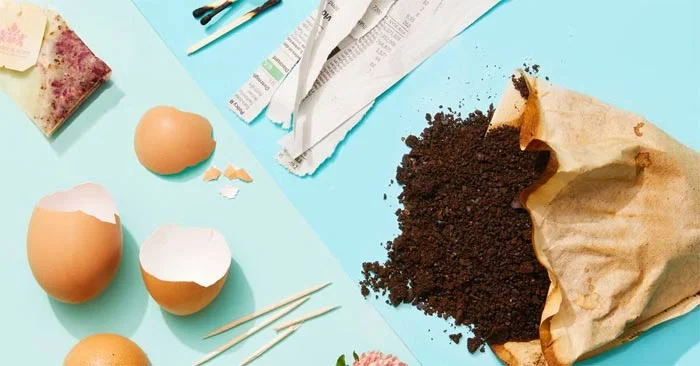
Food scraps and yard waste can make up the largest percentage of compost material. Other household items, such as newspapers and hair, can also be added to the mix.
✔️ Food
- Fruit and vegetable peels and scraps
- Mushroom crumbs
- Eggshell
- Bread, cereals and pasta
- Coffee grounds and some coffee filters
- Loose tea and tea bags
✔️ Court
- Grass
- Leaf
- Wood ash
- Sawdust
✔️ Other
- Newspaper
- Cardboard
- Dryer Lint
- Hair
- Nail clipping
- Brown paper bag
- Toothpick
- Matches
- Cut flowers
What can't you compost?
Although biodegradable, dairy or animal products (including animal bones) will start to smell and attract pests, so throw them in the trash. The same goes for fats, oils, and pet waste. Also, if you have a diseased or insect-infested plant, don't put it in your compost pile—it can contaminate the compost.
✔️ Food
- Meat or animal bones
- Milk
- Egg white or yolk
✔️ Court
- Diseased leaves or plants
- Coal ash
✔️ Other
- Fat
- Chemical
- Pet waste
- Product labels
- Plastic
- Fats and oils

How can I compost outdoors?
1. Create a composting area. If you plan to use a compost bin, make sure it is in a convenient location and has enough room to open the lid. For indoor composting, containers with screw-on lids work well. They are easy to open and close while still retaining the scent.
When you want to compost, choose an open area – you need at least 1m square – and spread some twigs or straw to ensure good aeration and drainage. Use wire mesh or fencing to protect your pile from nearby animals.
2. Balance “green” and “brown” materials. A good ratio for compost composition is about two-thirds “brown material” (tree branches, dry leaves, or soil) and one-third “green material” (food scraps or fresh plant waste). Maintaining a balance is important because “brown” material is rich in carbon, which feeds the organisms that break down the scraps, while “green” material provides nitrogen—key to building the cell structure of your new soil.
Use a shovel to mix the ingredients together, chopping up any bulky excess ingredients. Once mixed, add a thin layer of brown ingredients on top.
3. Manage moisture. If the pile doesn’t get enough rain, you’ll need to add water with a watering can or hose. You can also choose to add wet scraps when moisture is needed. You’re going for moisture, not wetness.
If you live in an area with high rainfall, cover your compost pile to keep it from getting too wet, which can cause rot and kill beneficial microorganisms.
4. Turn your compost. Your compost also needs oxygen. Without air, your compost pile will start to rot and smell, so you will need to turn and stir it. With the right mix of scraps, moisture, and air, your compost will smell like earth.
If you are using a bin, you may want to consider a tumbler, which will rotate the compost to mix it. Some tumblers have rails inside to help aerate the compost. With a tumbler, follow the manufacturer's recommendations. Most recommend turning the bin every two to three days.
5. While turning the compost, check the temperature. The center of the pile or bin should be warm; you want to maintain an internal temperature of 130˚F to 150˚F. When the compost is ready, it will stop producing heat and will have a uniform, loose, earthy appearance.

How can I compost indoors?
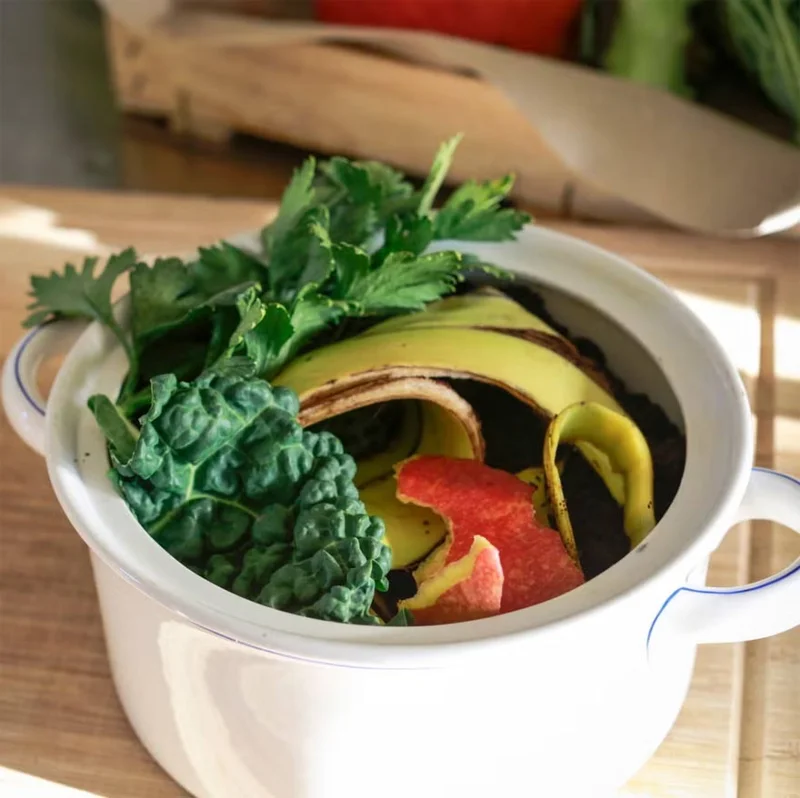
Whether you live in an apartment or a house without a backyard, you can set up a small collection station right in your kitchen so you don't have to throw away leftovers.
- Get a compost bin with a tight-fitting lid. Whether you choose a plastic or stainless steel bin, make sure it has a lid.
- Line your compost bin with biodegradable bags.
- Keep a full compost bag in your freezer. You’ll want to change the bag regularly so that weeks of scraps don’t start to stink up your space. Once your bin is full, tie the bag and place it in the freezer. This will make it easier to transport the scraps, eliminate any odors, stop the decomposition process in its tracks, and buy you time if you can’t get rid of them right away.
Mix it into your garden beds or sprinkle it on top. Remember, compost is not a substitute for your soil, but acts as a natural fertilizer to nourish your soil and plants, so add it a few times a year for best results.