





Steam Top Sellers: Counter-Strike 2 Takes No. 1 in Nov. 17–24 Chart | Nov. 25, 2026
Counter-Strike 2 leads Steam’s latest U.S. weekly revenue chart, while Steam Deck and Disney Dreamlight Valley climb. See the biggest changes through Nov. 24.
There are many parts in the Adorable Home game that players cannot unlock yet. That's because you haven't updated the Adorable Home to be able to unlock other games, such as the bathroom, the bedroom ...

Don't worry, this tutorial will give you the opportunity to take part in the Adorable Home beta (beta) . In the beta, players will experience the latest features that the developer is testing and will soon be included in the official version next time. Although there may be many errors, you will be one of the first to enjoy the latest Adorable Home from the developer.
Download Adorable Home Adorable Home for Android
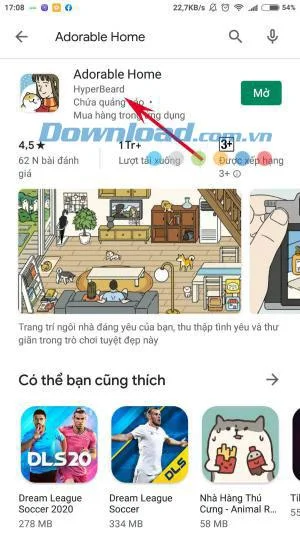
Step 1 : Open the CHPlay app, type in the search for "Adorable Home" and click on the game icon.
Step 2 : Scroll down to the application information section. You will see the words Join the beta program. Select Join.
Step 3 : You will see the message Joining the beta program. Wait for 5-10 minutes (or faster) for the developer to add you to the Adorable Home beta. Once completed, you will be notified You are a beta tester.
Now, your game title will be the Adorable Game (beta).
In this trial version, players can unlock bedrooms, bathrooms and experience new features, items, or receive new cats added to Adorable Home.
Currently, the latest test version is only available for Android platform and not yet available for iOS. When there is Adorable Home beta for iOS, Download.vn will update you.
Counter-Strike 2 leads Steam’s latest U.S. weekly revenue chart, while Steam Deck and Disney Dreamlight Valley climb. See the biggest changes through Nov. 24.
Apex Legends led Steam’s global chart for Nov. 10–17, while Euro Truck Simulator 2 and Limbus Company surged. Valve’s next chart shows how those gains changed.
Steam’s U.S. weekly revenue chart for Nov. 3–10 keeps Modern Warfare 4 at No. 1, while Godzilla debuts at No. 4 and Final Fantasy XIV Online climbs 40 places.
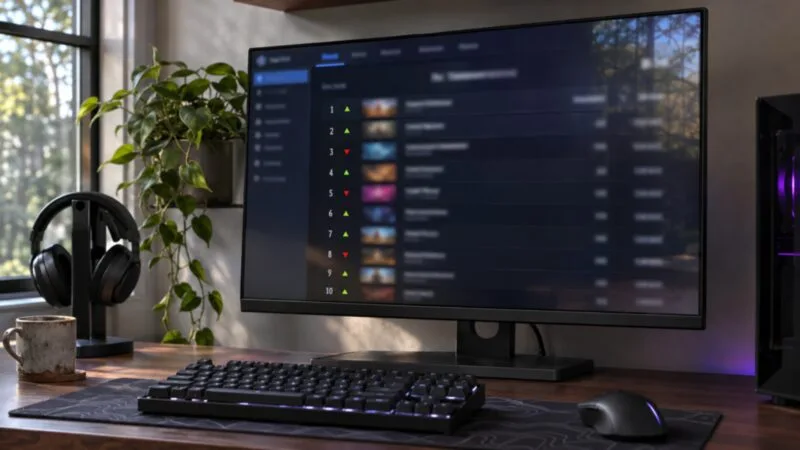
Steam’s U.S. weekly charts confirm Phantom Blade Zero rose to No. 2 for Oct. 27–Nov. 3, then fell to No. 5 and No. 13 in the next two published weeks.
Steam’s latest U.S. weekly top sellers show FINAL FANTASY RESONANCE, Cyberpunk 2077, and HELLDIVERS 2 climbing. See verified October 20–27 ranks.
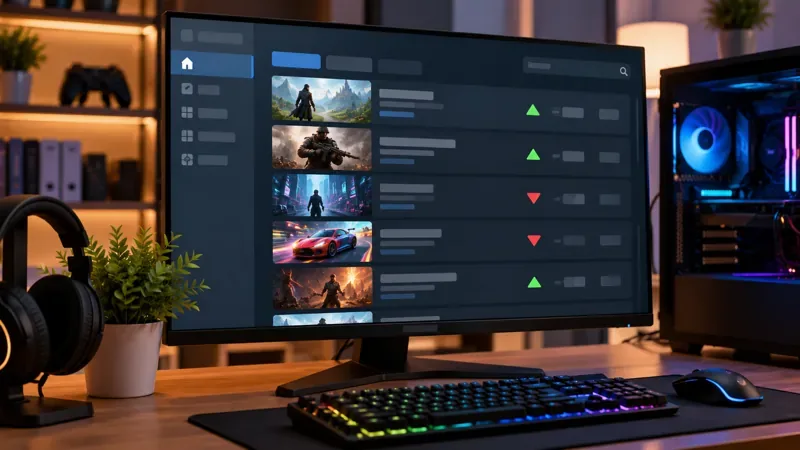
See Steam's October 13–20, 2026 global revenue chart, from PUBG's rise to No. 1 to major gains for Call of Duty, Planet Zoo 2, and Battlefield 6.

Steam’s latest U.S. weekly chart covers October 6–13, 2026. See the biggest risers, falling titles, and what the revenue-based rankings do—and do not—tell you.

Steam’s latest weekly chart covers September 29–October 6, 2026. See which games climbed, slipped, returned, and what the rankings actually measure.
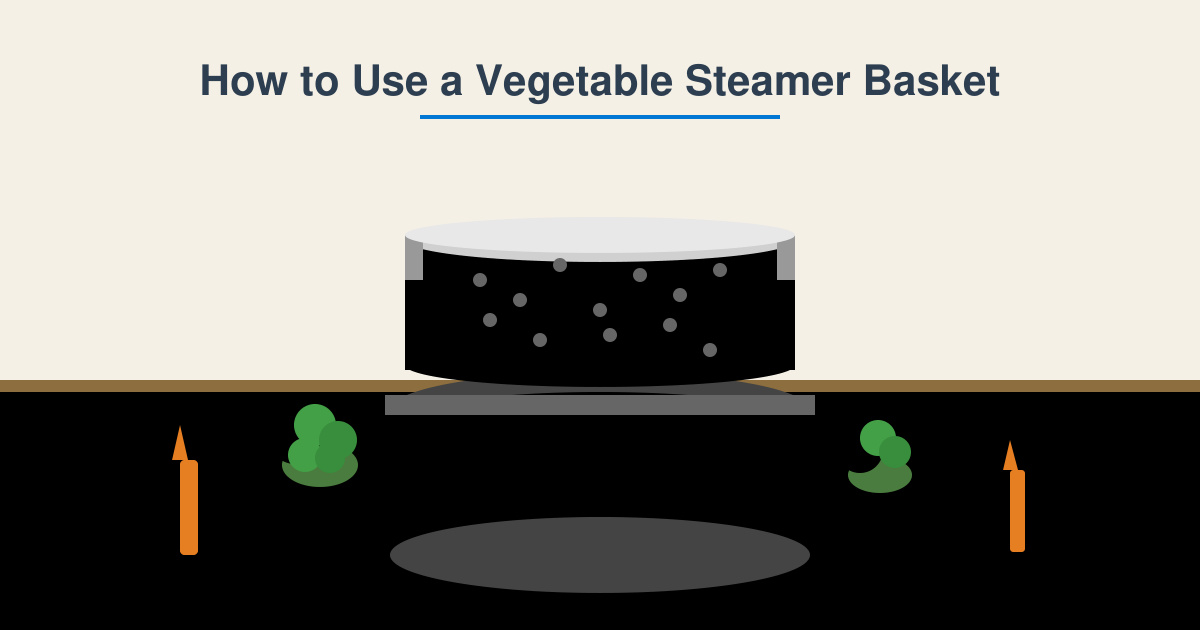
Master how to use a vegetable steamer basket for perfectly cooked, nutrient-rich vegetables in minutes. Follow this clear step-by-step guide to start steaming today.
How Long to Steam Broccoli in Microwave Steamer? Get the precise timing and step-by-step instructions for tender-crisp results that lock in nutrients and flavor.