Desk Decorating Ideas for a Spooky Office Cubicle

Create a spooky office cubicle with Halloween desk decor ideas that keep your workspace usable, tidy, and mindful of workplace safety.
After the launch of Adobe Firefly AI image generator , users will soon be able to create AI videos using Adobe Firefly Video. Accordingly, users can use text or images to create AI videos using the new Adobe Firefly Video model. Currently, Adobe Firefly Video is in beta and you need to register to join the list to use Adobe Firefly Video. Below is the guide to register to join Adobe Firefly Video.
Adobe Firefly AI can now create videos
AI-generated imagery is just the beginning – Adobe Firefly can now create videos, and the results are stunning. It’s not just about filters or adjustments – it’s about creating complete videos from a text prompt.
Adobe Firefly AI Video Generation Publicly Released
On February 12, Adobe released Firefly AI Video Generator in public beta. All Adobe users — subscribers or account holders — can access the Generate Video (Beta) tool and create high-quality output videos up to 5 seconds long. AI video generation was announced at the Adobe Max conference in October 2024 without a specific release date, so it’s exciting to wait for its public release.
Generate Video (Beta)
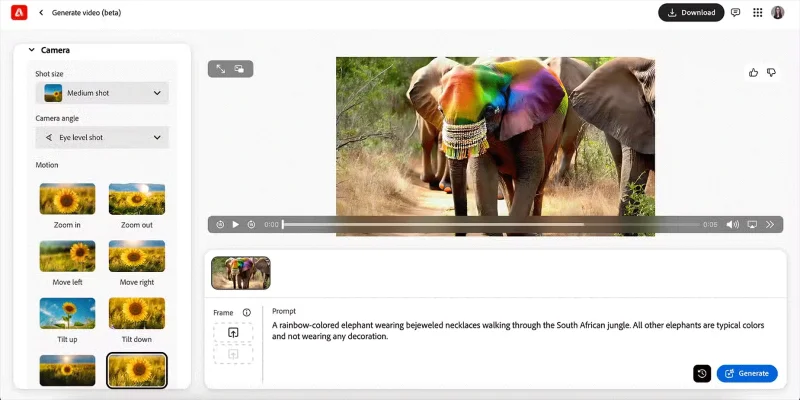
Generate Video (Beta) produces high-quality results with lots of customization options. Whether you use the generated clips to add B-roll or edit out misfires during production, you’ll be impressed with the results. You can also use the generated videos to brainstorm ideas for future film shoots and plans.
Note : Adobe Firefly AI video generation is the first publicly available and commercially safe video generator. Adobe only uses Adobe Stock images and videos to train the models.
Generative Extend
Along with the long-awaited Generate Video tool, Adobe is also rolling out AI video generation in Premiere Pro. This comes in the form of Generative Extend — an AI feature that lets users create an extra 2 seconds of video from any existing clip in your Premiere Pro timeline. This is enough to bridge the gap between clips or fill in any missing seconds in already-recorded content.
The all-new Adobe Firefly web app
Adobe users have had public access to Adobe Firefly since its release in 2023. Available through your browser of choice, anyone with an Adobe account — a free account or a paid subscription — can access Firefly tools.
The announcement of the video AI features also brings a redesigned Firefly app, making it easier to try out Adobe’s AI services. The Firefly homepage shows all the available AI features, including Generate Video, Translate Video, Translate Audio, and the all-new Scene to Image.
Tip : There is no guarantee about how long you can access these tools from Firefly. They often disappear after the public beta ends and the tool is deployed to the intended software, locked behind a subscription paywall.
Video and audio translation
Adobe rolled out AI caption translation in Premiere Pro in early 2025, which could be seen as a precursor to the big features to come: AI video and audio translation tools.
Both tools are available on the Firefly web app. The audio and video translation tools allow you to translate into up to 20 languages while preserving the authentic voice. The video translation tool also ensures true lip sync in the translated language for authentic results.
Note : Translation tools are currently available in the Firefly web app, but these features will eventually be available in Premiere Pro for a more complete translation experience.
How to Register for Adobe Firefly Video
Step 1:
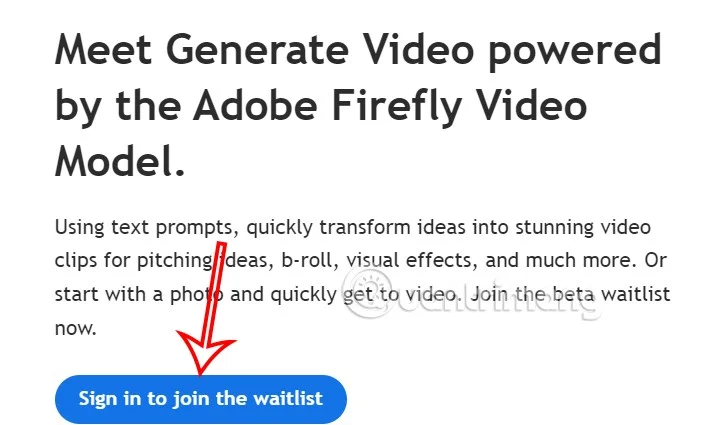
First, click on the link below to go to Adobe's website. First, click on Sign in to join the waitlist to log in to your Adobe account .
Step 2:
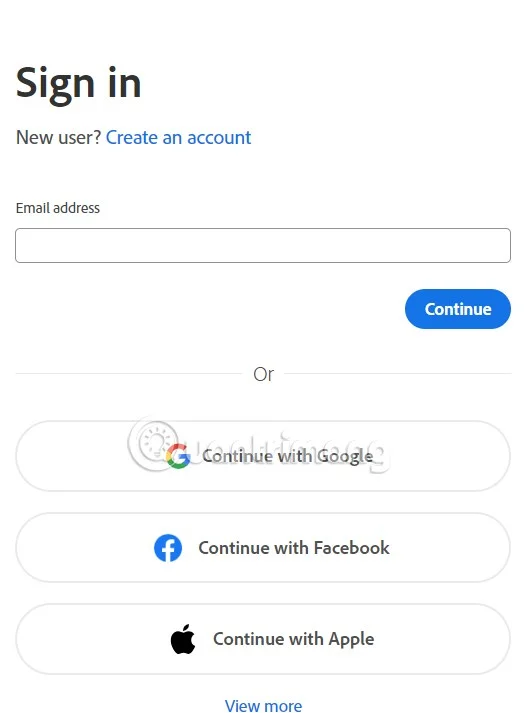
You will now need to sign in to your Adobe account . If you do not have one, you will need to register for an Adobe account to join the waiting list for Adobe Firefly Video.
Step 3:
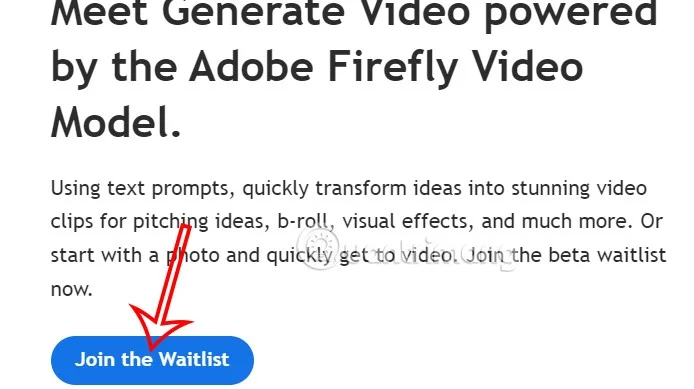
Return to the Adobe Firefly Video interface, click Join the Waitlist to join the registration list to use Adobe Firefly Video.
Step 4:
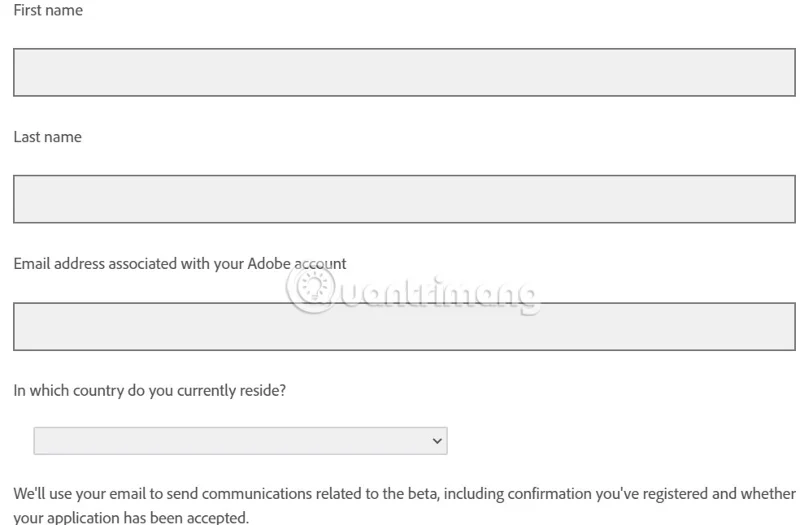
At this time, users are required to fill in personal information , email address to receive notifications from Adobe Firefly Video and then click the arrow icon below to send registration information.
After filling in the information, you will receive a notification that your Adobe account has been accepted.
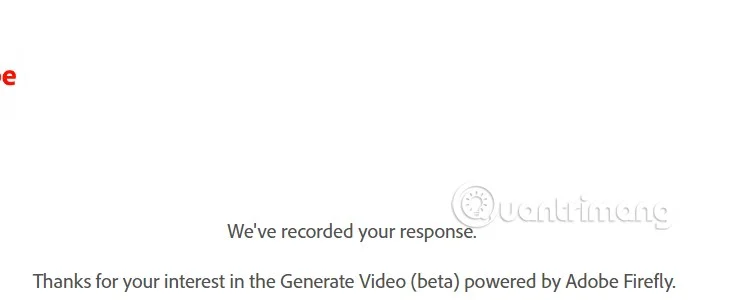
Users will be notified via email when they are granted access and can use Adobe Firefly Video to create AI videos.
Create a spooky office cubicle with Halloween desk decor ideas that keep your workspace usable, tidy, and mindful of workplace safety.
Plan a recognizable Halloween 2026 look with pop culture costumes inspired by Spider-Man, Supergirl, Toy Story 5, Moana, Mario, and Wednesday.
Sort leftover Halloween candy safely, share or repurpose sealed treats, and choose food use or compost for pumpkins based on their condition.
Compare workplace Halloween costume choices by respect, dress code, mobility, and safety—and learn when a subtle accessory or a policy check is the better option.
Find a couples costume that fits your style, budget, and comfort level, from Addams Family classics to original inside-joke duos.
Need a last-minute high school Halloween costume? Compare 10 easy closet-based ideas by prep time, comfort, school-day practicality, and simple safety checks.
Use a simple 2026 Halloween decorating timeline for indoor décor, outdoor displays, and fresh pumpkins, with practical adjustments for weather and events.
Mix five vivid, approachable Halloween cocktails with measured recipes, simple prep tips, and an alcohol-free option for your party guests.
Find 15 office-friendly Halloween costume ideas for 2026, with practical checks for dress codes, respectful themes, comfort, and workplace safety.
Plan a fun elementary school Halloween party with easy crafts, games, inclusive treats, costume tips, and a sample 75-minute classroom schedule.








