Home
» Today
»
How to Spot and Prevent Ad Fraud Online: A Beginner’s Guide
How to Spot and Prevent Ad Fraud Online: A Beginner’s Guide
Online advertising fraud can look ordinary at first. A sponsored result may appear above a legitimate website, a campaign dashboard may show a sudden jump in clicks, or a browser may open a page that asks you to install an “urgent” update. The difficult part is knowing which signs indicate a real problem and which simply reflect normal advertising behavior.
This guide follows the path a beginner can use: learn the basic terms, inspect an ad before interacting with it, respond safely when something looks wrong, and add practical controls if you run ads or a website. The guidance and linked official documentation were reviewed on September 20, 2026; platform labels and menu locations can change over time.
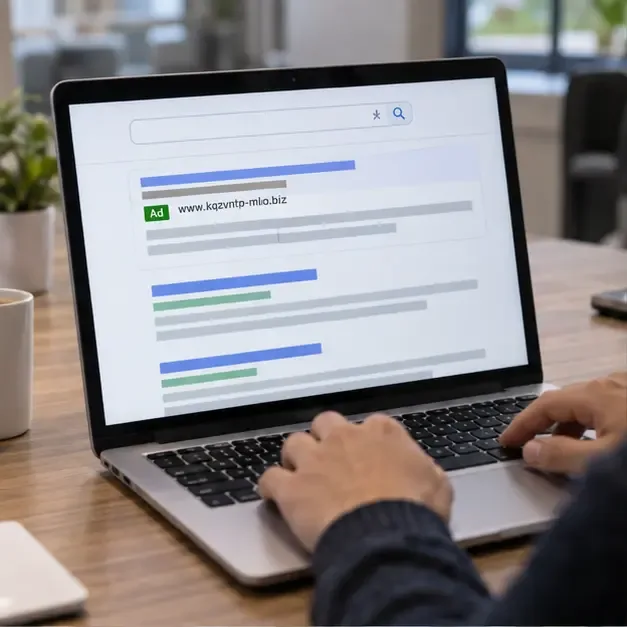
A generic search page with a sponsored result and an unfamiliar destination; visual clues should prompt verification, not be treated as proof of fraud.
What is ad fraud?
Ad fraud is the use of deceptive or automated activity to create advertising impressions, clicks, conversions, or payments that do not represent genuine user interest. Google uses the broader term invalid traffic for activity that does not come from a real user with genuine interest. Its examples include accidental clicks caused by intrusive placement, fraudulent clicks, advertising botnets, hidden ads, clickjacking, and falsely represented inventory.
There is a second risk that readers often mix with ad fraud: malvertising, short for malicious advertising. In this case, the ad or the page it leads to may be used to impersonate a company, steal information, install unwanted software, or redirect a visitor. An ad can therefore be harmful even when the main goal is not to inflate a click count.
These problems can affect different people in different ways:
Consumers may be sent to a phishing page, fake store, counterfeit download, or malicious website.
Advertisers may pay for clicks, impressions, leads, or app installs that have little or no real business value.
Publishers may lose revenue or face platform restrictions if their pages encourage accidental clicks or generate invalid activity.
Affiliate marketers may lose commissions or violate program rules when traffic or attribution is manipulated.
How can a beginner spot a suspicious ad?
1. Check the promise before checking the button
Slow down when an ad uses extreme urgency, guaranteed income, a dramatic health claim, an unusually large discount, or a message that says your device is already infected. These phrases do not prove fraud, but they raise the cost of being wrong. A genuine offer should still be explainable on the advertiser’s official website, including its terms, price, limitations, and contact information.
Do not use the phone number, download button, or contact link inside a suspicious ad as your only verification method. Instead, open a new tab and type the company’s known web address yourself, use a trusted bookmark, or find the company through a source you already trust.
2. Inspect the destination, not just the brand name
Look at the domain carefully. Fraudsters may use a misspelling, extra word, unusual top-level domain, or a long address that hides the important part. A padlock or HTTPS connection only means the connection is encrypted; it does not prove that the business is honest. Likewise, a polished logo does not prove that an advertiser is affiliated with the brand it resembles.
On a search page, remember that a sponsored placement is an advertisement, not an endorsement. Read the label, advertiser name, and destination. If the result is for a bank, retailer, government service, or software company, compare the address with the organization’s official domain before entering a password, payment card, Social Security number, or recovery code.
3. Treat unexpected downloads and permission requests as a stop sign
Close the tab if an ad suddenly asks you to download a browser extension, “cleaner,” media player, security tool, or emergency update. Do not grant notification access, camera or microphone permissions, remote-control access, or a request to disable security software merely to continue. Legitimate updates should be started from the operating system, browser, app store, or software maker’s official settings—not from a random advertising landing page.
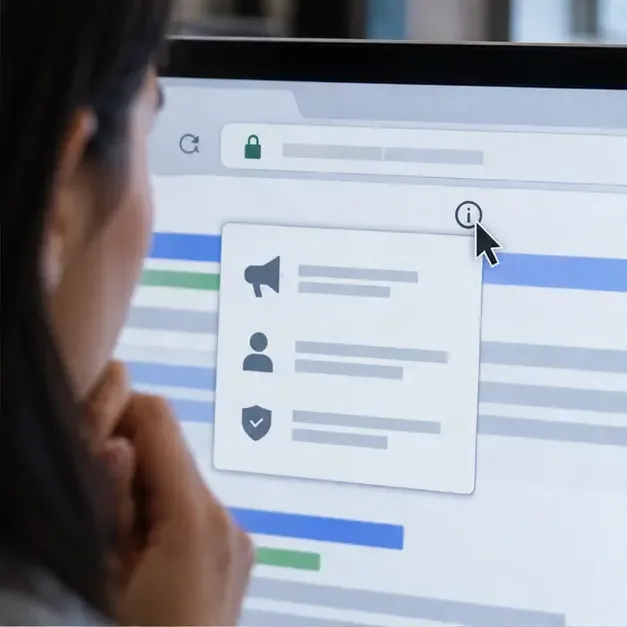
A user checks an ad-information control and the browser address bar before continuing; the interface is a generic visual example, not a live product screenshot.
How do you know whether a click or traffic spike is fraud?
If you manage campaigns, a single suspicious metric is not enough to label traffic as fraudulent. A news mention, promotion, tracking error, bot crawl, or change in targeting can also create an unusual pattern. Investigate several signals together and compare them with the campaign’s objective.
Pattern to review
Why it deserves attention
What to check next
Clicks rise sharply but qualified actions do not
The traffic may not match the intended audience or the landing page may be broken
Review conversion events, page load, referrers, and campaign changes
Many visits share unusual timing or device patterns
Automation can create repetitive behavior
Compare time, device, geography, IP ranges, and engagement quality
One placement produces volume with no meaningful engagement
The inventory may be low quality, misrepresented, or poorly matched
Review the placement, publisher, app, and post-click behavior
Ads appear hidden, stacked, or over navigation
Users may click accidentally, and impressions may not be visible
Inspect the page layout and publisher implementation
Google notes that botnets can be programmed to resemble real users, so no beginner checklist can identify every case with certainty. Use platform reports, analytics, server logs, fraud-detection tools, and human review together. Avoid blocking an entire country, device type, or shared network solely because one segment looks unusual; that can remove legitimate customers and still miss the underlying problem.
A dashboard displays a sudden traffic spike alongside device and geographic breakdowns; an anomaly calls for investigation, not an automatic fraud verdict.
What should you do when you encounter a suspicious ad?
For consumers
Do not click again. If the page is open, close it. Do not interact with pop-ups that claim you must call a number or pay immediately.
Record useful evidence. Save the ad’s wording, advertiser name, destination URL, approximate time, and a screenshot if doing so is safe. Do not download suspicious files just to preserve evidence.
Report the ad inside the platform. Google’s official instructions say to use the ad’s information or options control, choose “Report ad,” select a reason, and submit the form. Google also describes reporting through My Ad Centre and the Ads Transparency Centre. The exact control can vary by product and device.
Report a scam or loss. In the United States, use ReportFraud.ftc.gov, even if you did not lose money. For suspected cyber-enabled crime, the FBI’s Internet Crime Complaint Center accepts complaints and asks people to include relevant website links and details.
Protect accounts after exposure. If you entered a password, change it from the legitimate service’s website, enable multi-factor authentication, review active sessions, and contact your bank quickly if payment information was exposed.
For advertisers and small businesses
Start with measurement you control. Use a consistent campaign naming system, separate prospecting from remarketing, define what counts as a qualified conversion, and record meaningful post-click outcomes such as completed forms, verified leads, purchases, or retained users. A cheap click is not a good result if it never produces a real customer.
Review traffic by source, placement, device, geography, time, and conversion quality. Set alerts for sudden changes, but do not let an automated rule make irreversible decisions from one metric. Pause a placement when several signals align, preserve the evidence, and ask the ad platform for a traffic-quality review. Also check your landing pages: slow loading, accidental click areas, misleading buttons, or forced redirects can create invalid activity even without a criminal attacker.
How can publishers prevent ad fraud on their own pages?
Keep ads visually separate from navigation, download links, and interactive controls.
Do not ask, pay, or pressure visitors to click ads, watch ads, or refresh pages for revenue.
Review third-party scripts, browser extensions, and ad partners before installing them.
Monitor for ad injection, hidden units, stacked ads, pop-unders, and unexpected redirects.
Use the ad platform’s policy, traffic-quality, and creative-review tools where available.
Maintain accurate seller and supply-chain information, and use industry resources such as the IAB Tech Lab’s advertising standards and tools as a starting point for authorized-seller and transparency practices.
Keep the content management system, browser, plugins, server software, and security controls updated.
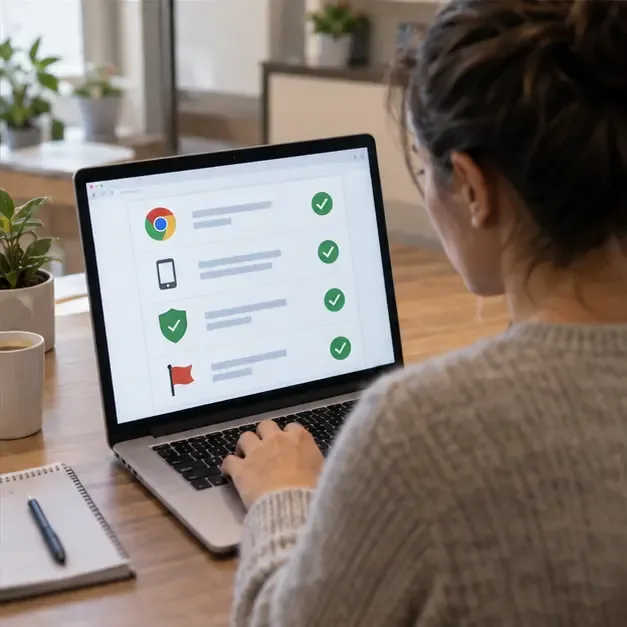
A business owner reviews account, browser, and reporting safeguards; the on-screen checklist is a generic visual aid.
Common mistakes to avoid
Assuming every unusual click is fraud. First rule out tracking errors, accidental clicks, a new audience, or a legitimate event.
Trusting a familiar logo. A copied logo can appear on a fake landing page, so verify the domain and contact route independently.
Using only a browser blocker as a complete solution. Blocking unwanted ads may reduce exposure, but it does not replace account security, careful verification, or campaign monitoring.
Buying suspiciously cheap traffic. A promise of guaranteed volume can hide incentives, bots, or low-quality inventory. Ask how traffic is sourced and how invalid activity is handled.
Deleting evidence too early. Keep timestamps, URLs, ad IDs, analytics exports, and payment records long enough to report the issue.
Sharing secrets while seeking help. Support teams do not need your password, one-time code, or full payment details to review a suspicious ad.
A simple final check
Before you click, ask three questions: Who is paying for this ad? Where will this link take me? What happens if I am wrong? If the answer is unclear, verify through an independent route or leave the page. If you run advertising, ask three more: Is the traffic from real users, does it produce the outcome I actually value, and can I explain the source and evidence?
No single tool catches every form of ad fraud. The practical goal is to reduce avoidable exposure, detect patterns early, preserve evidence, and use the platform or government reporting channel that matches the problem. That combination is more reliable than judging an ad by its design, its position in search results, or the size of its promised discount.