Despite what the person on the phone says, there may be nothing wrong with your computer or TV. In fact, they may be trying to steal your money. To avoid being scammed by fake customer support, here are some big warning signs.
The customer support team will need to ask you for some personal information. For example, they may need to know your computer's serial number. However, any information they ask for is related to your device and goes no further than that.
You should never hear a technical customer support representative ask you for your banking information, home address, or account login information. These details are rarely relevant to technical support issues; be especially wary of calls you are not initiating.
Be wary of callers who know too much about you. Scammers may take advantage of your social media profiles.
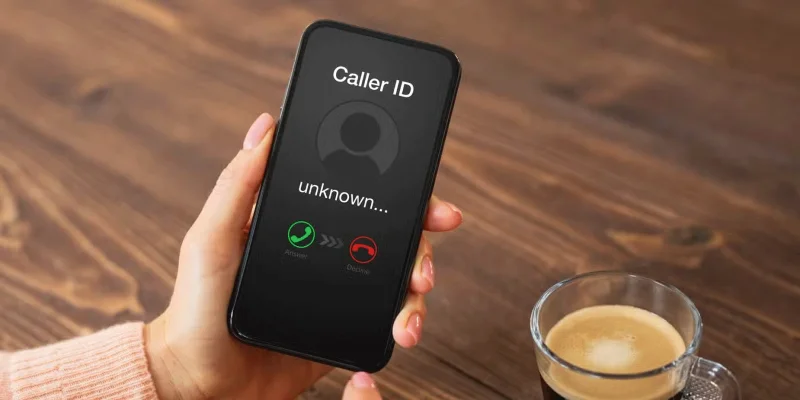
5. Unknown phone number
Never answer unknown callers unless they leave a voicemail. If they don't leave any information, they probably aren't calling for anything important.
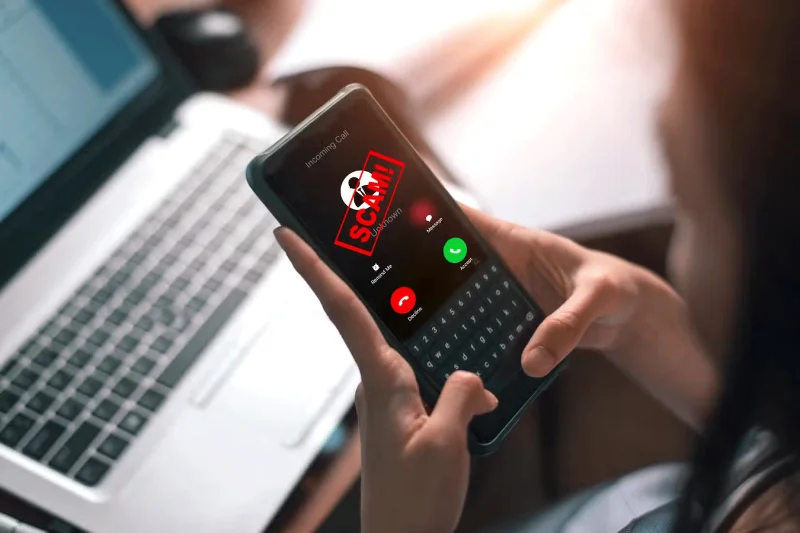
Scam call from unknown caller
Customer support can call you back if you contact them. But in most cases, this method is outdated. You can contact someone directly if you need to through social media, chatbots, and many other support systems.
This is one of the best ways to tell if a number calling you is a phone scam. Some carriers provide a “Potential Scam” warning that you should take seriously. If necessary, you can do a reverse lookup yourself.
4. Payment Request
A tech support team will never ask you for money over the phone, especially if they claim to be able to help you fix your washing machine. This is one of the surest signs that the caller is trying to scam you and you should avoid providing any information.
If you need to pay for a repair, the support team will usually do this safely and away from the phone.
Take action to limit the damage if you have provided your personal information. Cancel any cards linked to your account and notify your bank. Also be wary of fake test transactions.
3. Voice error
While AI video call scams have become more common, you still need to be careful when making voice calls. The good news is that you can identify fake customer support calls — even when they use advanced technology.
Voice errors are a clear sign that someone is trying to scam you. They often sound robotic, as opposed to stuttering or other human errors. While many companies use automated voice dialing, this usually only happens when you first call. If you hear errors during a call, you can be sure that someone is trying to scam you.
2. The other person seemed hesitant.
While no one has a perfect voice 100% of the time, scammers may not always be calm when confronted. If the caller asks for personal information, ask why they need it. If they seem hesitant, hang up and report them.
A customer support impersonator may also seem hesitant when they first call you. Take these as warning signs – legitimate customer service representatives have no reason to be afraid.
1. Too formal
Always be suspicious if an individual is too formal (i.e. does not speak like a normal person).
Be very careful if someone is being overly polite. Usually, you can tell if someone is being sincere or not, so this is pretty easy to spot. If your gut tells you something is wrong, you should get out of the situation.
Fake customer support scams can be incredibly damaging and sometimes difficult to detect. However, you can often identify these issues with a few tactics. Be wary of threats and requests for too much information.