Samsung One UI 9: Features, Eligible Devices and Release Updates
Samsung One UI 9 is rolling out in stages. See confirmed features, named devices, current release news and how to check your Galaxy phone.
If you arrive at Zion National Park and your phone cannot load the map, the problem is usually not the canyon itself but the way the trip was prepared. A navigation app may need a live connection for traffic, route changes, or new alerts, while a trail map may be stored in a different app or file. The practical fix is to prepare two layers before leaving: official park information from the National Park Service and an offline driving map for the roads around your trip.
This guide was checked against National Park Service pages updated in 2026, including the Zion planning, maps, conditions, safety, and shuttle pages. Schedules and alerts can change, so treat the linked official pages as the final authority on the day you travel.
The official NPS App is the best first app for a Zion trip because it is designed around park information rather than only road navigation. The National Park Service says the app includes interactive maps, points of interest, roads, trails, amenities, accessibility information, tours, personalized lists, news, alerts, and offline park content. It is available for both iOS and Android.
Install it before the trip, search for Zion National Park, and open the park page while you still have reliable Wi-Fi. Browse the map, trail information, transportation details, and current notices. Then use the app’s download option for the park content you want available offline. The exact buttons may change as the app is updated, so follow the current labels on your device rather than relying on an old screenshot or a third-party tutorial.
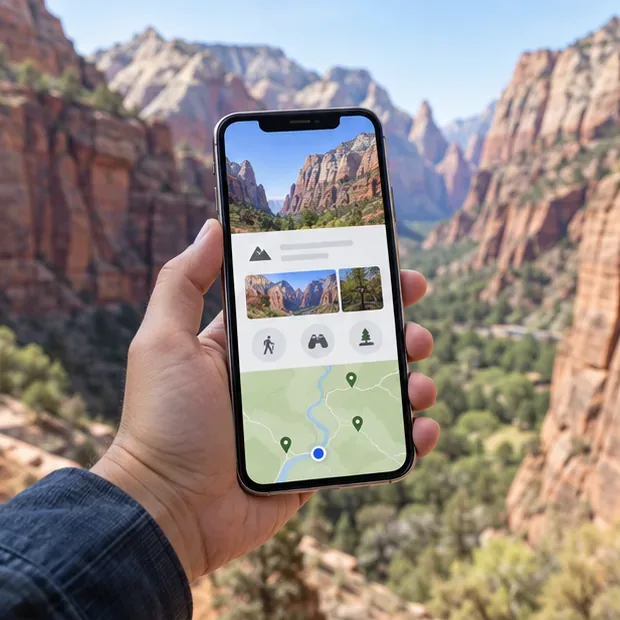
Apps are useful, but a trip should not depend on one interface. Zion’s official Maps and Information page provides digital versions of park materials, including the official park brochure, the Zion Wilderness Map, the Zion Area Map, and other location-specific maps. The NPS specifically recommends downloading a copy to your phone for easy reference.
Open the page before departure and save the documents or map pages that match your plan. If you are visiting Zion Canyon, the park brochure and shuttle information are likely more useful than downloading every map available. If you are considering Kolob Canyons or a wilderness route, save the relevant map separately so it is easy to find when the phone is offline. A PDF or downloaded document is not a substitute for checking alerts; it is a stable reference for orientation, stop names, and the general layout.
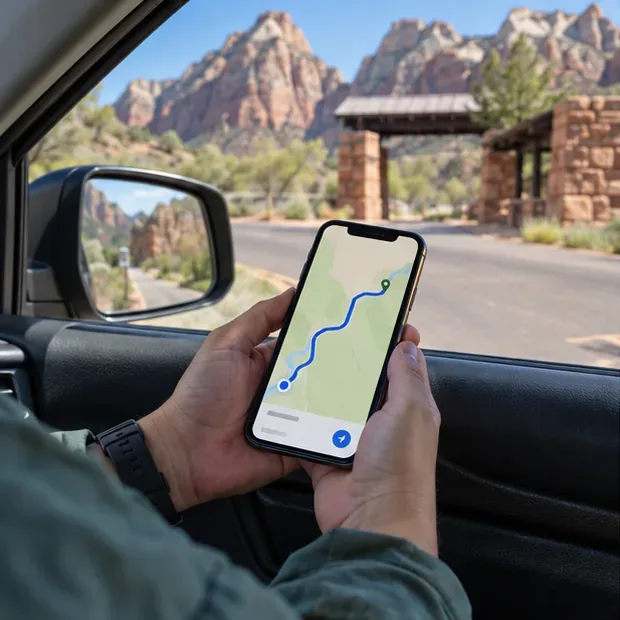
The NPS tells visitors to use the navigation app of their choice to reach Zion Canyon, Kolob Canyons, or Kolob Terrace Road. That makes Google Maps or Apple Maps useful complements to the NPS App, but they solve a different problem: getting you to the correct entrance or nearby town.
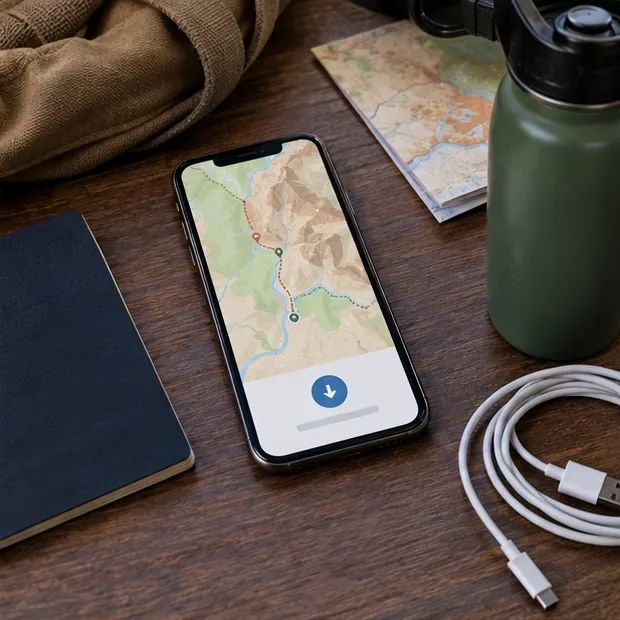
On Android, the official Google Maps help page explains how to download an offline area. While connected to the internet, search for the destination or open your profile, choose Offline maps, select your own map area, adjust the boundaries, and download it. The saved area must cover the entire driving route you expect to use.
Google states that offline navigation can guide a driving route when the whole route is inside the downloaded map. However, offline mode does not provide live traffic information or alternate routes, and walking, cycling, and transit directions are unavailable offline. That limitation matters at Zion: use the offline map for basic road orientation, but reconnect before departure when possible to check closures, traffic, and changing access conditions.
On an iPhone running iOS 17 or later, Apple Support explains how to download offline maps. Search for a location, tap the download control if it appears, adjust the area, and download it. You can also open your profile or initials, choose Offline Maps, add a map, select the location, and set the coverage area.
Apple notes that offline maps use device storage, are available only in selected areas, and do not automatically cover every region. Test the downloaded area before leaving home. If the phone cannot display the destination or calculate the basic route with cellular data turned off, enlarge the selected area or download the map again while on Wi-Fi.
A common planning mistake is to map a trailhead as if you can always drive directly to it. During the shuttle season, private vehicles cannot use the Zion Canyon Scenic Drive. The official Zion Canyon Shuttle System page says the park shuttle is free and does not require a ticket or reservation, but seasonal schedules are subject to change.
Before leaving your lodging, use the NPS App or the official shuttle page to confirm:
The NPS warns that missing a full or final shuttle can leave visitors with a long walk back in the dark. Put the return plan on your digital map before starting the hike. Do not simply save the destination; save the visitor center, your parking area, and the relevant shuttle stop as separate places so you can identify the return sequence.
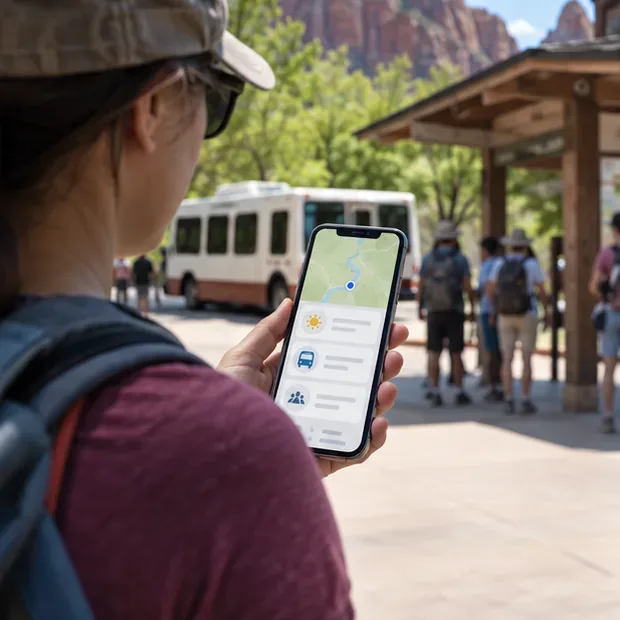
Offline data is valuable when service is weak, but it cannot tell you everything that changed after the download. The NPS Current Conditions page lists alerts, weather, shuttle information, trail closures, road conditions, and seasonal hazards. The page was updated September 16, 2026 when checked for this article; its date and notices may change later.
Check the page shortly before driving and again when you reach a place with reliable service. Pay particular attention to flash-flood risk, thunderstorms, rockfall, heat, road closures, and trail closures. Zion’s safety page advises visitors to carry enough water, stay on trails, observe warnings, and take personal responsibility for preparation. A map can show where you are, but it cannot make a dangerous route safe.
For activities with special requirements, open the official permits and reservations page as well. Most visits to Zion Canyon and rides on the park shuttle do not require a reservation, but Angels Landing, wilderness activities, canyoneering, and some other experiences have separate permit or reservation rules.
Do not judge the preparation by whether the download button completed. The real test is whether you can still use the basics without a signal. At home, switch off Wi-Fi and cellular data, then search the saved driving area. Open the NPS App and the saved park map. Check that you can identify your entrance, visitor center, planned shuttle connection, and return point. If the route disappears, the offline area is too small or the app has not finished downloading.
Before the hike, reconnect and refresh the live information one last time. Record the date and time of that check in a note, but remember that it is not a guarantee against later changes. The dependable setup for a Zion National Park trip is therefore layered: official NPS information for park rules and conditions, downloaded NPS maps for orientation, an offline road map for basic navigation, and a charged phone with a backup plan when technology or service fails.
Samsung One UI 9 is rolling out in stages. See confirmed features, named devices, current release news and how to check your Galaxy phone.
Plan a Zion National Park trip with the NPS App, offline maps, shuttle information, alerts, and a simple phone-based navigation backup.
Tesla Roadster latest details, specs, release expectations, and limits of the current information—what is confirmed, what remains a target, and what to watch next.
New Netflix movies in the UK this week, verified for September 20, 2026: what is confirmed, what is uncertain, and how to check availability.
AMD Radeon interest is rising around the RX 9000 series, new RX 9070 GRE and RX 9050 support, RDNA 4, FSR Redstone, and ongoing Adrenalin driver updates.
Find the new Netflix movies to watch in Australia this week, including Best of the Best, The Doll, and Stop! That! Train!, with regional availability tips.
Learn how to recognize invalid traffic, fake ads, and malvertising—and protect your money, accounts, website, and ad campaigns.
A practical Golden Retriever guide covering daily care, training, grooming, health screening, exercise, feeding, and realistic U.S. ownership costs.
On football boots are coming in 2027. Learn what On has confirmed so far, what remains unknown, and how to choose the right soccer cleats by surface, fit, and use.
Our iPhone 18 Pro Max review covers the verified camera upgrades, A20 Pro performance, battery life, display, pricing, and buying advice based on Apple’s launch details.