Desk Decorating Ideas for a Spooky Office Cubicle

Create a spooky office cubicle with Halloween desk decor ideas that keep your workspace usable, tidy, and mindful of workplace safety.
Scanning QR codes is quick and easy, but scammers often use them to disguise malicious URLs. Luckily, this great app will alert you if you scan something bad, making it a great first line of defense, and it’s completely free.
What makes Trend Micro QR Scanner different from other apps?
Trend Micro QR Scanner is a very simple QR code scanner that requires no additional registration or purchase. Additionally, Trend Micro has a great free online virus scanner.
Its main strength is that it can analyze QR code URLs before you click them to see if they go somewhere bad. That way, you can get a warning not to click on the links and avoid scams before you even see them.
How to use Trend Micro QR Scanner
First, download the Trend Micro QR Scanner app from Google Play or the Trend Micro Mobile Security app from the Apple Store . If you're using an Android device, you can access the QR code scanner by simply opening the app. For iOS, you'll need to open the Mobile Security app, then tap the QR code scanner icon in the upper-right corner.
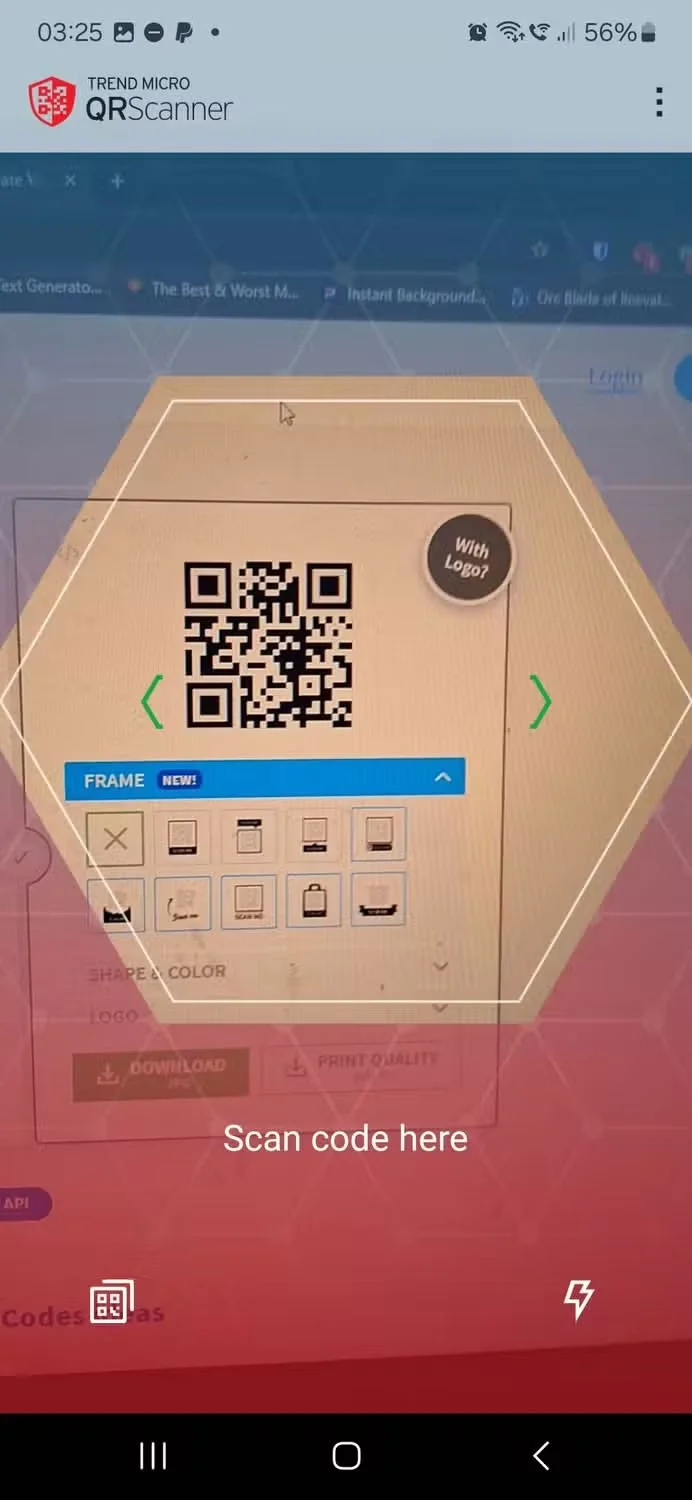
Now, let's scan the QR code. This article will demonstrate the capabilities of Trend Micro QR Scanner by scanning 3 URLs:
The app then tells you whether the website is safe to visit or not.
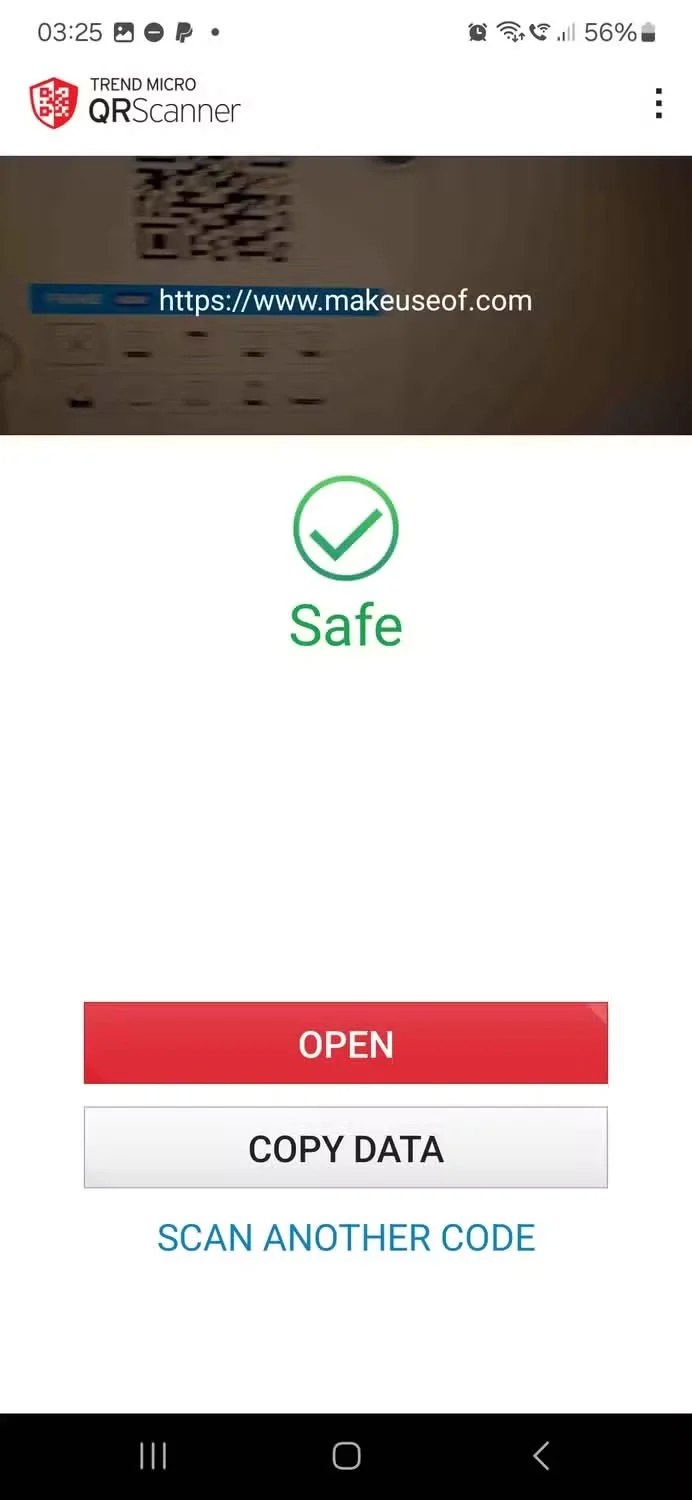
Trend Micro QR Scanner has marked MakeUseOf as safe. This is because it is a reputable site with no history of selling malware.
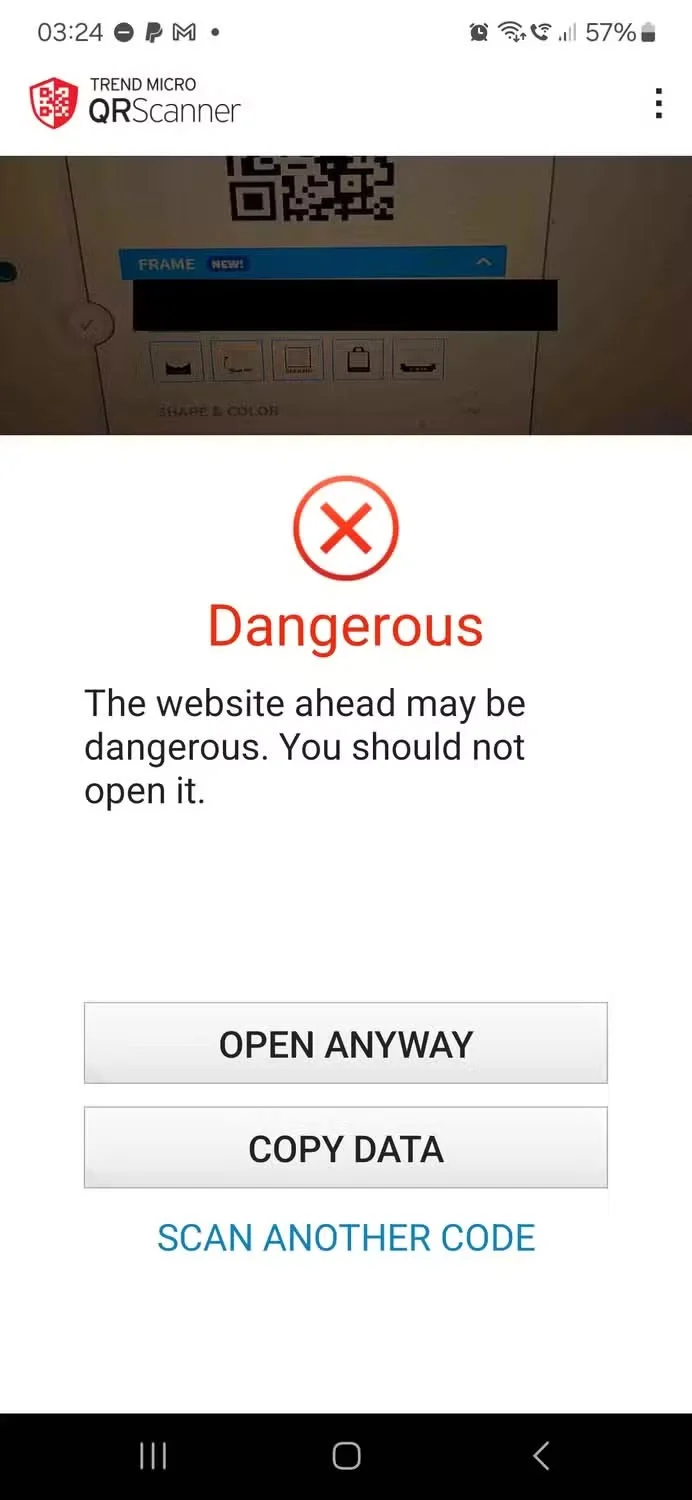
The app says that visiting a malicious website that was discovered months ago is dangerous. Trend Micro has had plenty of time to identify and log the website as malicious, so anyone who scans this QR code will be properly informed of its bad nature.
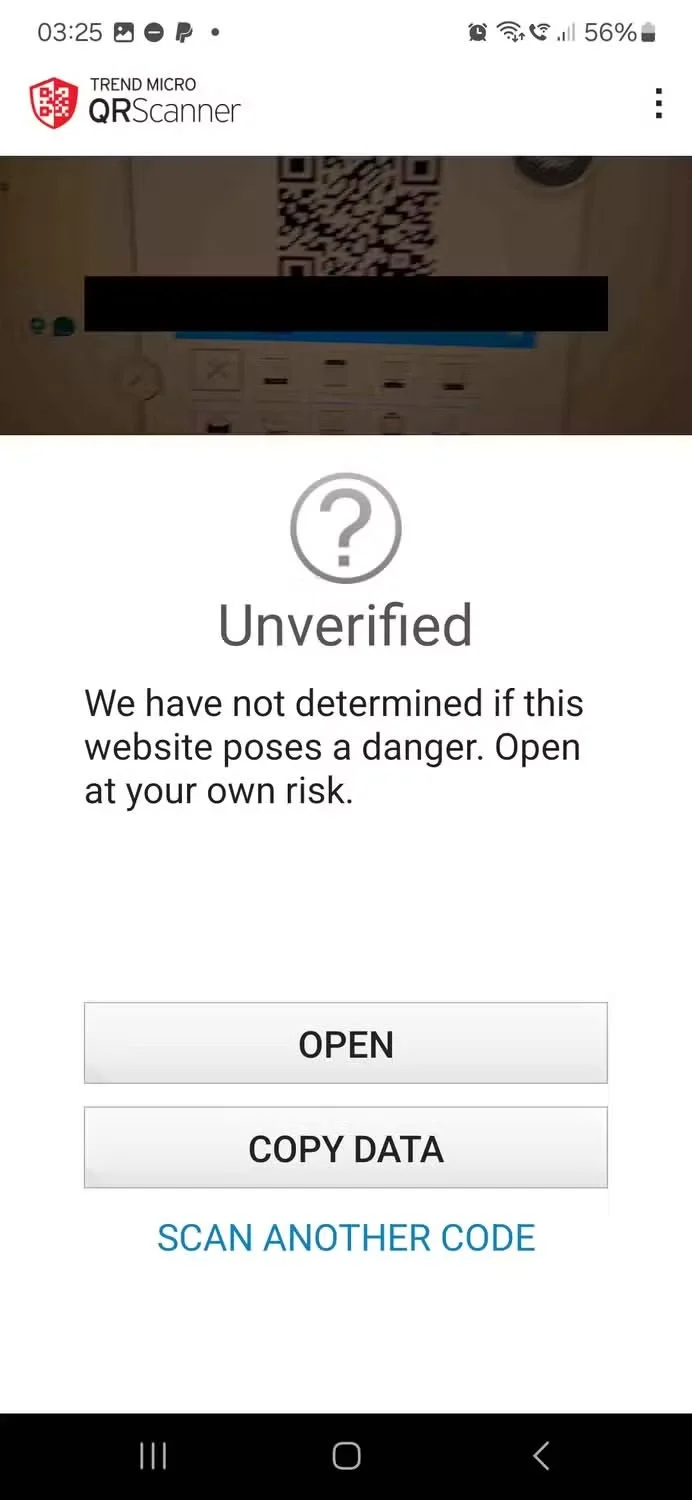
However, when scanning the QR code for a malicious website that was discovered while writing the article, the app said that the website was not verified. Trend Micro has not recorded the website, so the app cannot know whether the website is safe or not. If you encounter this message in the real world, you should take appropriate steps to determine whether the QR code is fake before clicking on the link and entering your personal data.
The Trend Micro QR Scanner app takes a lot of the guesswork out of identifying bad QR codes, but it’s not perfect. You have to consider the QR code you’re scanning and the website you’re trying to access. Always use common sense when scanning a code, even if the app says it’s fine. And when in doubt, err on the side of caution.
Create a spooky office cubicle with Halloween desk decor ideas that keep your workspace usable, tidy, and mindful of workplace safety.
Plan a recognizable Halloween 2026 look with pop culture costumes inspired by Spider-Man, Supergirl, Toy Story 5, Moana, Mario, and Wednesday.
Sort leftover Halloween candy safely, share or repurpose sealed treats, and choose food use or compost for pumpkins based on their condition.
Compare workplace Halloween costume choices by respect, dress code, mobility, and safety—and learn when a subtle accessory or a policy check is the better option.
Find a couples costume that fits your style, budget, and comfort level, from Addams Family classics to original inside-joke duos.
Need a last-minute high school Halloween costume? Compare 10 easy closet-based ideas by prep time, comfort, school-day practicality, and simple safety checks.
Use a simple 2026 Halloween decorating timeline for indoor décor, outdoor displays, and fresh pumpkins, with practical adjustments for weather and events.
Mix five vivid, approachable Halloween cocktails with measured recipes, simple prep tips, and an alcohol-free option for your party guests.
Find 15 office-friendly Halloween costume ideas for 2026, with practical checks for dress codes, respectful themes, comfort, and workplace safety.
Plan a fun elementary school Halloween party with easy crafts, games, inclusive treats, costume tips, and a sample 75-minute classroom schedule.








